 EN
 IT Italiano
 ES Español
 FR Français
 DE Deutsch
Description
What it is
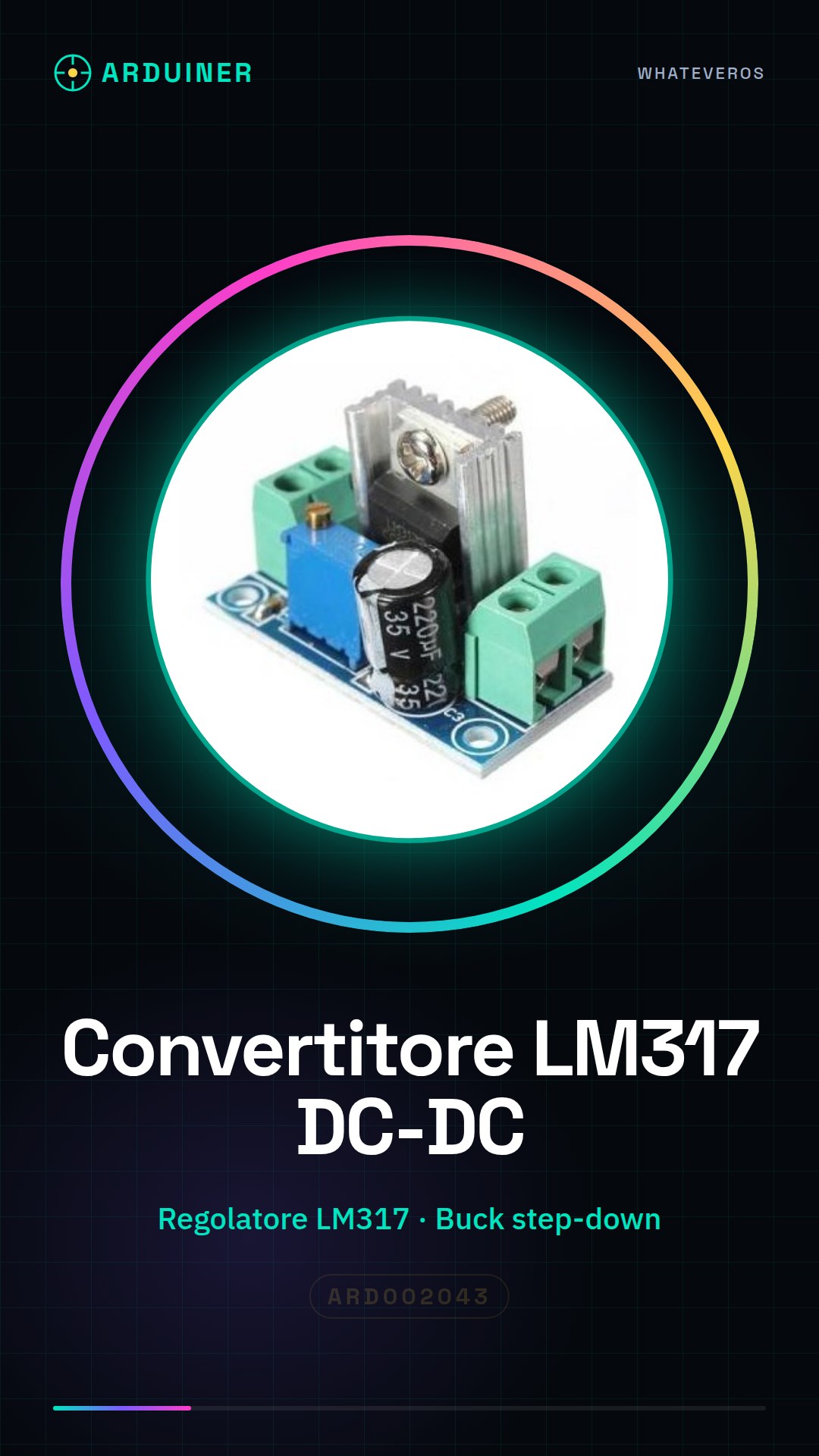
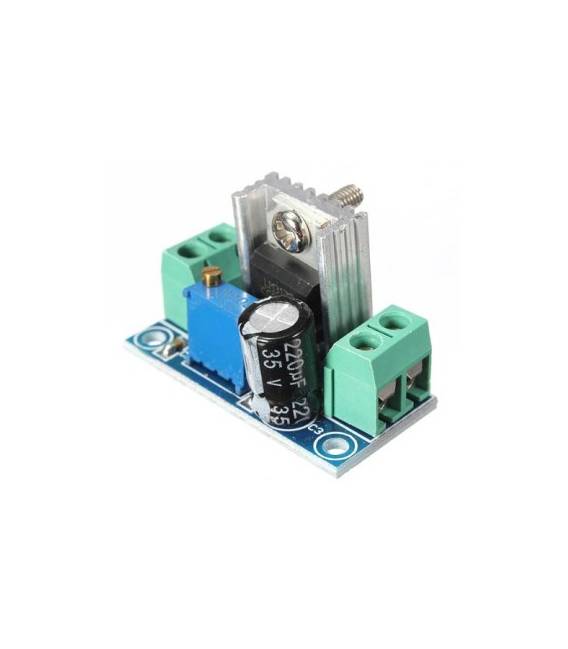
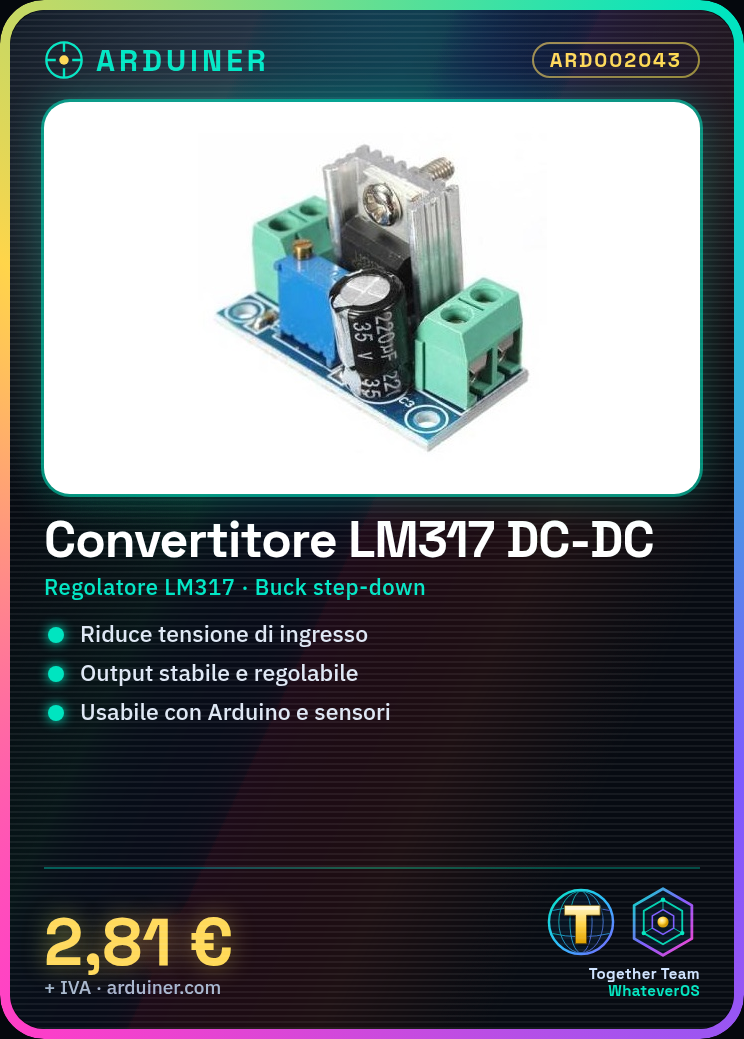
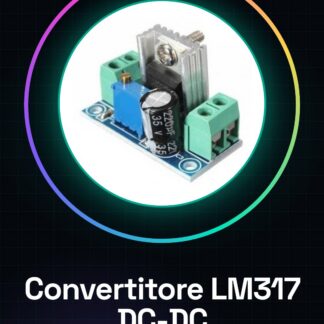
The LM317 Adjustable DC-DC Buck Converter Module is a device that allows the input voltage to be reduced to a stable output voltage. This linear step-down power supply module uses the LM317 regulator to provide a adjustable and stable voltage.
Features
- Integrated LM317 Regulator
- DC-DC Linear Buck Step Down Module
- Ideally suited for Arduino and sensor projects
What it is for
This adjustable voltage converter is used to provide stable power to electronic circuits, particularly in Arduino projects. It is ideal for situations where flexible power control is needed.
Tutorial: How to Use the LM317 Adjustable Voltage Converter
The LM317 Adjustable DC-DC Buck Converter Module is a linear step-down power supply module that allows the input voltage to be reduced to a stable output voltage. Ideal for Arduino and sensor projects where flexible power control is required. This module can be used by beginners and intermediate makers, providing high reliability and precision in voltage regulation.
What you need
- Arduino Uno or compatible
- Header connectors
- Resistor for voltage regulation
Steps
- Connect the LM317 module to the circuit using header connectors.
- Connect the module’s Vcc and GND inputs to an external power supply (e.g., 9V or higher).
- Connect the resistor between the OUT and ADJ pins to adjust the output voltage level.
- Check the datasheet to ensure the selected resistor is appropriate for your configuration.
- Connect the module’s GND to the Arduino’s GND.
- Connect the desired voltage between Vout and a digital pin of the Arduino (if you want to control the voltage via software).
- Check the power supply with a multimeter.
- Configure the circuit according to the project requirements.
Example code
//Esempio di codice per regolare la tensione tramite Arduino
int pinRegolatore = 9;
void setup() {
pinMode(pinRegolatore, OUTPUT);
digitalWrite(pinRegolatore, HIGH); //Imposta il livello di tensione desiderato
}
Mini project
Create a controllable lighting system via Arduino that changes the light intensity based on values read from a light sensor.
Common mistakes
- Use a resistor that does not conform to the specifications in the datasheet.
- Do not check the output voltage with a multimeter before use.
- Connect the module without protection against current spikes.
- Ignore the importance of heat dissipation in voltage regulation.
Recommended accessories
- Variable resistors for voltage regulation
- Thermal dissipation modules
- Digital multimeter
Frequently asked questions
How can I control the voltage level?
You can use a resistor between the output and ADJ or a more complex circuit with Arduino to adjust the voltage.
What is the difference between LM317 and LM2596?
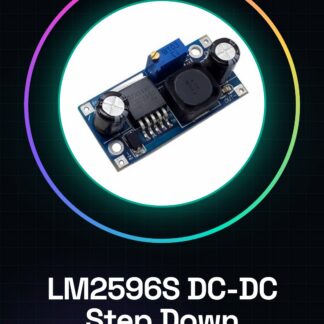
LM317 is linear, while LM2596 is switch-mode. The LM2596 has higher efficiency but may have more noise.
Can I use this module with batteries?
Yes, make sure the battery voltage is higher than the desired output voltage.
Reviews
There are no reviews yet.