 EN
 IT Italiano
 ES Español
 FR Français
 DE Deutsch
Description
What it is
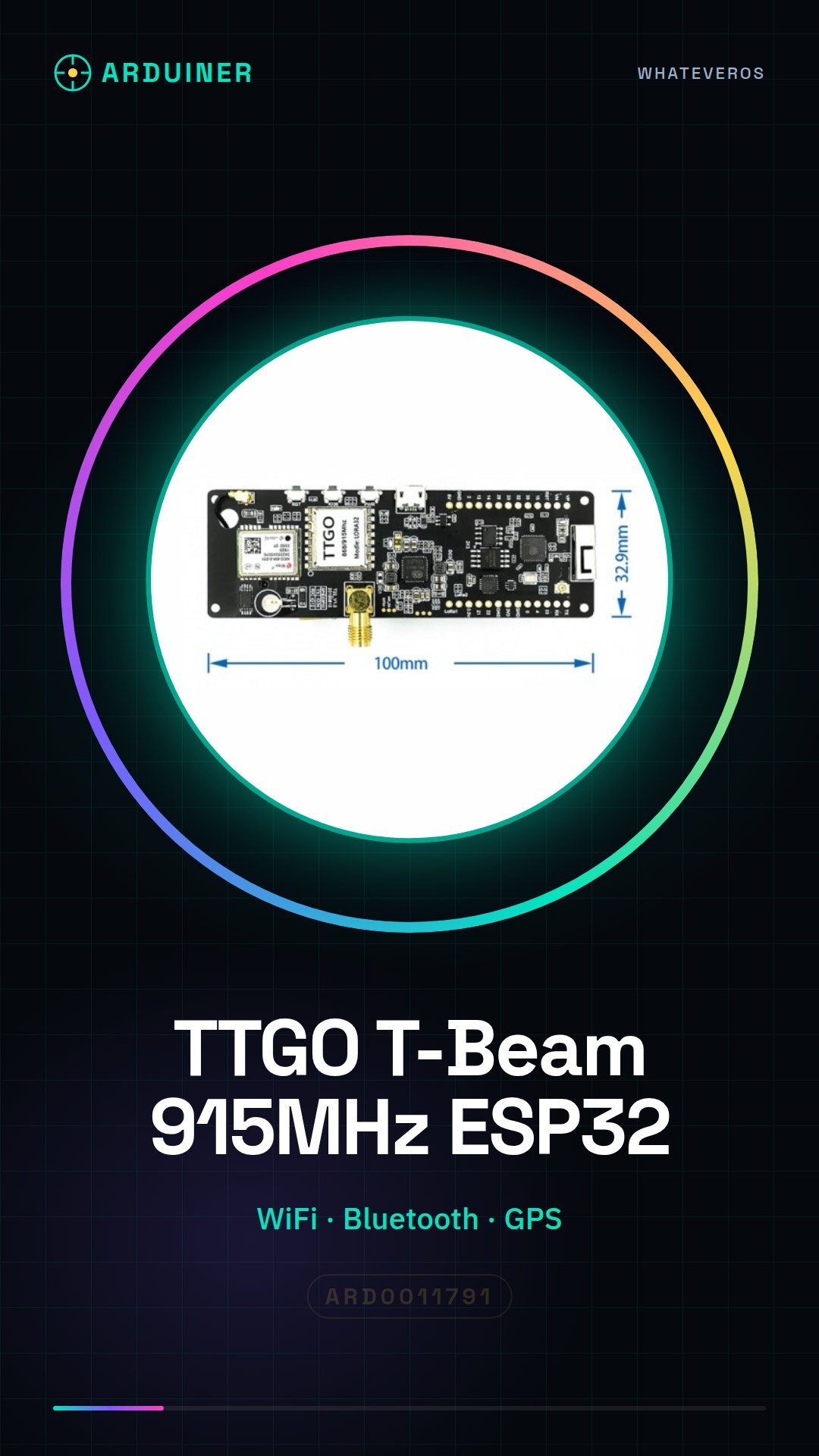
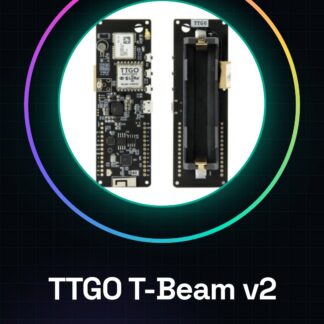
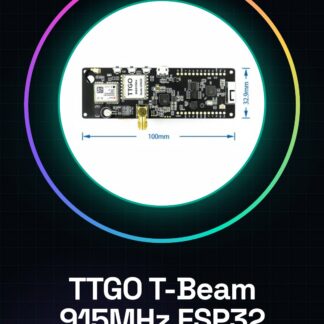
The TTGO T-Beam ESP32 915MHz is a versatile electronic module designed for IoT (Internet of Things) projects. It integrates an ESP32 processor with WiFi, Bluetooth, and GPS functionality, making it ideal for remote monitoring and control applications.
Features
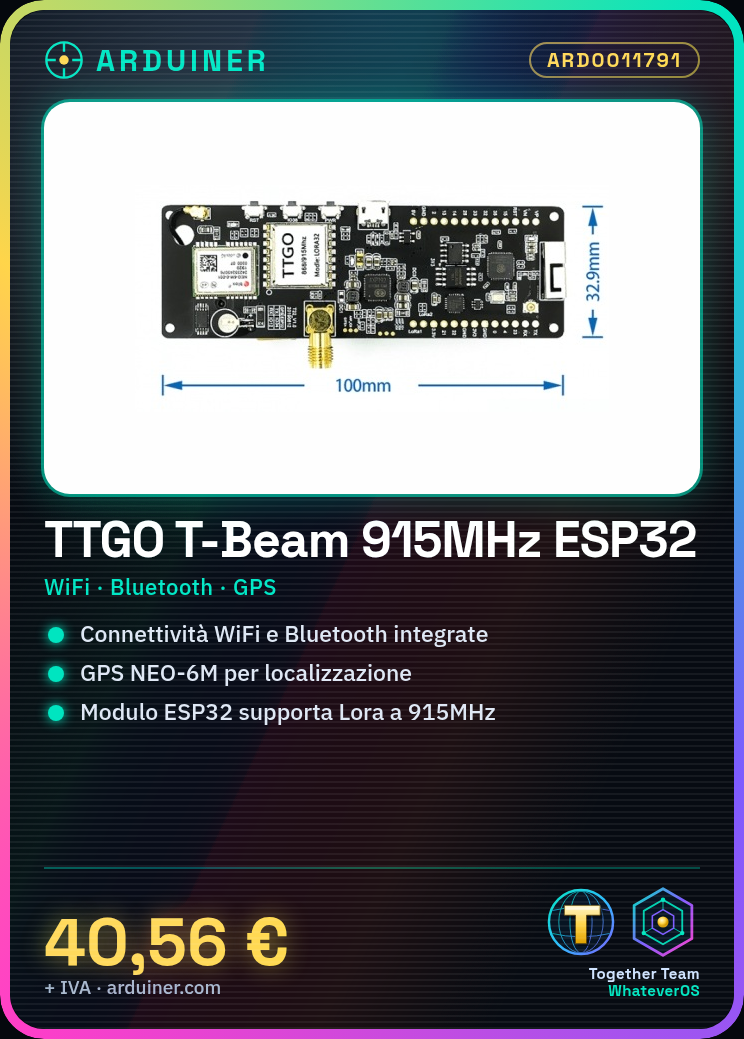
- Frequency: 915MHz
- Communication Protocol: WiFi, Bluetooth, Lora
- Processor: ESP32
- GPS: NEO-6M
- SKU: ARD0011791
- Price: 40.56 €
What it is for
The TTGO T-Beam ESP32 915MHz is suitable for IoT projects such as remote temperature, humidity, or position monitoring systems, remote control applications for devices, and wireless sensor prototypes. Compatibility with Arduino and the extensive support library for ESP32 simplify the development of complex projects.
Tutorial: How to Use TTGO T-Beam ESP32 Module
The TTGO T-Beam ESP32 is a multifunction module ideal for IoT and remote monitoring projects. Suitable for beginners and intermediates.
What you need
- TTGO T-Beam ESP32 Module
- Arduino IDE
- USB Cable
- 10kΩ Resistor
- LiPo Battery (optional)
Steps
- 1. Download and install the Arduino IDE.
- 2. Connect the module to your computer with the USB C cable.
- 3. Select ‘ESP32 Dev Module’ as board in the ‘Tools’ menu.
- 4. Load the ‘Blink’ example to verify the connection.
- 5. Connect to the module WiFi: ‘ttgo’ / ‘TTGO123’.
- 6. Connect pin D2 to the TX of your sensor.
- 7. Add the ‘Adafruit_LSM9DS1’ library for the accelerometer.
- 8. Run a sample code to read sensor data.
Example code
```
#include <Adafruit_LSM9DS1_U.h>

Adafruit_LSM9DS1_Unified lsm;

void setup() {
  Serial.begin(115200);
  lsm.begin();
}

void loop() {
  if (lsm.testConnection()) {
    Serial.println("Connection OK");
    float x, y, z;
    lsm.getVector(&x, &y, &z);
    Serial.printf("Accel: x=%2.2f, y=%2.2f, z=%2.2fn", x, y, z);
  }
}
```
Mini project
Create a temperature and humidity monitoring system using a DHT22 sensor with the TTGO T-Beam ESP32 module. WiFi connection and data transmission to a remote server.
Common mistakes
- Forget to install the required library.
- Connect the module with an incompatible USB cable.
- Set the WiFi configuration incorrectly.
- Omit the pull-up resistor for digital pins.
Recommended accessories
- DHT22 Sensor
- DMP9 Sensor
- 3.7V LiPo Battery
- USB C Cable
Frequently asked questions
How can I connect to the WiFi module?
Use the default configuration ‘ttgo’ / ‘TTGO123’ or set your WiFi details.
What is the difference between D2 and D3?
D2 is TX, D3 is RX. Use D2 to send data, D3 to receive it.
Can I use another library for the accelerometer?
Yes, but make sure it is compatible with ESP32.
Does the module work with AA batteries?
No, use a 3.7V LiPo battery or USB power.
Reviews
There are no reviews yet.