 EN
 IT Italiano
 ES Español
 FR Français
 DE Deutsch




Description
What it is
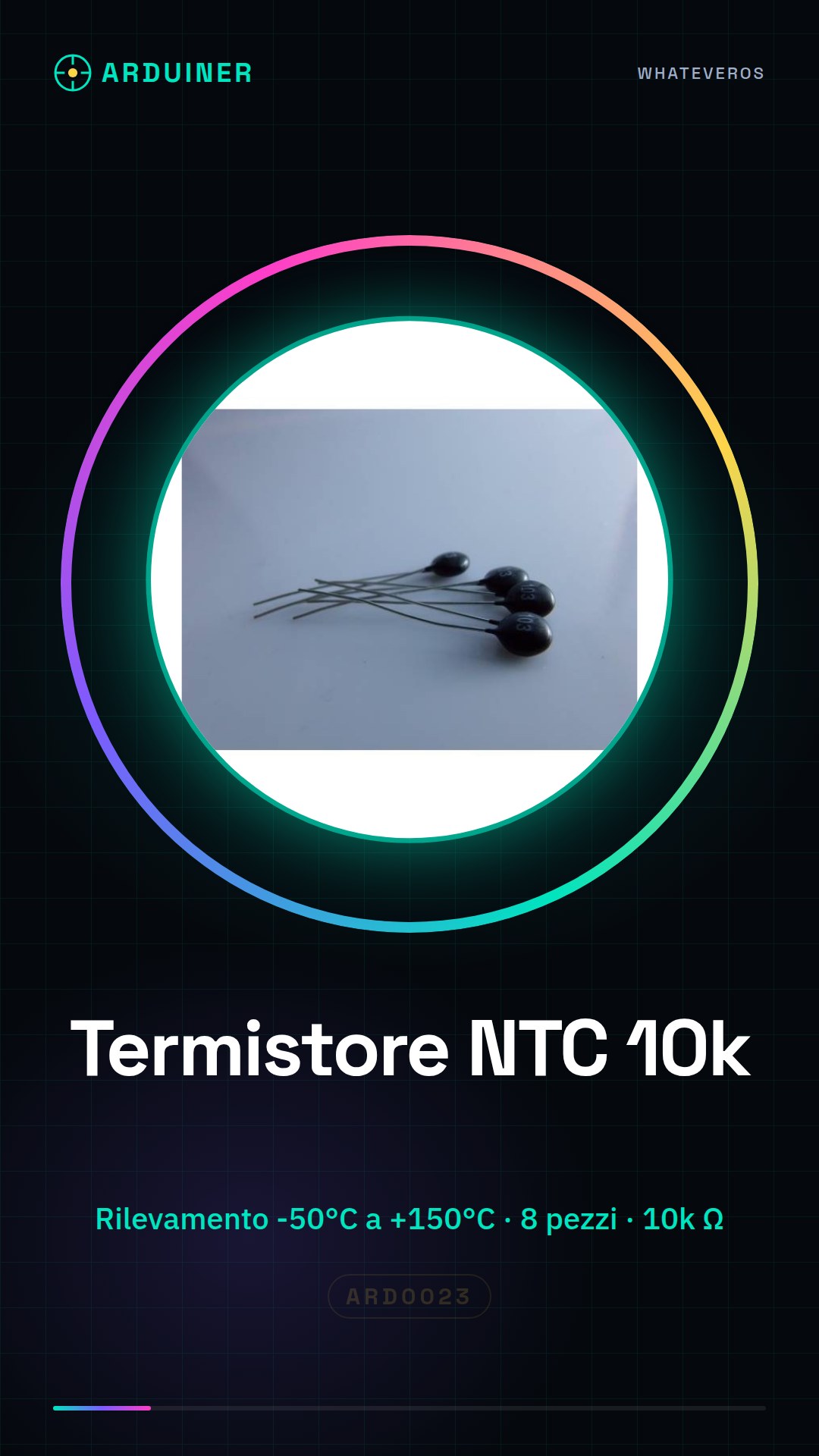
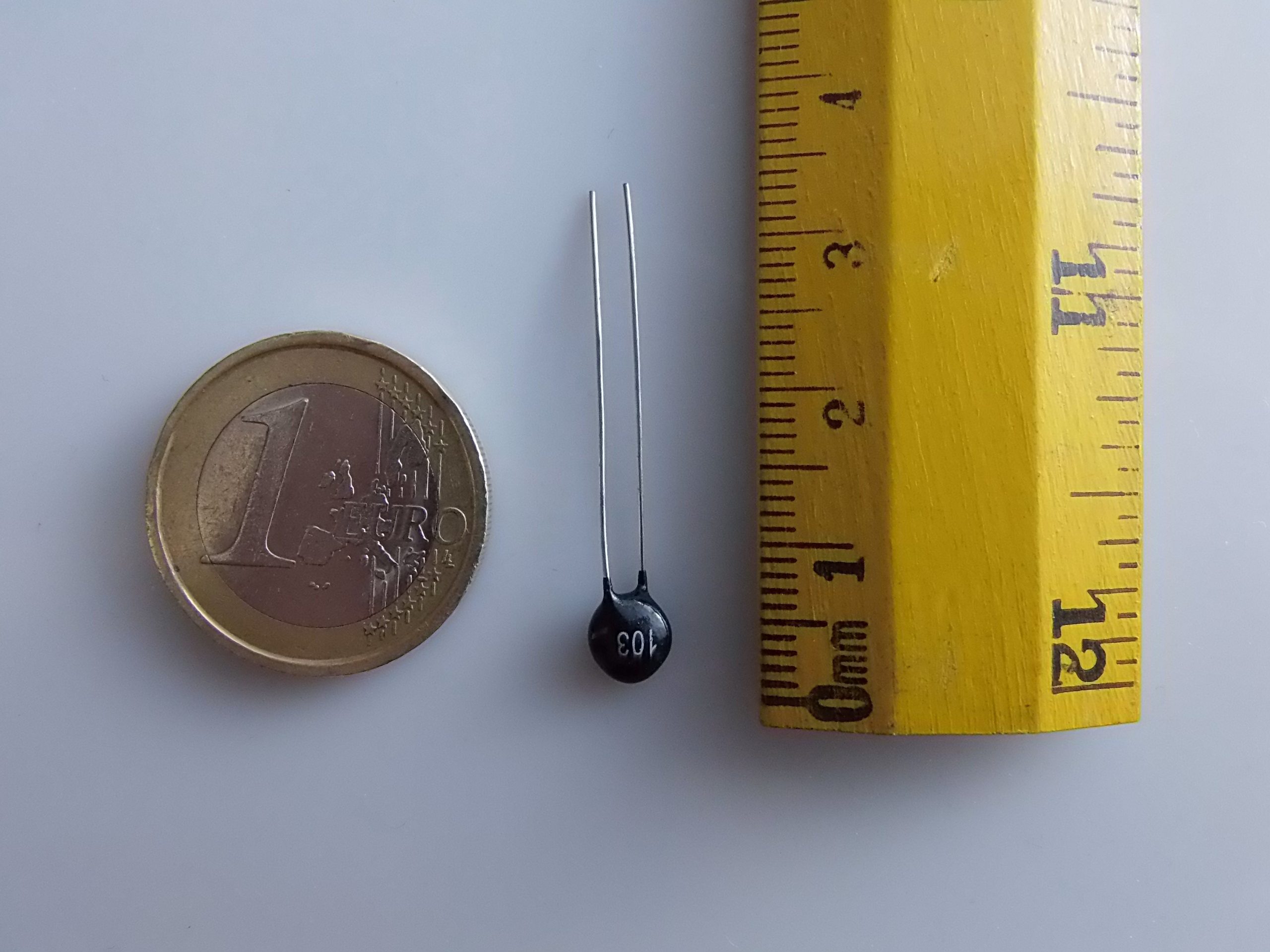
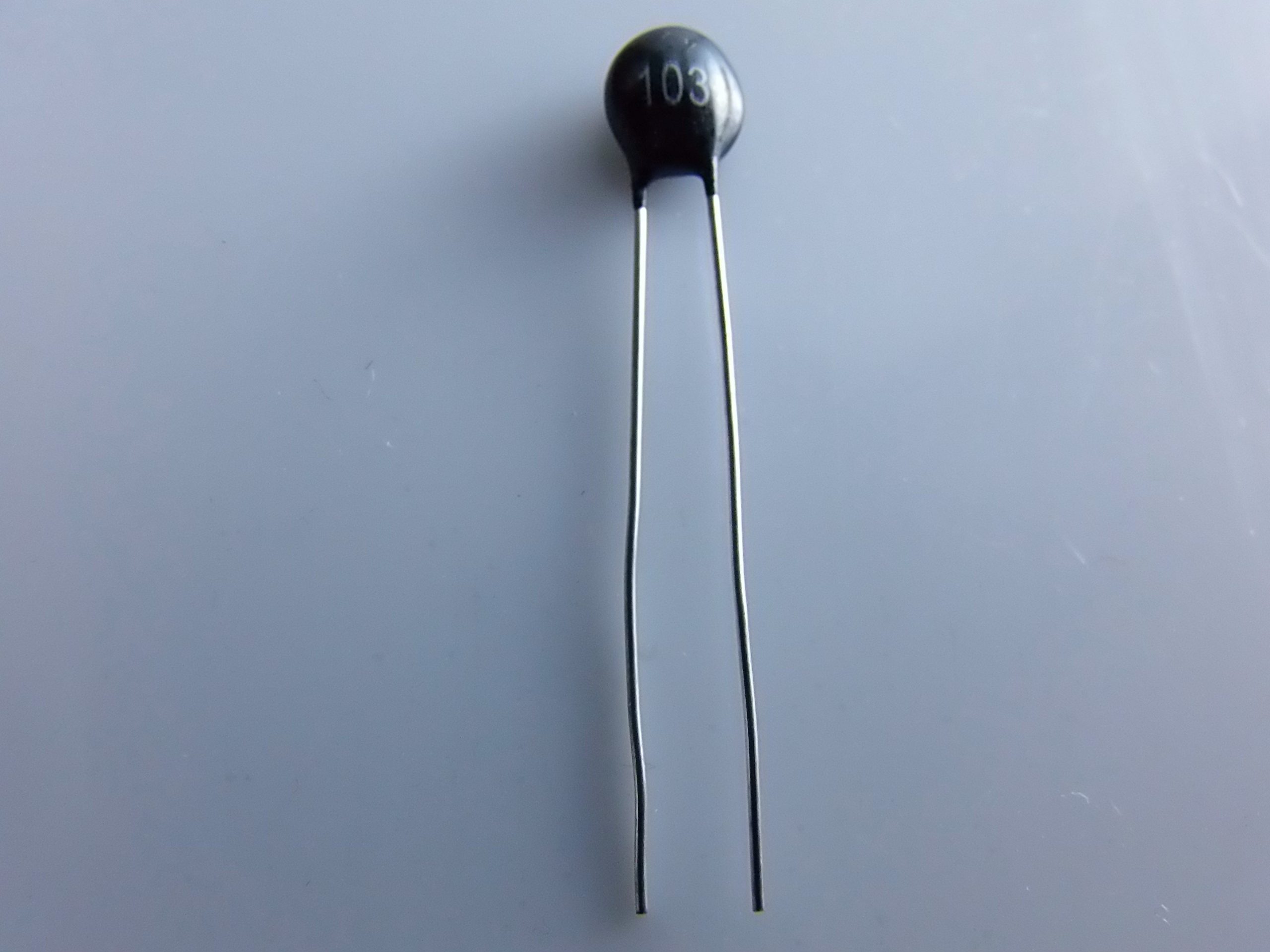
Product ARD0023 is a kit of 8 NTC 10k thermistors compatible with Arduino. This electronic component is ideal for precise temperature detection in various projects.
Features
- Kit of 8 pieces
- NTC 10k thermistors compatible with Arduino
- Temperature detection from -50°C to +150°C (check the datasheet)
What it is for
NTC 10k thermistors are used to measure temperature in industrial, experimental, and educational applications. They are compatible with Arduino and can be integrated into projects that require accurate temperature monitoring.
Tutorial: How to Use NTC 10k Thermistor Compatible with Arduino
The NTC 10k thermistor is an electronic component ideal for temperature detection in Arduino projects. This tutorial will guide you through the installation and connection of the thermistor, showing you how to easily measure temperatures.
What you need
- Arduino Uno or compatible
- USB cable
- 8 NTC 10k Thermistors
- Test Connection
Steps
- Connect the Arduino to the computer via the USB cable.
- Check the resistance of the thermistor at room temperature using a multimeter.
- Connect one end of the thermistor to the Arduino’s analog pin A0 and the other to ground (GND).
- Install the Adafruit_Temperature library or similar if necessary. Check the datasheet for additional details.
- Upload the following sketch to the Arduino.
- Open the Arduino Serial Monitor and set the speed to 9600 baud.
- Observe how the thermistor output changes when exposed to heat or cold.
- Modify the sketch to suit your specific needs.
Example code
//Libreria Adafruit_Temperature
#include <Adafruit_TMP102.h>
//Definizione pin
#define TMP102_SCK 3
#define TMP102_MISO 2
#define TMP102_MOSI 1
#define TMP102_CS 0

Adafruit_TMP102 tmp = Adafruit_TMP102(TMP102_CS, TMP102_CLK, TMP102_MISO, TMP102_MOSI);
void setup() {
tmp.begin();
Serial.begin(9600);}
void loop() {
float temperatureC = tmp.readTemperature();
Serial.print("Temperatura: ");
Serial.println(temperatureC, 2);
delay(1000);}
Mini project
Create a thermal alarm system that sends a notification when the temperature exceeds a certain value. Use the Arduino and the thermistor to measure the temperature and a WiFi or Bluetooth module to send notifications.
Common mistakes
- Incorrect thermistor connection
- Missing installation of the required library
- Incorrect calibration of the thermistor
Recommended accessories
- 16×2 LCD Module to display the temperature in real-time
- WiFi ESP8266 Module or similar to transmit temperature data
- Arduino Thermal Protection Kit
- PIR Motion Sensors to complete the alarm system
Frequently asked questions
How can I calibrate the thermistor?
Calibrate the thermistor by measuring the resistance at known temperatures and compare with the values in the datasheet.
What is the temperature range that this thermistor can detect?
Check the datasheet for specific details, but generally offers a wide range from -50°C to +150°C.



Reviews
There are no reviews yet.