 EN
 IT Italiano
 ES Español
 FR Français
 DE Deutsch
Description
What it is
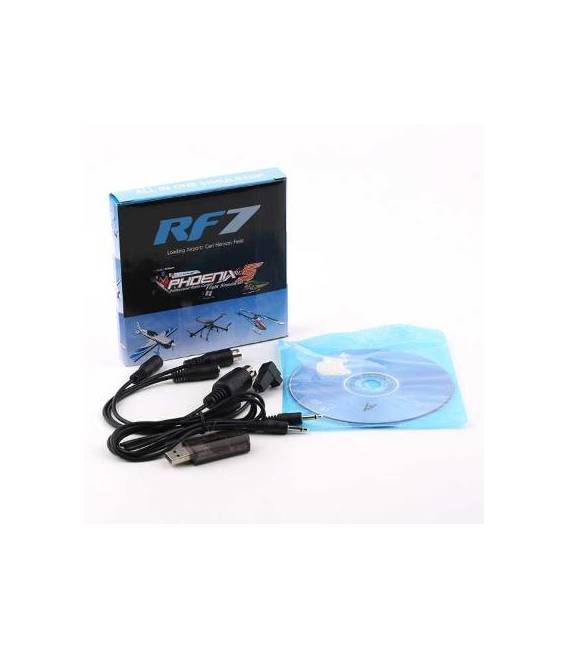
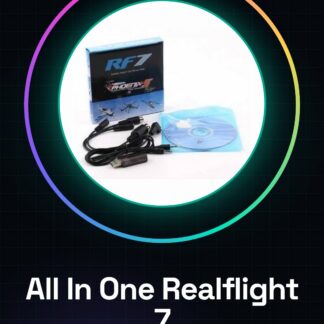
The 8 in 1 Realflight 7 PhoenixRC 5.0 XTR FMS Aerofly G3 G4 All In One Simulator is a complete flight simulation software for drones and model aircraft. This tool is ideal for beginner pilots who want to improve their flying skills safely and without risk.
Features
- Includes Realflight 7
- Includes PhoenixRC 5.0
- Includes FMS
- Includes Aerofly G3 G4
What it is for
The simulator is used to create complete simulation sessions with a specific drone, explore all features, and record flight progress. It is compatible with a variety of drones and model aircraft.
Tutorial: How to use 8 in 1 Realflight 7 PhoenixRC 5.0 XTR FMS Aerofly G3 G4 All In One Simulator
The 8 in 1 Realflight 7 PhoenixRC 5.0 XTR FMS Aerofly G3 G4 All In One Simulator is a complete flight simulation software for drones and model airplanes. This tool is ideal for beginner pilots who want to improve their flying skills safely and without risks.
What you need
- Computer with Windows or Mac operating system
- Internet connection for download
- Xbox or PS4 controller (optional)
- Monitor or TV with HDMI connection
Steps
- Download and install the software from the official website
- Check your computer’s compatibility with the operating system
- Perform the initial setup of the simulator
- Connect the game controller (if available)
- Configure the drone or model airplane to be simulated
- Start the simulation session
- Practice basic and advanced maneuvers
- Explore the simulator customization options
Mini project
Create a full simulation session with a specific drone, explore all features and log your flight progress.
Common mistakes
- Game controller connection issues
- Difficulty configuring the drone model
- Graphics rendering problems on the monitor
- Software installation error
Recommended accessories
- Xbox One Controller
- PS4 Controller
- Monitor or TV with HDMI connection
- Drone support kit
Frequently asked questions
What is the latest supported version of the operating system?
Check the product datasheet
Can I use this simulator without a game controller?
Yes, but the simulation session will be more limited
How can I get technical support?
Visit the manufacturer’s official website for contact information
Reviews
There are no reviews yet.