 EN
 IT Italiano
 ES Español
 FR Français
 DE Deutsch
Description
What it is
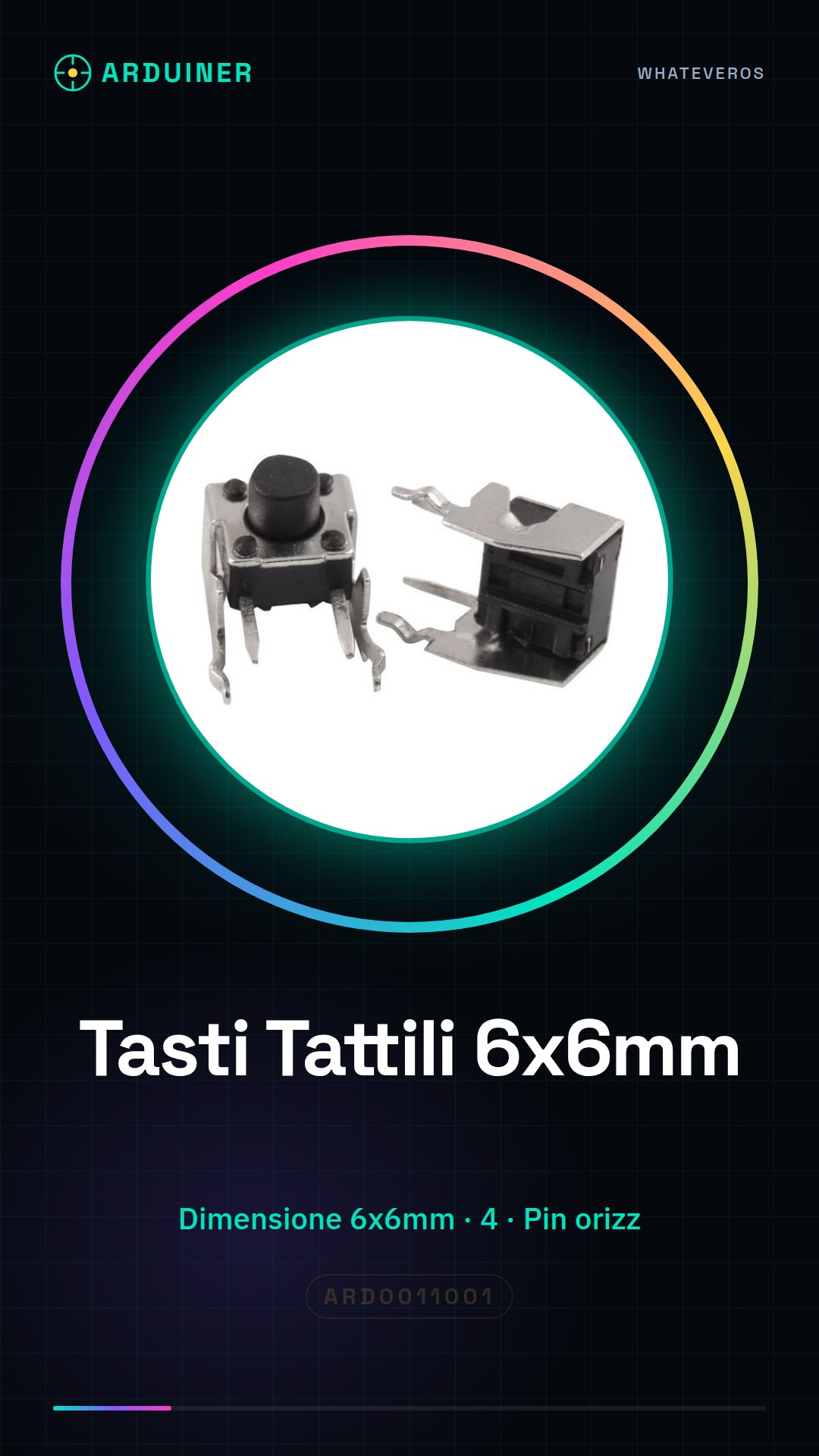
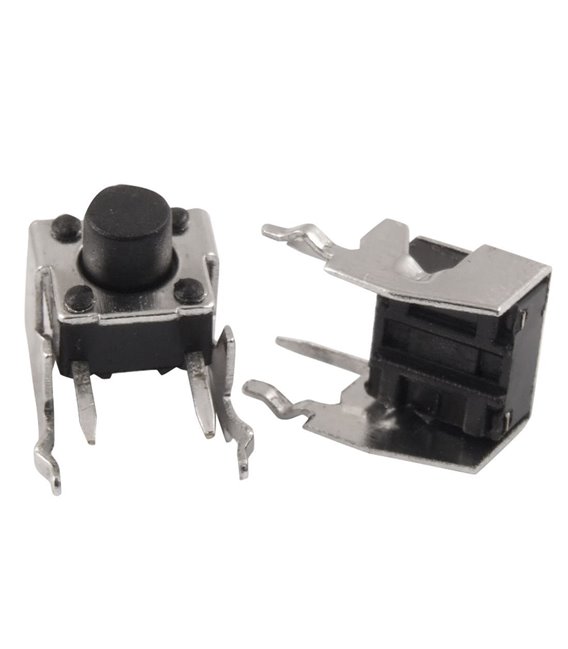
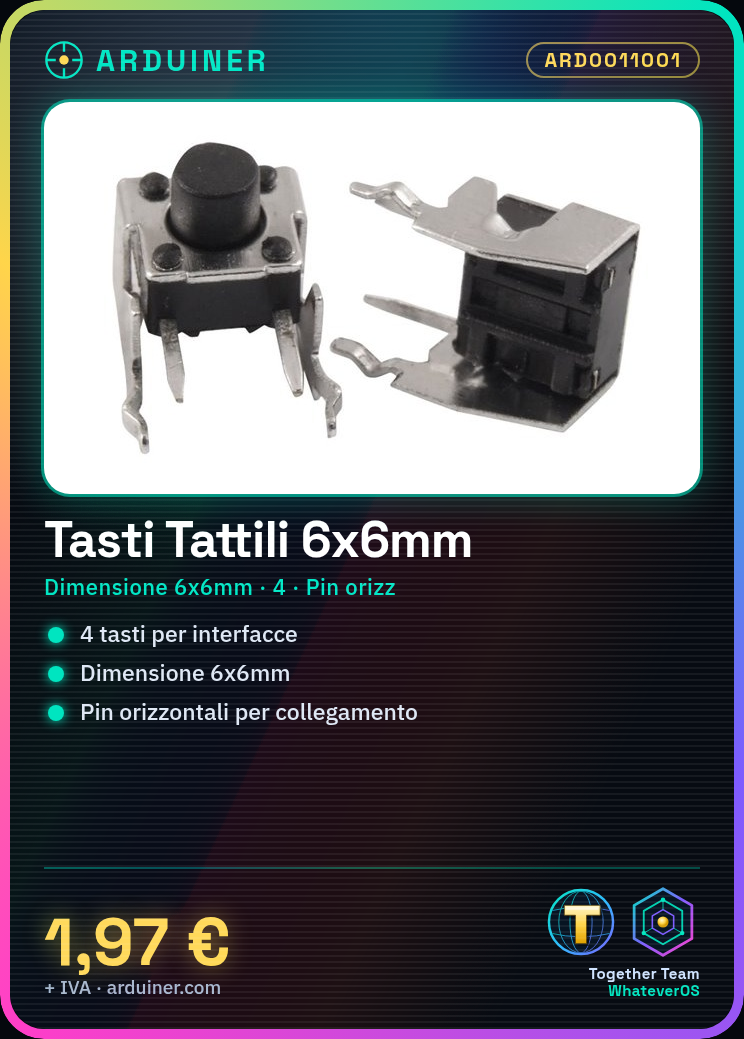
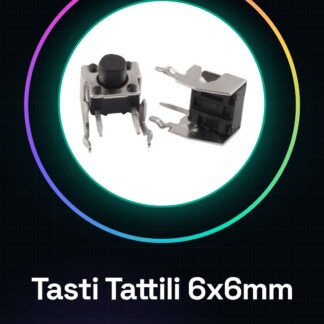
Tactile switches are components used to create ergonomic and visual input interfaces in Arduino projects, 3D printers, and other devices. This item includes 4 pieces of tactile switches with horizontal pin connectors.
Features
- 6x6mm Tactile Switches
- Horizontal pins
- Total number of pieces: 4
What it is for
Tactile switches are ideal for Arduino and 3D printer projects, allowing the creation of ergonomic user interfaces. They are also useful for beginners who want to add a user interface to their devices.
Tutorial: How to Use 6*6*5mm Horizontal Pin Tactile Switches
Tactile switches are useful for creating ergonomic and visual input interfaces in Arduino projects. Ideal for beginners who want to add a user interface to their devices.
What you need
- Arduino Uno
- USB Type B cable
- Breadboard
Steps
- Connect the breadboard to the Arduino using the USB cable.
- Check the datasheet for the pinout of the switch and connect them to the breadboard: GND, VCC, and the two signals (one for each switch).
- Use pull-down or pull-up resistors between the switch signals and the Arduino input pins.
- Write an Arduino sketch that reads the state of the pins connected to the switches.
- Compile and upload the code to the Arduino.
- Press the switches to test the functionality.
Example code
void setup() {
  pinMode(2, INPUT);
  Serial.begin(9600);
}

void loop() {
  int buttonState = digitalRead(2);
  if (buttonState == HIGH) {
    Serial.println("Tasto premuto");
  }
}
Mini project
Create a small LED display that lights up when a switch is pressed.
Common mistakes
- Connecting the pins incorrectly
- Not using pull-up/down resistors
- Ignoring the operating voltage of the switch
- Confusing VCC with GND
Recommended accessories
- 10k Ohm resistors
- Breadboard
- LEDs and resistors for indicators
Frequently asked questions
How can I connect multiple switches?
Connect each switch to a different pin on the Arduino.
What is the operating voltage of the switch?
Check the datasheet.
Reviews
There are no reviews yet.