 EN
 IT Italiano
 ES Español
 FR Français
 DE Deutsch
Description
What it is
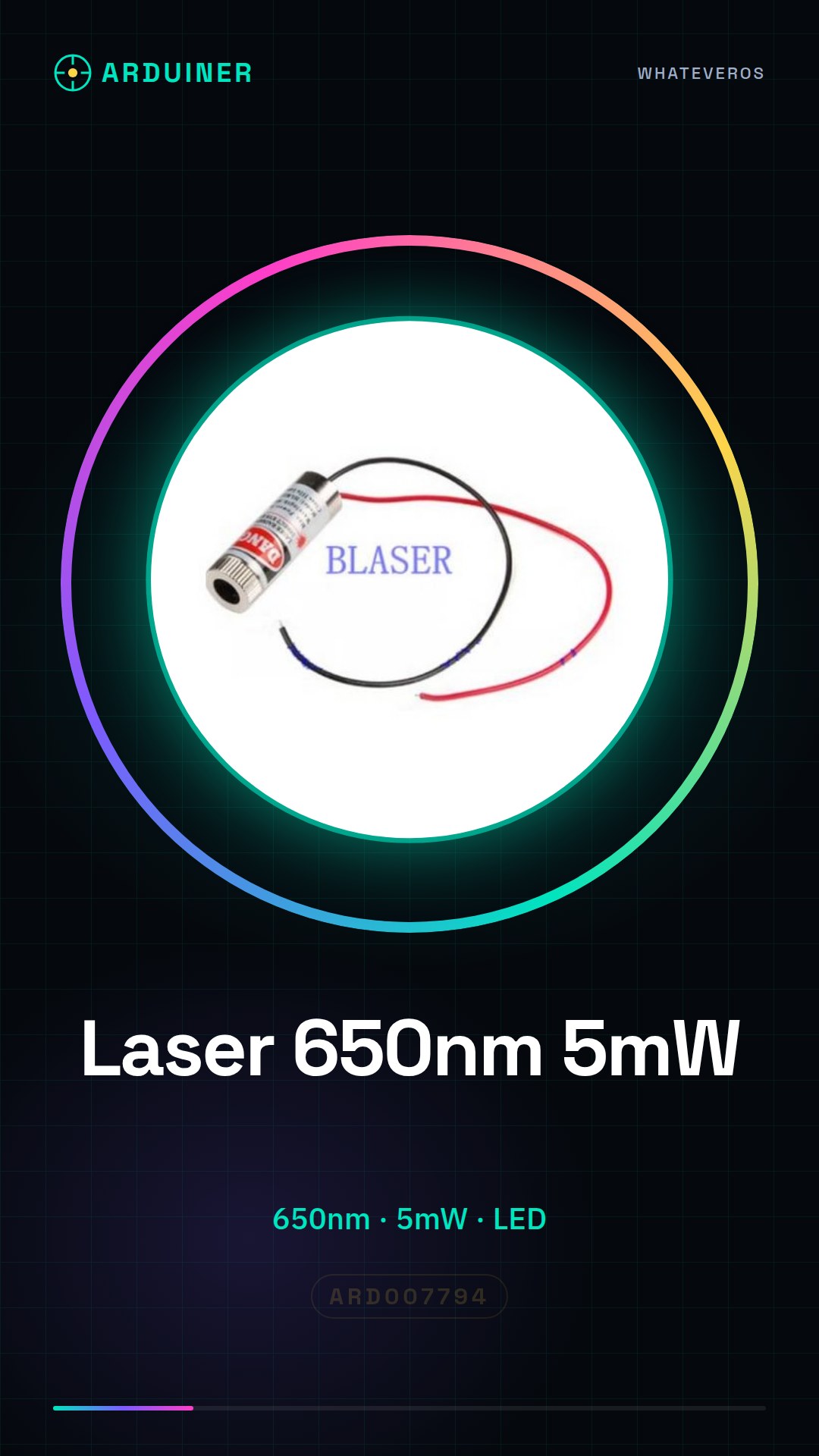
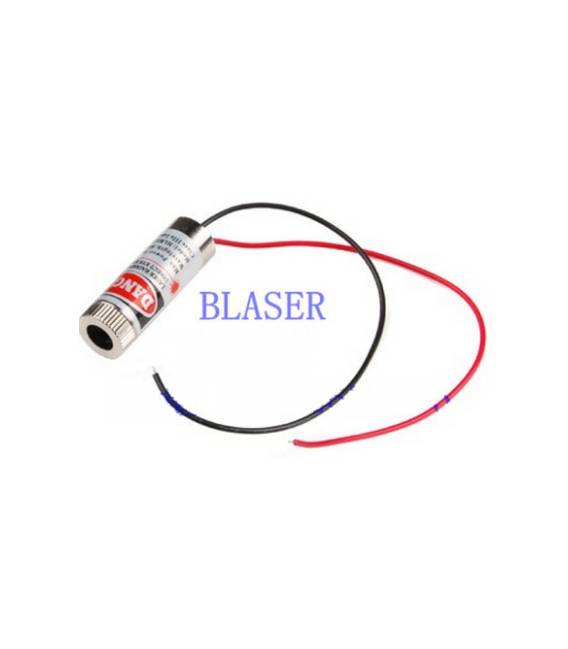
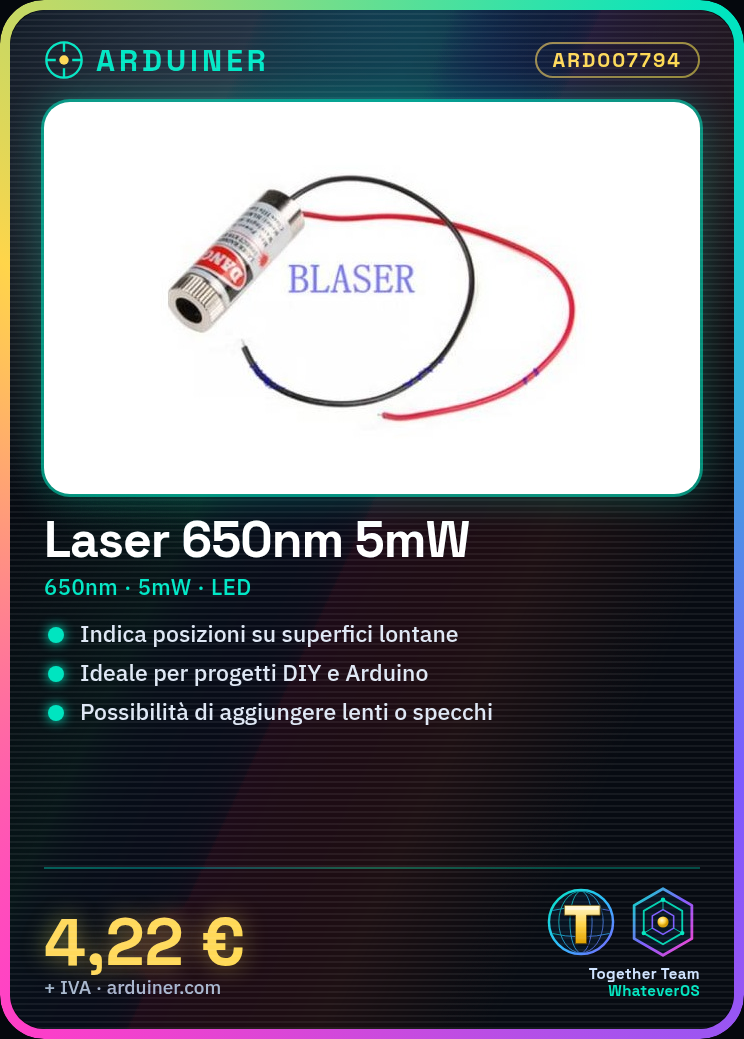
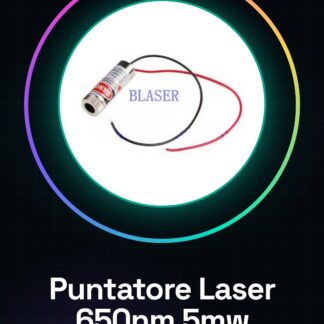
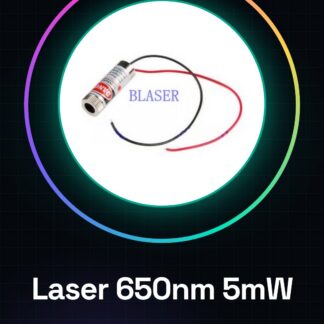
The LD-G650A03 Laser Pointer is a device used to indicate precise positions on distant surfaces. It is ideal for DIY and Arduino projects.
Features
- Wavelength: 650nm
- Power: 5mW
What it is for
It is used for calibration and precise indication in various projects, such as creating a laser warning signal in safety applications. It is compatible with different types of Arduino projects.
Tutorial: How to Use 650nm Laser Pointer
This 650nm laser pointer is used to indicate precise positions on distant surfaces or for colored lighting projects. Suitable for beginner and intermediate makers.
What you need
- 650nm Laser Pointer
- Support or base for mounting
- USB cable for charging
- Optional lenses or mirrors
Steps
- 1. Check that the laser output lens is clean.
- 2. Connect the laser pointer to the computer via USB.
- 3. Verify the maximum power of 5mW on the datasheet.
- 4. Secure the laser pointer to a stable base if necessary.
- 5. Use a support or a cable to keep it away from your face.
- 6. Turn on the laser pointer and move it to display the light.
- 7. Add lenses or mirrors to modify the light beam.
- 8. Keep safety in mind: do not point at eyes or skin.
Mini project
Create a laser warning signal for a safety project.
Common mistakes
- Do not use the laser directly in your eyes.
- Do not exceed the maximum power of 5mW.
- Do not leave the laser pointer within reach of children.
- Do not use concave lenses to focus the light.
Recommended accessories
- Mounting support
- Concave lenses
- Convex lenses
- Mirrors to reflect the light
Frequently asked questions
Can the laser damage the eyes?
Not directly, but do not look directly at it.
How long can the battery last?
Check the datasheet for battery life.
Can I use the laser for lighting projects?
Yes, but make sure to respect the maximum power.
How can I adjust the direction of the laser?
Adjust the position of the pointer on a stable base.
Reviews
There are no reviews yet.