 EN
 IT Italiano
 ES Español
 FR Français
 DE Deutsch
Description
What it is
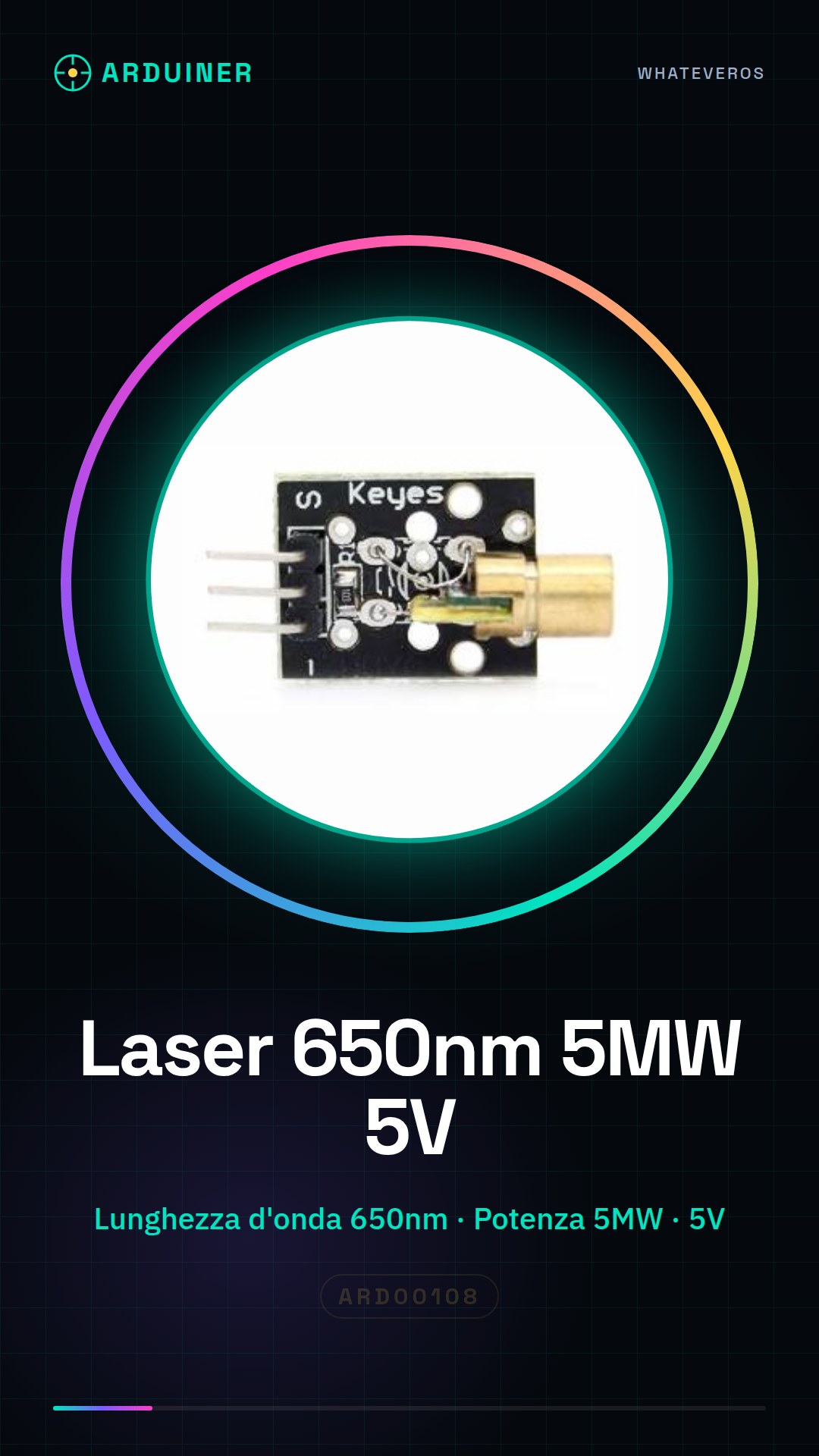
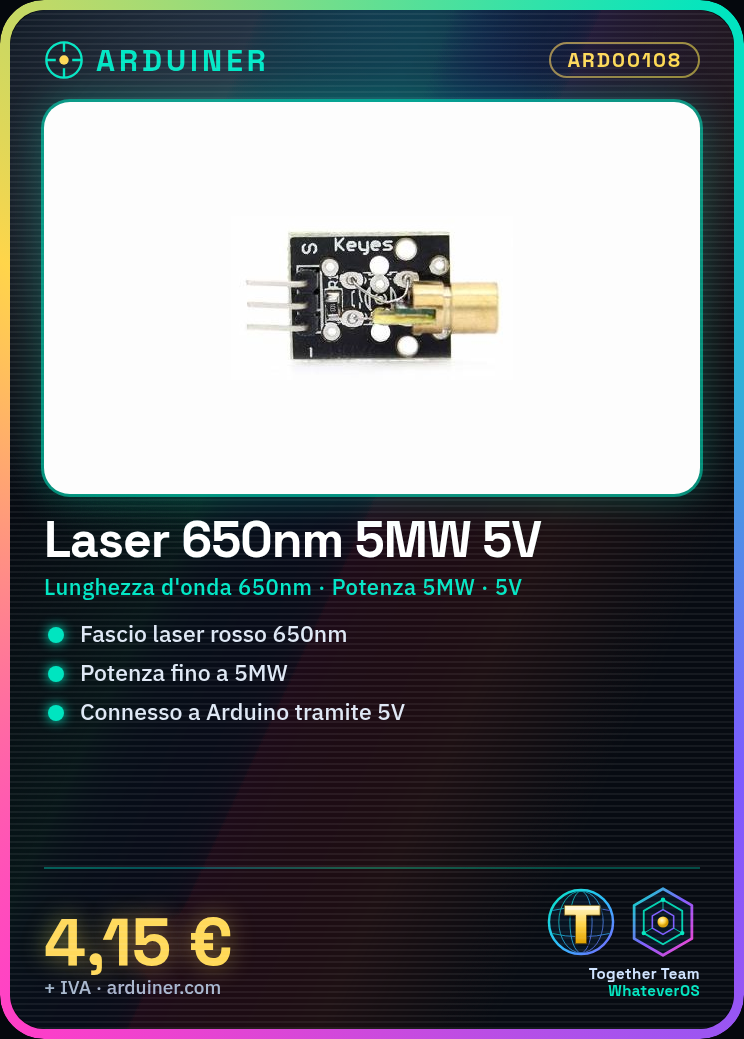
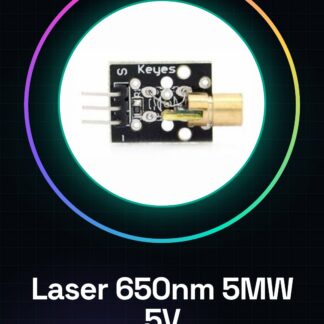
The 5V Laser Module 650nm is a device designed to be used with Arduino and other compatible microcontrollers. This laser module provides a focused red (650nm) light beam that can be integrated into various projects.
Features
- Wavelength: 650nm
- Maximum Power: 5MW
- Supply Voltage: 5V
What it is for
This laser module is ideal for projects requiring a focused and visible light beam, such as laser distance scanners or aiming systems. It is compatible with Arduino and other microcontrollers.
Tutorial: How to Use 650nm Laser Module
The 650nm laser module is ideal for projects requiring a focused and visible light beam. It is suitable for both beginners and more experienced makers looking to add a touch of light to their work.
What you need
- Arduino Uno or compatible
- USB connection for power supply
- Jumper cable (various)
- Current limiting resistor
Steps
- Connect the laser module to the digital pins of the Arduino using a jumper cable.
- Check the polarity of the module: anode (+) to 5V and cathode (-) to GND or a digital pin controlled by Arduino.
- If necessary, connect a limiting resistor between the control pin of the Arduino and the laser module to protect the element.
- Load the provided Arduino sketch from the source code.
- Verify that the laser light turns on when the digital pin is high (1).
- If necessary, adjust the resistance values or the code to optimize the operation.
- Try to integrate the module into a larger project, such as a rudimentary 3D scanner.
- Regularly check the efficiency of the laser and replace if necessary.
Example code
const int ledPin = 9; // pin di controllo
void setup() {
  pinMode(ledPin, OUTPUT);
}
void loop() {
  digitalWrite(ledPin, HIGH); // accende il laser
  delay(1000);
  digitalWrite(ledPin, LOW); // spegne il laser
  delay(1000);
}
Mini project
Create a simple laser scanner to measure distances. Use a compatible distance sensor with Arduino and the laser module to trace the surface of objects.
Common mistakes
- Incorrect polarity connection
- Current limiting resistor too high or too low
- Laser does not turn on due to programming error.
- Laser glows weakly due to insufficient voltage.
Recommended accessories
- HC-SR04 Distance Sensor
- Variable Resistors
- 3D Printing for Laser Projects
Frequently asked questions
How can I protect my eyes from the laser?
Always wear safety glasses specified for your laser’s wavelength.
Can the laser module damage my Arduino?
If used correctly, it should not cause damage. Ensure you are using an appropriate current limiting resistor.
What is the maximum distance for the laser beam?
Check the module’s datasheet for accurate range information.
Reviews
There are no reviews yet.