 EN
 IT Italiano
 ES Español
 FR Français
 DE Deutsch
Description
What it is
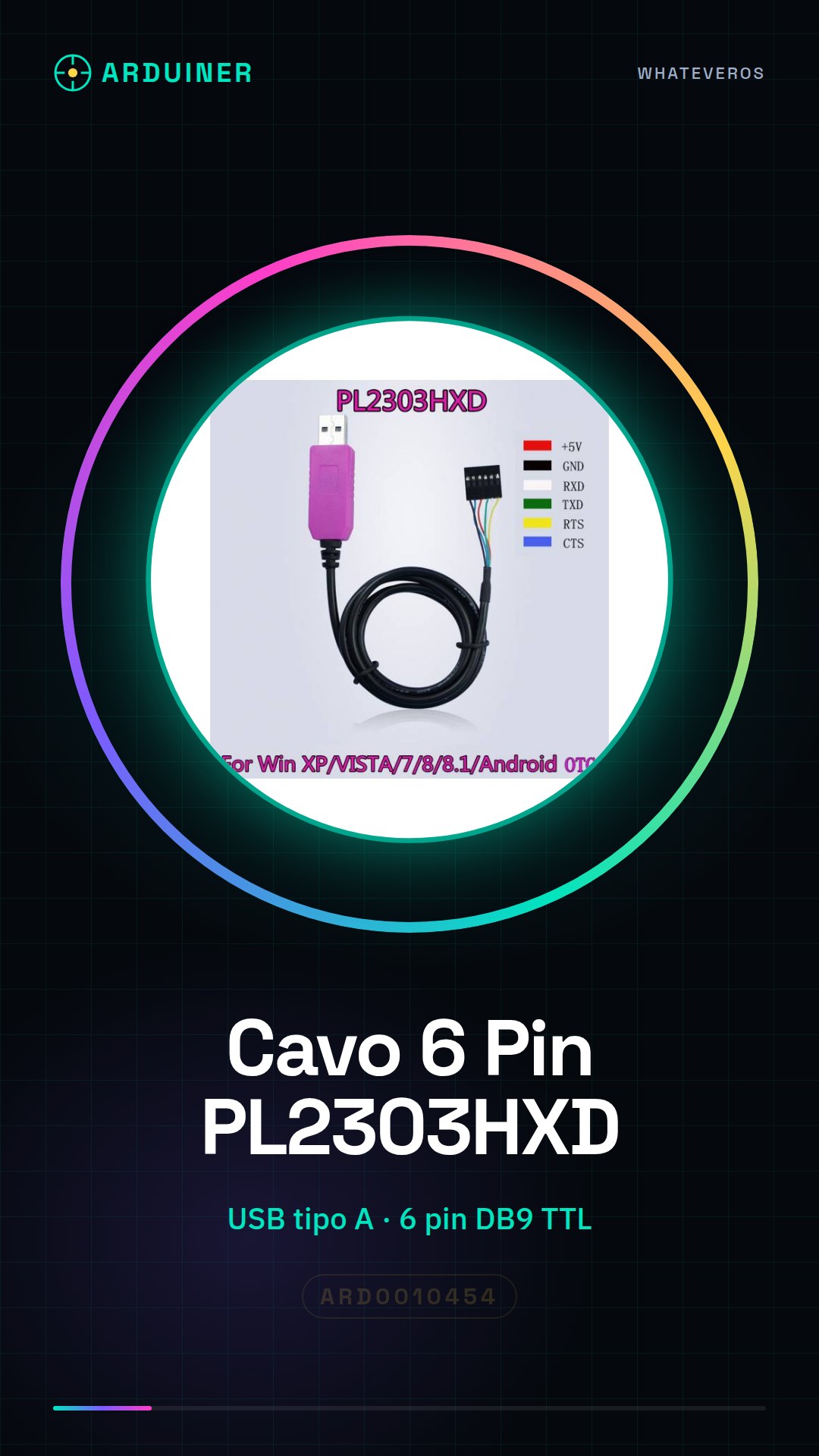
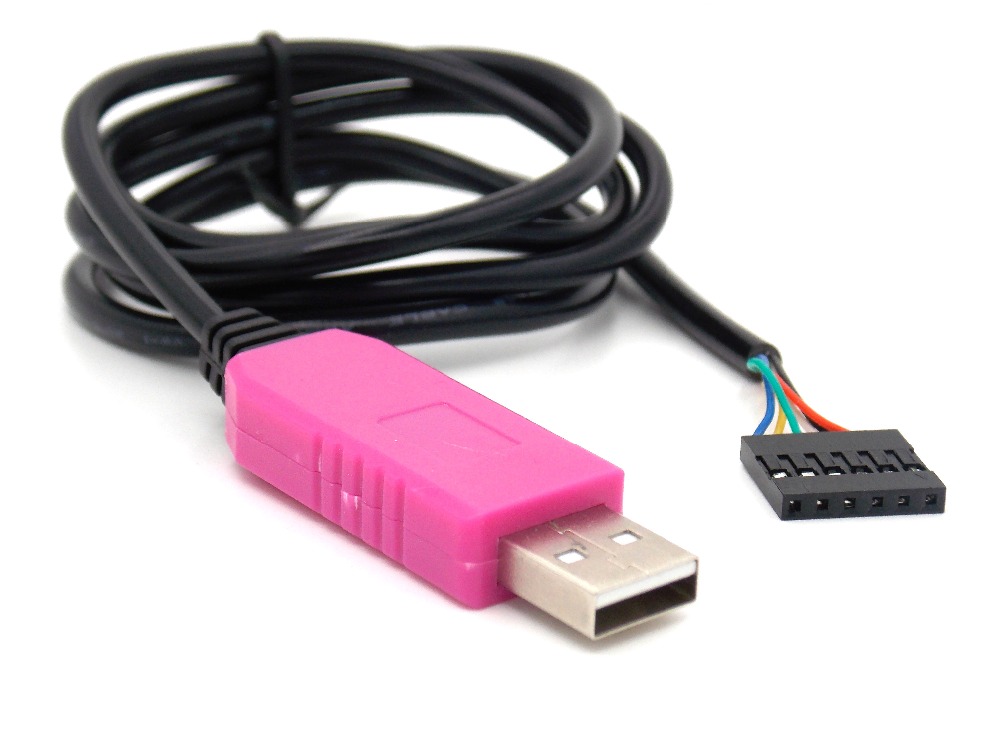
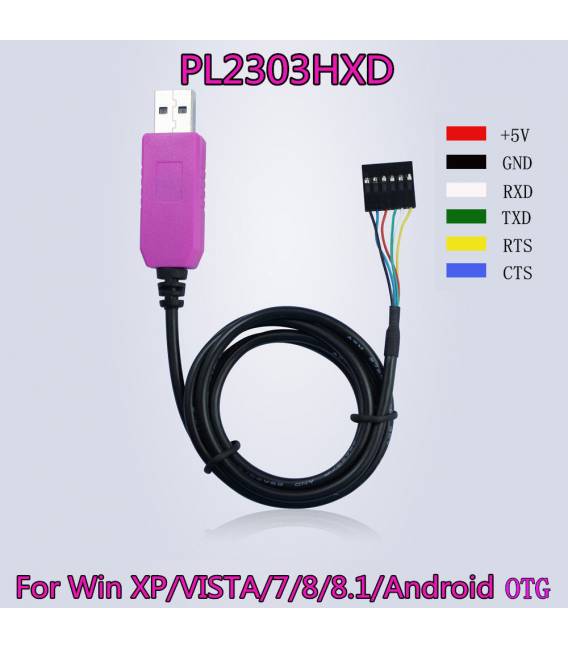
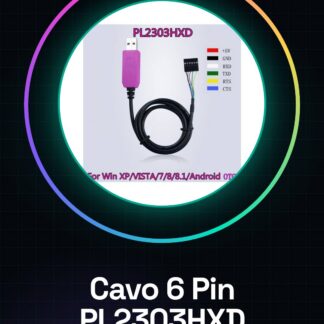
The 6 Pin PL2303HXD USB to TTL RS232 converter allows connecting TTL RS232 devices to a computer via a USB port.
Features
- USB Type A connector
- 6 pin DB9 male (TTL) connector
- PL2303HXD chip
- SKU: ARD0010454
- Price: 6.37 €
What it is for
This converter is useful for communicating with Arduino microcontrollers from a computer. You can use it to develop and test code on prototypes, send and receive data between the computer and the Arduino. It is ideal for beginners and software development projects.
Tutorial: How to use 6 Pin PL2303HXD Cable Converter
This USB to TTL RS232 converter allows you to communicate with Arduino microcontrollers from a computer. Ideal for beginners and software development projects.
What you need
- 6 Pin PL2303HXD Cable Converter
- Arduino or compatible microcontroller
- Computer with USB drivers installed
- USB cable
Steps
- 1. Connect the USB cable to the computer.
- 2. Connect the TTL RS232 cable to the microcontroller.
- 3. Power on the microcontroller.
- 4. Install the USB driver on the computer (check the datasheet).
- 5. Use a serial monitor software (e.g., Serial Monitor of Arduino IDE).
- 6. Configure the communication speed (check the datasheet).
- 7. Load a sample sketch onto Arduino.
- 8. Verify communication with the microcontroller.
Example code
Serial.begin(9600);Mini project
Create a simple sketch to send and receive data between the computer and Arduino.
Common mistakes
- Do not install the USB drivers.
- Connect the TTL RS232 cable to the wrong pin.
- Set the communication speed to something other than 9600.
- Do not verify communication.
Recommended accessories
- Arduino Nano
- USB A-B cable
- Serial Monitor
- ESP32 Microcontroller
Frequently asked questions
USB drivers do not install?
Check that the driver is compatible with your operating system.
Why don’t I see the microcontroller in the Serial Monitor?
Make sure the driver is installed correctly and that the microcontroller is properly connected.
What are the pins of the TTL RS232 cable?
Check the datasheet for specific pins.
Reviews
There are no reviews yet.