 EN
 IT Italiano
 ES Español
 FR Français
 DE Deutsch
Description
What it is
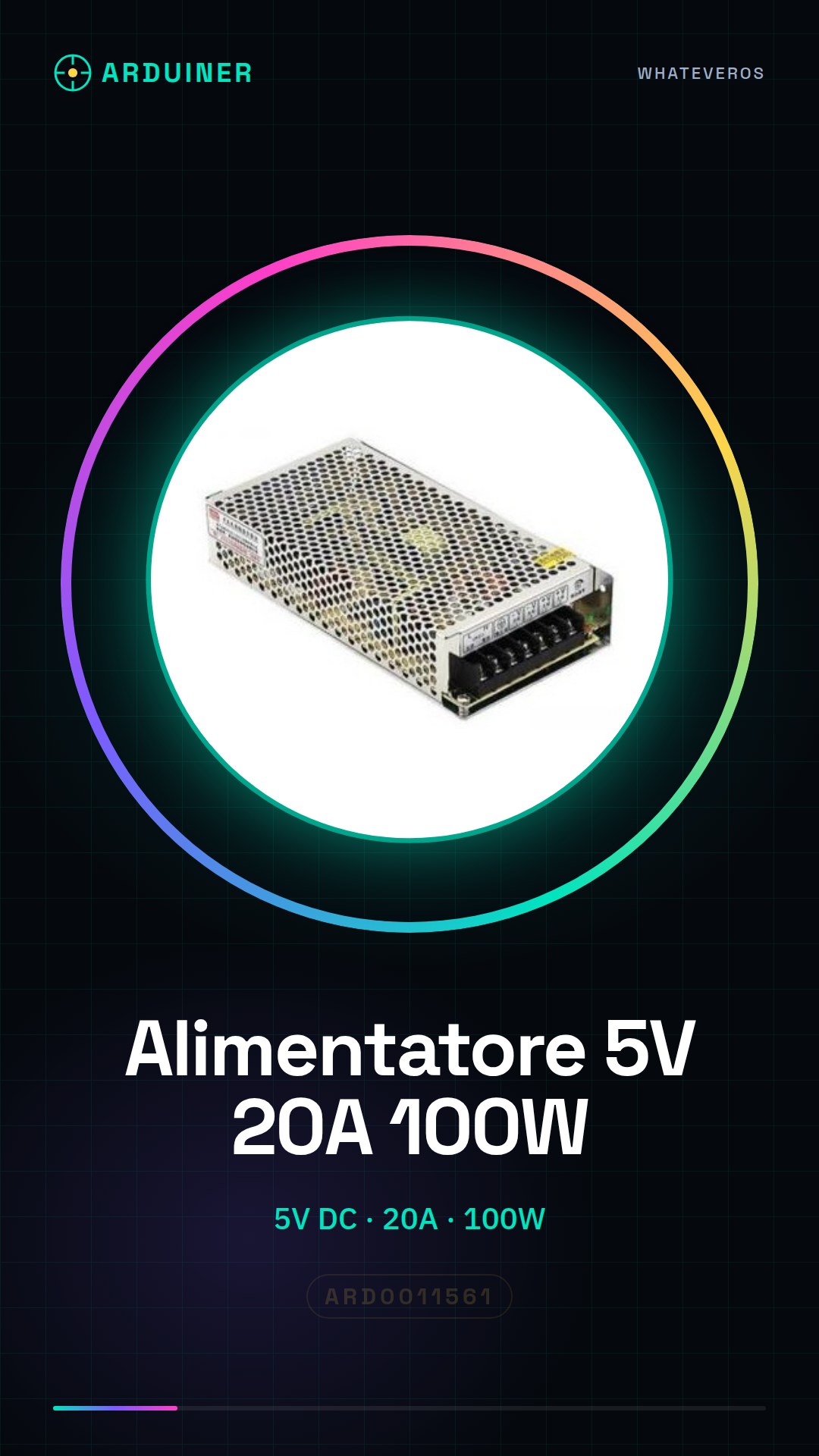
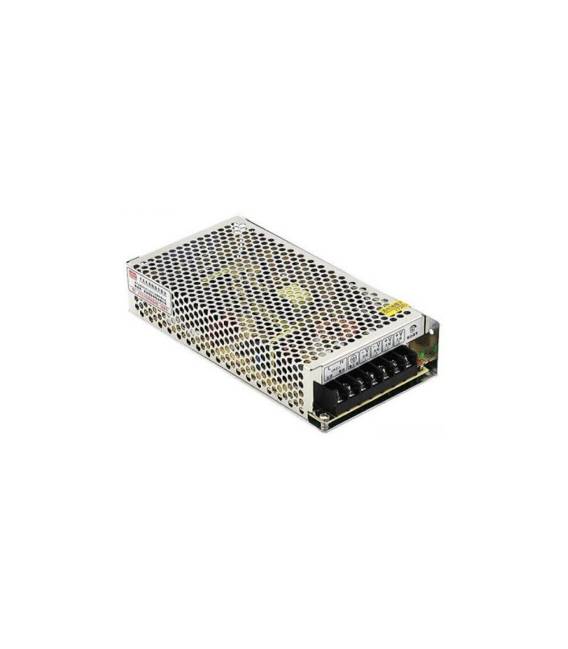
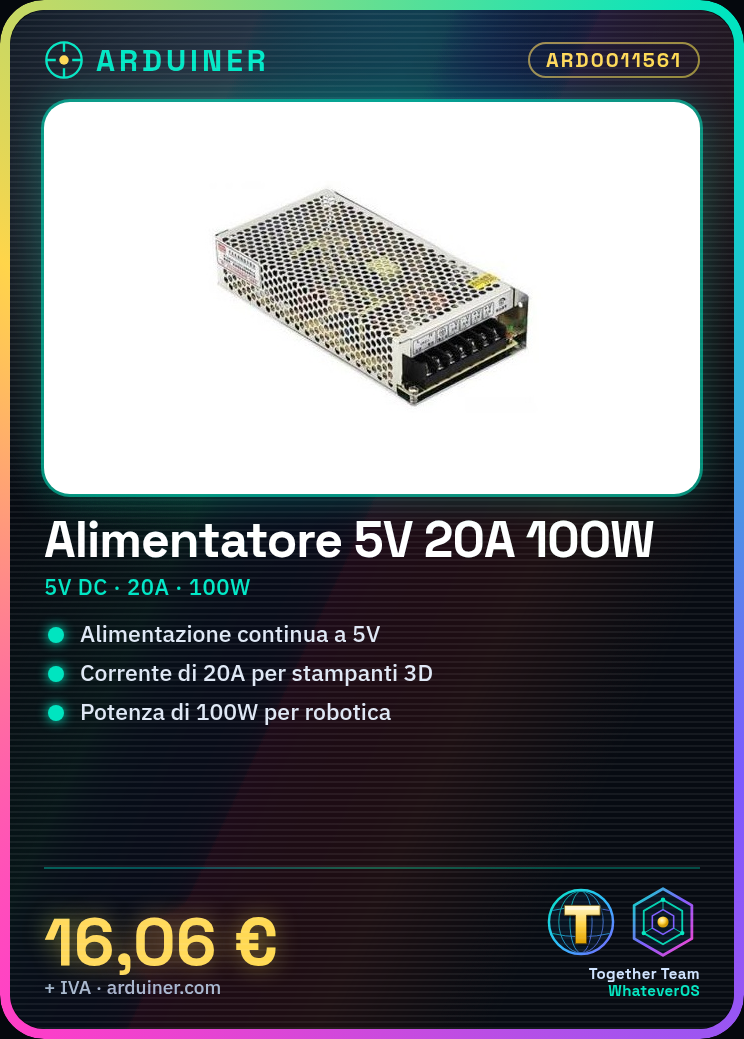
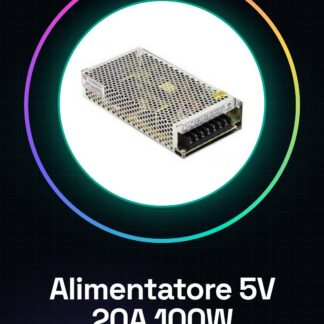
This power supply provides a continuous 5V DC current with a maximum power of 100W. It is designed to power electronic projects that require a high current flow, such as 3D printers and drones.
Features
- Input Voltage: 220V / 110V
- Output Voltage: 5V
- Output Current: 20A
- Power: 100W
- SKU: ARD0011561
What it is for
The 5V 20A power supply is ideal for projects that require a powerful continuous 5V DC power source. It is suitable for makers and students working on Arduino systems, Raspberry Pi or any other device that requires a high output current. It can be used in applications such as robotics, mobile electronics and industrial control solutions.
Tutorial: How to use 5V 20A Power Supply
The 5V 20A power supply is ideal for projects requiring a powerful continuous 5-volt power source. Perfect for makers and students working on Arduino, Raspberry Pi, or any other device that needs high output current. This power supply can provide up to 100W of power, making it suitable for applications such as robotics, mobile electronics, and industrial control solutions.
What you need
- 5V 20A Power Supply
- Arduino or device to power
- Connection cables
Steps
- Ensure your power supply is adequately protected against overloads and short circuits.
- Plug the power supply into the wall socket, making sure the voltage is compatible (220V or 110V).
- Use an appropriate power cable to connect the device to be powered to the power supply output.
- Check that the device receives a stable 5V current.
- If necessary, use a voltage regulator or a DC-DC converter to adapt the output voltage if it is not exactly 5V.
- Check the device’s power supply periodically during operation to ensure there are no overloading or overheating issues.
Mini project
Create an automatic control system for external lights using Arduino and this power supply. The project takes about 30 minutes.
Common mistakes
- Connecting the power supply to an incorrect voltage (220V/110V) could damage it.
- Do not check the output current before connecting the device, which could cause overloading or damage to the device.
- Using power cables not suitable for the required electrical power can lead to overheating or fire.
- Do not protect the power supply from extreme conditions such as high humidity or direct exposure to sunlight.
Recommended accessories
- Universal power supply cable
- DC-DC voltage regulator
- Overload and short circuit protector
- Digital thermometer to monitor the power supply temperature
Frequently asked questions
How can I protect the power supply from extreme conditions?
Use an overload and short circuit protector and ensure the device does not overheat in hot or humid environments.
What is the difference between AC-DC and DC-DC power supplies?
An AC-DC power supply converts alternating current (AC) energy into direct current (DC) energy, while a DC-DC power supply regulates the output voltage from a DC source.
Can I use this power supply with 3.3V devices?
Yes, but it may be necessary to add a DC-DC converter to reduce the voltage to 3.3V.



Reviews
There are no reviews yet.