 EN
 IT Italiano
 ES Español
 FR Français
 DE Deutsch
Description
What it is
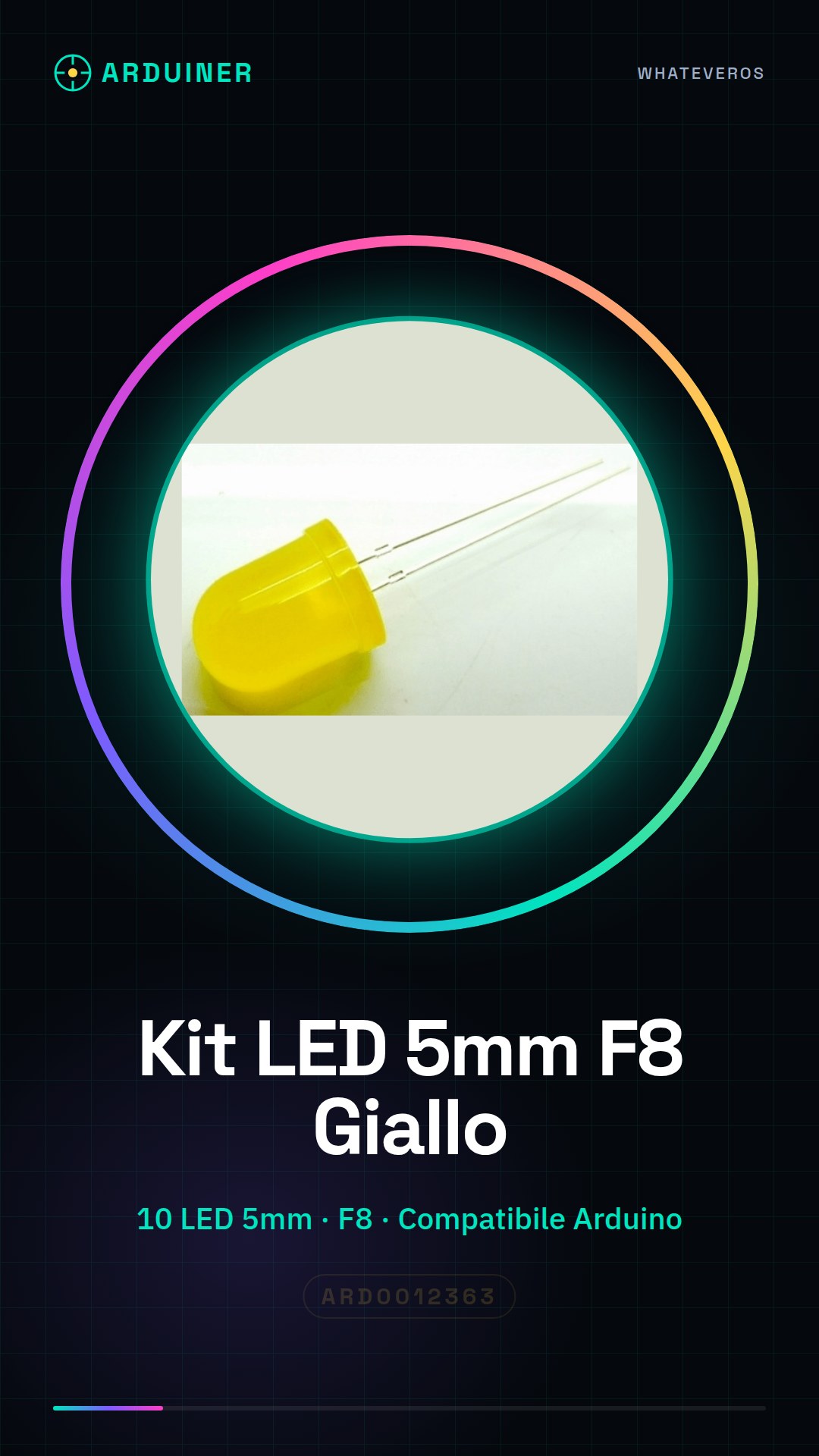
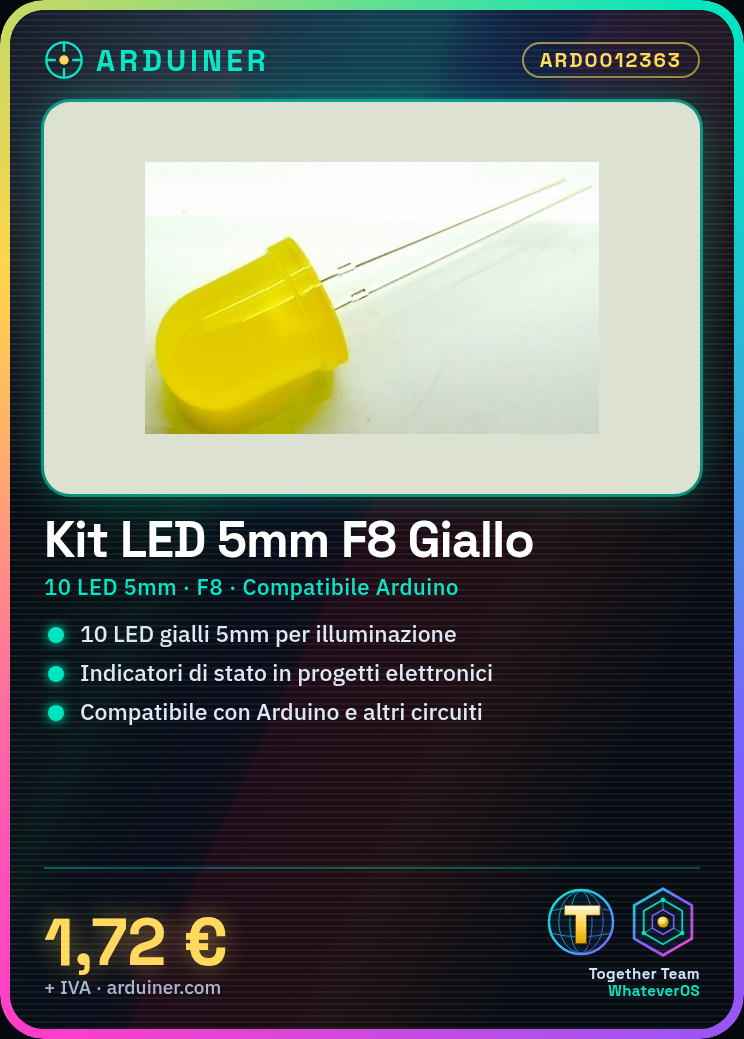
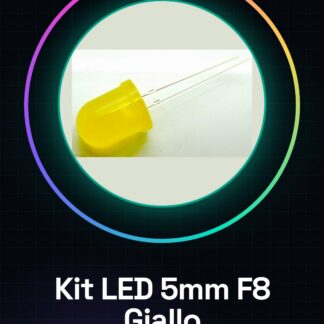
The 5mm F8 Yellow LED Kit is a package containing 10 yellow 5mm LEDs, ideal for lighting projects and luminous indicators. These LEDs are compatible with a wide range of projects, including those based on Arduino and ESP.
Features
- 10 5mm F8 yellow LEDs
- For luminous indicators and lighting projects
- Compatible with Arduino and other electronic circuits
What it is for
The LEDs in the kit can be used to create status indicators for devices, for example turning an LED on in sequence. They are ideal for beginners and intermediate makers who want to add lighting features to their projects.
Tutorial: How to Use 5mm F8 Yellow LED Kit – 10 Pieces
These yellow LEDs are ideal for lighting projects and indicators. Useful for beginners and intermediate makers.
What you need
- 5mm F8 Yellow LED Kit – 10 Pieces
- 330Ω resistor (check the datasheet)
- Arduino or compatible microcontroller
- USB cable
Steps
- 1. Assembly: Assemble the LEDs on a prototyping board or PCB.
- 2. Connection: Connect the VCC and GND pins to the corresponding pins of the microcontroller.
- 3. Connect the anode (VCC) pin of each LED to a pin of the microcontroller.
- 4. Connect a resistor in series with each LED between the anode pin and VCC.
- 5. Connect the cathode (GND) pin of each LED to GND.
- 6. Load the Arduino code.
- 7. Test the LED with a simple blinking sketch.
- 8. Turn the LEDs on and off with a for loop.
Example code
void loop() { for (int i = 0; i < 10; i++) { digitalWrite(i, HIGH); delay(500); digitalWrite(i, LOW); delay(500); } }Mini project
Create a status indicator for a device with 10 LEDs that light up in sequence.
Common mistakes
- Forget to connect a resistor in series with each LED.
- Connect the VCC and GND pins in reverse.
- Scrape the Arduino code.
- Do not test the circuit before loading the code.
Recommended accessories
- Prototyping board
- Arduino microcontroller
- USB cable
- Multimeter
Frequently asked questions
How to connect LEDs in parallel?
Connect the cathode pins of all LEDs to GND and the anode pins to different pins of the microcontroller, with resistors in series.
What is the maximum current they can handle?
Check the datasheet.
Can I use these LEDs with a Raspberry Pi?
Yes, but make sure the Raspberry Pi has a compatible GPIO pin.
How many LEDs can I connect to the microcontroller?
Check the GPIO capability of the microcontroller.
Reviews
There are no reviews yet.