 EN
 IT Italiano
 ES Español
 FR Français
 DE Deutsch
Description
What it is
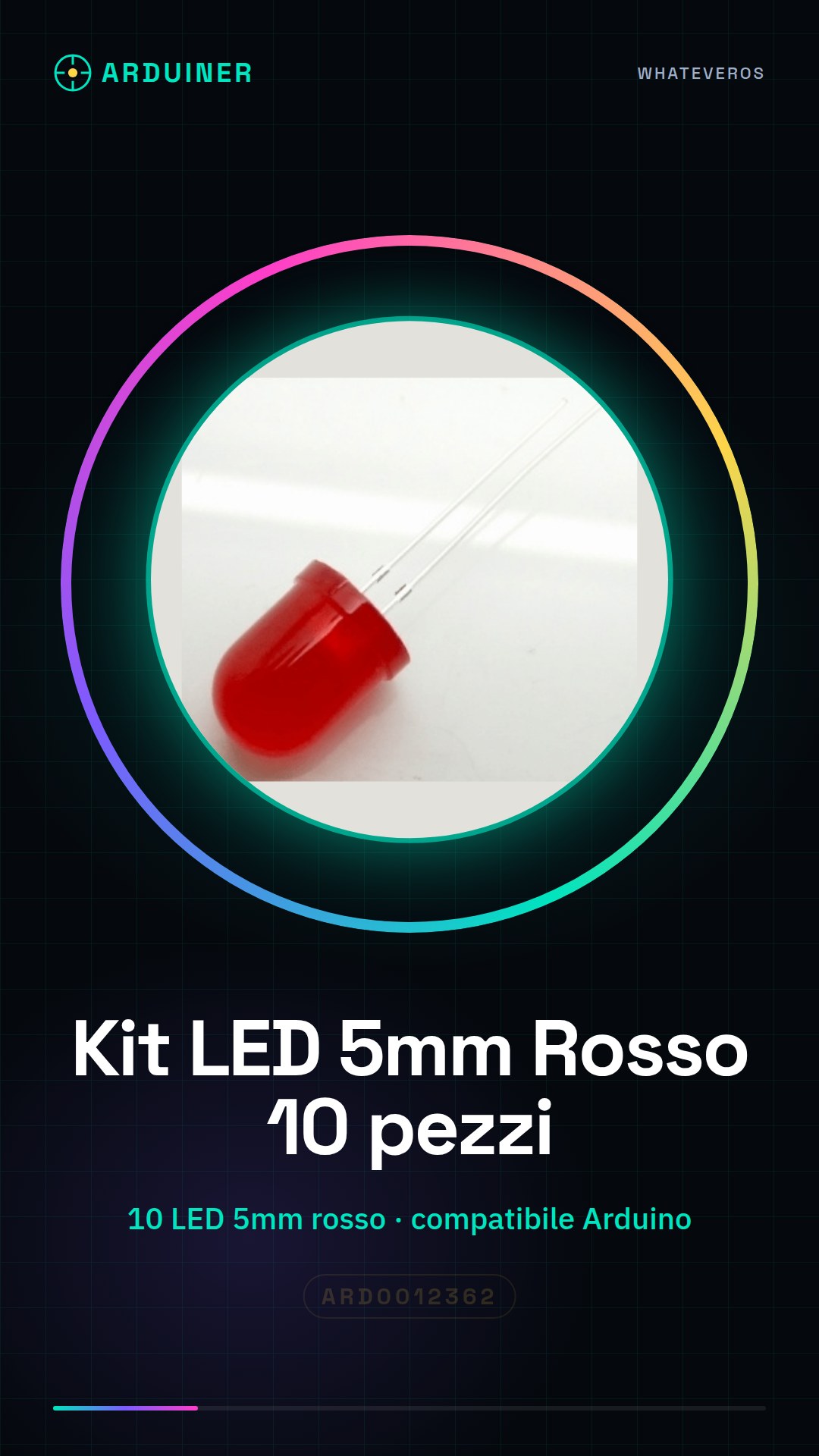
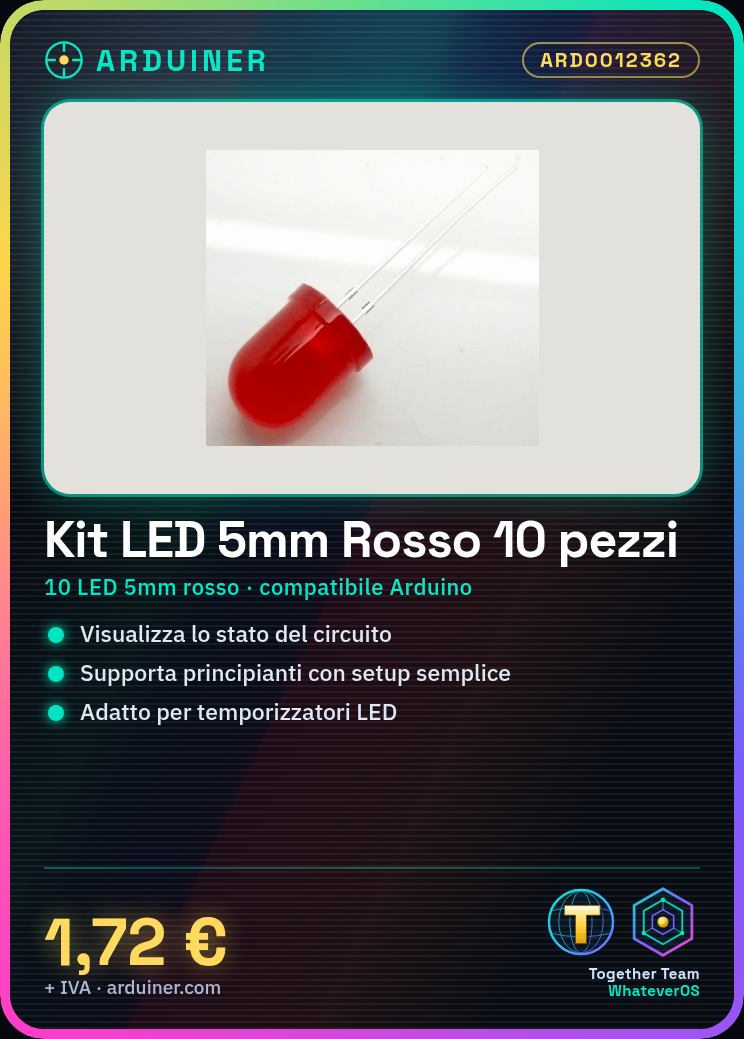
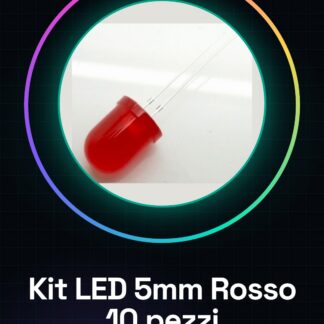
The 5mm F8 Red LED Kit – 10 Pieces is a pack of 5mm red LEDs ideal for beginners and experts who want to create light indicators or simple electronic circuits. These LEDs are useful for visualizing the state of a circuit or adding a touch of light to your projects.
Features
- 10 5mm red LEDs
- Compatible with Arduino and electronics projects
- Ideally used for light indicators
What it is for
5mm red LEDs can be used for various purposes, such as creating an LED timer that turns the LED on and off every 5 seconds. They are compatible with Arduino and other microcontrollers, making these LEDs a fundamental component for electronic projects.
Tutorial: How to use the 5mm Red LED Kit
The 5mm Red LED Kit is ideal for beginners who want to create light indicators or simple electronic circuits. These LEDs are useful for visualizing the state of a circuit or adding a touch of light to your projects.
What you need
- 5mm Red LED Kit
- Arduino Uno
- Resistor (check the datasheet for the correct resistor value)
- Jumper Wire
- 3D Printing (optional for building a protective housing)
Steps
- Check the polarity of the LED: the longer leg is the anode (positive).
- Select an appropriate resistor to limit the current (check the LED datasheet).
- Connect the anode of the LED to an output pin of the Arduino.
- Connect the cathode of the LED (the shorter leg) to the resistor.
- The other end of the resistor goes to ground (GND) of the Arduino.
- Write a simple sketch to turn the LED on and off.
- Compile and upload the sketch to the Arduino.
- Watch the LED turn on and off as per the sketch.
Example code
void setup() {
  pinMode(13, OUTPUT);
}

void loop() {
  digitalWrite(13, HIGH);
  delay(1000);
  digitalWrite(13, LOW);
  delay(1000);
}
Mini project
Basic Project: Create an LED timer that turns the LED on and off every 5 seconds.
Common mistakes
- Using a resistance that is too low, which can damage the LED.
- Reverse the polarity of the LED.
- Do not connect the cathode of the LED to ground.
- Do not check the LED specifications on the datasheet.
Recommended accessories
- Variable resistors
- 3D printing for protective enclosures
- Prototype kit
- Electronic test kit
Frequently asked questions
What is the operating voltage of the LED?
Check the LED datasheet.
How much current is passing through the LED?
Check the LED datasheet.
Can I use this LED with other microcontrollers?
Yes, but make sure to adapt the electronic connection accordingly.

Reviews
There are no reviews yet.