 EN
 IT Italiano
 ES Español
 FR Français
 DE Deutsch
Description
What it is
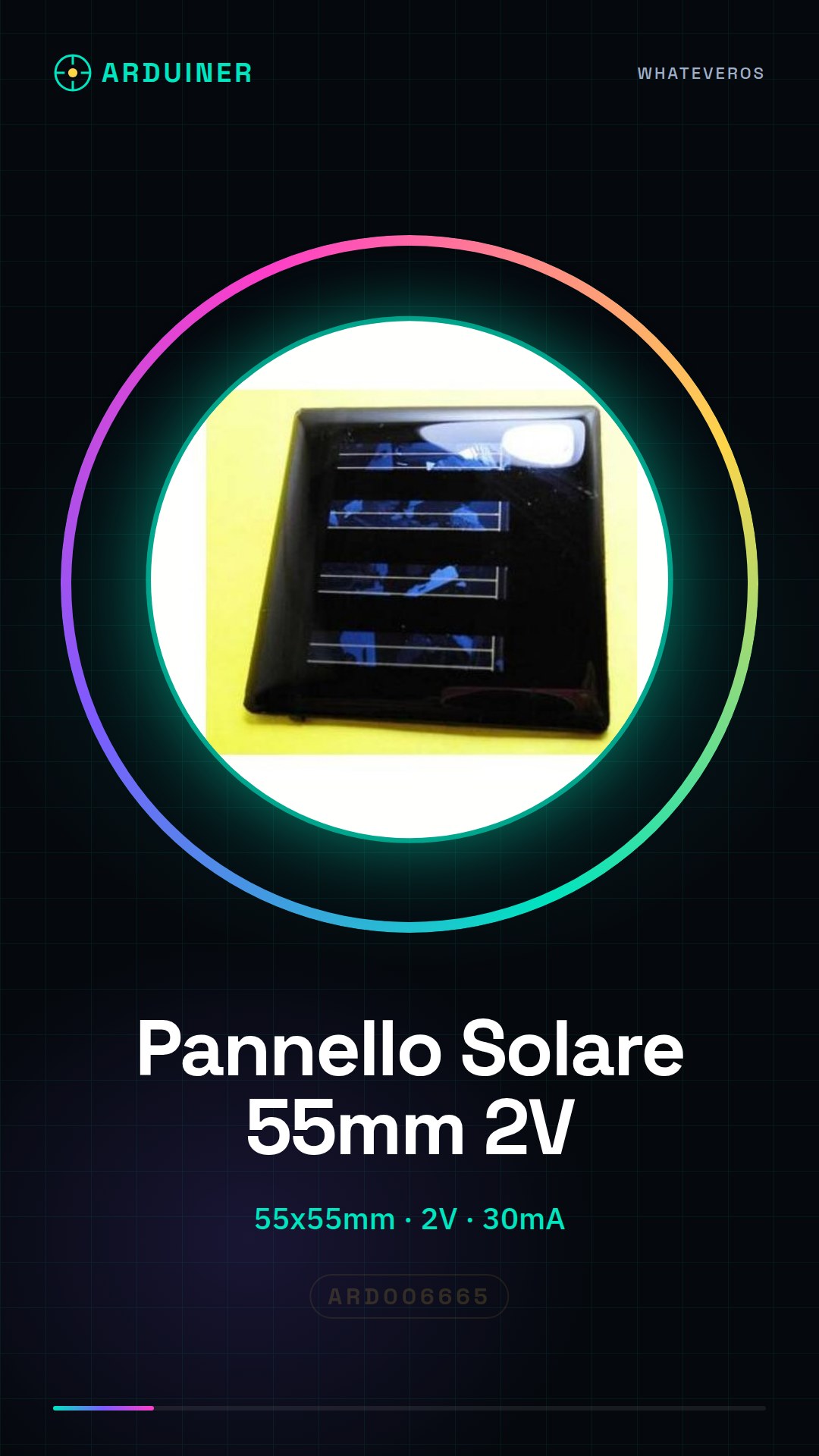
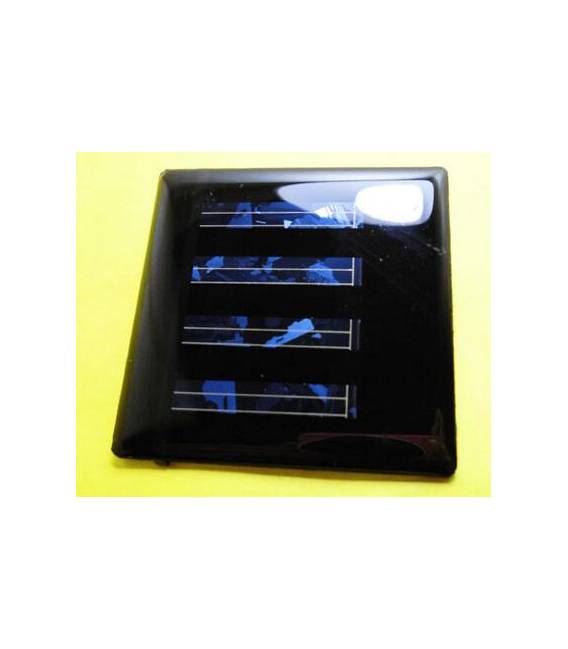
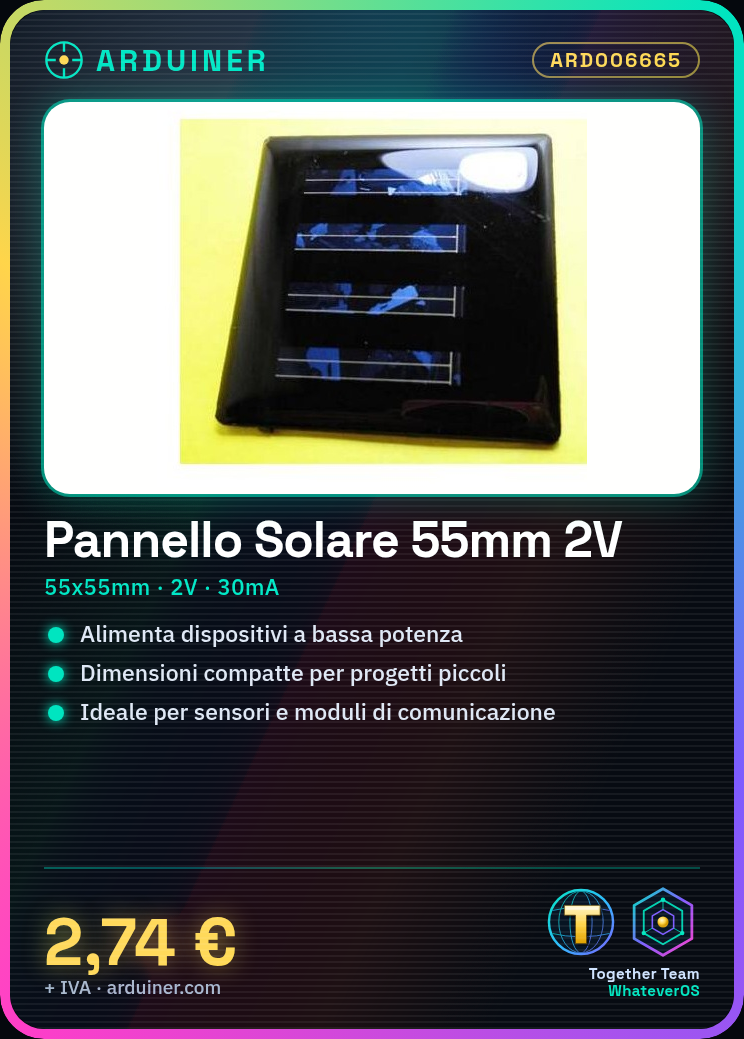
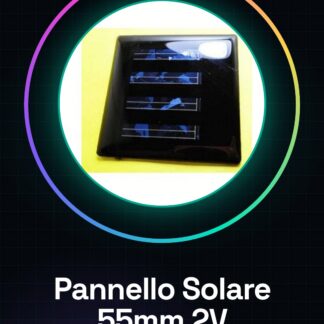
The 55x55mm 2V 30mA Monocrystalline Solar Panel is a small solar panel designed to power low-power electronic devices. Its compact size makes it ideal for small-scale electronics projects.
Features
- Dimensions: 55x55mm
- Output Voltage: 2V
- Maximum Output Current: 30mA
What it is for
This solar panel is perfect for powering small electronic devices during the day, such as sensors, communication modules, or Arduino devices. It can be used in environmental monitoring projects, low-consumption lighting systems, or any other application that requires simple and reliable solar power.
Tutorial: How to Use 55x55mm 2V Solar Panel
The 55x55mm 2V solar panel is ideal for powering small electronic devices during the day. It is particularly useful for Arduino projects, sensors, or any other device that requires simple solar power.
What you need
- Arduino
- crimp connectors
- cable / wire / lead
Steps
- Connect the solar panel to the cable connector using crimp connectors.
- Check the electrical voltage produced by the solar panel under intense light conditions, it should be around 2V (check the datasheet).
- Connect the cable to the Arduino or the device that requires power.
- Verify that the device works correctly with the voltage provided by the solar panel.
Mini project
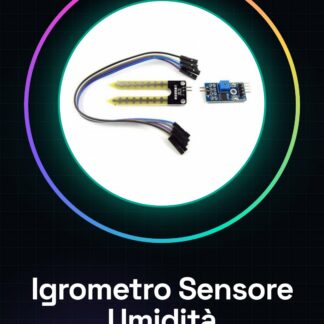
Create a small solar-powered environmental monitoring system. Connect the solar panel to a temperature and humidity sensor, which sends data to a Wi-Fi network using Arduino.
Common mistakes
- Do not check the voltage produced by the panel before connecting.
- Use a device that requires more energy than the panel’s output capacity.
- Connect the panel directly to sensitive devices without appropriate protections.
Recommended accessories
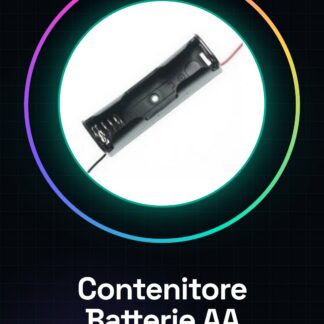
- Connector at the end of the cable
- Extendable lead
- Unidirectional protection diode
- Rechargeable battery for backup
Frequently asked questions
What is the maximum voltage produced by the solar panel?
The maximum voltage may vary depending on the light, but it should be around 2V (check the datasheet).
Can I connect it directly to a device without protections?
No, it is recommended to use a protection diode and a battery to avoid damage to the device.
Reviews
There are no reviews yet.