 EN
 IT Italiano
 ES Español
 FR Français
 DE Deutsch
Description
What it is
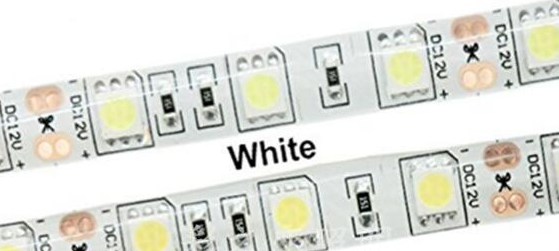
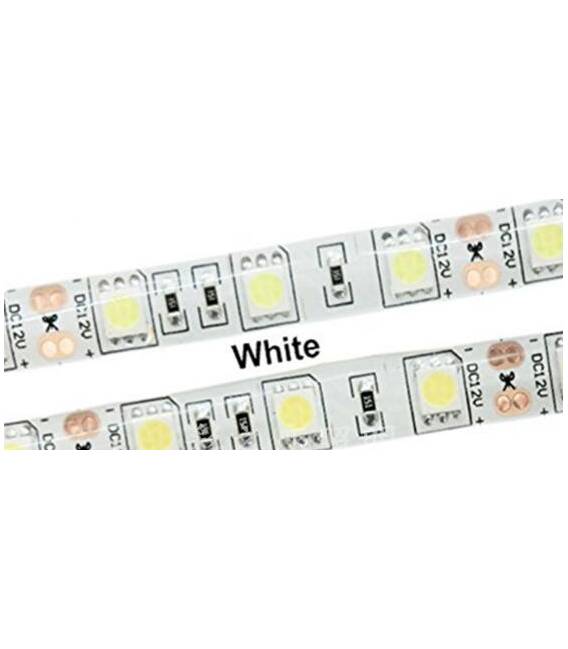
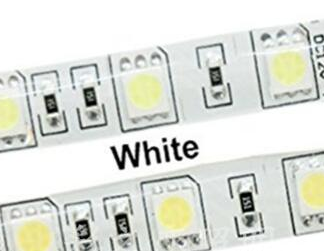
The 5050 White 12V 60 LED/m IP35 – 5 Meter LED Strip is a lighting strip composed of SMD 5050 LEDs with a working voltage of 12V. It offers a density of 60 LEDs per meter and an IP35 protection rating, making it suitable for various lighting applications.
Features
- LED Type: SMD 5050
- Working Voltage: 12V
- Density: 60 LEDs/m
- Length: 5 meters
- IP Protection: IP35
- Color: White
What it is for
The LED strip can be used to illuminate electronic projects, create emergency signals, decorate spaces, and implement visualization applications. Its compatibility with Arduino and other microcontrollers makes it ideal for DIY and automation projects.
Tutorial: How to Use 5050 LED Strip
The 5050 LED strip is ideal for lighting and visualization projects. Useful for beginners and intermediates.
What you need
- 5050 LED Strip
- 12V Power Supply
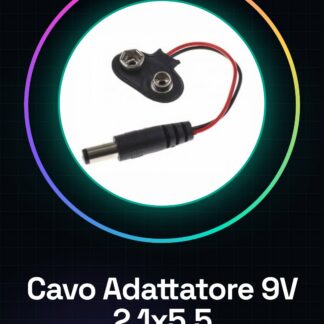
- Connector
- Voltage Regulator (optional)
Steps
- 1. Check the power supply voltage (12V). Verify in the datasheet.
- 2. Prepare the connector for the LED strip.
- 3. Connect the power supply to the connector.
- 4. Connect the LED strip to the connector.
- 5. Check the polarity (red to ground, black to +12V).
- 6. Test the LED strip with a multimeter.
- 7. Mount the strip on a support.
- 8. Activate the LED strip.
Mini project
Create an emergency signal with the LED strip. Connect the strip to a button and an emergency LED.
Common mistakes
- Connect the LED strip with reversed polarity.
- Use a power supply with a voltage different from 12V.
- Omit the multimeter test.
- Do not mount the strip on a stable support.
Recommended accessories
- 12V power supply
- Connector
- Voltage regulator (optional)
- LED strip support
Frequently asked questions
How can I control the LED strip?
Use a multimeter to check the voltage and current flow.
Can I use a different power supply than 12V?
Check the datasheet to see if the power supply is compatible with other voltages.
What are the advantages of using a connector?
It allows for easy and safe connection, avoiding direct connections.
Why should I mount the strip on a support?
To improve visibility and the longevity of the project.
Reviews
There are no reviews yet.