 EN
 IT Italiano
 ES Español
 FR Français
 DE Deutsch
Description
What it is
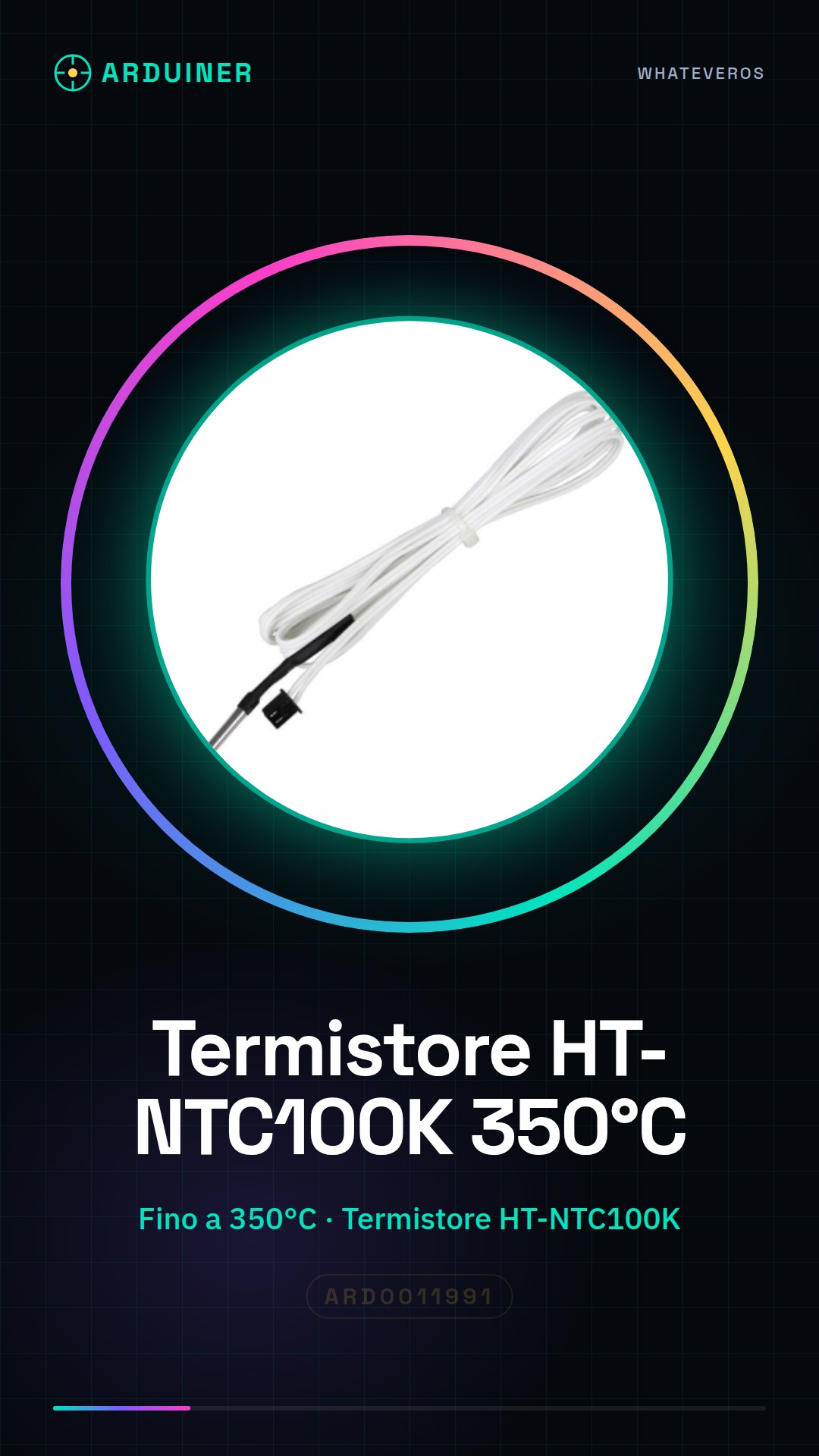
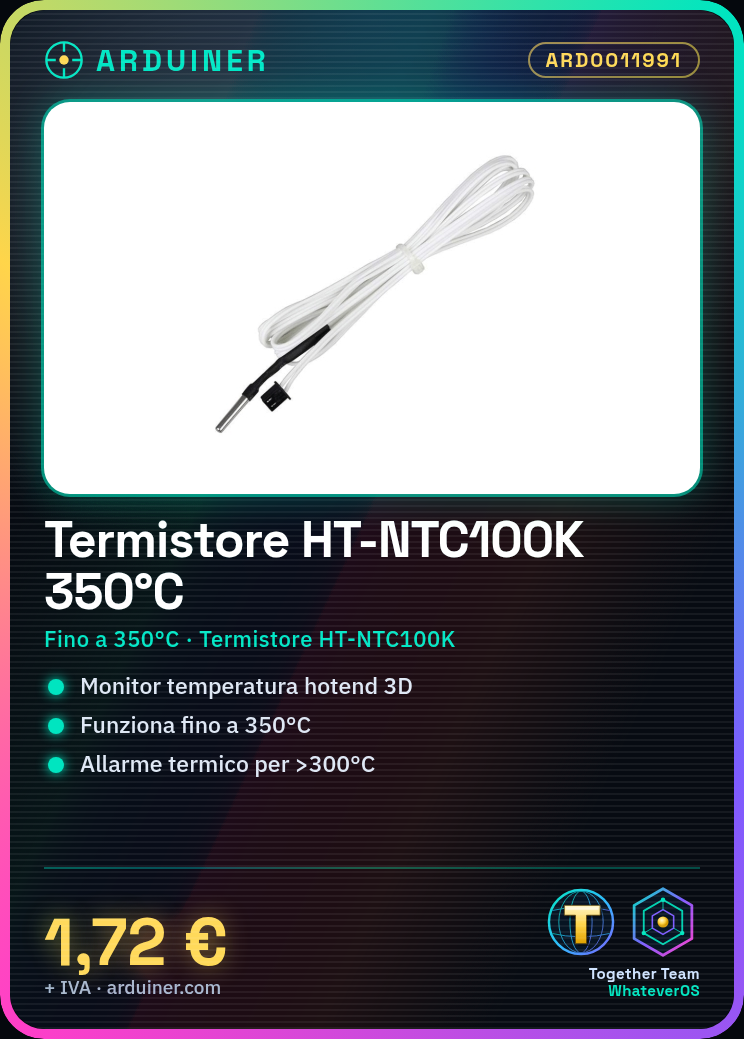
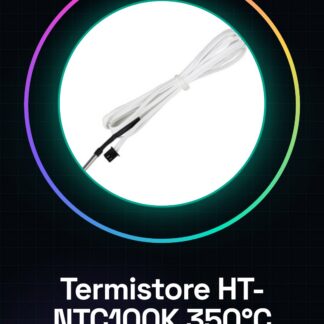
The HT-NTC100K temperature measurement resistor is a thermistor designed to monitor the temperature in the hot end of 3D printers. This sensor is suitable for high temperatures up to 350°C, making it ideal for applications requiring accurate thermal measurements.
Features
- HT-NTC100K Sensor
- Measures temperature up to 350°C
What it is for
This thermistor is used to monitor and control the temperature of the hot end in 3D printers. It can be integrated into Arduino or ESP projects to create a thermal alarm system that alerts when the temperature exceeds 300 degrees.
Tutorial: How to use the 3D Printer Temperature Measurement Resistor
This HT-NTC100K thermistor is used to monitor the temperature of the hot end of your 3D printer. Useful for beginners and intermediates.
What you need
- HT-NTC100K Thermistor
- Arduino
- 10kΩ Resistor
- Jumper wire
Steps
- Check the datasheet for the thermistor specifications.
- Connect the thermistor to pin A0 of Arduino.
- Connect the 10kΩ resistor between pin A0 and GND.
- Load the provided Arduino code.
- Verify the temperature read on the serial monitor.
- Adapt the code for your project.
- Test the thermistor at various points on the printer.
- Check the stability and accuracy of the measurement.
Mini project
Create a simple thermal alarm system for the hot end. Connect the thermistor, the 10kΩ resistor, and an LED. The LED turns on when the temperature exceeds 300 degrees.
Common mistakes
- Connecting the thermistor directly to GND can cause errors.
- Do not check the stability of the thermistor before using it.
- Forget to adjust the Arduino code.
- Do not test the thermistor at various points on the printer.
Recommended accessories
- Arduino Uno
- 10kΩ resistor
- LED
- Jumper wire
Frequently asked questions
Does the thermistor work well at 350 degrees?
Check the datasheet, but it generally works well up to 300 degrees.
Can I use a different thermistor?
Yes, but it might require code adaptations in Arduino.
Does the thermistor work with Arduino Nano?
Yes, but check the pin compatibility.
Which specifications should I check on the datasheet?
Response time, temperature range, resistance at 25°C.


Reviews
There are no reviews yet.