 EN
EN IT Italiano
 ES Español
 FR Français
 DE Deutsch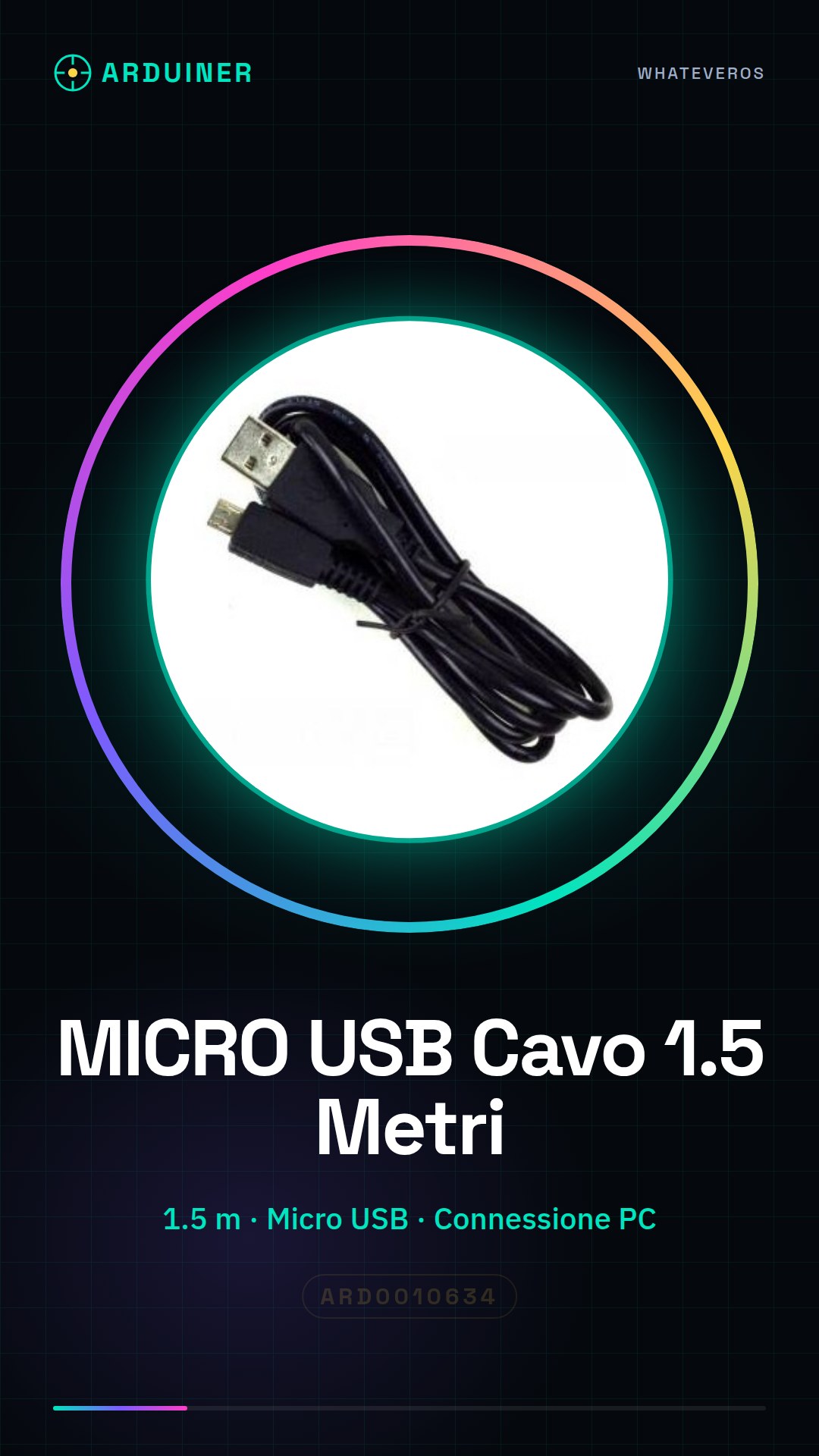
Description
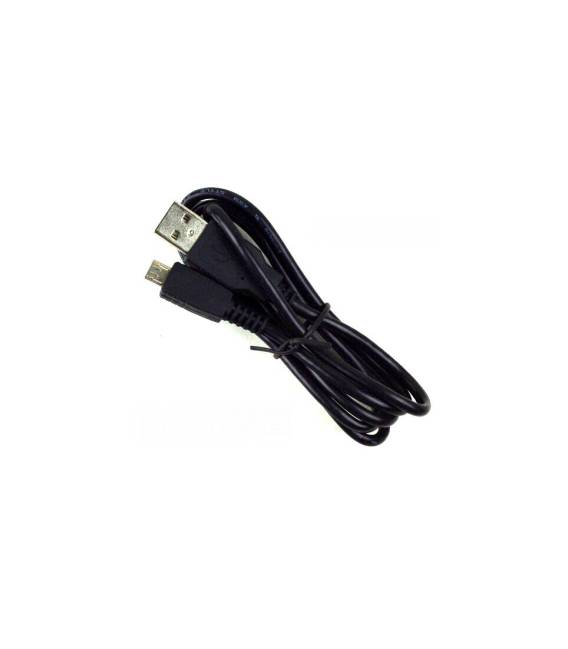
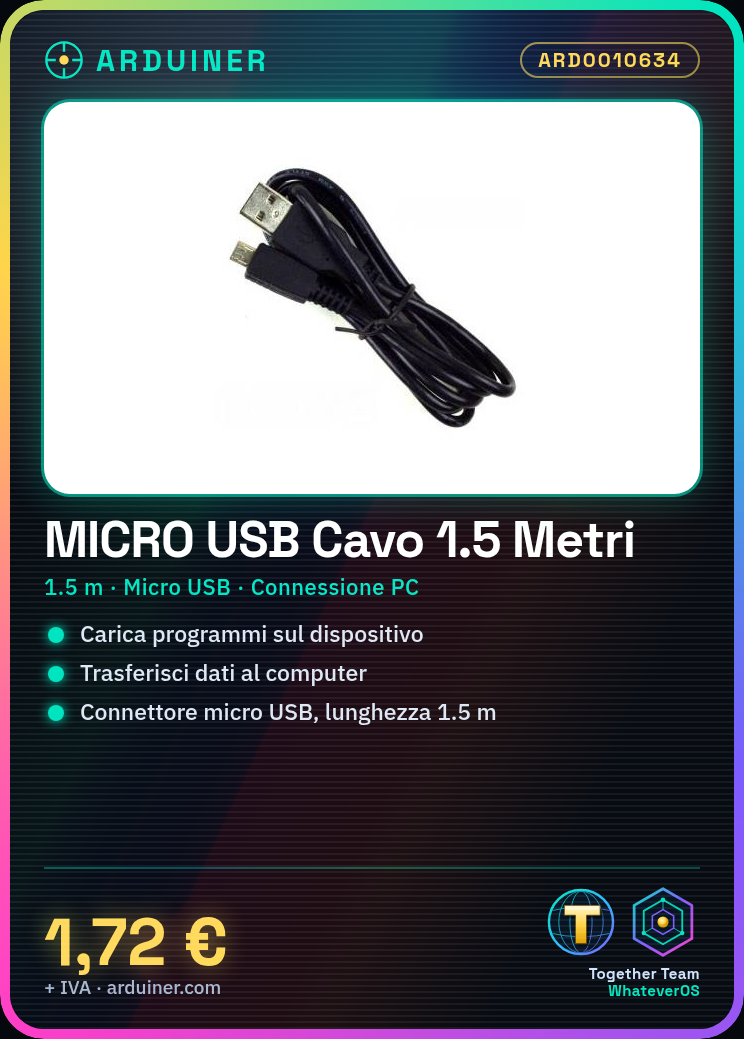
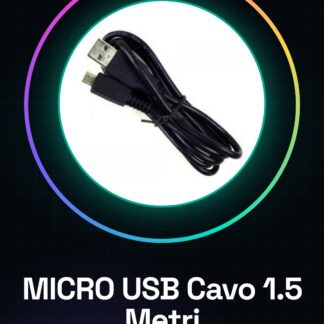
Micro USB Cable 1.5m
Tutorial: How to Use 1.5m Micro USB Cable
The micro USB cable is a fundamental component for anyone working with Arduino or other devices that require a connection to a computer. It is primarily used to upload programs to your device and access collected data.
What You Need
– Arduino
– Computer
– Device with micro USB port
Steps
1. Check the cable length (1.5m) to ensure it is suitable for your setup.
2. Connect the A end of the cable to the Arduino or other micro USB device.
3. Insert the other end of the cable into the USB port on your computer.
4. Verify the connection via the Arduino software (if uploading a program) or check if data is transferring correctly.
Mini-project
Create a simple data monitoring interface using an Arduino and the micro USB cable.
Common Errors
– Using a damaged or non-functional cable
– Inserting the cable incorrectly into the device, check the correct polarity
– Not checking if the device drivers are installed on the computer
– Using a cable that is too long, which can cause interference or signal loss
Recommended Accessories
– Micro USB Adapter
– Ethernet Cable for alternative connection
– Extended USB Port
– Multiple Micro USB Cables
Frequently Asked Questions
– What is the length of the cable? The cable has a length of 1.5m.
– Can I use this cable with other devices besides Arduino? Yes, the micro USB cable is compatible with any device that uses micro USB connectors.
Reviews
There are no reviews yet.