 EN
 IT Italiano
 ES Español
 FR Français
 DE Deutsch
Description
What it is
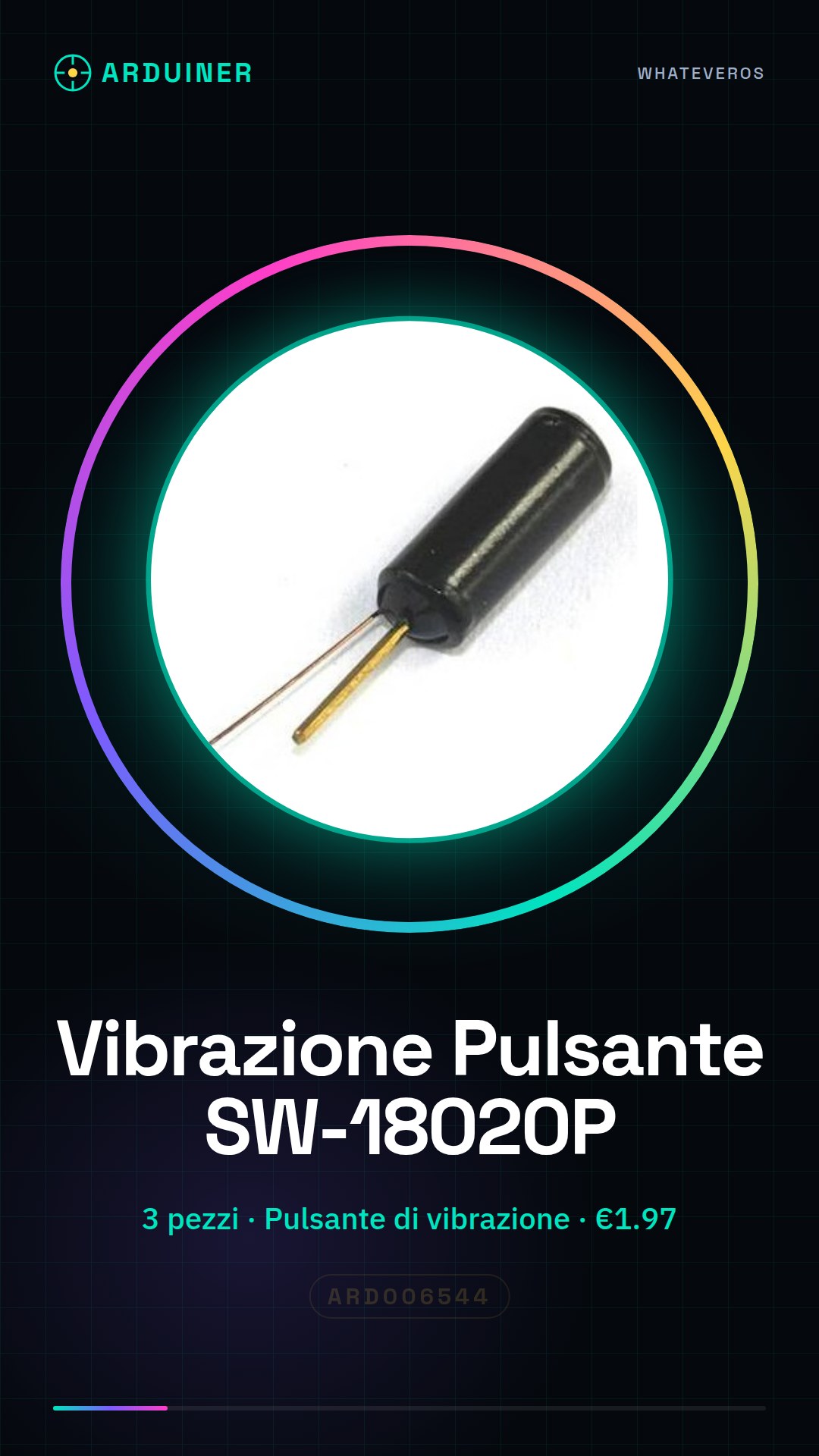
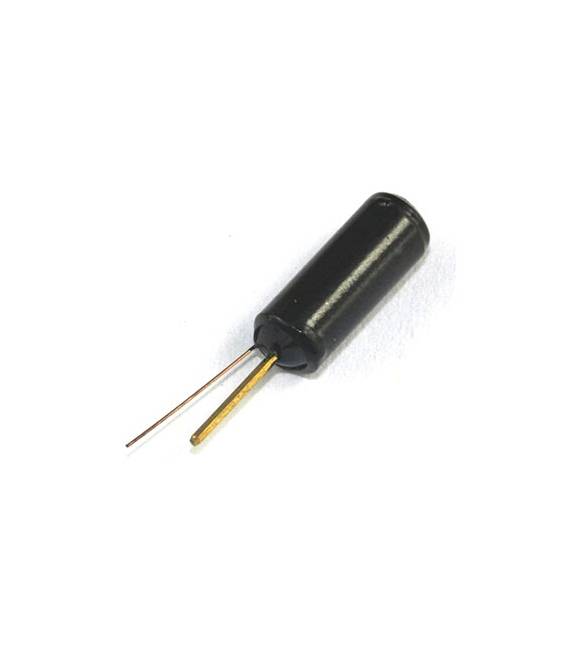
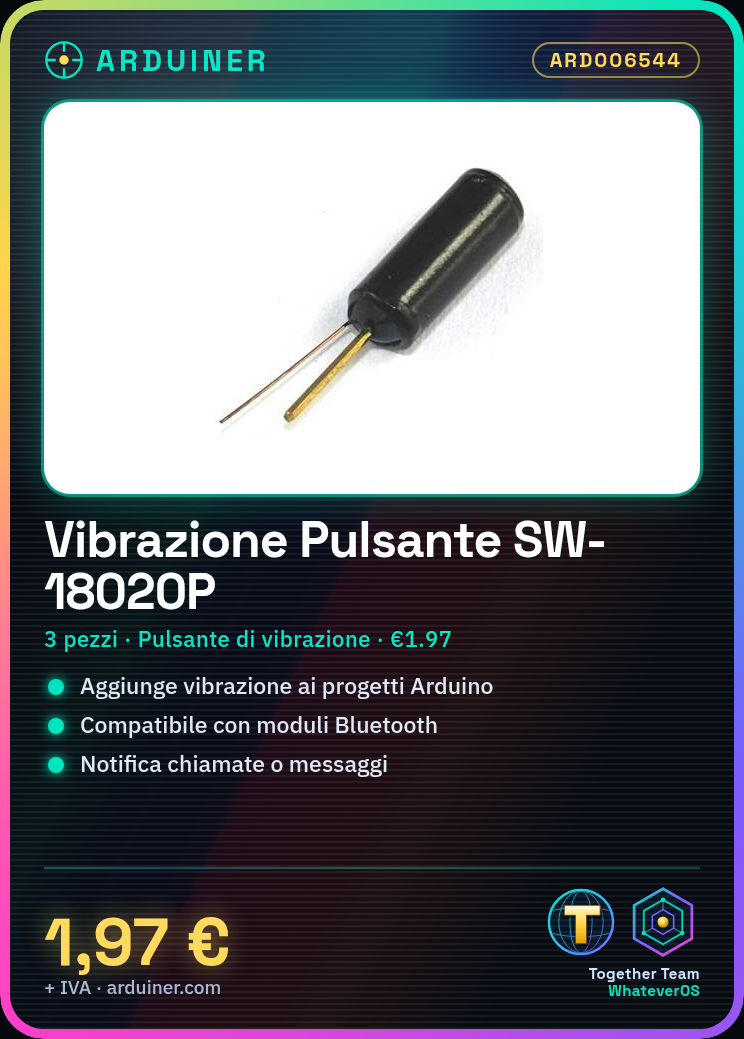
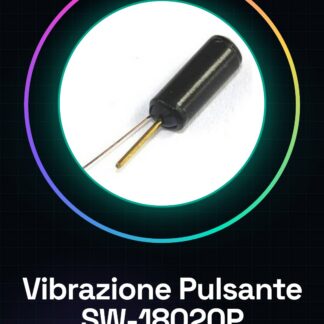
The Vibration Switch SW-18020P is an electronic component that produces vibrations. It is sold in packs of 3 pieces.
Features
- Name: SW-18020P
- Quantity: 3 pieces
- Type: Vibration Switch
- Price: 1.97 €
- SKU: ARD006544
What it is for
The Vibration Switch SW-18020P can be used to add a vibration function to Arduino projects. It is ideal for creating small notification devices that vibrate in response to events such as calls or messages. Compatibility with Bluetooth modules allows the device to be connected to smartphones to activate the vibration.
Tutorial: How to use Vibration Switch SW-18020P
The Vibration Switch SW-18020P is a small component used to add a vibration sensation to your Arduino projects. Ideal for beginner and intermediate makers who want to create interactive devices.
What you need
- Arduino Uno or compatible
- 2-pin header connectors
- USB power supply
Steps
- Connect the button to the digital pin of the Arduino using the header connectors.
- Download and upload the provided sketch to manage the vibration activation.
- Check that the vibration activates when you press the button.
- If necessary, adjust the code to change the duration or frequency of the vibration.
Example code
void setup() {
  pinMode(2, OUTPUT);
}

void loop() {
  if (digitalRead(2) == HIGH) {
    digitalWrite(2, LOW);
  } else {
    digitalWrite(2, HIGH);
  }
}
Mini project
Create a small notification device that vibrates when you receive a call or a message. You can use a Bluetooth module to connect to your phone and activate the vibration.
Common mistakes
- Incorrect button connection.
- Insufficient power supply to vibrate the component.
- Syntax error in the Arduino code.
Recommended accessories
- Bluetooth Module HC-05
- 3.7V LiPo Battery with Protection
- 5V SPDT Relay Module
- 16×2 LCD Display
Frequently asked questions
How can I control the duration of the vibration?
You can modify the Arduino code to regulate how long the vibration activation lasts.
The button does not vibrate, what should I do?
Check that the power supply provides an adequate voltage and verify the connections with the Arduino.
Reviews
There are no reviews yet.