 EN
 IT Italiano
 ES Español
 FR Français
 DE Deutsch
Description
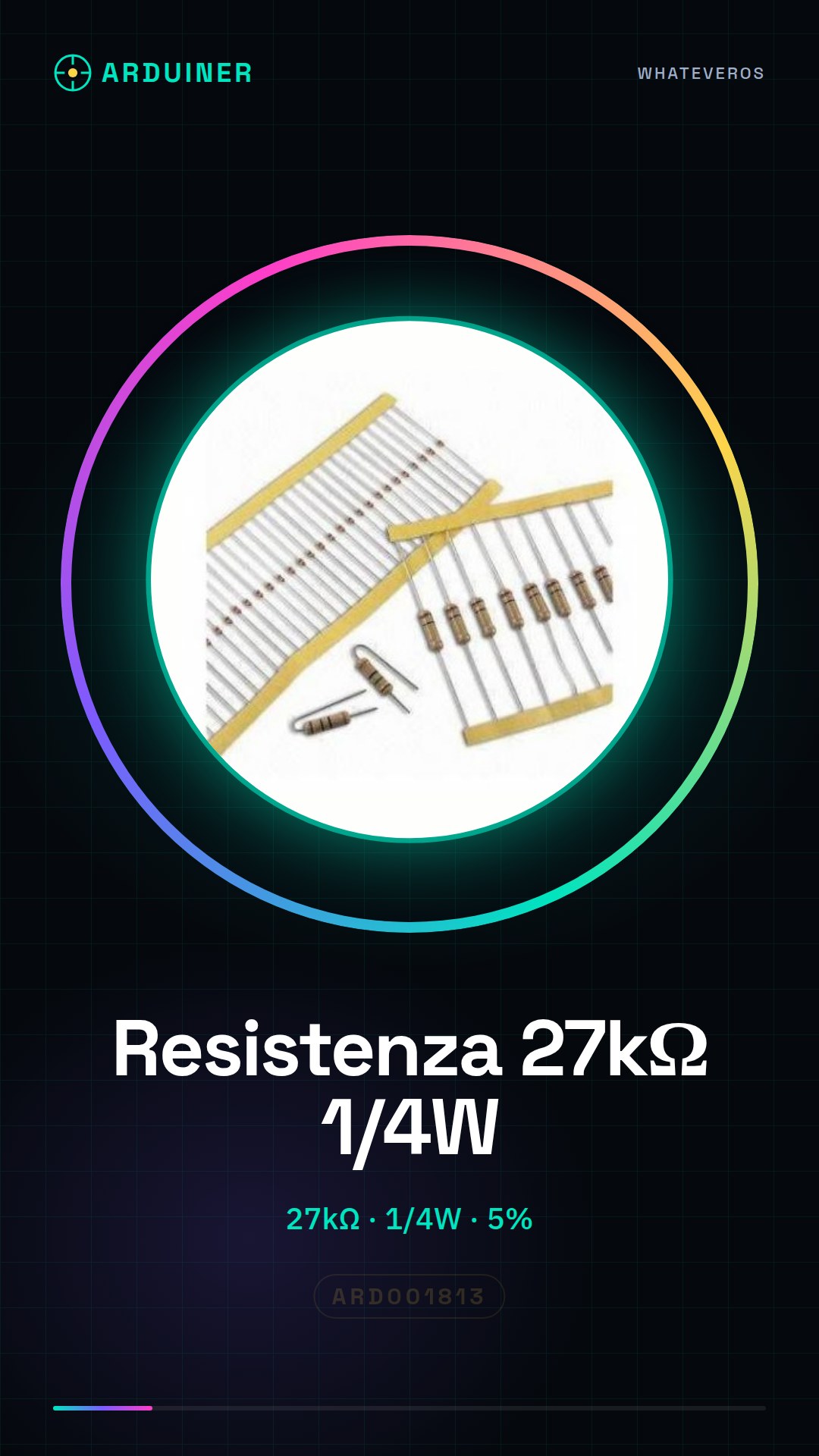
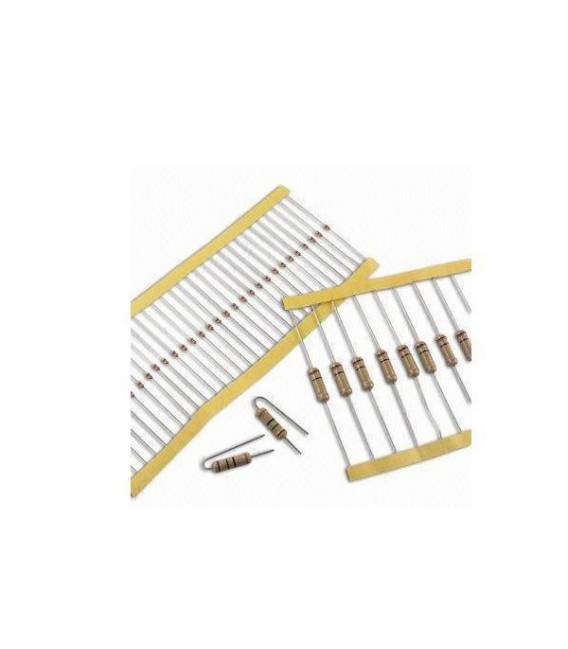
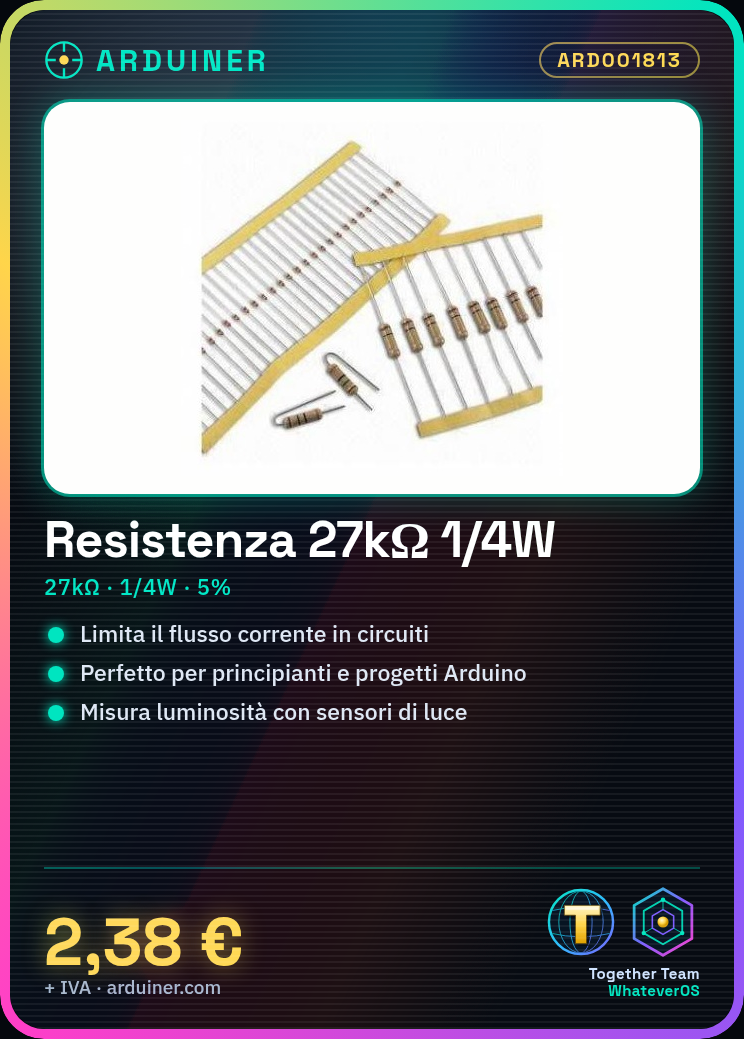
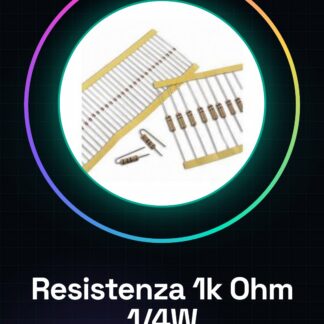
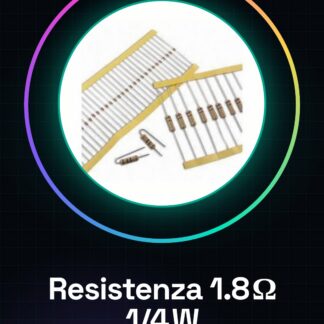
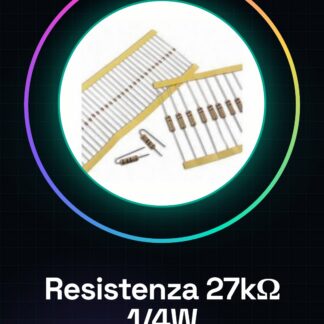
50PCS Resistor 27K ohm 27000 ohm 1/4w 1/4 w 5%
Tutorial: How to use Resistor 27K ohm
The 27kΩ resistor is a fundamental component to limit the flow of current in electronic circuits. Ideal for beginners and Arduino projects.
What you need
- Arduino Uno
- USB Cable
- Baseboard Kit
Steps
- Connect the Arduino to the computer via USB cable.
- Check the resistor on the datasheet to understand the precise value.
- Connect the wires to the resistor and the Arduino according to your circuit diagram.
- Load a simple sketch that reads the value of the resistor.
- Monitor the output through the Arduino IDE serial console.
Example code
const int sensorPin = A0;

void setup() {
  Serial.begin(9600);
}

void loop() {
  int val = analogRead(sensorPin);
  float voltage = (val / 1024.0) * 5.0;
  Serial.println(voltage);
}
Mini project
Create a light sensor using the resistor as part of the voltage divider to measure the light level in a room.
Common mistakes
- Connecting the wires to the circuit without first checking the resistor specifications.
- Using incorrect values in the Arduino code, not corresponding to the actual resistor value.
- Do not connect the ground (GND) between the circuit and the Arduino.
Recommended accessories
- Baseboard Kit
- USB Cable for Arduino Uno
- Light Sensors
Frequently asked questions
How do I check the resistor value?
Use a multimeter or check the product datasheet.
What is the maximum power this resistor can handle?
Check the datasheet, but generally for a 1/4w resistor the maximum power is 0.25W.

Reviews
There are no reviews yet.