 EN
 IT Italiano
 ES Español
 FR Français
 DE Deutsch
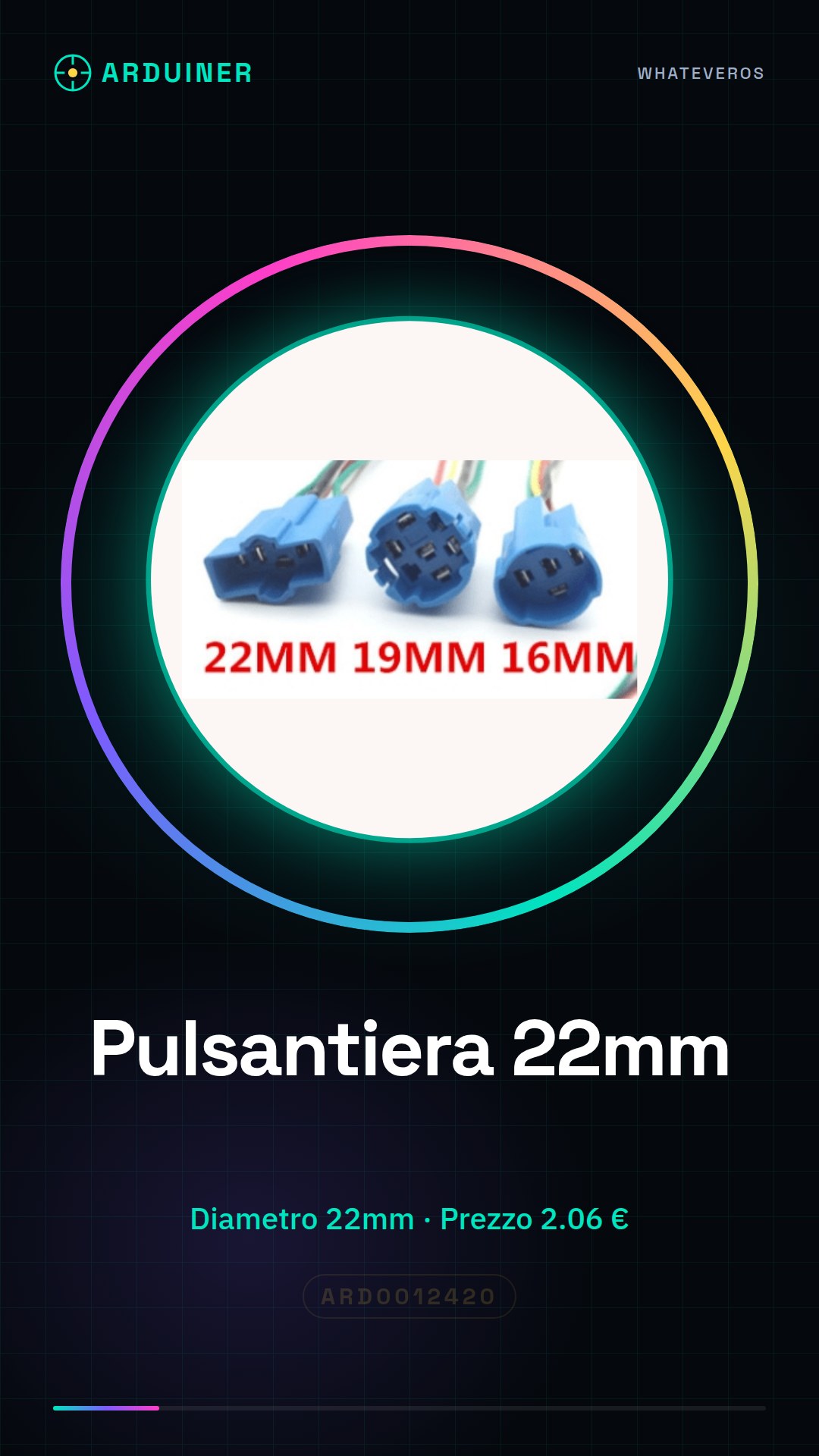
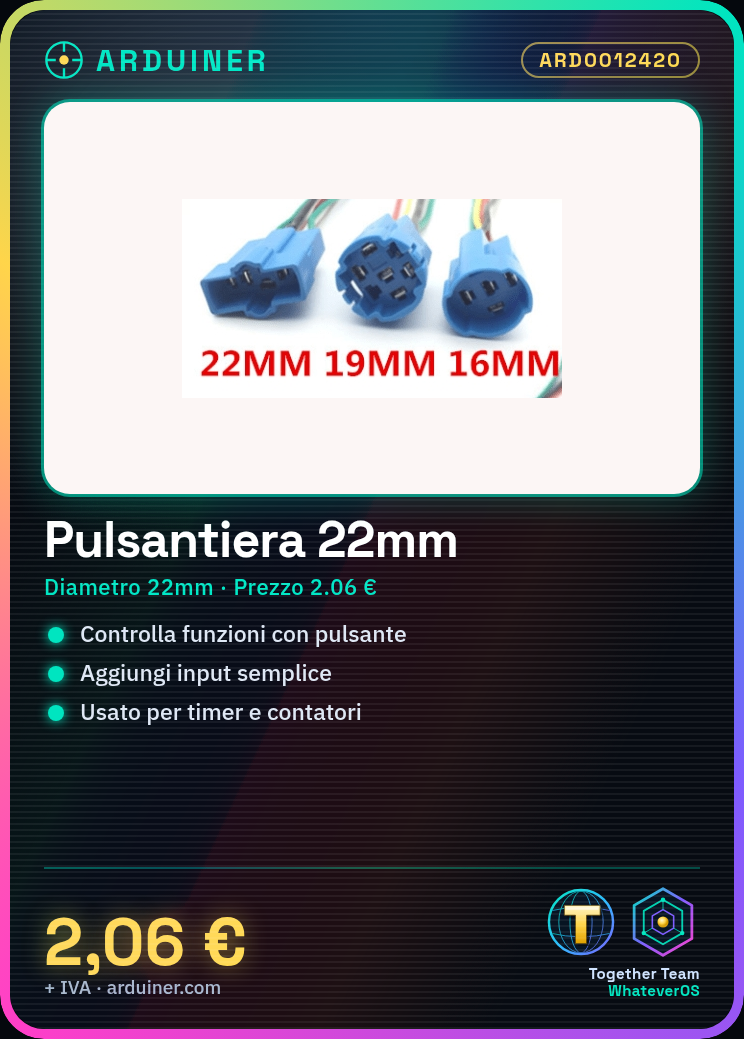
Description
What it is
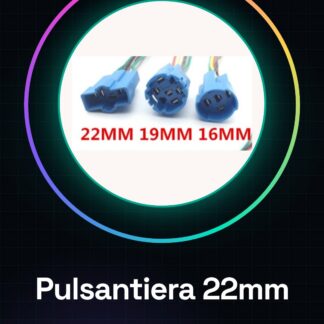
The 22mm push button panel is an electronic component used to interact with electronic circuits, particularly in Arduino-based projects. This component allows you to add an input interface to devices, enabling users to control device functions by pressing the button.
Features
- Diameter: 22mm
- SKU: ARD0012420
- Price: 2.06 €
What it is for
The 22mm push button panel is ideal for projects that require a simple and intuitive input interface. You can use it to create timers, counters, or any other function that requires user interaction. It is compatible with Arduino and other microcontrollers such as ESP32 and ESP8266.
Tutorial: How to Use 22mm Push Button Panel
The 22mm push button panel is a fundamental component for anyone who wants to create simple and intuitive user interfaces for their Arduino projects. Ideal for beginners and makers who want to add an input interface to their devices.
What you need
- Arduino Uno
- USB cable
- Prototype board
- Connectors
Steps
- Connect the push button panel to the prototype board
- Check the correct position of the contacts on the push button panel
- Connect the pins of the push button panel to the digital pins of the Arduino
- Write a sketch to read the state of the push button panel
- Compile and upload the sketch to Arduino
- Verify the functionality of the push button panel
Example code
const int pulsantePin = 2;

void setup() {
  pinMode(pulsantePin, INPUT);
}

void loop() {
  int pulsanteStato = digitalRead(pulsantePin);
  if (pulsanteStato == HIGH) {
    Serial.println("Pulsante premuto");
  }
}
Mini project
Create a simple timer: connect the 22mm push button panel to a 7-segment LED display. Each time you press the button, the timer starts or stops. Show the elapsed time on the display.
Common mistakes
- Connect the button to the wrong pin of the Arduino
- Do not verify the correct position of the contacts
- Do not connect the push button panel pins correctly
- Do not add pull-up or pull-down resistors
Recommended accessories
- LED 7-segment display
- Resistors
- Prototype board
- USB cable
Frequently asked questions
Which pins should I use for the push buttons?
Use an available digital pin on the Arduino.
How can I connect multiple buttons?
Use a multiplexer or decoder to manage multiple buttons with fewer pins.
Reviews
There are no reviews yet.