 EN
 IT Italiano
 ES Español
 FR Français
 DE Deutsch
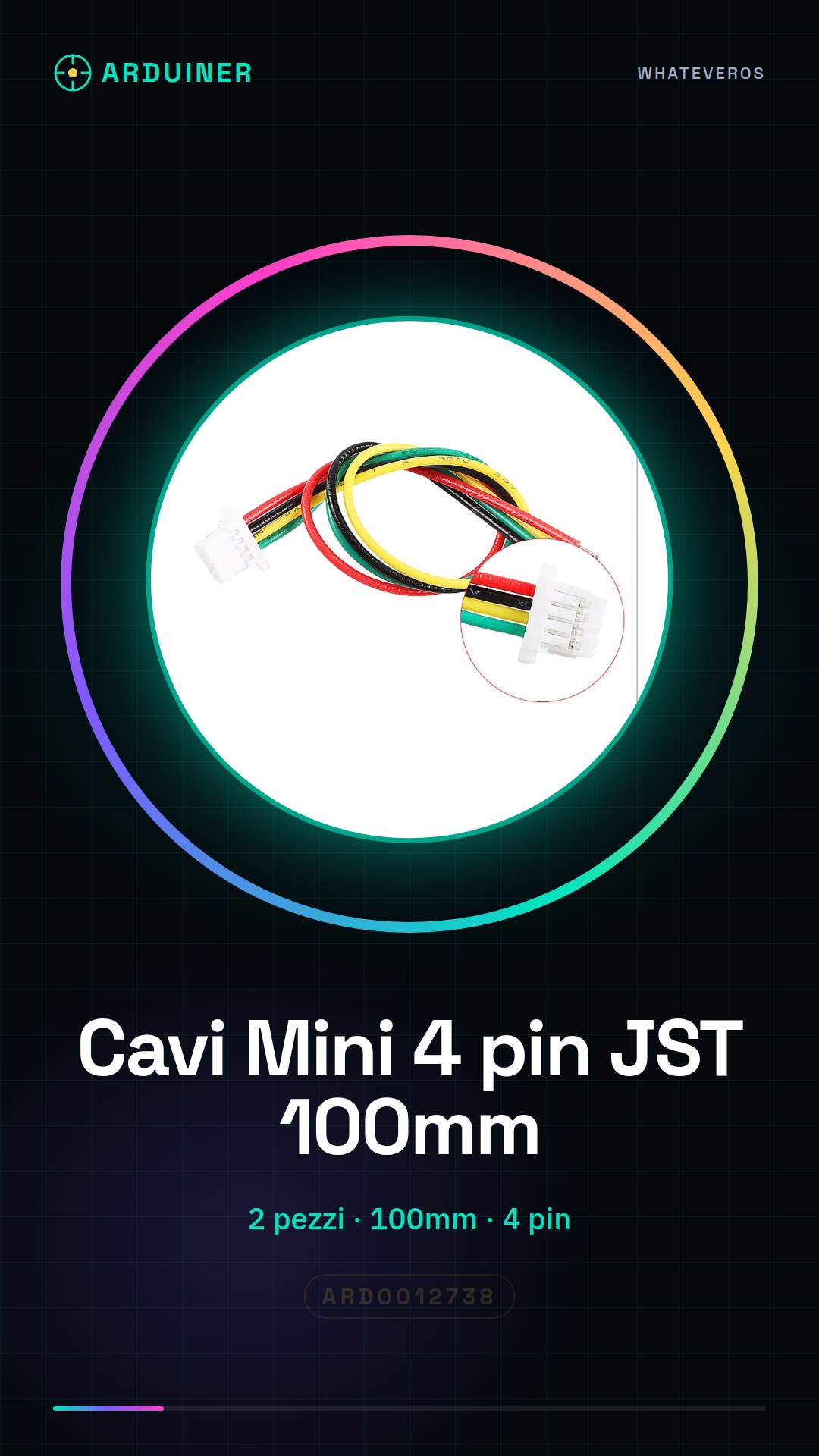
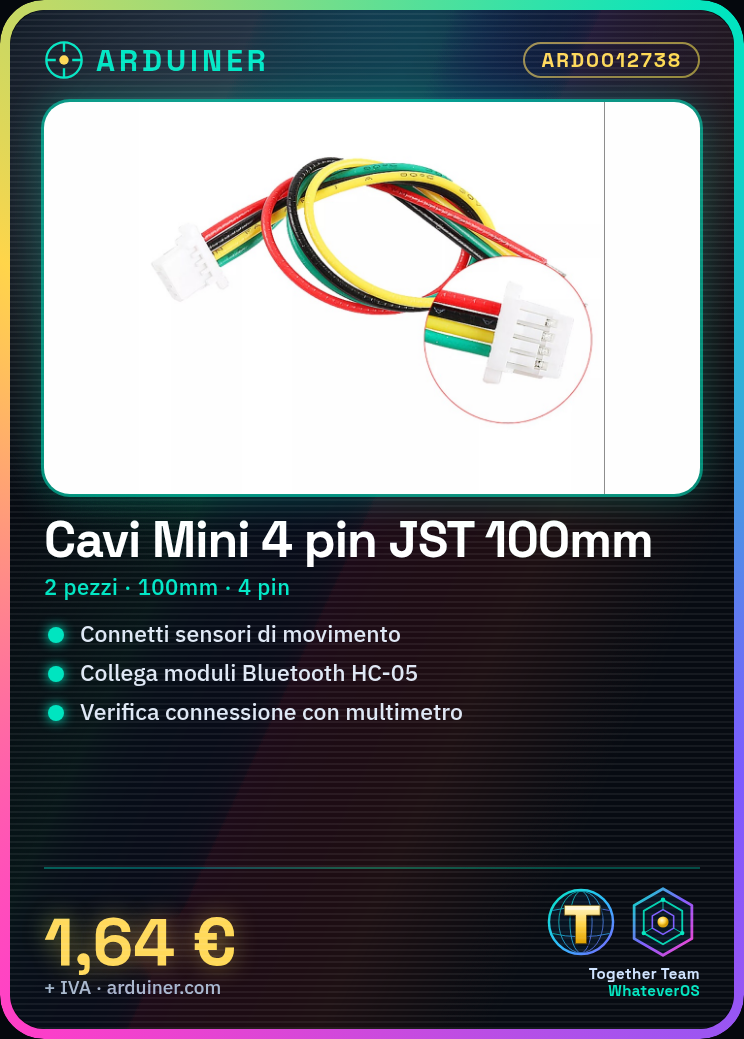
Description
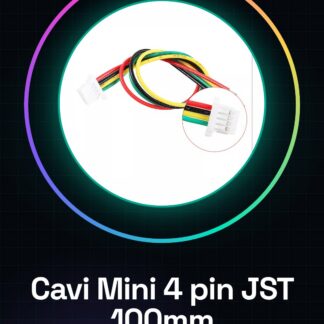
Tutorial: How to Use Mini Micro SH1.0 4 Pin JST Cables 100mm
The Mini Micro SH1.0 4 pin JST cables are useful for connecting devices that require power and data communication, such as sensors, Bluetooth modules, and other Arduino devices. They are ideal for home and laboratory electronics projects.
What you need
- Arduino
- sensor
- Bluetooth module
- batter
Steps
- Check that the JST connector is compatible with the device you intend to connect.
- Cut the cable to the desired length, if necessary.
- Use a soldering iron to connect the cable to the device.
- Check the electrical connection with a multimeter.
- Check the device’s datasheet for connectivity specifications.
- If necessary, use insulation to protect the connectors.
- Check that the device connects correctly and functions as expected.
Mini project
Create a home security system with a motion sensor and a Bluetooth module, using JST cable to connect the sensor to the module.
Common mistakes
- Do not check the JST connector compatibility.
- Cut the cable without first checking the length.
- Do not protect soldered connectors.
- Do not check the electrical connection after the connection.
Recommended accessories
- PIR Motion Sensor
- Bluetooth HC-05 Module
- Soldering Iron
- Connector Insulator
Frequently asked questions
Is the cable compatible with all devices?
Check the device datasheet for JST connector compatibility.
How to protect the connectors?
Use an insulator after soldering the connectors.
What tools are needed?
Soldering iron, multimeter, connector insulator.
Reviews
There are no reviews yet.