 EN
 IT Italiano
 ES Español
 FR Français
 DE Deutsch
Description
What it is
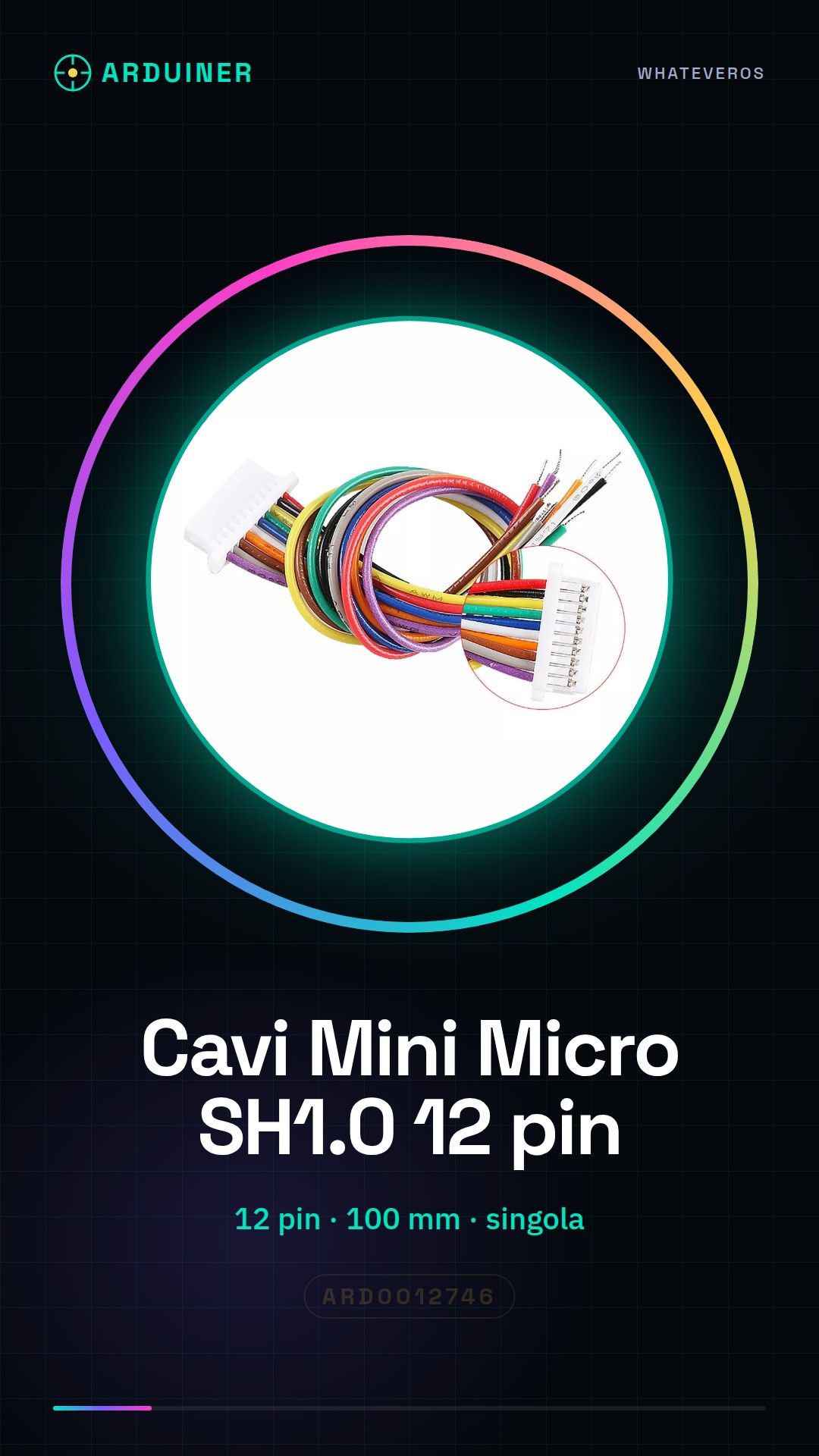
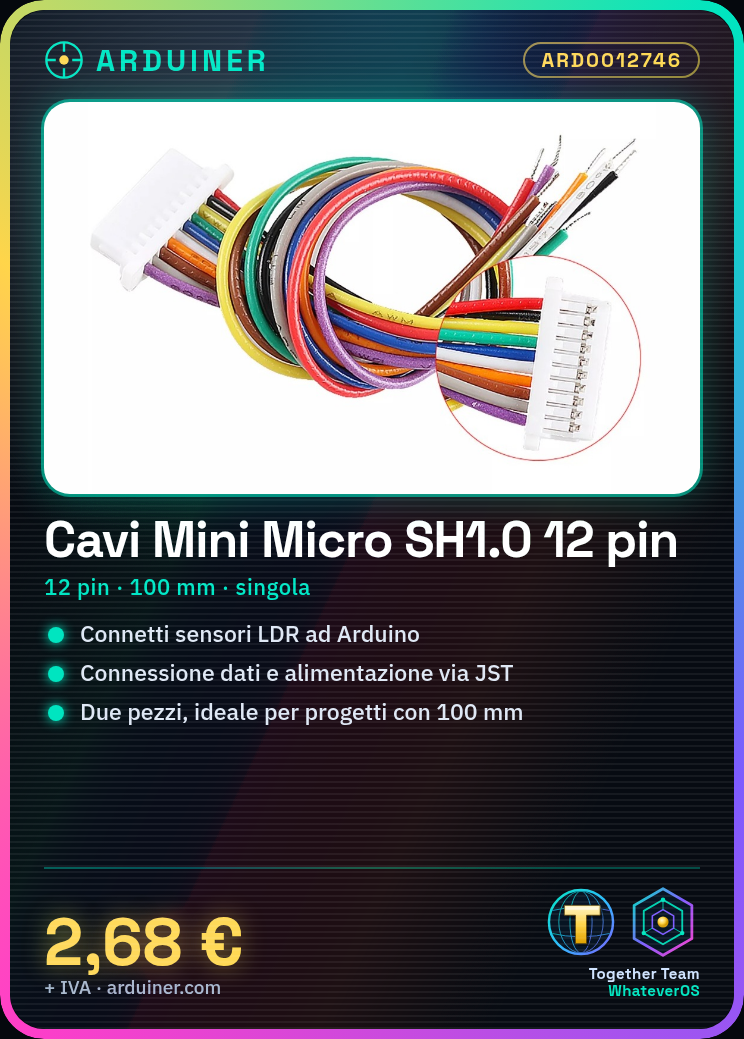
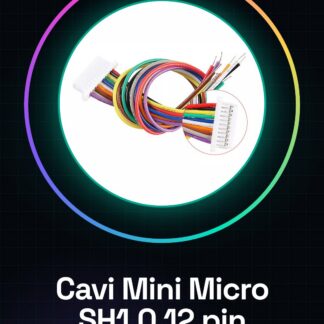
These JST cables are useful for connecting electronic devices that require JST connectors. With a single-ended design, these cables are ideal for projects that need a 100 mm JST connection.
Features
- Connector Type: Mini Micro SH1.0
- Number of Pins: 12
- Cable Length: 100 mm
- Ends: single
What it is for
These JST cables are useful for connecting sensors and other electronic devices to an Arduino board or other electronic components. They are particularly useful for projects that require data transmission or power supply via JST. For example, they can be used to connect a light sensor (LDR) to an Arduino board.
Tutorial: How to Use Cables Mini Micro SH1.0 12 pin JST 100 mm
These JST cables are ideal for connecting electronic devices that use JST connectors. They are particularly useful for Arduino projects that require power supply or data transmission via JST.
What you need
- Arduino
- device with JST connector
- tool for cutting wires
- tool for removing insulation
Steps
- Cut the JST wire to the desired length.
- Remove the outer insulation from the cut wire.
- Identify the internal wires of the cable and verify the color match with the target connector.
- Connect the JST cable wires to the corresponding pins of the connector.
- Ensure that the wires are securely connected and that there are no short circuits.
- Insert the JST cable into the target connector to complete the connection.
Mini project
Create a light sensor with an LDR and an Arduino. Use the JST cable to connect the sensor to the Arduino board.
Common mistakes
- Do not verify the wire color match.
- Do not solder the wires correctly.
- Use a cable that is too long or too short.
- Do not check the connection after the connection is made.
Recommended accessories
- JST connector
- soldering tool
- electronic test kit
- Arduino Uno
Frequently asked questions
Which pins to use?
Check the datasheet of the target connector.
How to solder the wires?
Use a soldering iron and solder flux.
Reviews
There are no reviews yet.