 EN
 IT Italiano
 ES Español
 FR Français
 DE Deutsch
Description
What it is
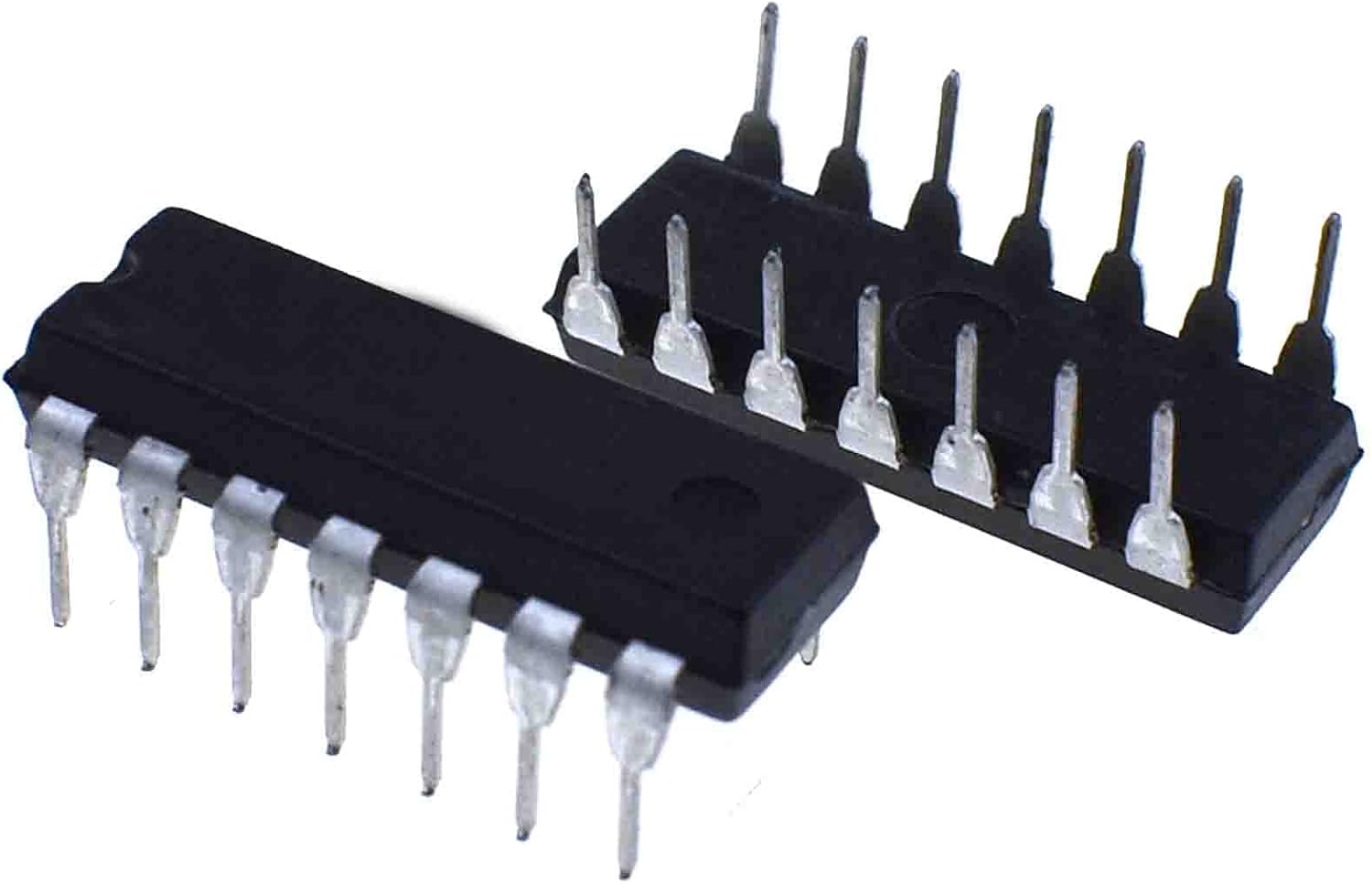
The SN74LS107N is a JK D-flip-flop integrated circuit used for data storage and flow control in digital electronics projects. This component is ideal for makers and students learning the basics of digital logic and circuits.
Features
- JK D-flip-flop integrated circuit
- 14 pin
- Ideally used for counters and registers
- Compatible with Arduino projects and digital electronics
What it is for
The SN74LS107N can be used to create a simple binary counter by connecting two integrated circuits in series. Additionally, it can be connected to LEDs to display counts. It is a fundamental component for digital logic and data storage projects.
Tutorial: How to use SN74LS107N JK Flip-Flop
The SN74LS107N is a JK D-flip-flop integrated circuit used for data storage and flow control in digital electronics projects. It is ideal for makers and students learning the basics of digital logic and circuits.
What you need
- Arduino Uno
- Breadboard connections
- 5V power supply
- Pull-up resistors
- LEDs
Steps
- Connect the Arduino to the breadboard.
- Connect the SN74LS107N pins to the Arduino pins as specified in the datasheet.
- Check the power supply and common ground.
- Connect the J and K control pins.
- Connect the clock pin.
- Connect an LED as an example of output.
- Write an Arduino sketch to test the flip-flop.
- Verify operation with an oscilloscope or multimeter.
Example code
void setup() {
  pinMode(2, OUTPUT); // Output del flip-flop
  pinMode(3, OUTPUT); // Clock
  pinMode(4, OUTPUT); // J
  pinMode(5, OUTPUT); // K
}

void loop() {
  digitalWrite(4, HIGH); // J = 1
  digitalWrite(5, LOW); // K = 0
  digitalWrite(3, HIGH); // Clock = 1
  delay(1000);
  digitalWrite(3, LOW); // Clock = 0
  delay(1000);
}
Mini project
Create a simple binary counter using two SN74LS107N connected in series. Connect the flip-flops to LEDs to display the counts.
Common mistakes
- Failed to verify power supply voltage.
- Incorrect pin control connections.
- Failed to clean signals with pull-up resistors.
- Ignore clock synchronization.
Recommended accessories
- Arduino Uno
- Test connections
- Oscilloscope
- Multimeter
Frequently asked questions
What is the supply voltage of the SN74LS107N?
Check the datasheet.
How many JK flip-flops are included in this package?
2 JK flip-flops.

Reviews
There are no reviews yet.