 EN
 IT Italiano
 ES Español
 FR Français
 DE Deutsch
Description
What it is
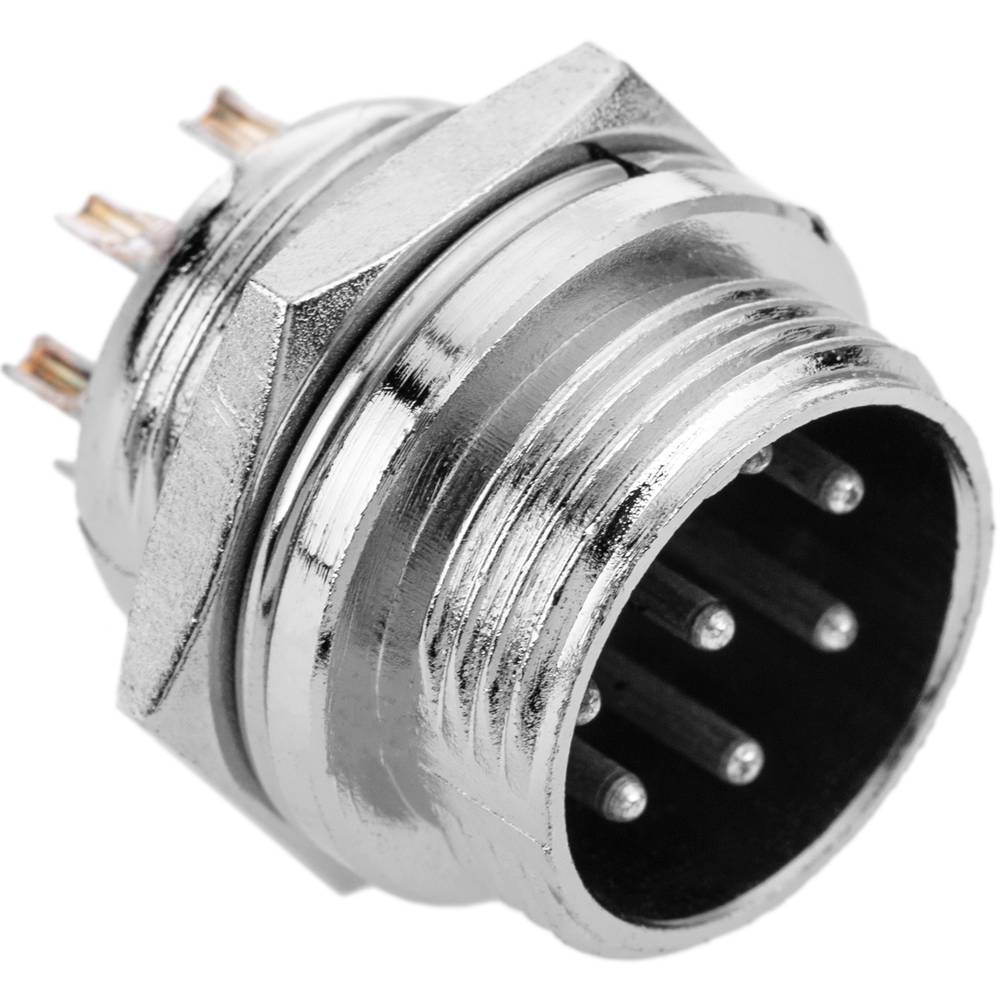
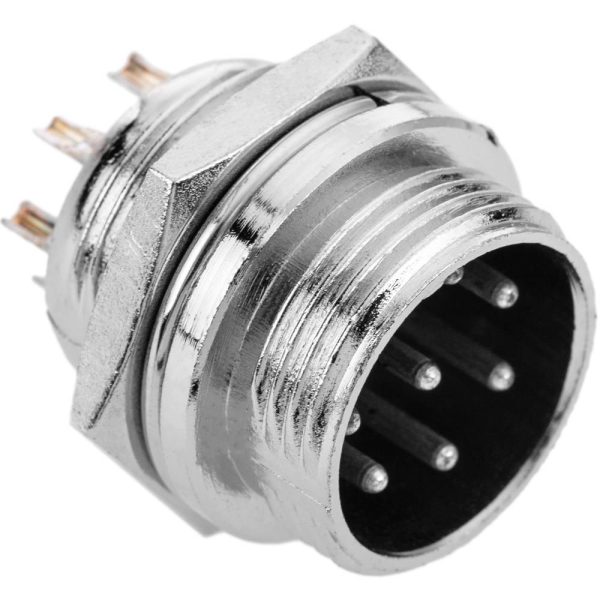
The GX16 8P aviation connector is an electronic component used to connect power lines and signals in electronic projects, such as drones and RC flight systems. This connector provides a secure and quick connection between various components.
Features
- Type: Aviation Connector GX16 8P
- Plates: 8
- Compatible with Arduino and other electronic systems
What it is for
The GX16 8P aviation connectors are ideal for connecting electronic components such as LEDs, motion sensors, and power modules. They are useful in general electronic projects, drones, and RC flight systems.
Tutorial: How to Use Male Aviation Connector GX16 8P
The GX16 8P aviation connector is ideal for connecting power lines and signals in electronics projects, particularly in drones and RC flight systems. This tutorial will guide you through the use of this connector in Arduino and general electronics projects.
What you need
- Arduino
- connection cable
- test pin
Steps
- Check the datasheet for the compatible female connector type.
- Prepare the male end of the GX16 8P connector.
- Connect the GX16 8P connector to the connection cable.
- Check the datasheet for the pin layout and correct connection.
- Connect the connection cable to the circuit or electronic module.
- Verify the connection with a multimeter or test pin.
- If necessary, apply thermal solder to secure the connector.
- Test the connection with a simple Arduino sketch or test circuit.
Mini project
Create a status indication system with an LED and a motion sensor, using the GX16 8P connector to connect the circuit to a power module.
Common mistakes
- Do not verify the compatibility of the female connector.
- Do not apply the soldering paste correctly.
- Connect the connector without testing it first.
- Do not verify the correct pinout.
Recommended accessories
- GX16 8P connection cable
- Soldering paste
- Multimeter
- Test pins
Frequently asked questions
What is the difference between GX16 and GX14?
GX16 has 8 positions, while GX14 has 4.
Can I use these connectors in 3D printing projects?
Yes, but make sure the connector is compatible with your 3D printer setup.
What is the melting temperature of the soldering paste?
Check the connector datasheet.
Reviews
There are no reviews yet.