 EN
 IT Italiano
 ES Español
 FR Français
 DE Deutsch
Description
What it is
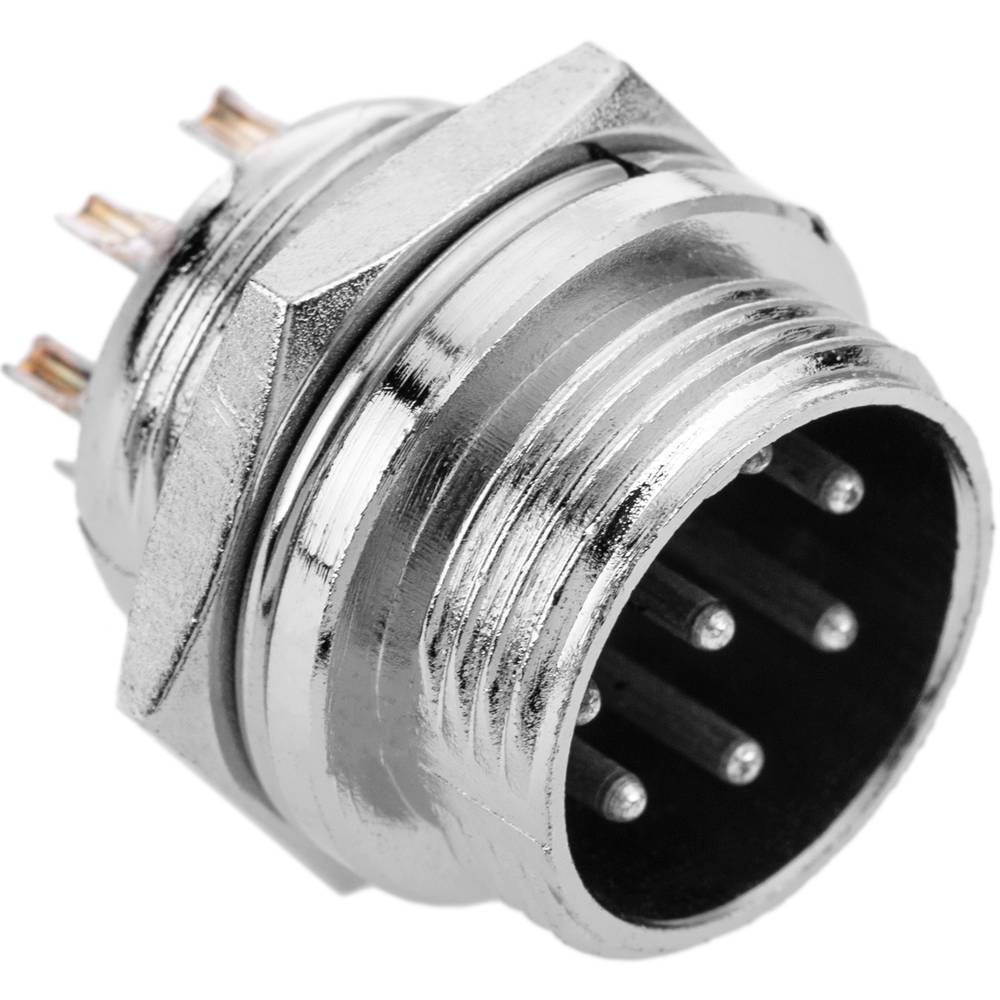
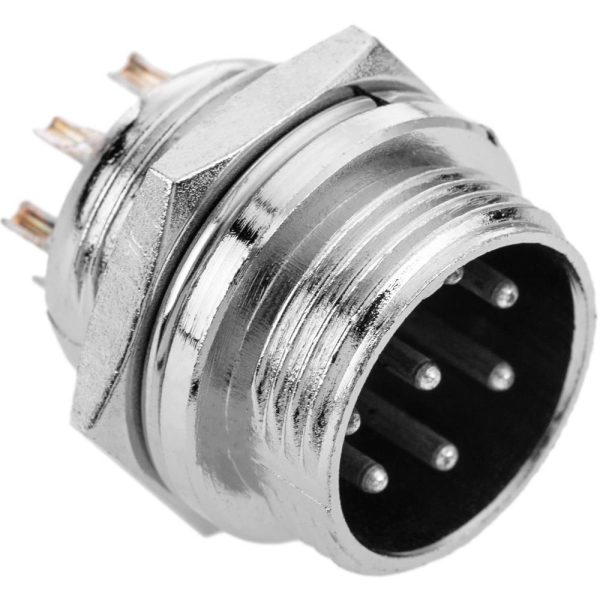
The aviation connector GX16 9P is an essential component for electronics projects, drones, and 3D printers. This connector is designed to establish a secure and reliable connection between various project components.
Features
- 2 pieces
- Aviation Connector GX16 9P
- 9 positions
What it is for
Aviation connectors GX16 9P are ideal for projects requiring a stable connection between various components, such as drones, 3D printers, and remote monitoring systems. They are compatible with Arduino and other microcontrollers like ESP.
Tutorial: How to Use Male Aviation Connector GX16 9P
The aviation connector GX16 9P is an essential tool for makers working on electronics, drones, and robotics projects. This connector is perfect for establishing a secure and reliable connection between various project components.
What you need
- drone projects
- robotics
- monitoring systems
- component interconnection
Steps
- Check the connector compatibility with the project components.
- Prepare compatible female cables and connectors.
- Use a crimping tool to connect the GX16 9P connector to the cable.
- Verify the connection with a multimeter.
- If necessary, apply thermoplastic solder to protect the connectors.
- Connect the GX16 9P connector to the target component.
- Verify the stability of the connection.
- Test the functionality of the project.
Mini project
Create a remote monitoring system with a temperature sensor and a wireless communication module. Connect the sensor to the GX16 9P connector and send the data to an online platform.
Common mistakes
- Use an incompatible connector.
- Do not apply thermoplastic solder to protect the connectors.
- Do not verify the connection before using the project.
- Use a lower quality multimeter to verify the connection.
Recommended accessories
- Compatible connection cables
- Female aviation connector GX16 9P
- Thermoplastic mount
- Digital multimeter
Frequently asked questions
What is the difference between GX16 and GX14?
The GX16 has more contacts than the GX14, making it more suitable for more complex connections.
Where can I find the datasheet?
The datasheet is available on the manufacturer’s website or on the Arduiner website.
Can I use the GX16 9P connector with Arduino?
Yes, but check the connector compatibility with Arduino pins.
Reviews
There are no reviews yet.