 EN
 IT Italiano
 ES Español
 FR Français
 DE Deutsch
Description
What it is
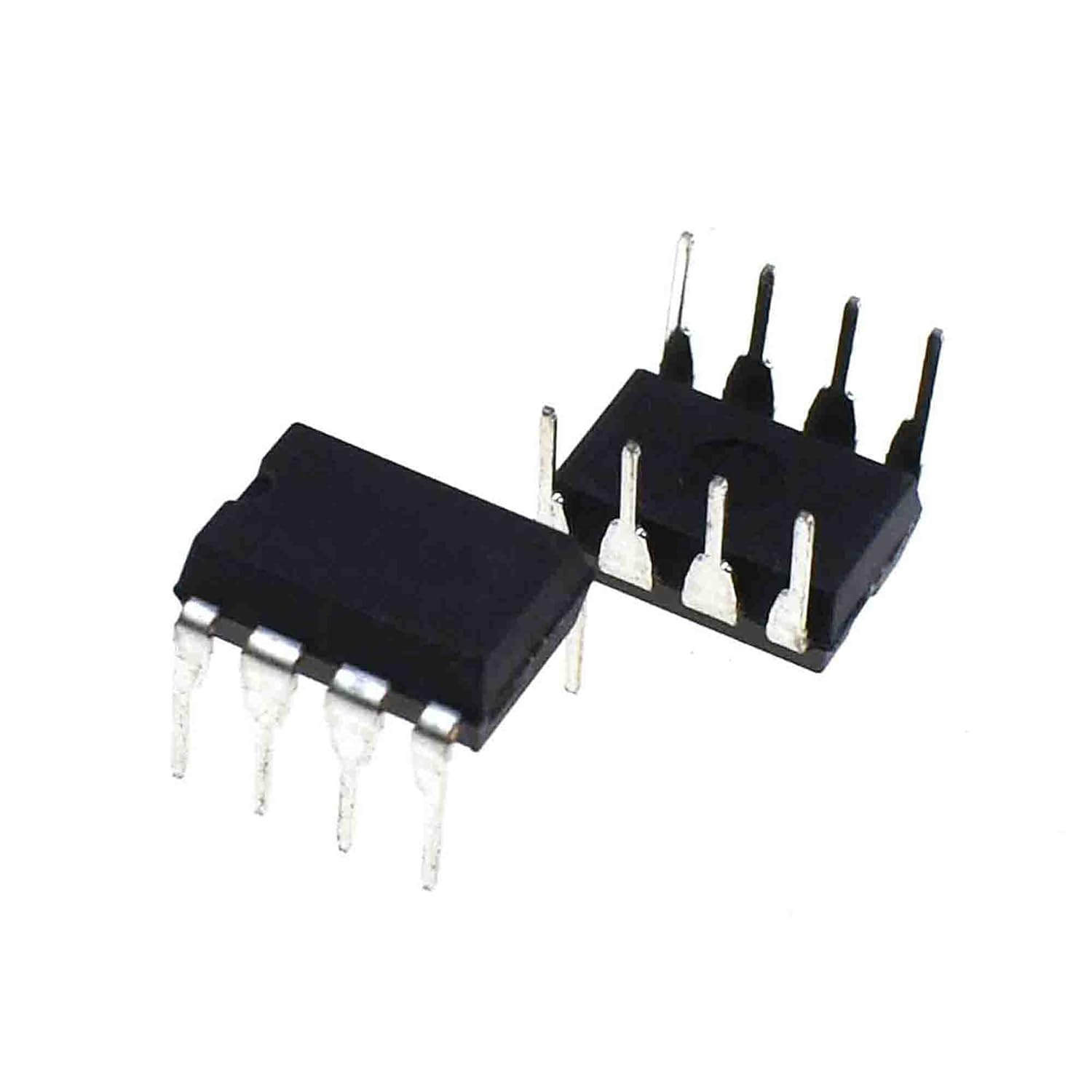
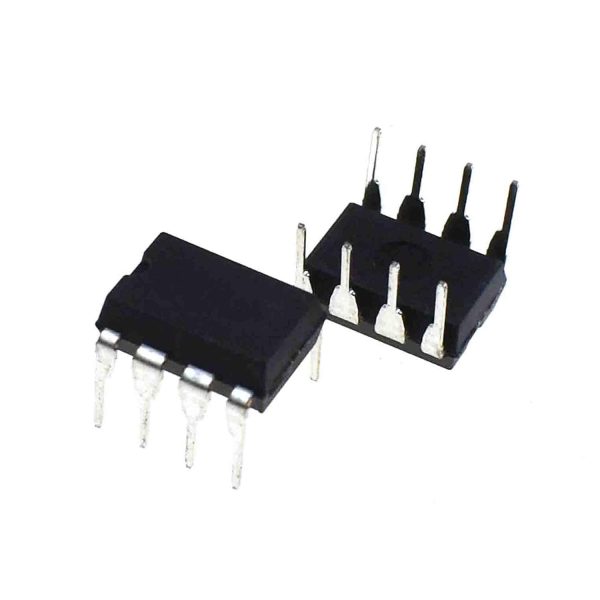
The LM393 TI is a dual-input comparator used to compare two voltages and generate a logic signal at the output. This component is ideal for Arduino projects and control systems that require the management of analog sensors or the creation of voltage threshold-based triggers.
Features
- Ideally suited for Arduino projects and control systems
- Allows monitoring and converting voltages into digital signals
- Used to compare two voltages and generate a logic signal at the output
- Perfect for the realization of light sensors or other analog sensors
What it is for
The LM393 TI is used to implement projects that require the management of analog sensors or the creation of triggers based on voltage thresholds. For example, it can be used to create a light sensor that turns on an LED when ambient light exceeds a certain threshold. It is compatible with Arduino and other microcontrollers.
Tutorial: How to use LM393 – Dual Input Comparators
The LM393 is a dual input comparator used to compare two voltages and generate a logic signal at the output. It is ideal for Arduino projects that require the management of analog sensors or the creation of triggers based on voltage thresholds.
What you need
- Arduino Uno
- LED
- Resistor
- Cable / Wire / Lead
- Breadboard
Steps
- Connect pin 1 of the LM393 to pin 5V of the Arduino.
- Connect pin 8 of the LM393 to pin GND of the Arduino.
- Connect pin 2 of the LM393 to pin A0 of the Arduino.
- Connect pin 3 of the LM393 to pin A1 of the Arduino.
- Connect pin 6 of the LM393 to an LED through a resistor.
- Write the Arduino sketch to read the values of pins A0 and A1 and check the comparator output.
- Verify that the LED turns on when the voltage on pin A0 exceeds that on pin A1.
- Change the voltage values on pins A0 and A1 to test different output conditions.
Example code
void setup() {
  pinMode(A0, INPUT);
  pinMode(A1, INPUT);
  pinMode(6, OUTPUT);
}

void loop() {
  int valA0 = analogRead(A0);
  int valA1 = analogRead(A1);
  if (valA0 > valA1) {
    digitalWrite(6, HIGH);
  } else {
    digitalWrite(6, LOW);
  }
}
Mini project
Create a light sensor that turns on an LED when ambient light exceeds a certain threshold.
Common mistakes
- Do not connect pin 8 of the LM393 to ground, otherwise the comparator will not function correctly.
- Do not forget to connect a resistor between the comparator output and the LED to protect the device.
- Do not connect pin 2 or 3 of the LM393 to voltages higher than 30V.
- Do not use the comparator to power high current circuits directly from the output.
Recommended accessories
- Arduino Uno
- LED
- Resistors
- Breadboard
Frequently asked questions
What is the minimum supply voltage for the LM393?
Check the datasheet.
What is the maximum output current of the LM393?
Check the datasheet.
Can the LM393 be used to compare negative voltages?
Check the datasheet.
Reviews
There are no reviews yet.