 EN
EN IT Italiano
 ES Español
 FR Français
 DE Deutsch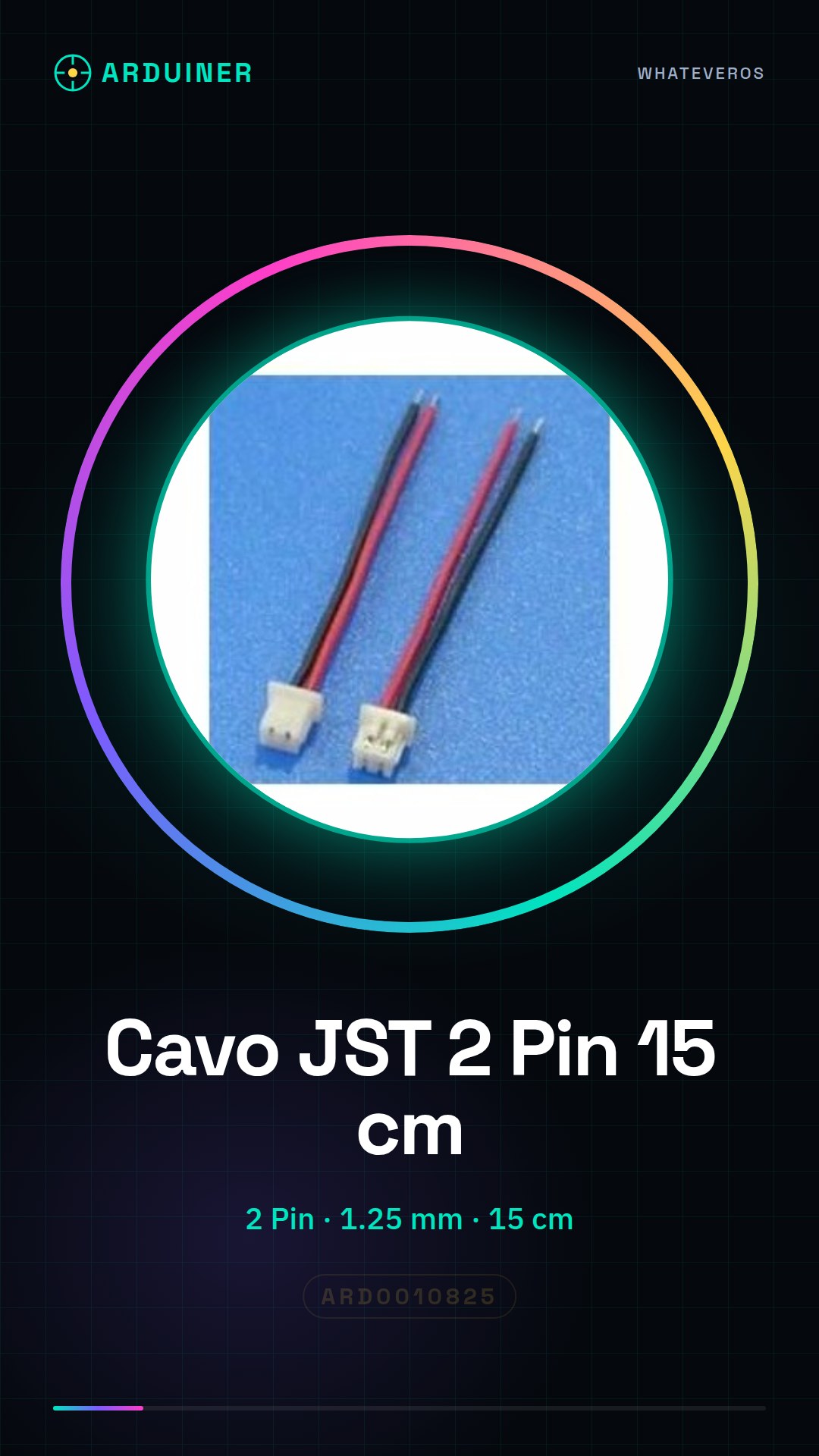
Description
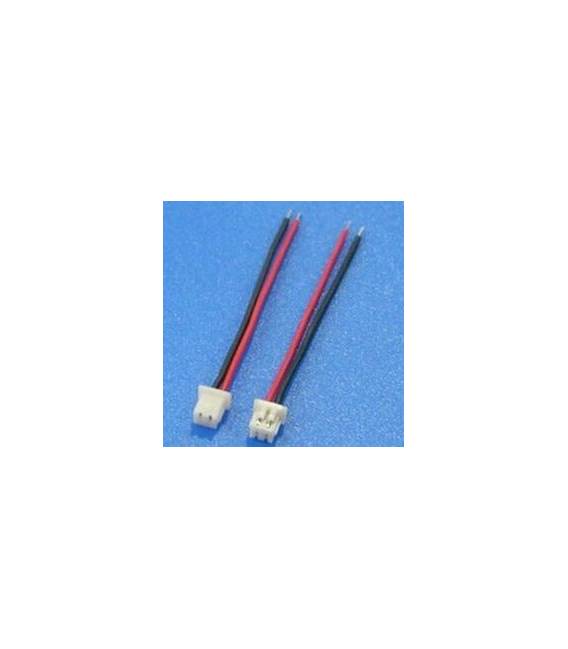
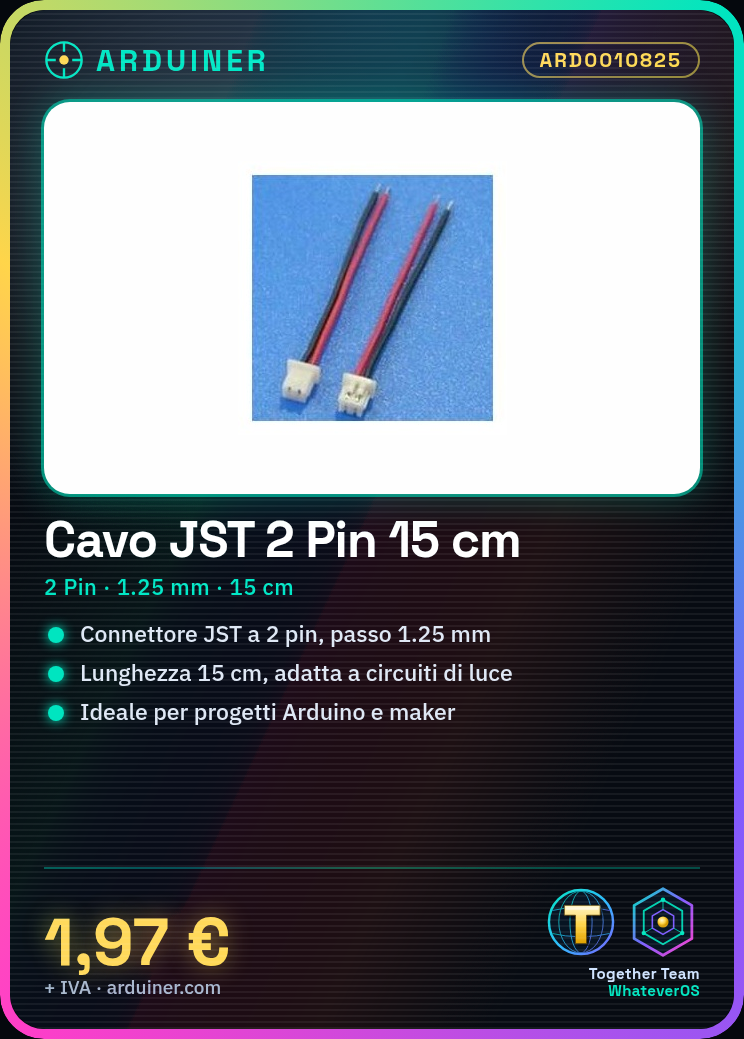
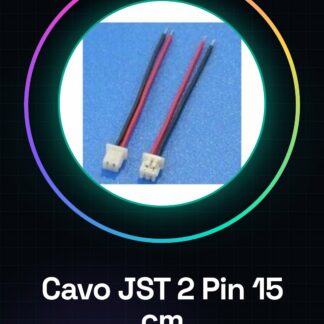
What is it These 2-pin JST connector cables with a step of 1.25mm are ideal for connecting small electronic components, perfect for beginner Arduino and maker projects. Features: 2-pin JST connector, step between pins: 1.25mm, cable length: 15cm. What are they used for JST connectors are perfect for connecting small electronic components such as sensors or batteries. They are useful for creating simple lighting circuits with a button and an LED. Tutorial: How to use 2-pin JST connectors with a step of 1.25mm. These JST connectors are useful for connecting small electronic components, ideal for beginner Arduino and maker projects. What you need 2 pieces of 2-pin JST connector cable Wire cutters Pin pusher Electric probe Step 1. Cut the cable to 15cm using a pair of scissors. Step 2. Prepare the JST pins by inserting them into the cable. Step 3. Use a tool to push the pins until they are fully inserted. Step 4. Connect to the circuit using an electric probe. Step 5. Check the connection with a multimeter. Step 6. Repeat for the other connector. Step 7. Verify the correct polarity on the datasheet. Step 8. Test the connector by inserting it into the Arduino circuit. Mini-project Build a simple lighting circuit with a button and an LED using the JST connectors. Common errors Do not use the connector before properly preparing it. Do not use excessive force to push the pins. Do not forget to check the connection with a multimeter. Do not connect the circuit without first testing the connectors. Recommended accessories Test cable 20cm Electric probe Multimeter Button LED Frequently asked questions How can I cut the cable without damaging the connectors? Cut the cable before inserting the connectors. Can I use these connectors with components of different sizes? Check the datasheet for compatibility. How can I check the connection? Use a multimeter to check the connection. Can I use these connectors with Arduino? Yes, they are compatible with Arduino.
Reviews
There are no reviews yet.