 EN
EN IT Italiano
 ES Español
 FR Français
 DE Deutsch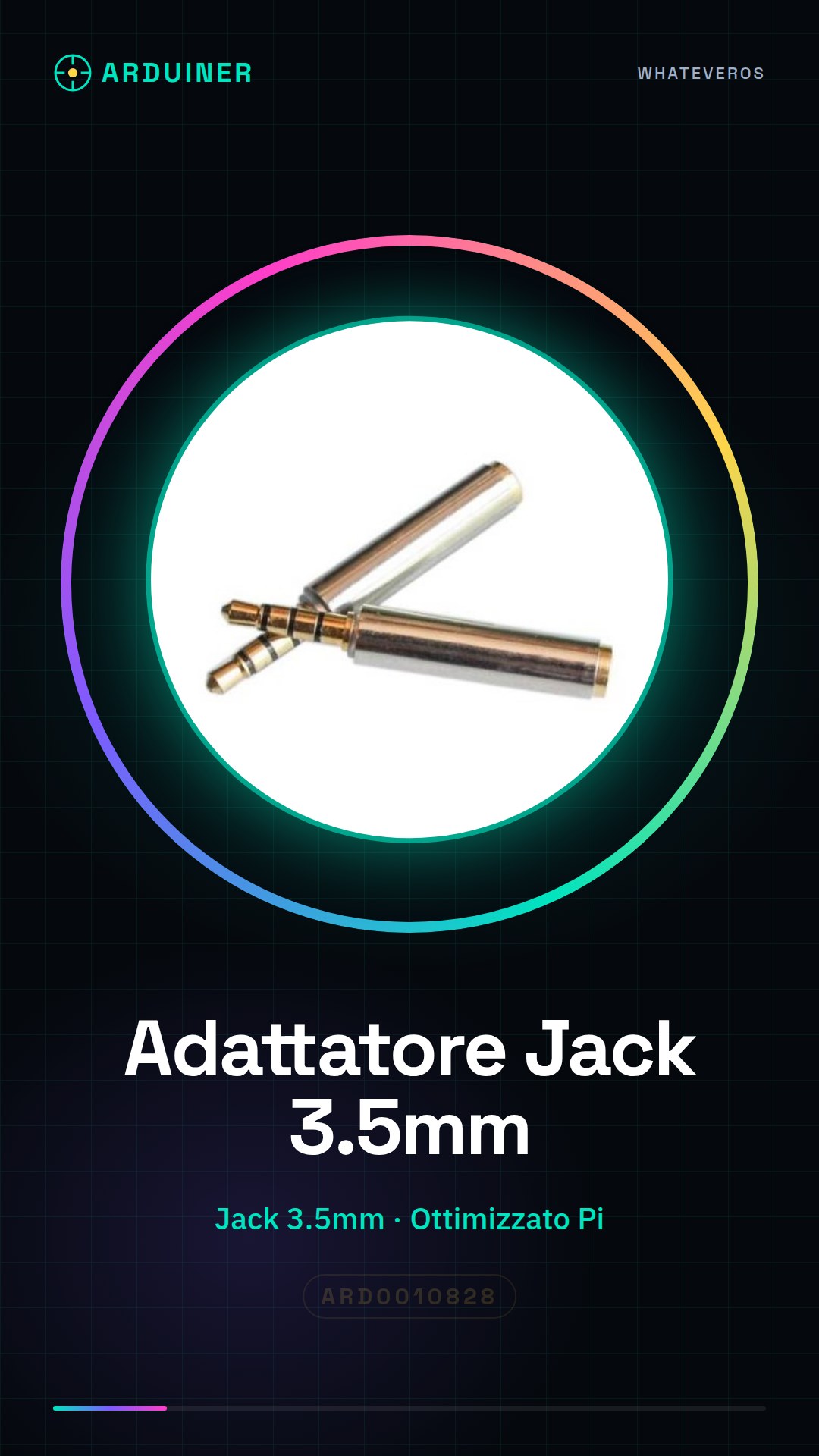

Description
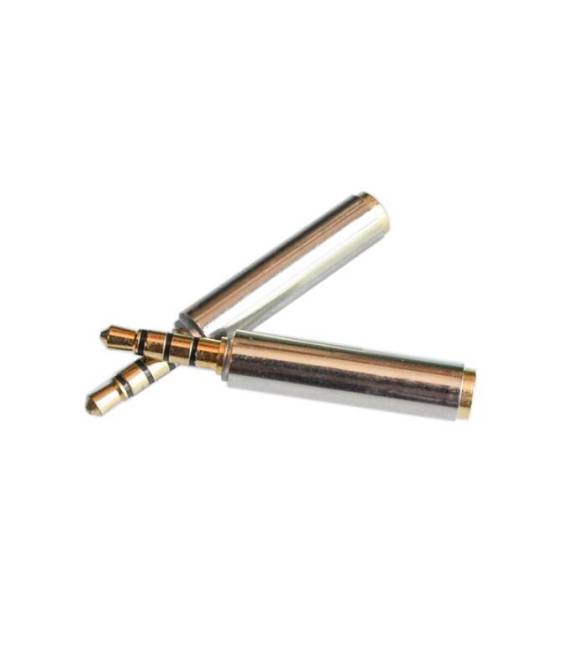
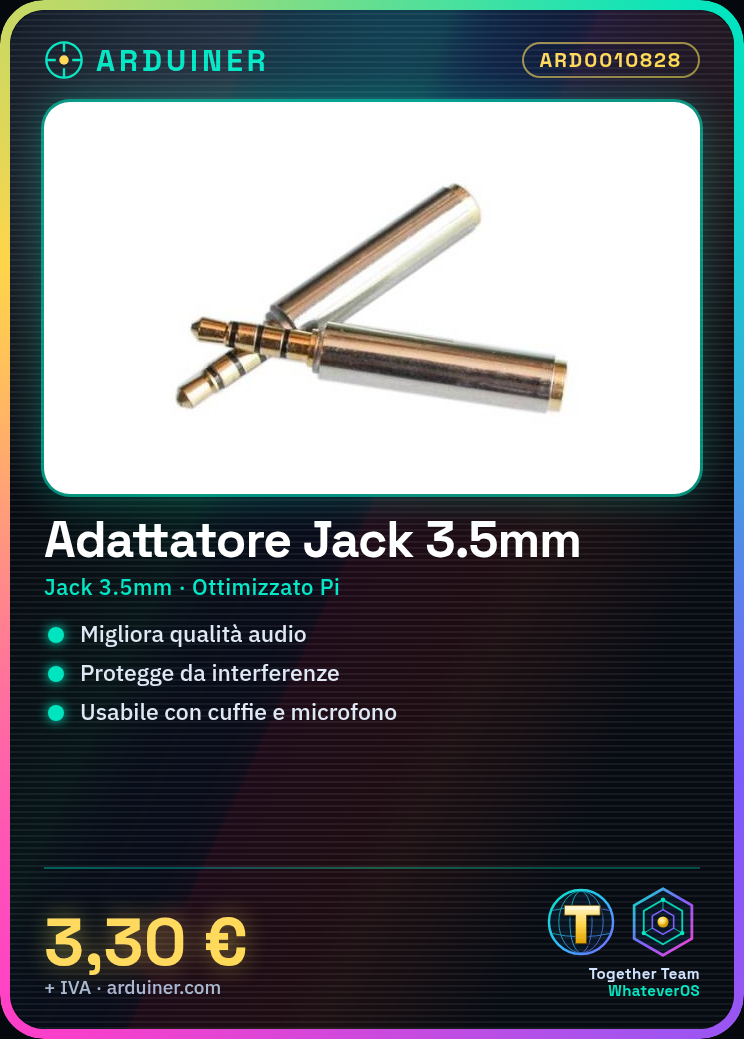
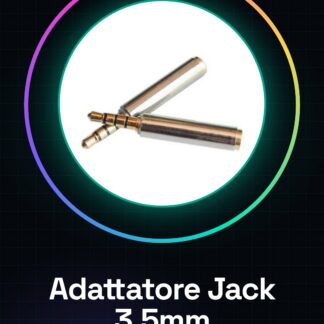
What is the 3.5mm Jack Adapter Anti-interference Audio for Raspberry Pi? This device allows connecting headphones and microphones to a Raspberry Pi, improving audio quality by reducing interference. Features: Optimised for Raspberry Pi; Anti-interference audio.
How does it work? It protects and enhances audio quality when using headphones or microphones with a Raspberry Pi. Useful for voice recording projects, audio communication systems, and integrated systems.
Tutorial: How to use the 3.5mm Jack Adapter Anti-interference Audio for Raspberry Pi. This adapter connects headset microphones to a Raspberry Pi, improving audio quality and anti-interference protection. Useful for audio and communications.
What is needed? 3.5mm Jack Adapter; Headset with microphone; Compatible audio cable.
Steps: Check if the Raspberry Pi has an available audio jack. Verify from the datasheet if the Raspberry Pi supports audio input. Connect the audio cable to the adapter’s jack. Plug the adapter into the Raspberry Pi, inserting the audio cable into the Raspberry Pi’s audio interface. Configure correct audio settings for the Raspberry Pi from the datasheet. Install necessary audio software as needed and verify from the datasheet. Test audio and microphone with an audio application. Verify any limitations from the datasheet.
Mini-project: Set up an audio system on a Raspberry Pi with voice recording functionality in 30 minutes by configuring a microphone and speaker for audio recording.
Common mistakes: Do not connect a microphone if unsupported by the Raspberry Pi. Ensure correct power supply to the adapter. Make sure the Raspberry Pi supports USB audio. Verify compatibility of the audio cable.
Recommended accessories: USB Microphone; Bluetooth Speaker; 3.5mm Audio Cable; Adapter Power Supply
Reviews
There are no reviews yet.