 EN
 IT Italiano
 ES Español
 FR Français
 DE Deutsch
Description
What it is
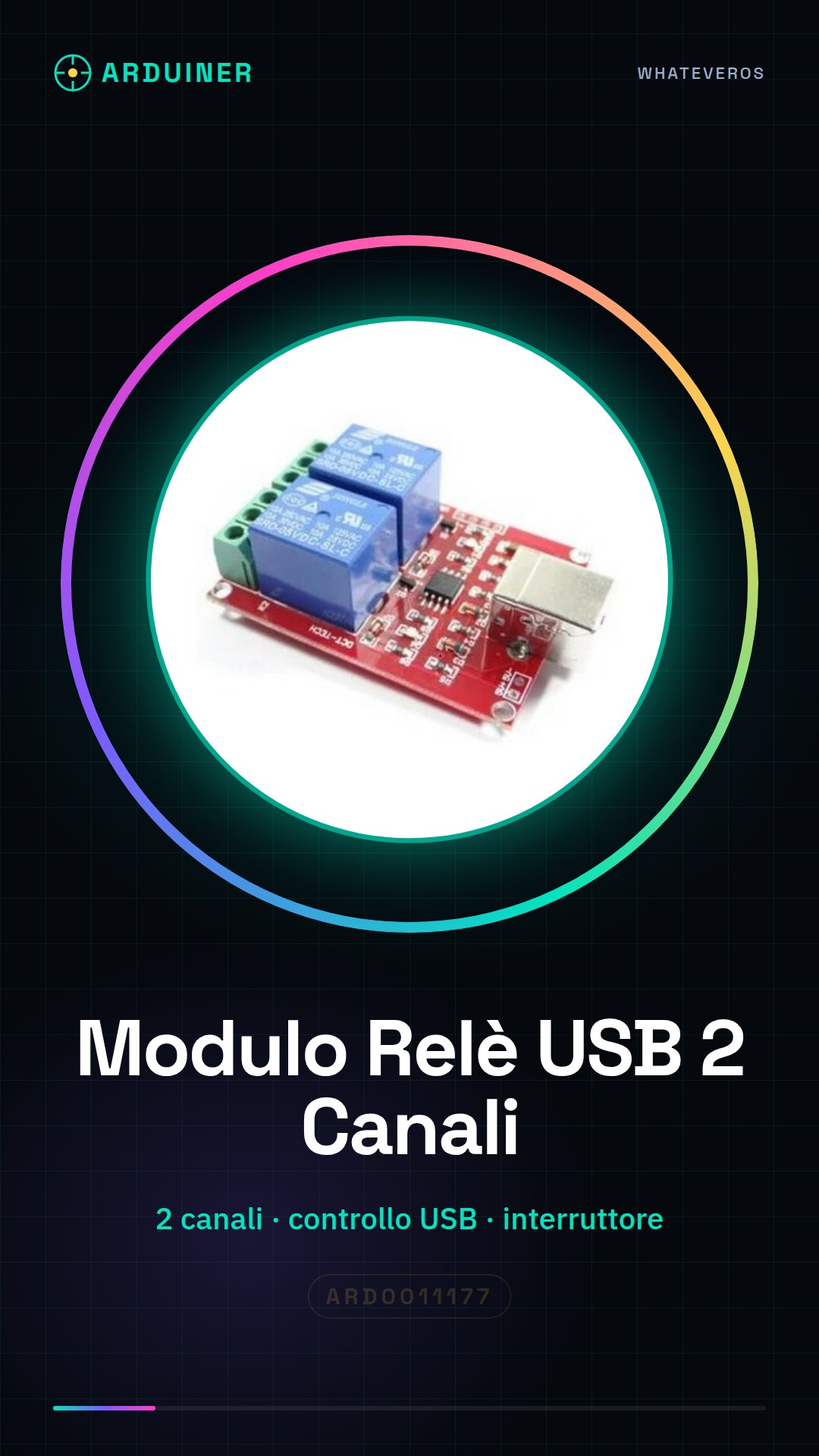
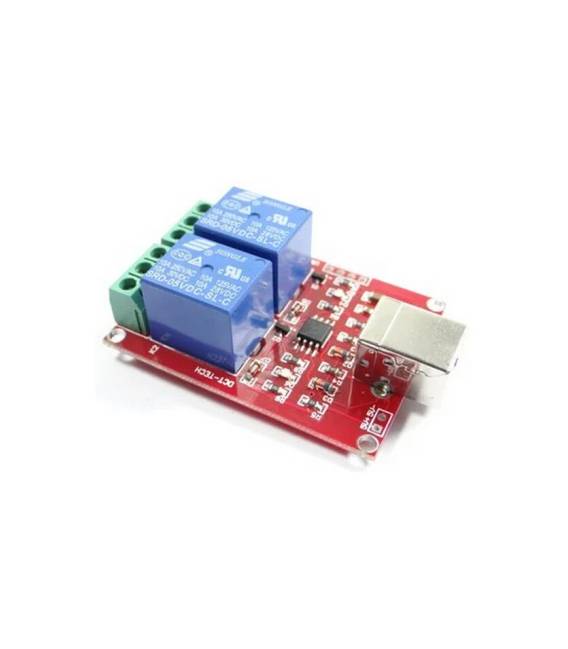
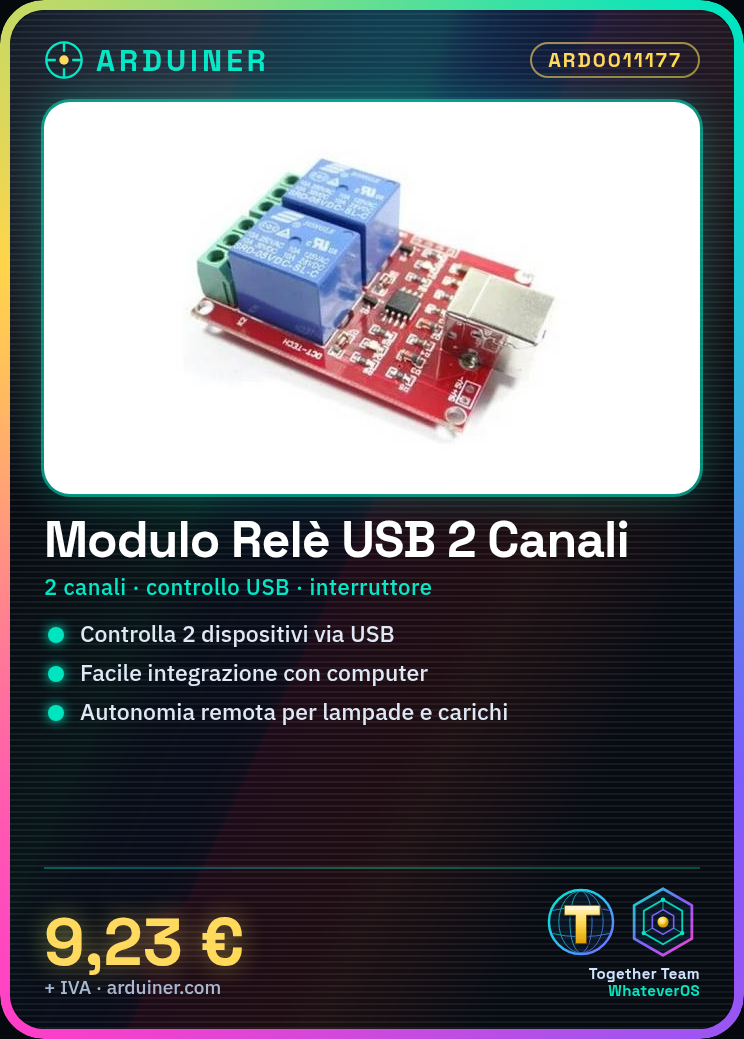
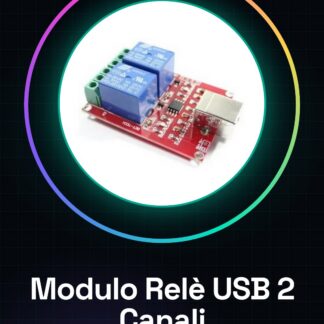
The 2-channel USB relay module is a device that allows external electrical devices to be controlled via a USB port. It is designed to facilitate integration with computers or smartphones, making remote automation of various processes possible.
Features
- 2-Channel Relay Module
- Control via USB port
What it is for
Relay modules are used to control the activation and deactivation of devices such as lamps or other electrical loads. Ideal for home or industrial automation projects, they can be integrated with Arduino or ESP32 to create automatic control systems.
Tutorial: How to use 2-Channel USB Relay Module
The USB relay module is useful for controlling external electrical devices from a computer or USB-enabled device. Ideal for beginners who want to automate simple home or lab processes.
What you need
- Arduino Uno
- USB A-B Cable
- LED with resistor
- Relay
Steps
- Connect the relay module to an Arduino using a USB A-B cable
- Configure the serial port of the Arduino IDE to send commands to the module (9600 baud)
- Write a sketch that sends ‘ON’ and ‘OFF’ commands to the serial port
- Check the relay connection with an LED and a resistor as a test load
- Test the turning on and off of the LED through the Arduino IDE console
- Modify the sketch to directly control the digital pins of the Arduino
- Check the datasheet to identify any additional control pins such as the integrated LED
- Try connecting an electrical device to the relay to test its control capability
Example code
// Esempio sketch
void setup() {
  Serial.begin(9600);
}

void loop() {
  Serial.println("ON");
  delay(2000);
  Serial.println("OFF");
  delay(2000);
}
Mini project
Create an automatic lighting system that turns on and off a lamp using the relay module connected to an Arduino timer
Common mistakes
- Set the serial port speed to something other than 9600 baud
- Connect the device to the relay without first testing with a test LED
- Do not check the module relay power supply sufficient to handle electrical loads
- Omit the resistor between the Arduino pin and the relay
Recommended accessories
- Arduino Uno R3
- USB A-B cable
- 5V DPDT relay
- PIR motion sensors
Frequently asked questions
Does the module work with other microcontrollers besides Arduino?
Yes, just configure the serial port correctly to send commands
Can I connect electrical devices directly to the module’s relay?
Check the datasheet for the maximum power allowed by the relay



Reviews
There are no reviews yet.