 EN
 IT Italiano
 ES Español
 FR Français
 DE Deutsch
Description
What it is
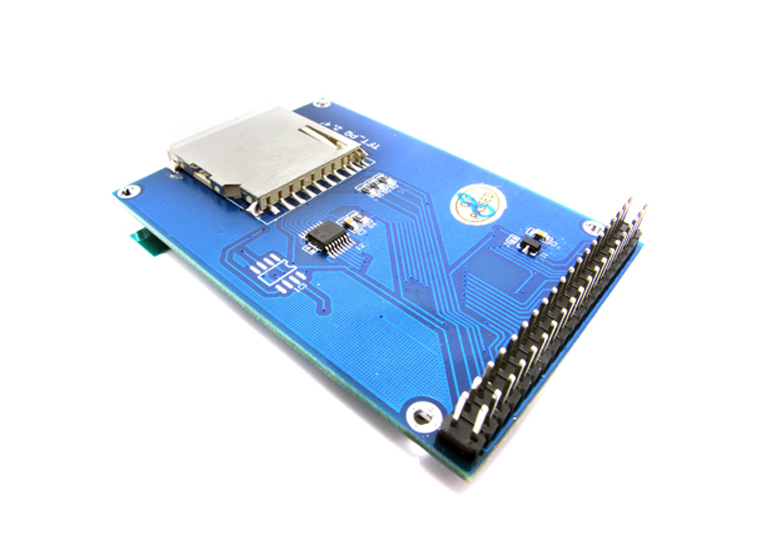
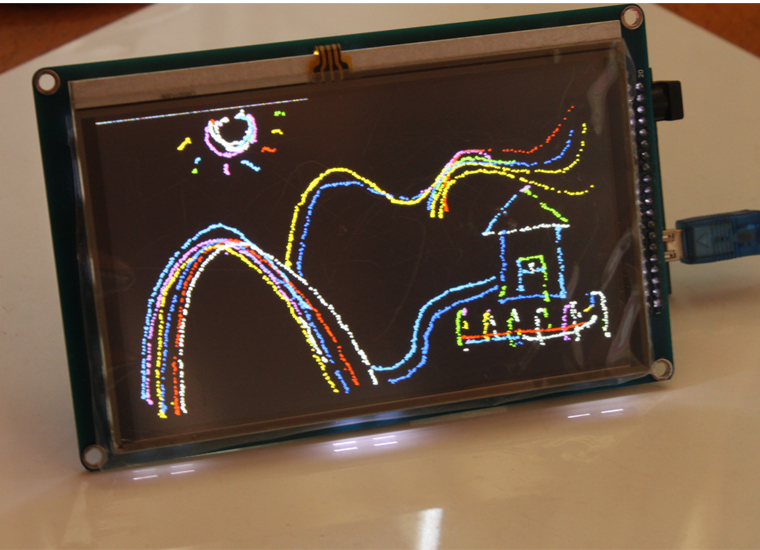
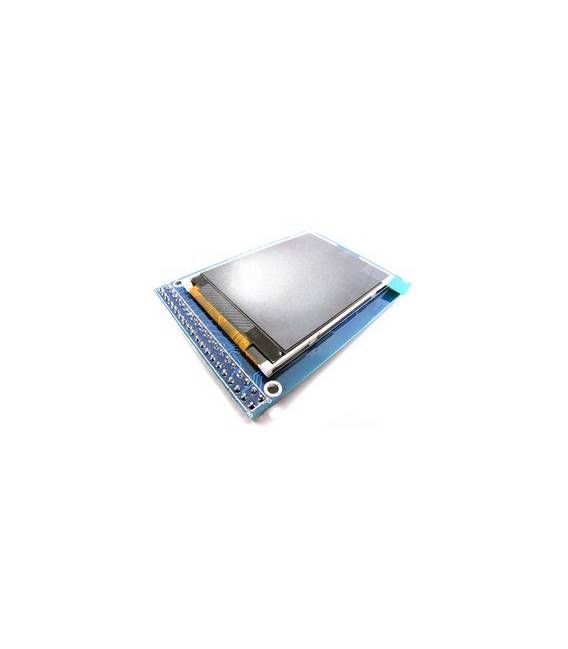
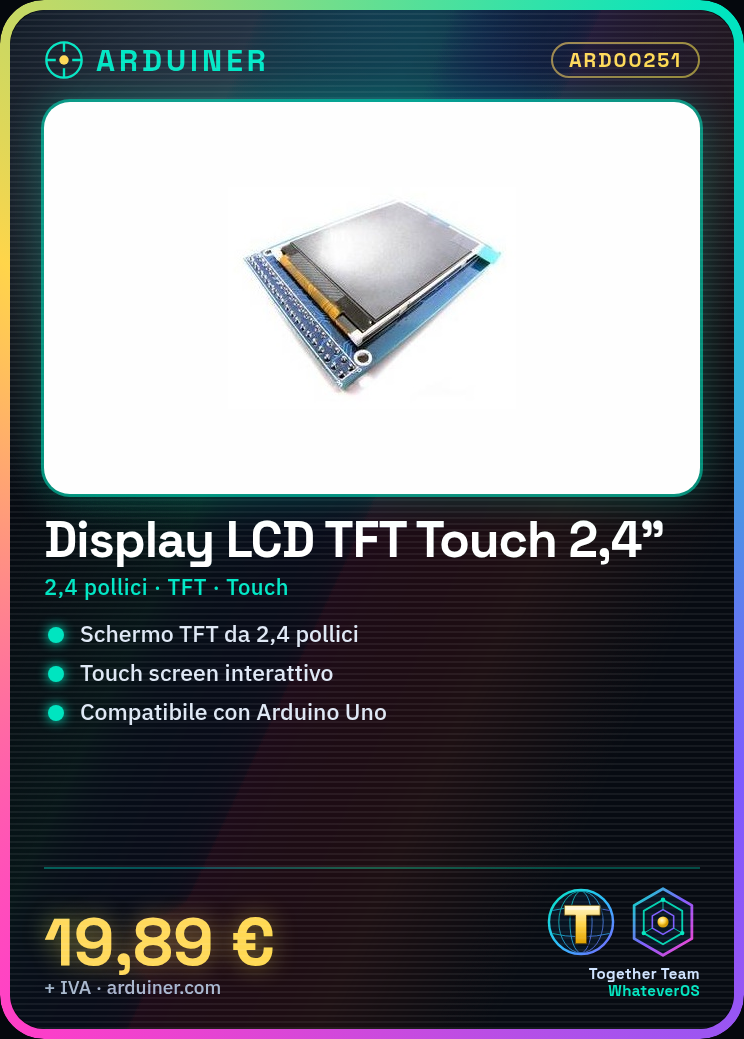
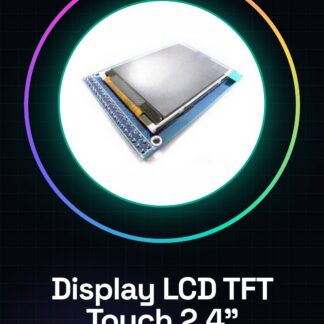
The 2.4 inch TFT Touch Screen LCD Display is an electronic component that allows for graphical information display and interaction with the screen via touch.
Features
- Screen size: 2.4 inches
- Display type: TFT
- Interface: Touch Screen
- SKU: ARD00251
- Price: 19.89 €
What it is for
This display is ideal for Arduino projects that require interactive graphical display. It can be used to create digital clocks, interactive menus, data viewers, and much more. Compatibility with Arduino is guaranteed, while compatibility with other microcontrollers should be verified in the datasheet.
Tutorial: How to use the Super Touch 2.4 Inch TFT Touch Screen LCD Display
The 2.4 inch TFT Touch Screen LCD display is a useful component for Arduino projects that require interactive graphical display. This tutorial will guide you through the installation and connection of the display to your circuit.
What you need
- Arduino Uno or compatible
- USB cable
- Pull-up resistors (check the datasheet)
- Breadboard wire
- Jumpers
Steps
- Connect the display connectors to the Arduino circuit following the datasheet.
- Check that all pins are correctly connected and that there are no short circuits.
- Install the Adafruit_GFX library through the Arduino IDE.
- Install the Adafruit_ILI9341 library following the datasheet instructions.
- Upload the example sketch provided by the library to your Arduino.
- Open the Serial Monitor to view any error messages or debug information.
- Test the touch screen functionality with a simple test program.
- Customize the application to your needs.
Example code
// Includere le librerie necessarie
#include <Adafruit_GFX.h>
#include <Adafruit_ILI9341.h>

// Definire il pin di reset del display
#define TFT_RESET_PIN 9

// Creare un'istanza del display
Adafruit_ILI9341 tft = Adafruit_ILI9341(TFT_CS, TFT_DC, TFT_RESET_PIN);

void setup() {
  // Inizializzare il display
  tft.begin();
  tft.fillScreen(ST77XX_BLACK);
}

void loop() {}
Mini project
Create a simple digital clock that displays the time and date on the TFT display. Use the touch screen buttons to navigate through the settings.
Common mistakes
- Pin connection error – check all connections.
- Insufficient power supply issue – ensure the display is adequately powered.
- Libraries not installed correctly – follow the datasheet instructions carefully.
- Touch screen not working – check the hardware and connections.
Recommended accessories
- Arduino Uno
- Various jumpers
- Pull-up resistors
- Breadboard
Frequently asked questions
How can I solve the problem of the display not turning on?
Check the pin connections and power supply. Ensure that the libraries are installed correctly.
Which libraries do I need to install to use the display?
Install Adafruit_GFX and Adafruit_ILI9341 following the datasheet instructions.
Reviews
There are no reviews yet.