 EN
 IT Italiano
 ES Español
 FR Français
 DE Deutsch
Description
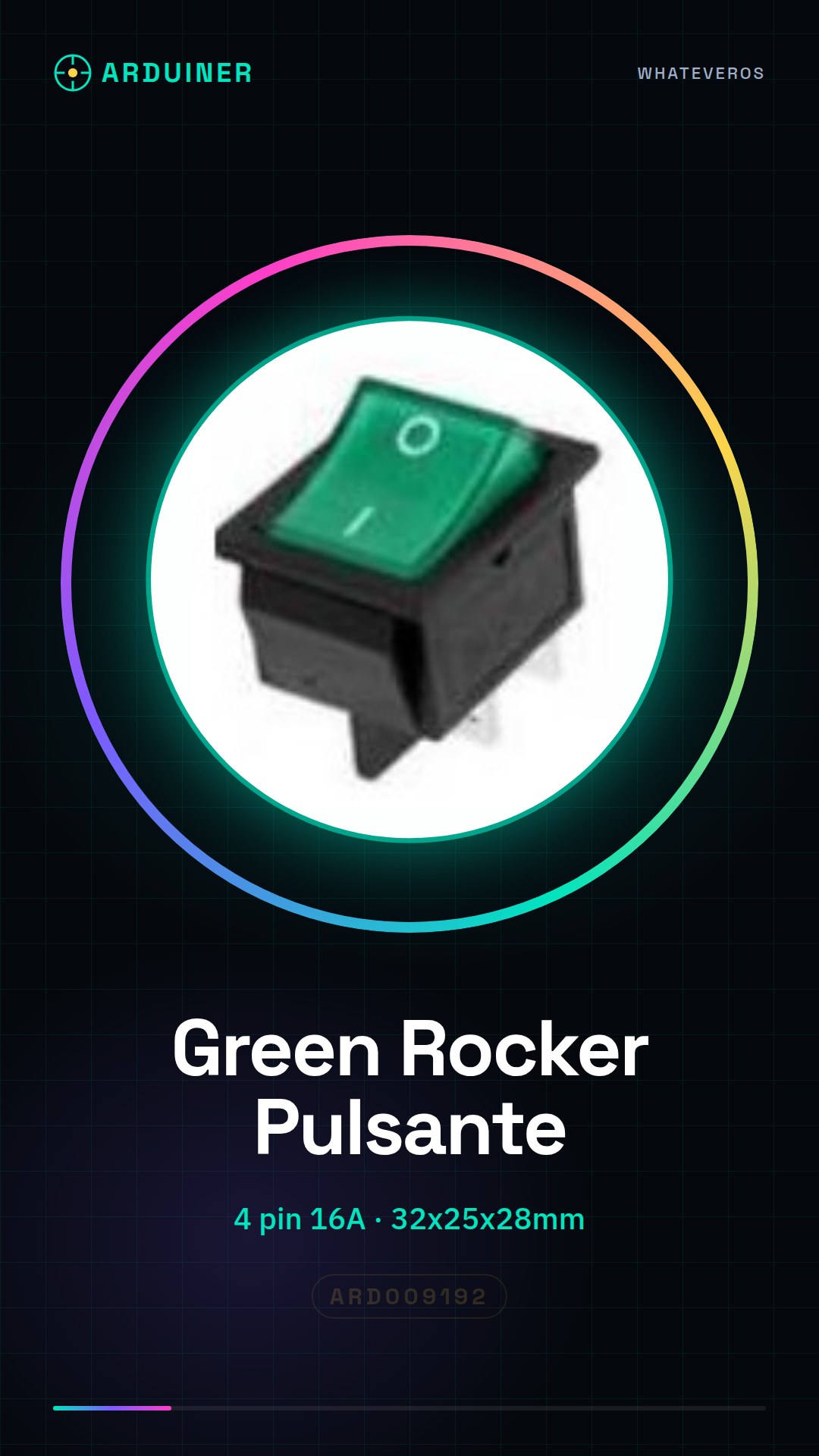
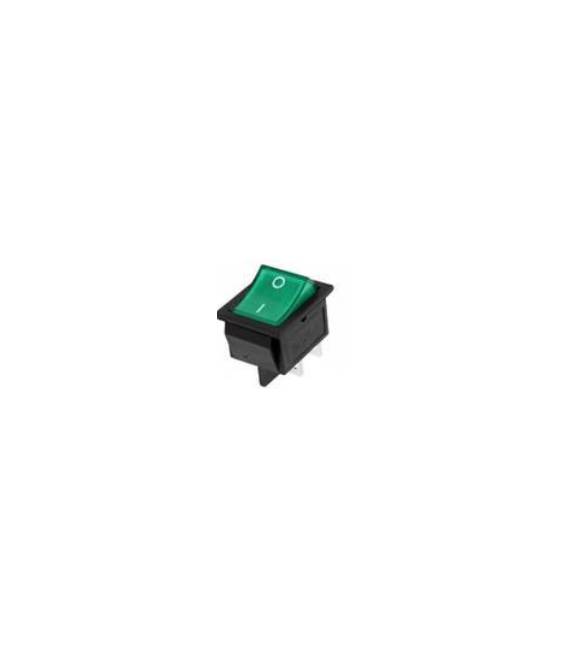
Green Toggle Switch 4-pin 16A 32 * 25 * 28mm
Tutorial: How to Use Green Rocker Switch
This green toggle switch is ideal for projects requiring a physical switch, such as manual controls or user interfaces.
What you need
- Green Rocker Switch
- Arduino or compatible microcontroller
- Test lead
- Multimeter
Steps
- 1. Check that the switch has power and signal indicators.
- 2. Connect the switch to the microcontroller using the correct pins.
- 3. Refer to the datasheet for specific pin details.
- 4. Write a simple sketch to read the state of the switch.
- 5. Upload the code to the microcontroller.
- 6. Test the switch with a multimeter.
- 7. Verify that the switch functions correctly.
- 8. Install the switch in your project.
Example code
```cpp
int buttonPin = 2;
int buttonState = 0;

void setup() {
  pinMode(buttonPin, INPUT);
}

void loop() {
  buttonState = digitalRead(buttonPin);
  if (buttonState == HIGH) {
    Serial.println("Pulsante premuto");
  }
}
```
Mini project
Create a simple pressure counter using the Green Rocker Switch and an Arduino.
Common mistakes
- Connecting the switch to the wrong pins.
- Omit the button check with a multimeter.
- Do not upload the code correctly to the microcontroller.
- Forget to check the specific pins on the datasheet.
Recommended accessories
- Arduino Uno
- USB cable
- Multimeter
- Project case
Frequently asked questions
How can I verify the proper functioning of the button?
Connect the button to a digital pin and use a multimeter to check the state of the pin when you press the button.
Which specific pins should I use?
Check the datasheet for specific pins for power and signal.
Can I use this button with a microcontroller other than Arduino?
Yes, but check the compatibility on the datasheet.

Reviews
There are no reviews yet.