 EN
 IT Italiano
 ES Español
 FR Français
 DE Deutsch
Description
What it is
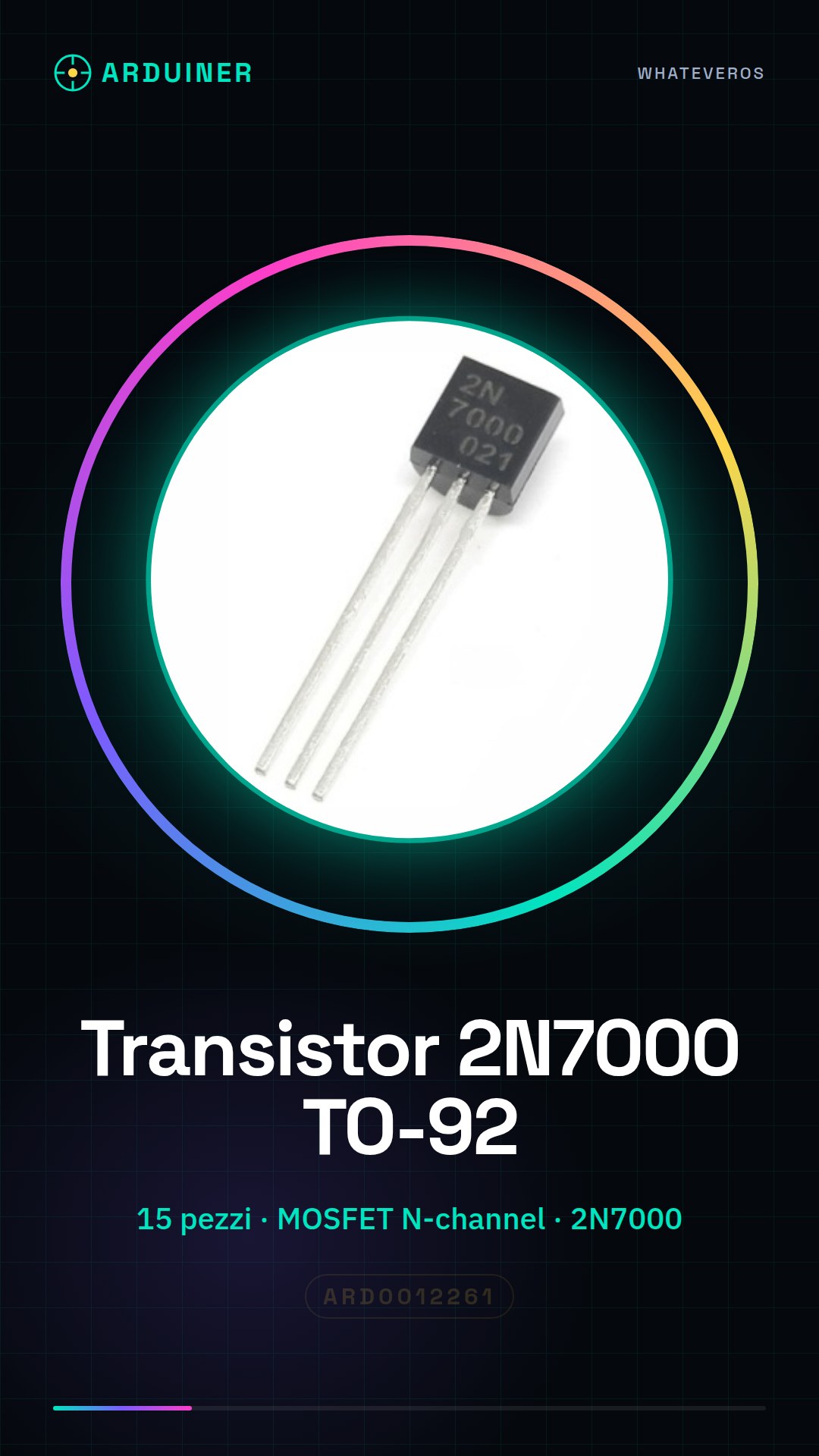
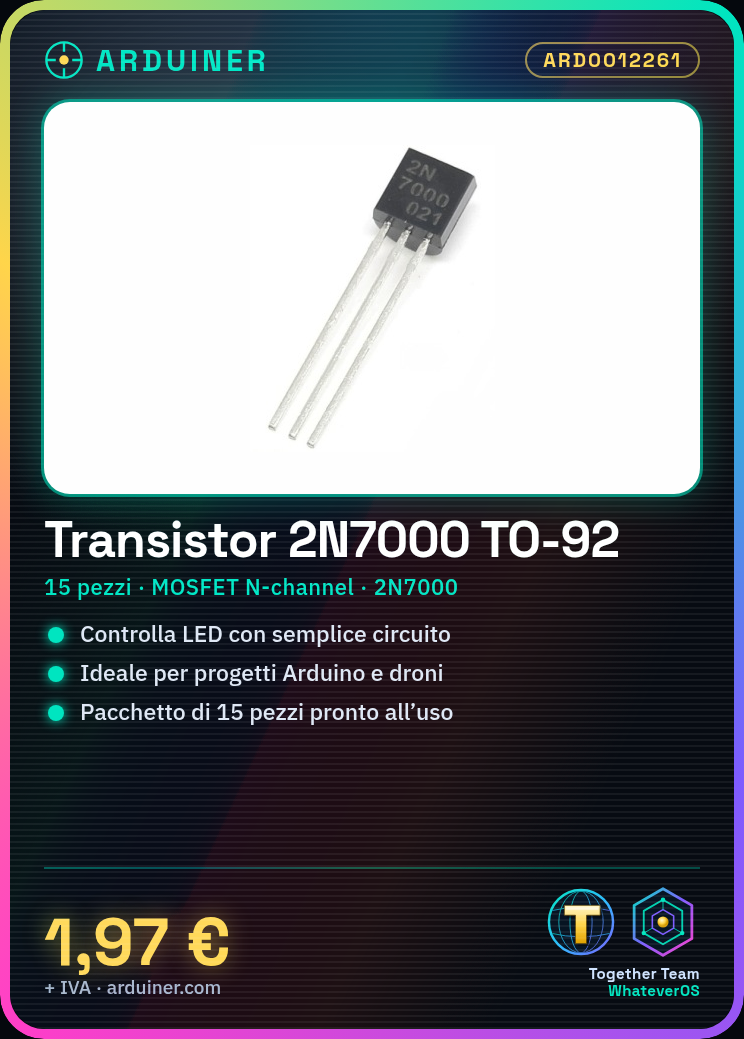
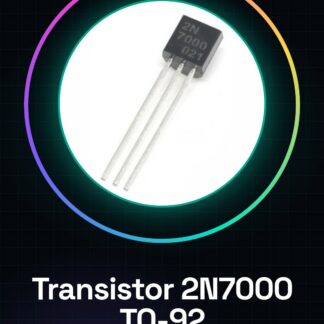
The 2N7000 TO-92 pieces are N-channel MOSFET transistors, useful for controlling electronic circuits. This package contains 15 pieces of the component.
Features
- Package of 15 pieces
- Component: 2N7000 TO-92
What it is for
The 2N7000 transistors are useful for beginners and intermediates, being a fundamental component in Arduino and drone projects. You can use it to create simple LED on/off circuits.
Tutorial: How to use 2N7000
The 2N7000 is an N-channel MOSFET transistor that can be used for controlling electronic circuits. Useful for beginners and intermediates.
What you need
- 2N7000
- Arduino
- Resistance (1kΩ)
- Power supply (5V)
Steps
- 1. Installation: Attach the 2N7000 to the printed circuit board (PCB) or breadboard.
- 2. Connection: Connect the power supply (5V) to pin 2 of the 2N7000.
- 3. Connection: Connect pin 3 of the 2N7000 to the Arduino output pin.
- 4. Connection: Connect pin 1 of the 2N7000 to ground.
- 5. Connection: Connect a 1kΩ resistor between pin 2 and ground.
- 6. Sketch: Upload the following code to the Arduino.
- 7. Test: Power on the circuit and check if the transistor works correctly.
- 8. Verification: Check if the circuit works as expected.
Example code
const int mosfetPin = 9;
void setup() {
  pinMode(mosfetPin, OUTPUT);
}
void loop() {
  digitalWrite(mosfetPin, HIGH);
  delay(5000);
  digitalWrite(mosfetPin, LOW);
  delay(5000);
}
Mini project
Create a simple on/off circuit for an LED using the 2N7000 as a switch.
Common mistakes
- Connect the power supply directly to pin 3 of the 2N7000 without a resistor.
- Do not properly verify if the transistor works.
- Use a power supply different from 5V.
- Do not properly follow the polarity of the connections.
Recommended accessories
- LED
- LED resistor (220Ω)
- Breadboard
- Breadboard wires
Frequently asked questions
How can I verify if the transistor works correctly?
Measure the voltage between pin 3 and ground with a multimeter.
Can I use a different voltage than 5V?
Check the datasheet: the 2N7000 supports supply voltages ranging from 4V to 20V.
What are the risks of misuse?
It could damage the transistor or the Arduino.

Reviews
There are no reviews yet.