 EN
 IT Italiano
 ES Español
 FR Français
 DE Deutsch
Description
Component Specifications:
Tutorial: How to Use TEPT5700 Light Sensor
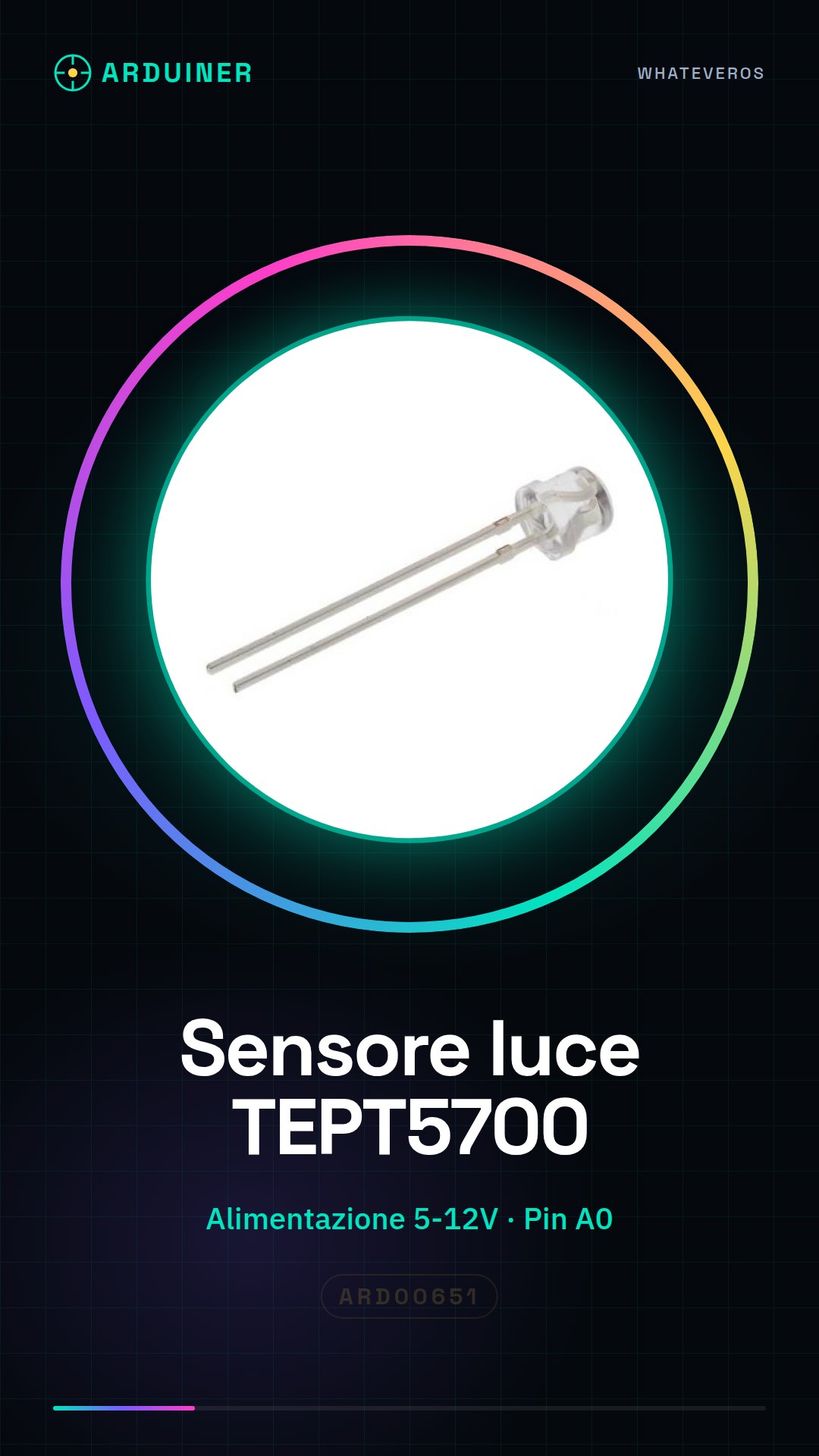
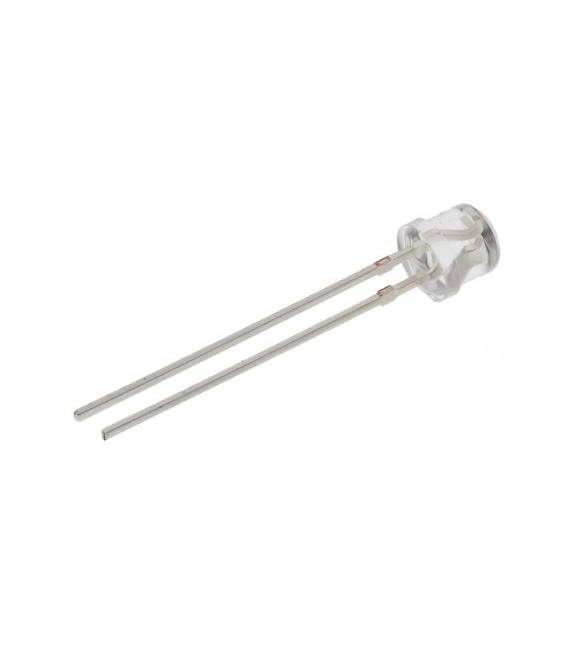
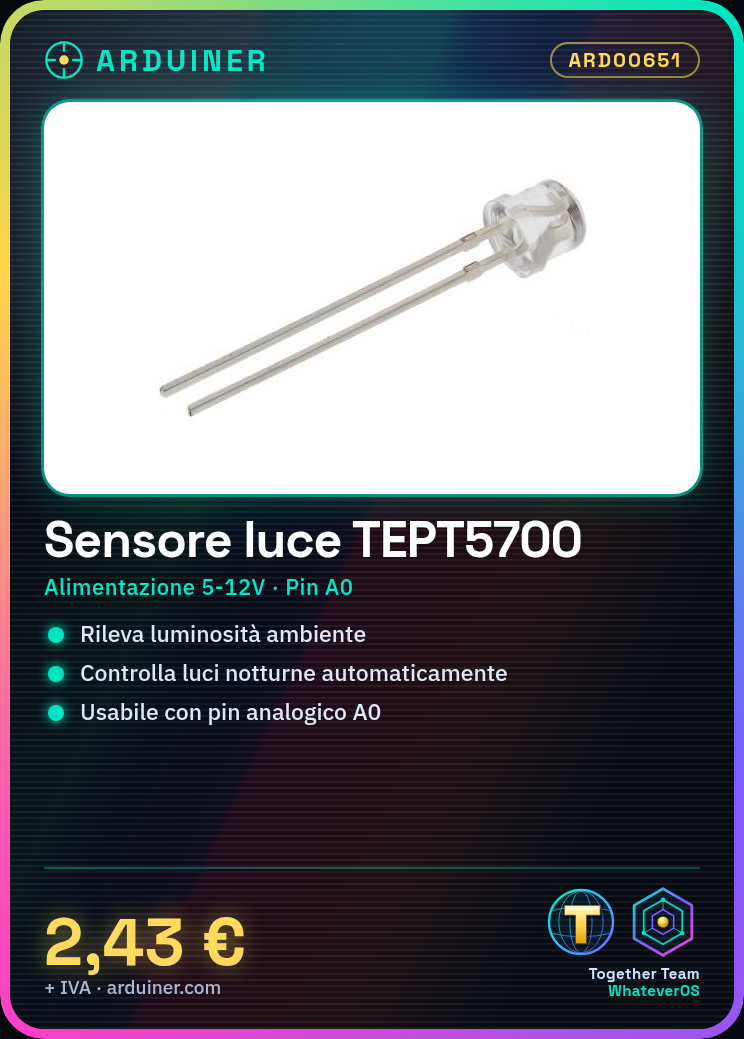
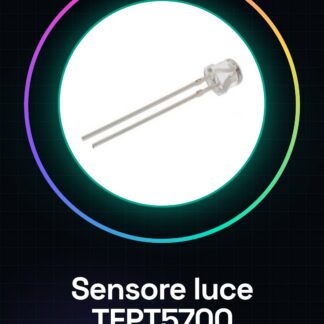
The TEPT5700 light sensor is a phototransistor used to measure the ambient light level. This component is ideal for Arduino projects that require automatic light detection, such as night lights or presence sensors.
What you need
- Arduino Uno
- USB cable
- 5V-12V power supply
- resistor
Steps
- Connect the TEPT5700 phototransistor to the Arduino’s analog pin A0.
- Connect the resistor between the positive power supply and the phototransistor to limit the current.
- Connect a USB cable from the Arduino to the computer.
- Upload the example sketch to the Arduino microcontroller.
- Open Serial Monitor in Arduino IDE to view the values read from the sensor.
- Check the lighting conditions and observe how the received data changes.
- Modify the code to fit your specific project requirements.
- Add further functionality to your circuit by adding additional components.
Example code
int sensorPin = A0;

void setup() {
  Serial.begin(9600);
}

void loop() {
  int sensorValue = analogRead(sensorPin);
  Serial.println(sensorValue);
}
Mini project
Create a night light that turns on automatically when it gets dark. Use an LED connected to an Arduino pin controlled by the TEPT5700 sensor.
Common mistakes
- Do not verify the correct resistor to limit the current of the phototransistor.
- Omit the ground (GND) connection necessary to complete the circuit.
- Do not adjust the Arduino sketch to fit the specific needs of your project.
- Use a power supply with a voltage higher than the maximum limit of the sensor.
Recommended accessories
- Variable resistors
- LCD Display Modules
- 5V/12V Relays
- PIR Motion Sensors
Frequently asked questions
How do you calculate the resistor to use?
Check the TEPT5700 datasheet to determine the correct value.
Can it be used with other microcontrollers besides Arduino?
Yes, you can use it with any device that has an analog pin and compatible power supply.
Reviews
There are no reviews yet.