 EN
 IT Italiano
 ES Español
 FR Français
 DE Deutsch
Description
What it is
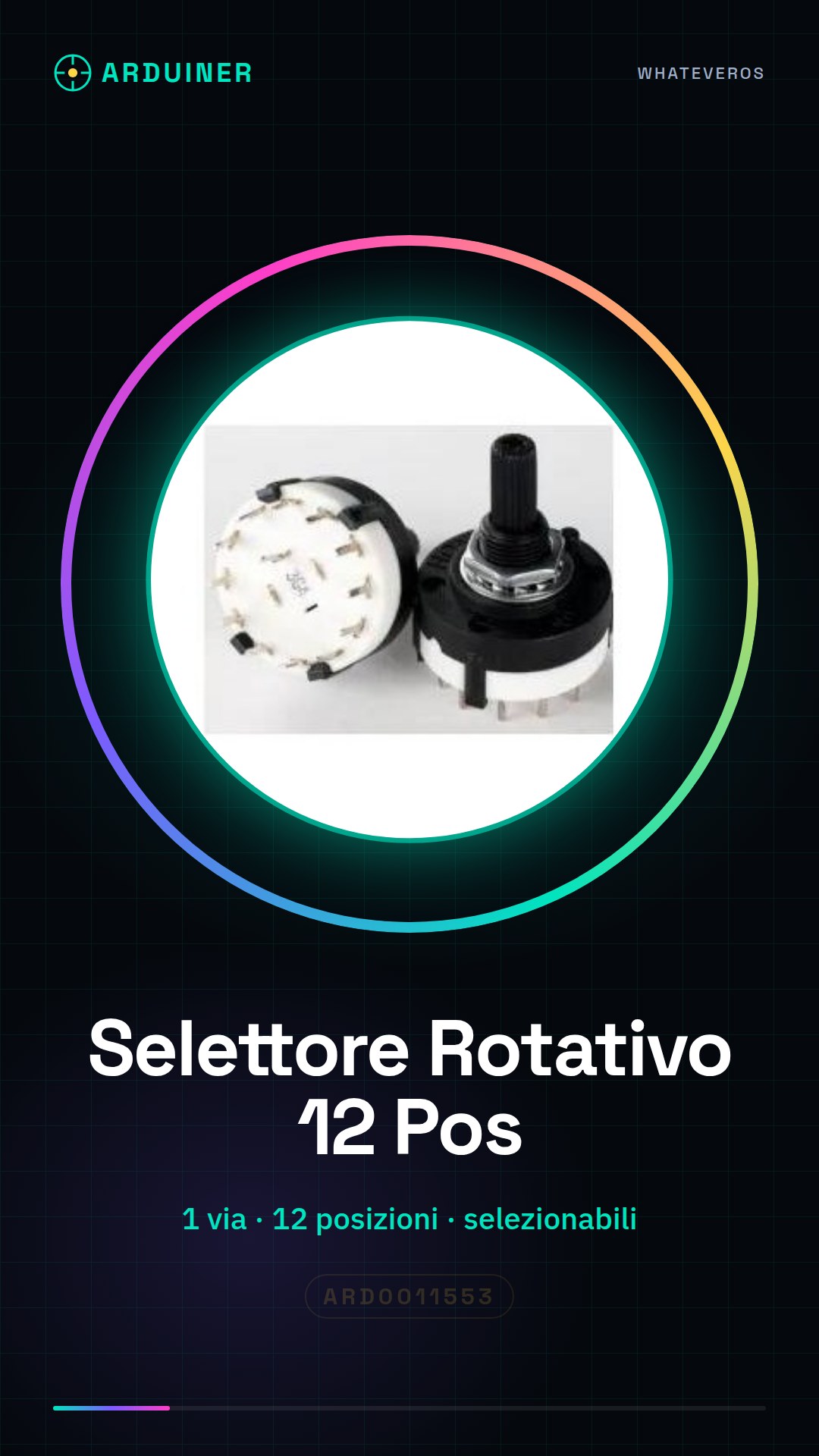
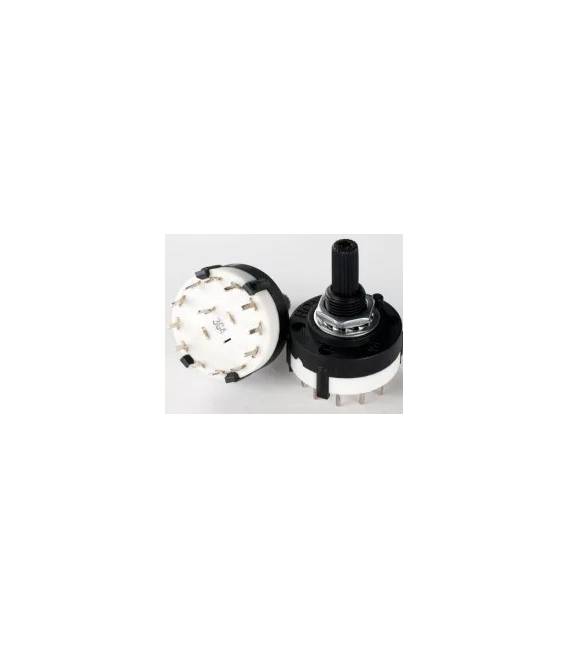
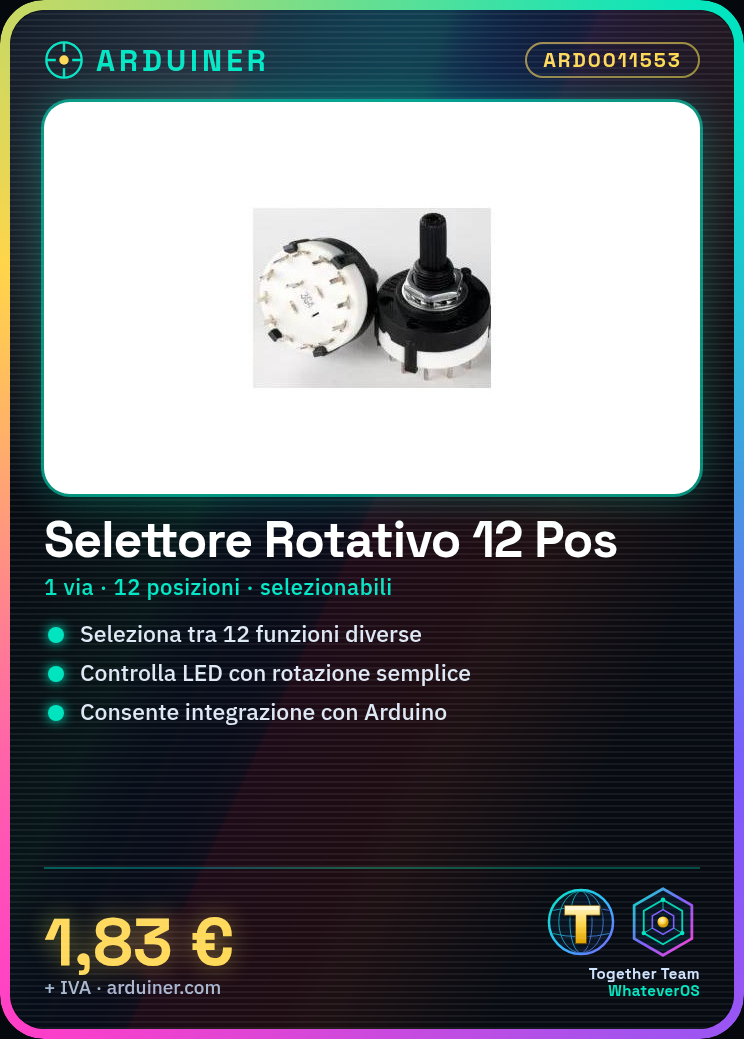
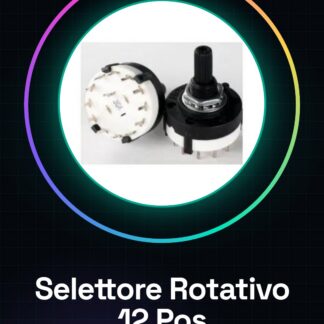
The rotary selector 1 pole 12 positions is an electronic component that allows selecting one of the 12 available positions through rotation.
Features
- 1 pole
- 12 selectable positions
What it is for
This selector can be used to control various functions in an Arduino project, for example turning on or off different LED lights, selecting different operating modes or setting configuration parameters. It is ideal for beginner and intermediate makers who want to add intuitive physical control to their electronic projects.
Tutorial: How to use Rotary Selector 1 pole 12 positions
The rotary selector 1 pole 12 positions is ideal for controlling 12 different functions in an Arduino project. Useful for beginner and intermediate makers.
What you need
- Arduino or compatible
- Power cable
- Pull-up resistor (10kΩ)
- Pair of Arduino pins
Steps
- 1. Connect the selector to the Arduino using 2 pins.
- 2. Attach a pull-up resistor (10kΩ) between the selected pin and VCC.
- 3. Download the provided Arduino code.
- 4. Upload the code to your Arduino.
- 5. Configure the selector for the desired function.
- 6. Check the datasheet for further details.
- 7. Try turning the selector and observe the code’s reaction.
- 8. Adapt the code to your specific needs.
Example code
```void setup() {} void loop() { int pos = analogRead(A0); if (pos > 500) { // Configura funzione 1 } else if (pos > 300) { // Configura funzione 2 } else { // Configura funzione 3 } } ```Mini project
Create a control for 12 different LED lights.
Common mistakes
- Connect the selector without a pull-up resistor.
- Use incompatible pins.
- Omit checking the datasheet.
- Do not adapt the code for custom functions.
Recommended accessories
- Arduino Uno
- 12 LEDs
- Resistors for LEDs
- Power supply battery
Frequently asked questions
How can I verify the correct position of the selector?
Check the datasheet for the analog output values.
Can I use this selector with a microcontroller other than Arduino?
Yes, but check the compatibility on the datasheet.
Does the selector work with batteries?
Yes, but check the maximum current on the datasheet.



Reviews
There are no reviews yet.