 EN
EN IT Italiano
 ES Español
 FR Français
 DE Deutsch
Description
Tutorial: How to Use 10mm Plastic Silver F10 LED Strip
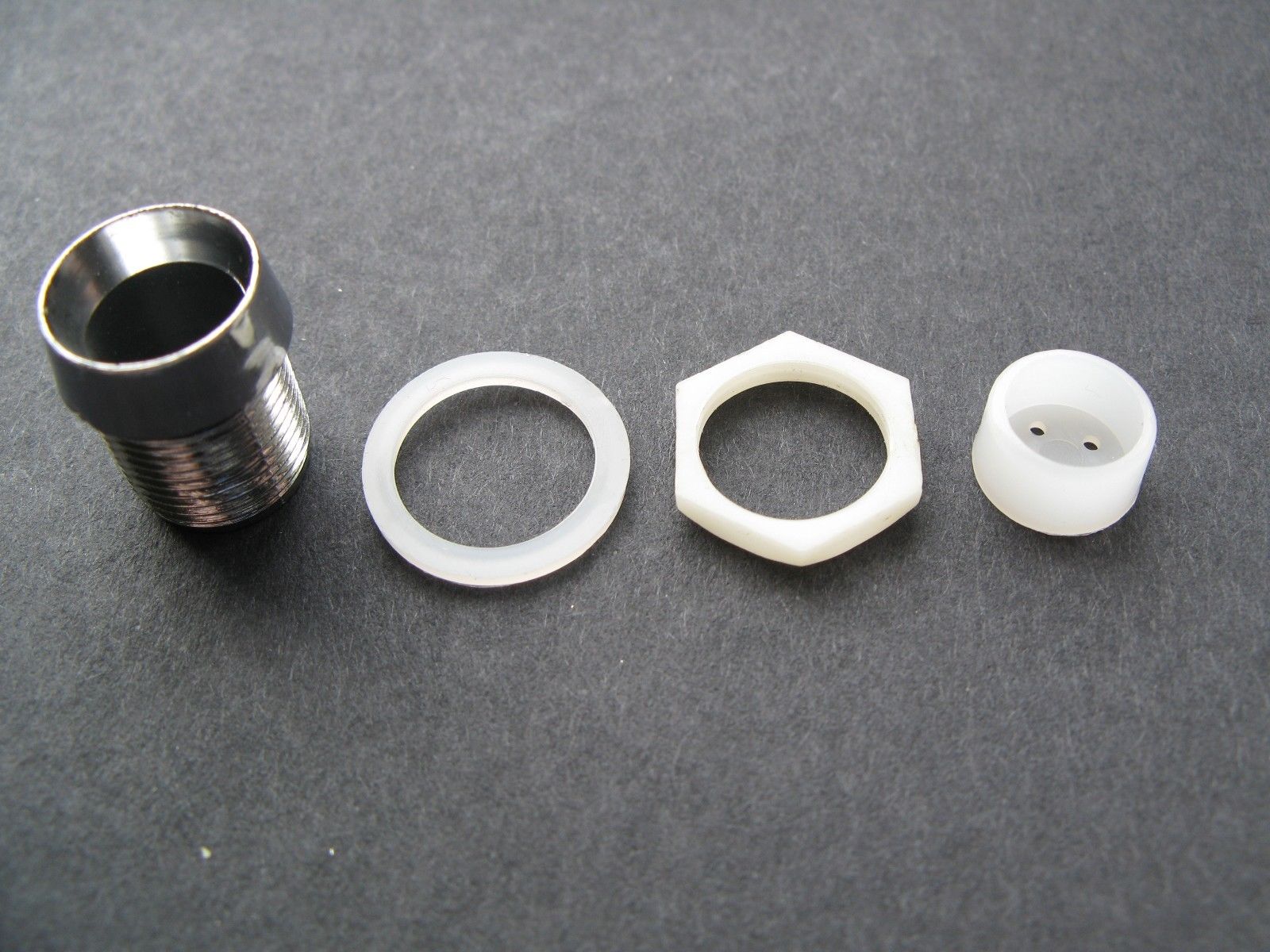
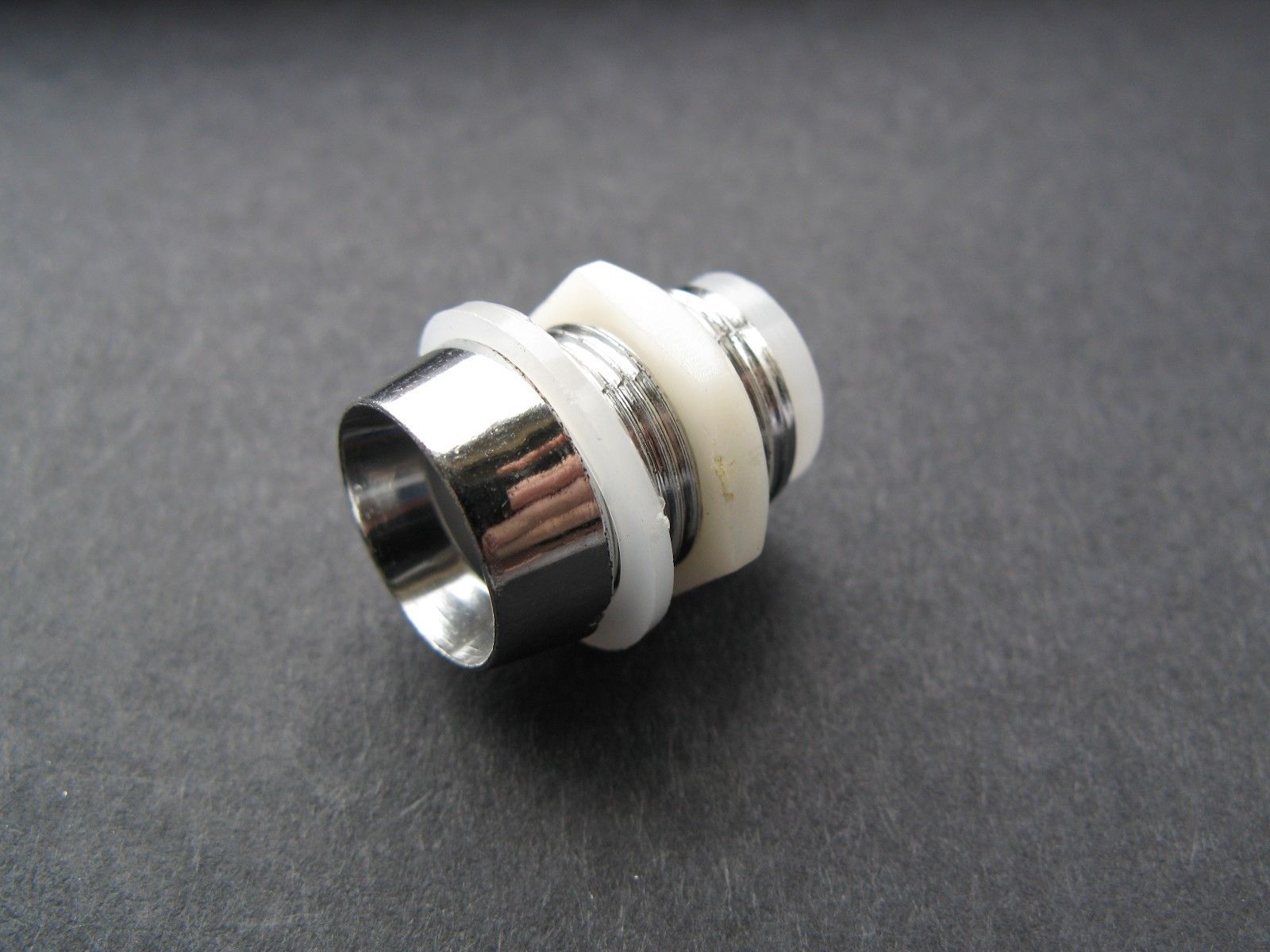
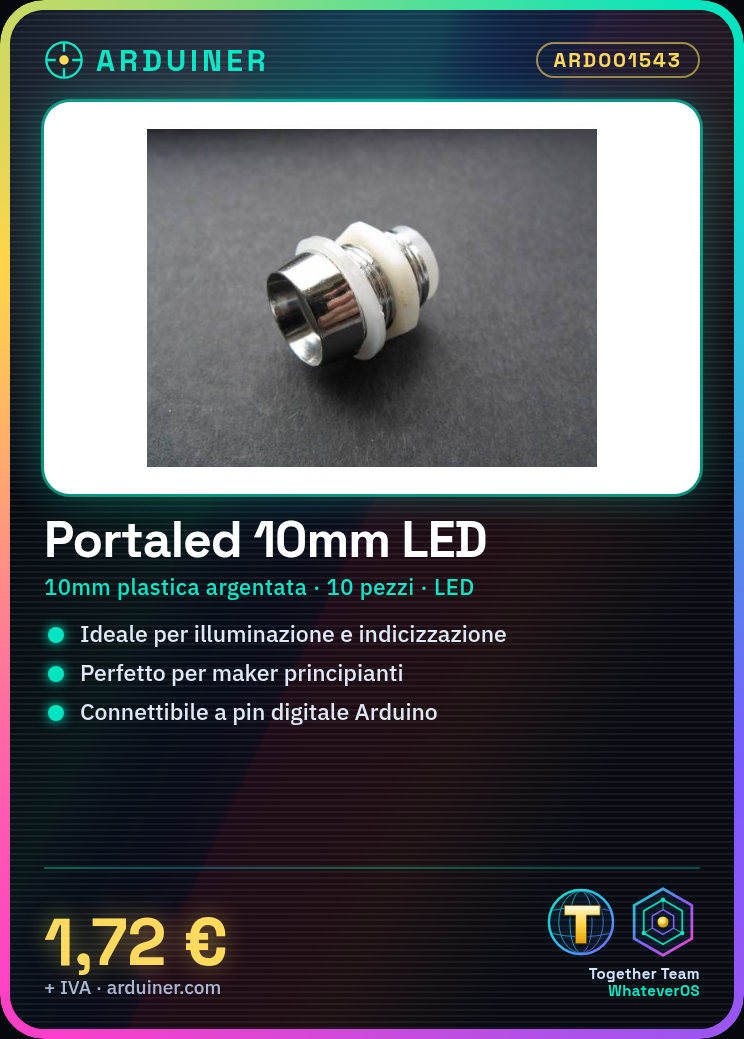
These 10mm plastic silver F10 LED strips are ideal for lighting and indexing projects. Perfect for beginner makers who want to add some light to their devices or modules.
Required Components: Arduino Uno, Appropriate Resistor, 5V or 3.3V Connection
Connect the LED strip to an Arduino digital pin using a resistor. Write a sketch to alternate between turning the LED on and off. Ensure proper component installation by powering the Arduino board.
Example Code:
void setup() {
pinMode(13, OUTPUT);
}
void loop() {
digitalWrite(13, HIGH);
delay(1000); // Wait for one second
digitalWrite(13, LOW);
delay(1000); // Wait for one second
}
Mini-Project: Create a Toggle Lamp with a Button and an LED Strip
Connect the button to the Arduino board so that pressing the button turns the light on or off.
Common Errors: Use a resistor that is too small, fail to check the LED connection before uploading the sketch, ignore the electrical voltage specifications in the datasheet.
Recommended Accessories: 10kΩ Variable Resistor, Push Button, Arduino Uno R3


Reviews
There are no reviews yet.