 EN
EN IT Italiano
 ES Español
 FR Français
 DE Deutsch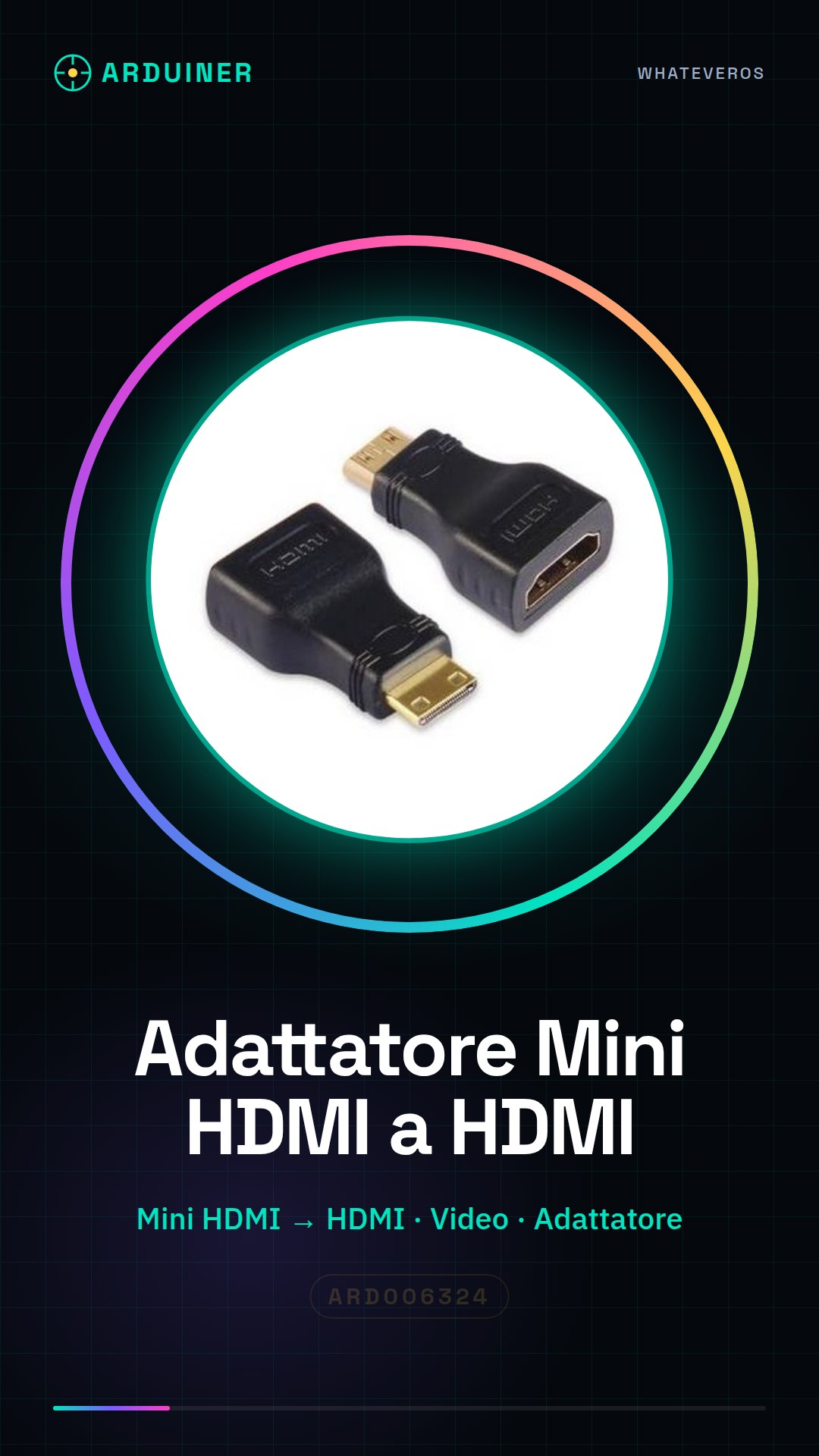
Description
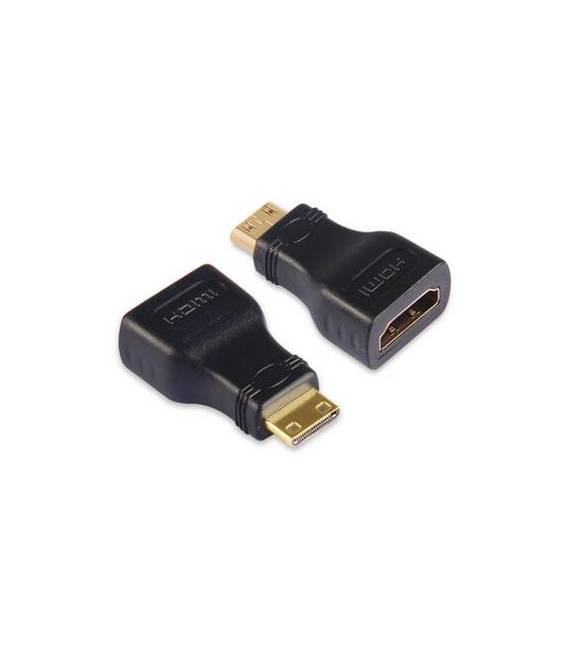
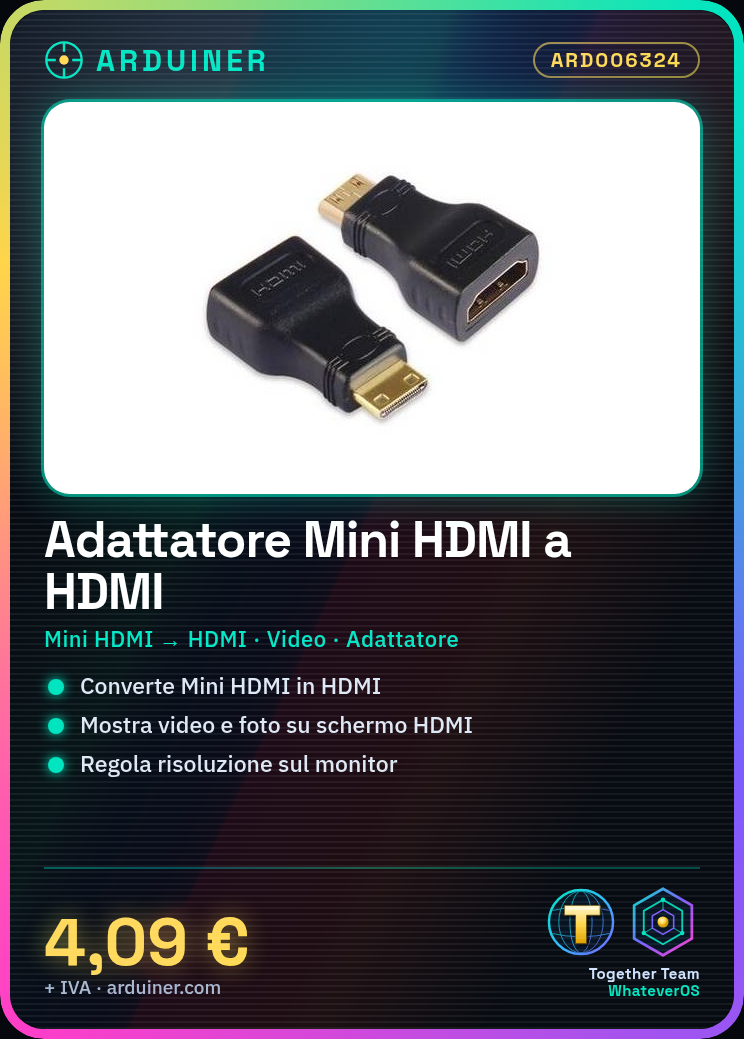
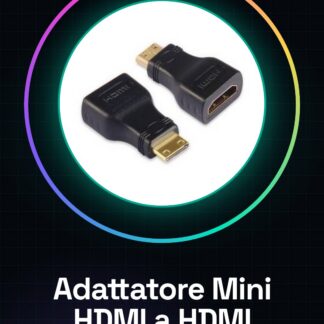
Mini HDMI to HDMI converter adapter Tutorial: How to use the Mini HDMI to HDMI Converter This adapter allows you to connect Mini HDMI devices to HDMI monitors or TVs. Useful for connecting phones, tablets, or other devices to an HDMI screen. What you need Mini HDMI to HDMI adapter Mini HDMI device HDMI monitor or TV Steps Verify the device’s Mini HDMI specifications. Connect the Mini HDMI cable to the device’s output. Connect the other end of the cable to an HDMI port on the monitor or TV. Turn on the device and ensure the image appears correctly. If necessary, adjust the monitor’s resolution settings. Check audio functionality (if present). Mini-project Connect a phone or tablet with a Mini HDMI connector to an HDMI monitor and display a video or photo. Common errors Do not connect the cable to a USB port. Ensure the device is properly powered. Check that the cable is correctly inserted into both ports. If it doesn’t work, check device compatibility. Recommended accessories HDMI cable to connect the monitor or TV USB adapter to power mobile devices USB cable to charge the device Headphones or speakers to connect the audio Frequently asked questions My device does not recognize the Mini HDMI connector. Check device compatibility and correct cable connection. The image does not appear correctly. Adjust monitor resolution settings or check proper device power. The audio does not work. Check if the device supports HDMI audio and if the cable supports audio transmission.
Reviews
There are no reviews yet.