 EN
EN IT Italiano
 ES Español
 FR Français
 DE Deutsch
Description
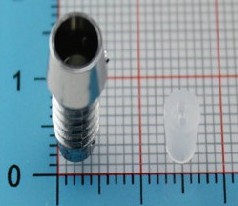
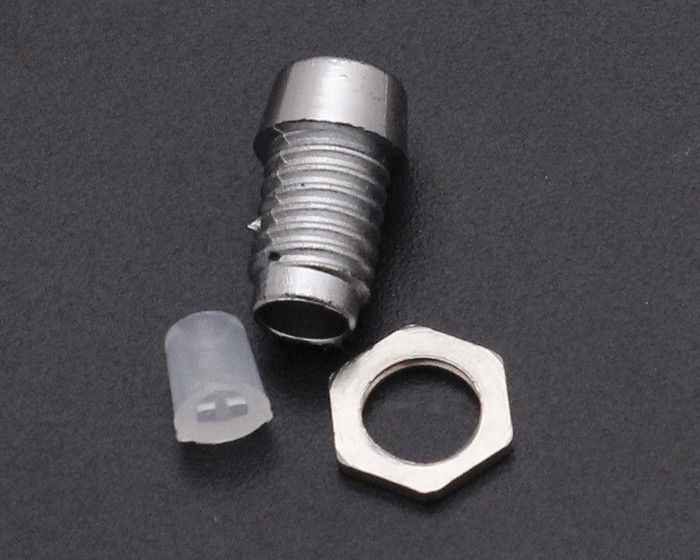
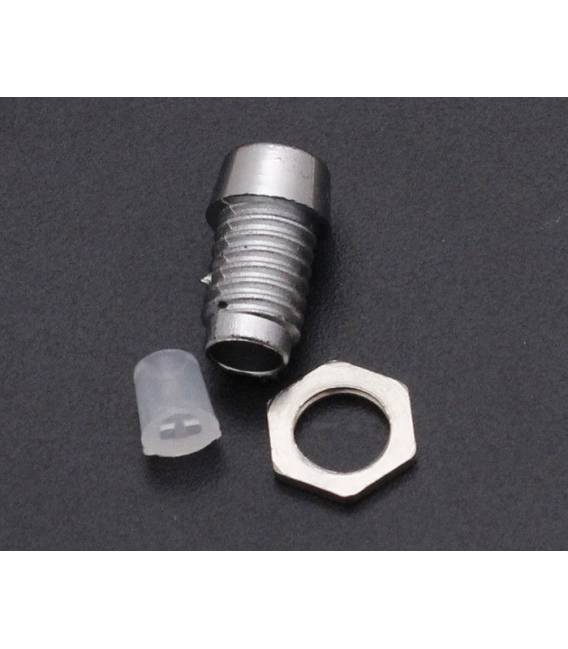
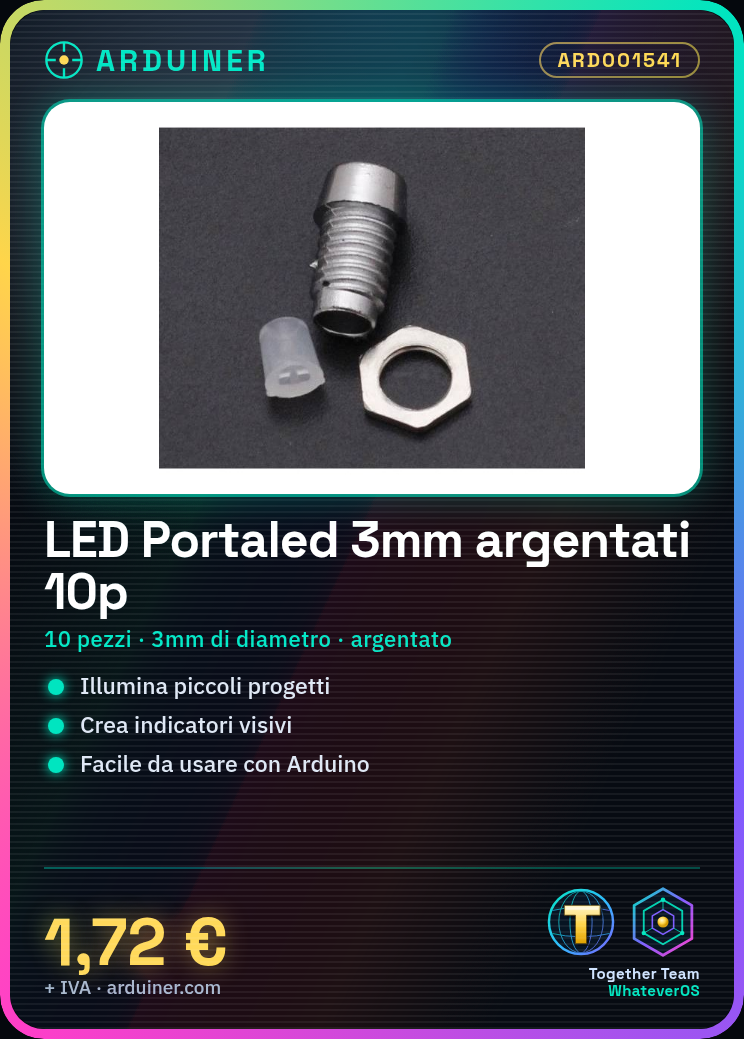
How to Use 3mm Silver F3 Surface Mount LEDs
These 3mm silver F3 surface mount LEDs are ideal for illuminating small electronic projects or creating visual indicators. Perfect for beginners who want to add light to their prototypes. Components Needed: Arduino Uno, Resistor, Connecting Wire
Steps:
1. Verify the LED polarity: the longer pin is anode (+), the shorter pin is cathode (-).
2. Connect the anode (longer pin) to the digital pin of the Arduino.
3. Connect a resistor between the Arduino and the LED to prevent it from burning out.
4. Now connect the cathode (shorter pin) of the LED to the ground of the Arduino.
5. Write the Arduino code as shown below. Compile and run the code on Arduino.
6. Check if the LED turns on and off correctly. If necessary, adjust the resistor to optimize brightness.
Example Code:
void setup() {
pinMode(13, OUTPUT);
}
void loop() {
digitalWrite(13, HIGH);
delay(1000);
digitalWrite(13, LOW);
delay(1000);
}
Mini-Project: Create a simple light-up clock with Arduino that turns the LED on and off every minute.
Common Errors:
– Not verifying the LED polarity before connecting it.
– Using a resistor that is too small or too large, causing damage or dim light.
– Connecting the Arduino pin directly to the LED without a resistor.
Recommended Accessories:
– Variable Resistors
– Arduino Project Kit
– ABS Raised Printing
– Connecting Wires
Reviews
There are no reviews yet.