 EN
 IT Italiano
 ES Español
 FR Français
 DE Deutsch
Description
What it is
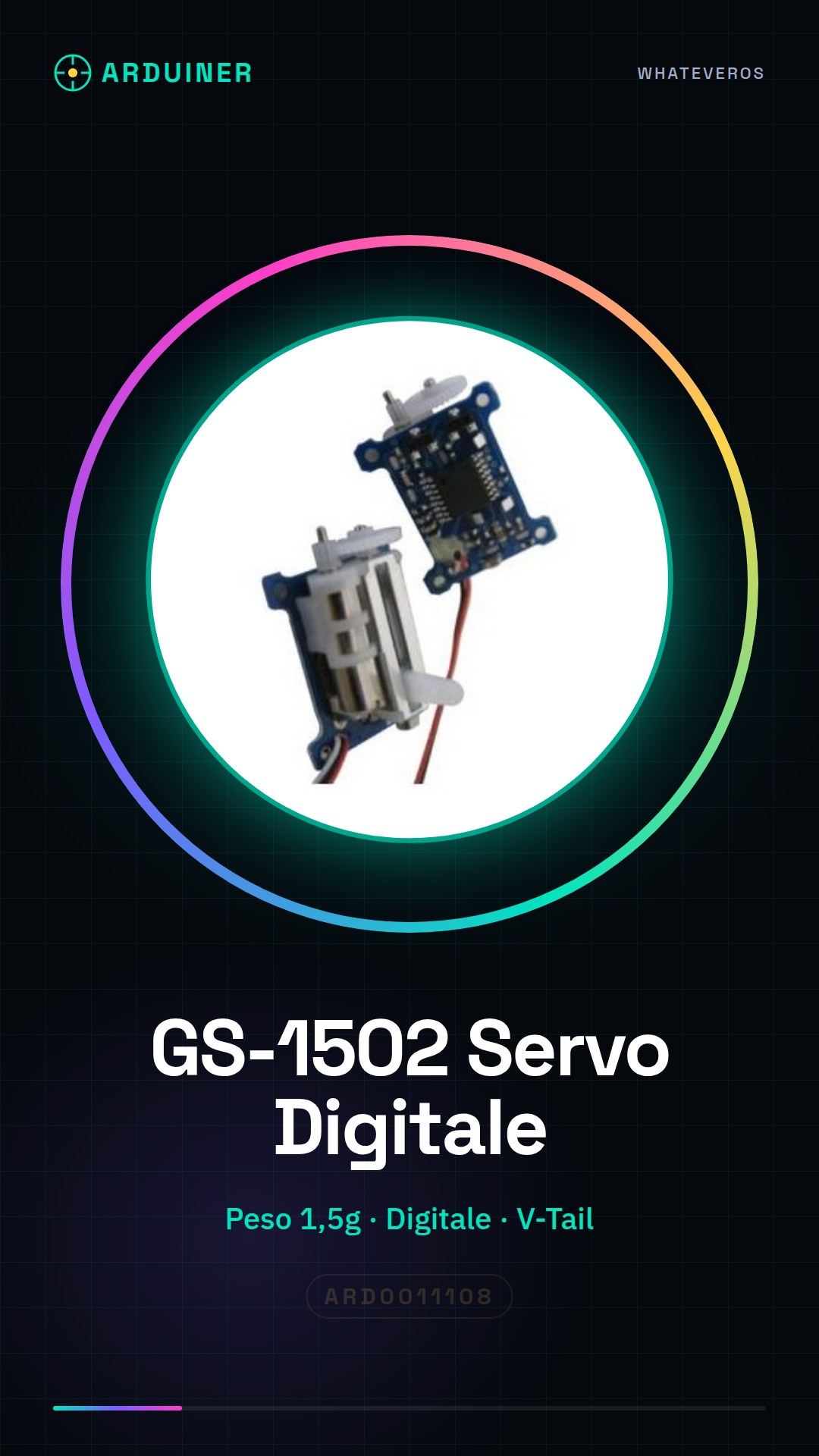
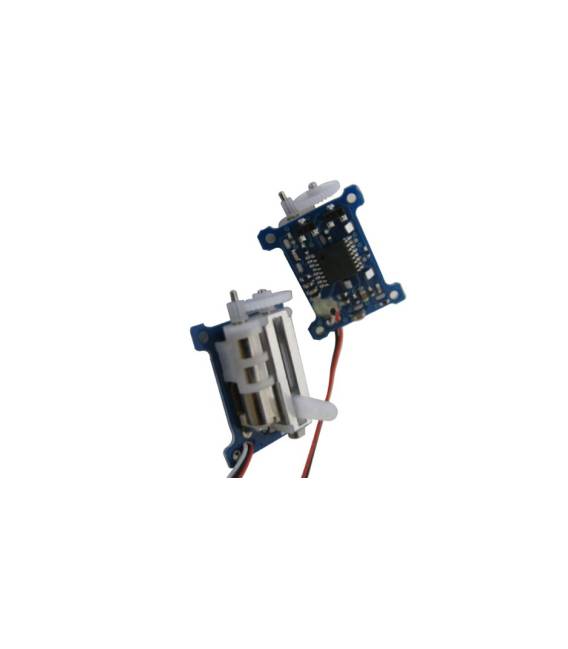
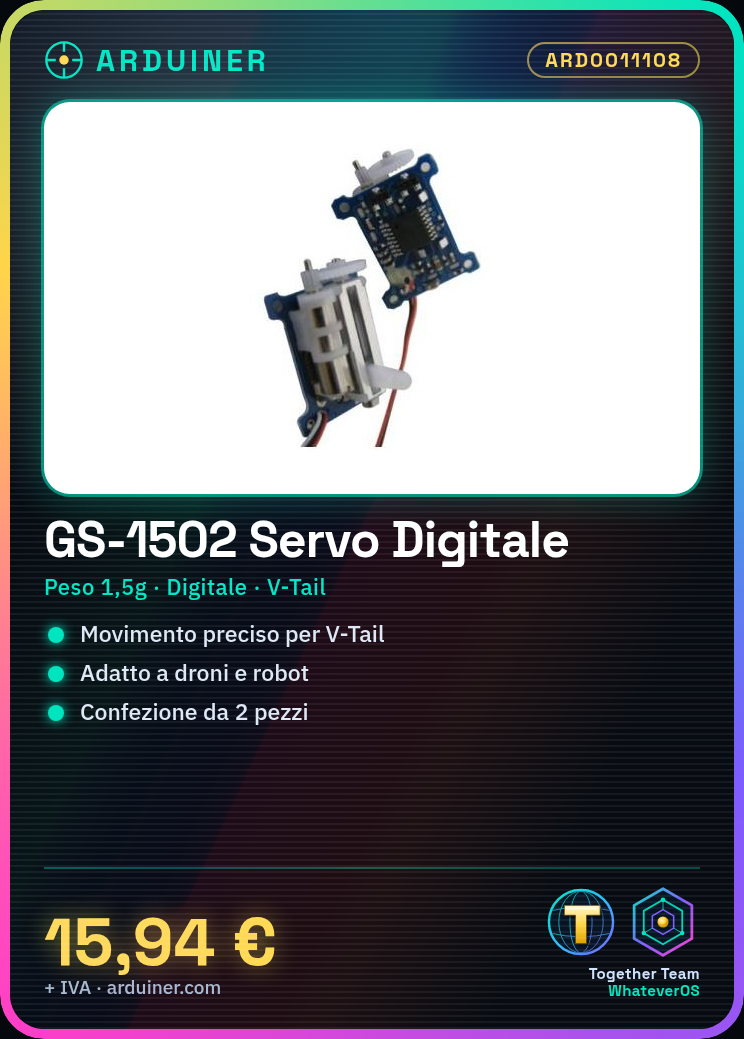
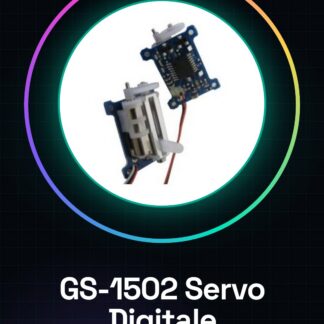
The digital GS-1502 servo is a servo motor suitable for RC model and drone projects, particularly those with V-Tail configuration. This component offers precision in movement thanks to its ultra-linear function.
Features
- Weight: 1.5g
- Servo motor type: digital
- Function: V-Tail
- Pack of 2
What it is for
The GS-1502 servomotors are ideal for building small drones with V-Tail configuration. They can also be used in robotic projects that require precise and controlled movements through Arduino or ESP.
Tutorial: How to use the digital GS-1502 servo
The digital GS-1502 servo is perfect for V-Tail drone and robotic projects that require precision in movement. This tutorial will guide you through the installation and configuration of the servomotor.
What you need
- Arduino Uno or compatible
- USB cable for Arduino
- external power supply 5V-6V
- breadboard
- head connectors
Steps
- Connect the GS-1502 servo to the Arduino according to the pinout table (check the datasheet)
- Install the Servo library for Arduino from the library manager
- Write the sketch that configures and controls the servomotor
- Power the servo with a separate power supply of 5V-6V, not from the Arduino (check the datasheet)
- Test the servomotor’s rotation within the allowed range of motion
- Adjust any additional parameters such as speed or acceleration (check the datasheet)
- Implement the servomotor control in a larger system, for example to create a V-Tail on a drone
Example code
Servo myServo;

void setup() {
  myServo.attach(9); // Collega il servo alla pin 9 di Arduino
}

void loop() {
  for(int pos = 0; pos <= 180; pos += 1) { // Gira il servomotore da 0 a 180 gradi
    myServo.write(pos);
    delay(15); // Attende per permettere al servomotore di raggiungere la posizione
  }
}
Mini project
Create a small drone with V-Tail using two GS-1502 and control it with joystick command
Common mistakes
- Power the servomotor directly from Arduino
- Do not install the Servo library
- Omit adjusting the external power supply
Recommended accessories
- Arduino Uno R3 (ARD0010257)
- LiPo Battery 3S 1300mAh with Protector (BAT0014896)
- Analog Joystick KY-032 (SEN0013567)
- M/F Servo Connector
Frequently asked questions
The servo does not move.
Check the power supply and connection of the servomotor. Verify that the servomotor is compatible with Arduino.
What is the difference between GS-1502 and other digital servomotors?
The GS-1502 offers superior precision and more linear movement compared to many analog models.



Reviews
There are no reviews yet.