 EN
 IT Italiano
 ES Español
 FR Français
 DE Deutsch
Description
What it is
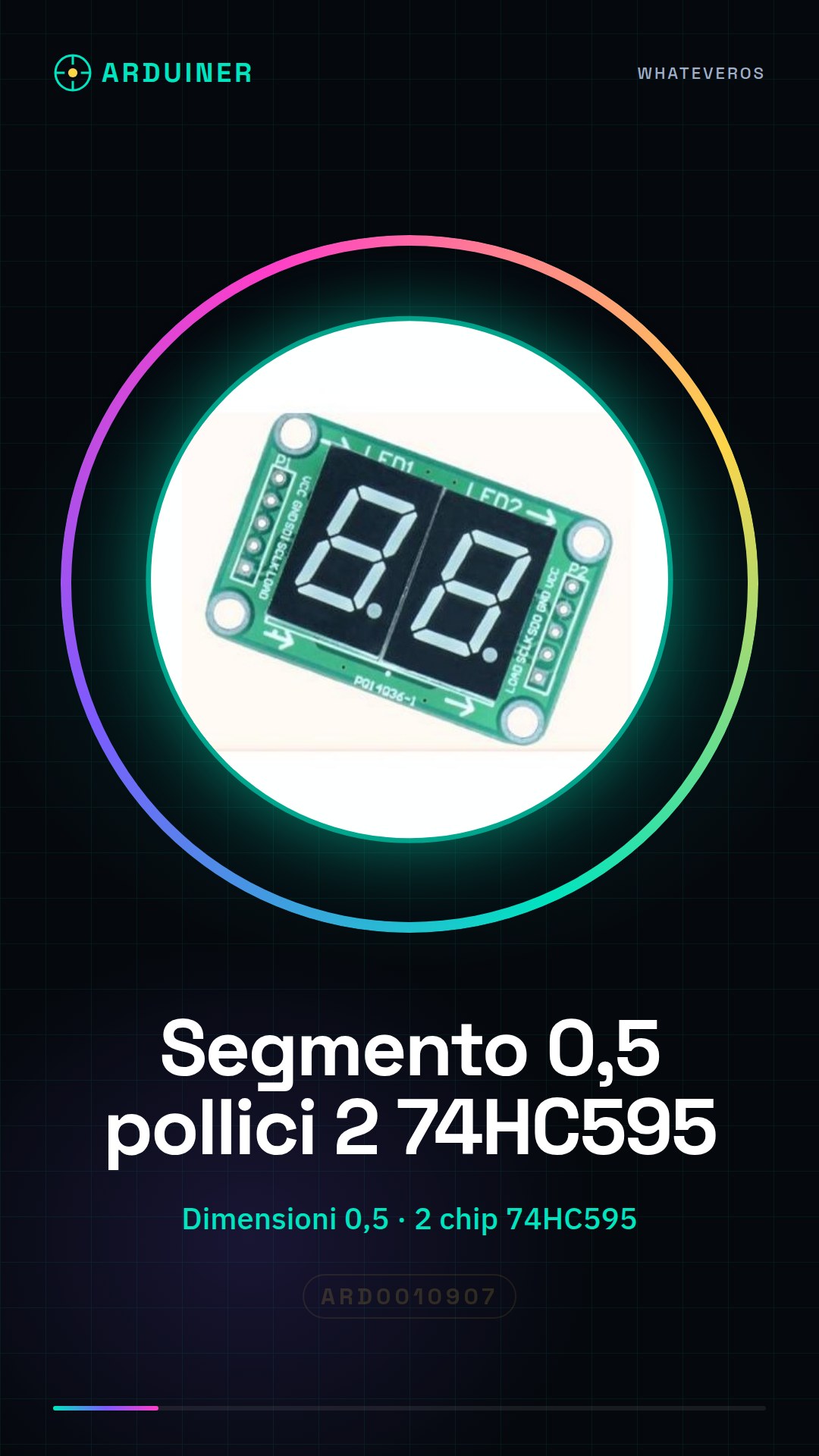
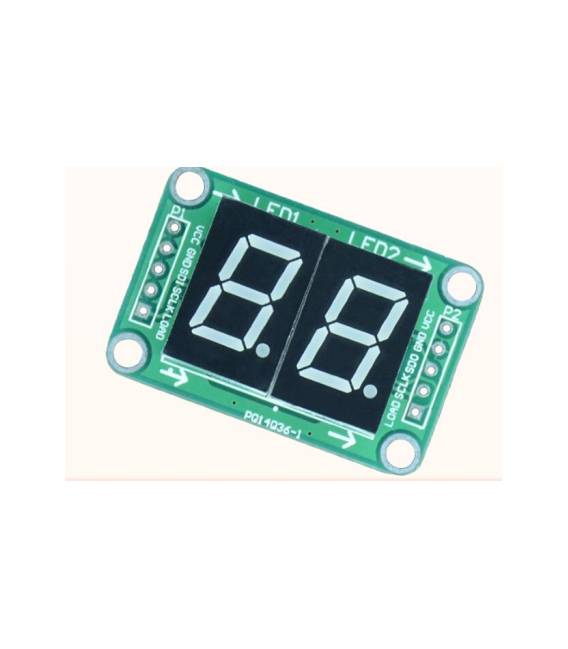
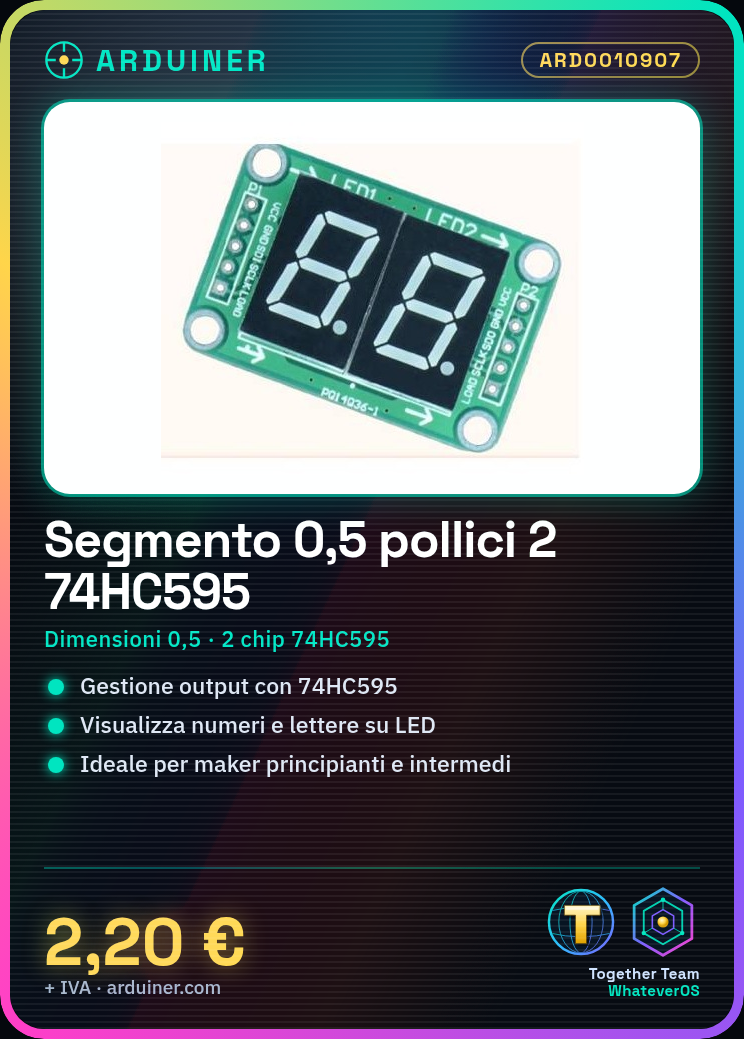
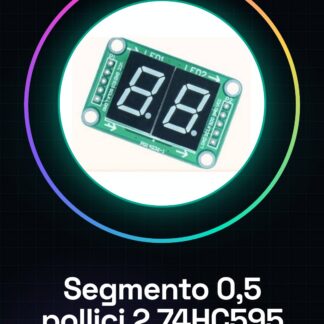
The 0.5 inch 2 74HC595 digital tube segment is an electronic component consisting of two 74HC595 chips and two 0.5 inch LED tube segments. The 74HC595 is a shift register used to manage the output of various LED tube segments.
Features
- Dimensions: 0.5 inch
- Number of segments: 2
- Integrated chips: 2 x 74HC595
What it is for
This component is useful for creating multi-segment displays with Arduino or other microcontrollers. You can display numbers and letters using the LED tube segments and the 74HC595 to manage the sending of digital signals. It is an ideal component for beginner and intermediate makers who want to create visualization projects.
Tutorial: How to use 0.5 inch 2 74HC595 Digital Tube Segment
The 74HC595 is a shift register used to manage the output of various LED tube segments. Useful for beginner and intermediate makers who want to create multi-segment displays.
What you need
- 74HC595
- Resistors
- LED tube segments
- Arduino microcontroller
Steps
- 1. Connect the VCC of the 74HC595 to 5V of the Arduino.
- 2. Connect the GND of the 74HC595 to GND of the Arduino.
- 3. Connect DS of the 74HC595 to a digital pin of the Arduino (e.g., D2).
- 4. Connect SH_CP of the 74HC595 to another digital pin of the Arduino (e.g., D3).
- 5. Connect ST_CP of the 74HC595 to a third digital pin of the Arduino (e.g., D4).
- 6. Connect the LED tube segments to the Q0-Q7 pins of the 74HC595.
- 7. Connect resistors to ground for each LED tube segment.
- 8. Load the Arduino code to test the 74HC595.
Example code
void loop() {
  shiftOut(dataPin, clockPin, MSBFIRST, 0x01); // Esegui l'output per il primo segmento
}
Mini project
Create a 7-segment display with 74HC595 and 7 LED tube segments. In 30 minutes you can display numbers and letters.
Common mistakes
- Do not connect the pins of the 74HC595 correctly.
- Omit the resistor for the LED tube segment.
- Use a different digital pin on the Arduino from the one specified.
- Omit the use of the shiftOut command in the Arduino code.
Recommended accessories
- LED tube segments
- Resistors
- Connection wire
- Protoboard
Frequently asked questions
How can I connect multiple 74HC595?
Connect the ST_CP pins of all the 74HC595 to a pin on the microcontroller and the DS pins to consecutive pins.
Which resistors to use?
Use 220 ohm resistors for each LED tube segment.
Why doesn’t the display light up?
Check the pin connections and the Arduino code.
Can I use a different power supply?
Check the datasheet to see if it is compatible with a power supply other than 5V.
Reviews
There are no reviews yet.