 EN
 IT Italiano
 ES Español
 FR Français
 DE Deutsch
Description
What it is
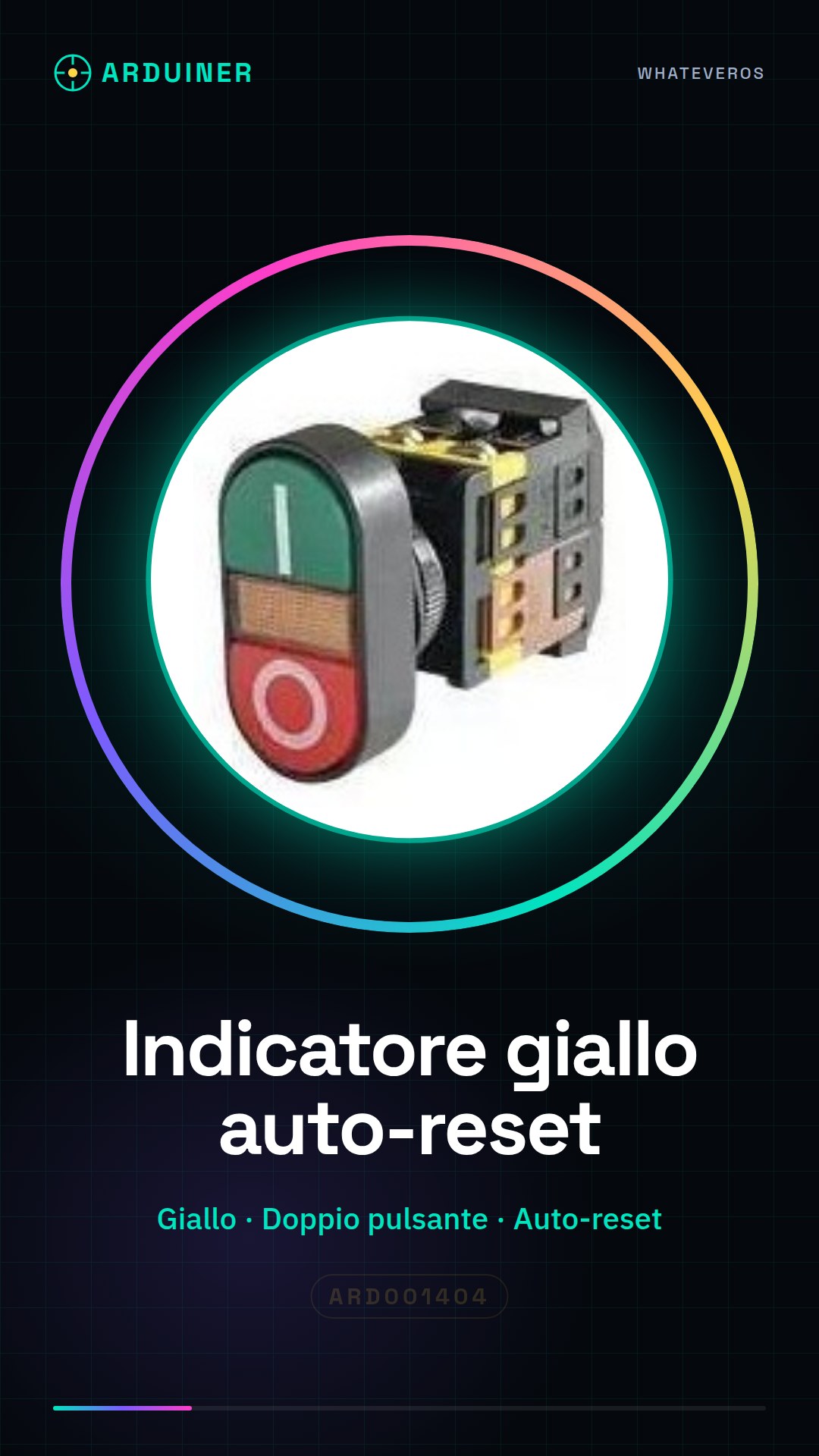
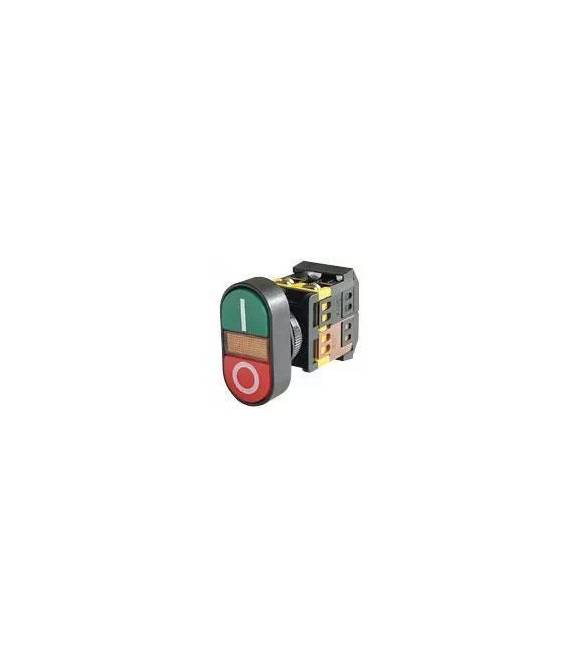
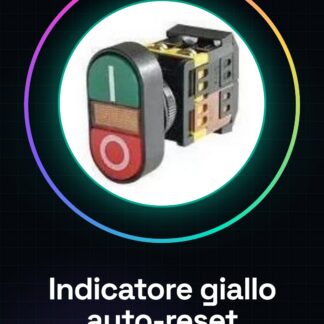
Yellow auto-reset double button is an electronic component that combines a double button with a yellow indicator light.
Features
- Indicator color: yellow
- Button type: double
- Function: auto-reset
What it is for
This component is ideal for electronic projects that require a visual signal during auto-reset. It can be used to create simple alarm systems, visual notifications, or intuitive user interfaces. Compatibility with Arduino and ESP should be verified in the datasheet.
Tutorial: How to use Yellow auto-reset double button
This yellow indicator double button is perfect for Arduino projects that require a visual signal during auto-reset. It is ideal for beginner or intermediate electronics enthusiasts.
What you need
- Arduino
- USB connection
- Connection cable
- Breadboard (prototype panel)
- Resistors
Steps
- Connect the two terminals of the button to the breadboard using the connection wire.
- Check the datasheet for the correct resistance to limit the current through the yellow LED and connect it between VCC and a digital pin of the Arduino.
- Write an Arduino sketch that turns on the LED when the button is pressed.
- Connect the button to the circuit through the input/output terminals of the Arduino.
- Verify the proper functioning of the button and the yellow LED indicator.
- If necessary, adjust the Arduino scripts to adapt to the specific needs of the project.
Example code
void setup() {
  pinMode(ledPin, OUTPUT);
pinMode(buttonPin, INPUT_PULLUP);
}

void loop() {
if (digitalRead(buttonPin) == LOW) {
analogWrite(ledPin, 255); // Accende l'LED al massimo
}
else {
analogWrite(ledPin, 0); // Spengere l'LED
}
Mini project
Create a simple alarm system that turns on an LED when the button is pressed and sends an audio signal through a siren connected to it.
Common mistakes
- Do not check the correct resistance for the LED.
- Connect the button to the circuit without testing it on a breadboard first.
- Forget to add the necessary Arduino script to make the button and the LED work.
- Use an LED directly from the Arduino USB port without the correct limiting resistor.
Recommended accessories
- Variable resistors
- Audio siren
- Buzzer
- Motion sensors
Frequently asked questions
What is the operating voltage of the button?
Check the datasheet to determine the correct operating voltage.
How can I connect multiple buttons?
Use a multiplexer or a key matrix to manage multiple buttons with few Arduino pins.
Reviews
There are no reviews yet.