 EN
 IT Italiano
 ES Español
 FR Français
 DE Deutsch
Description
What it is
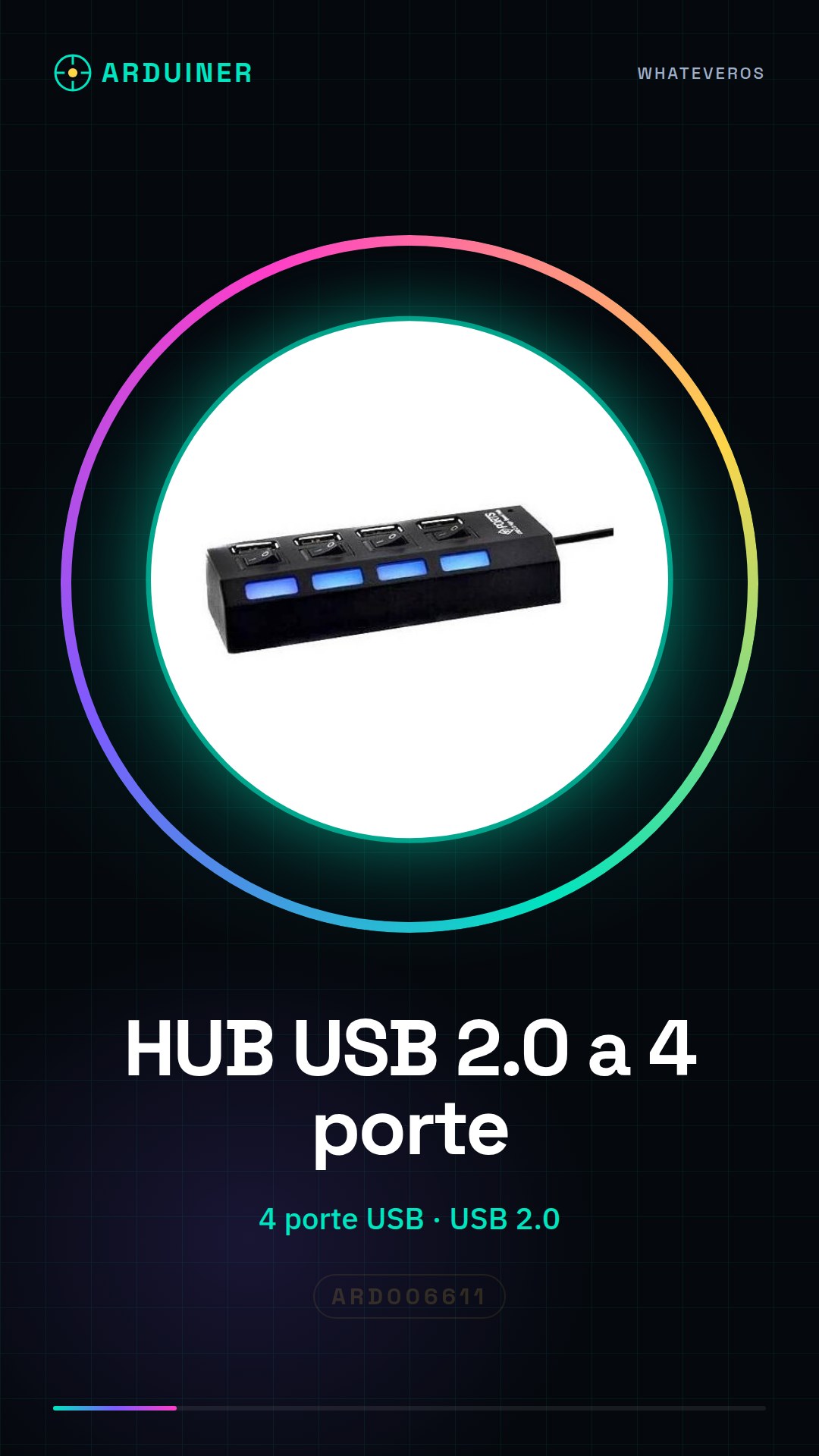
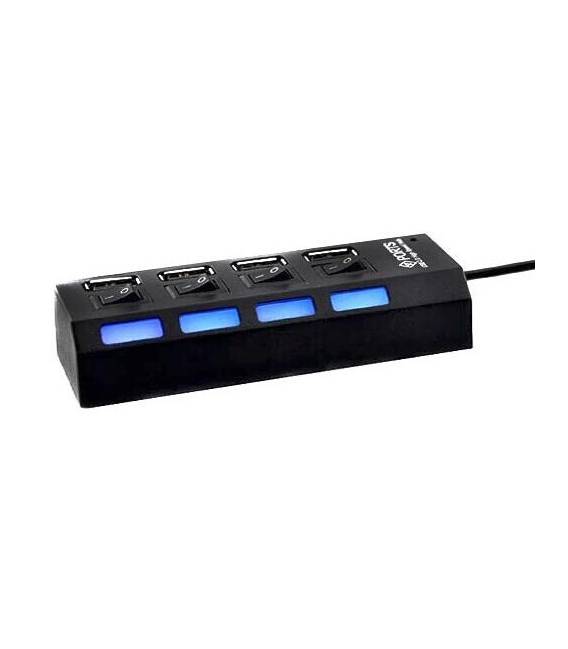
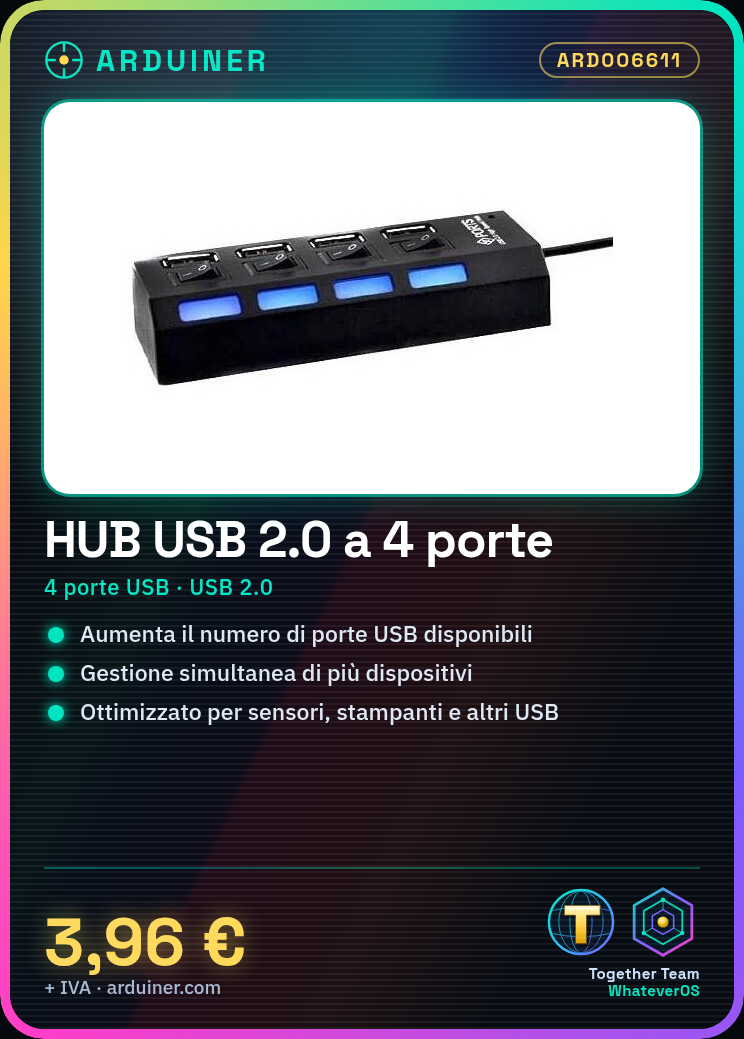
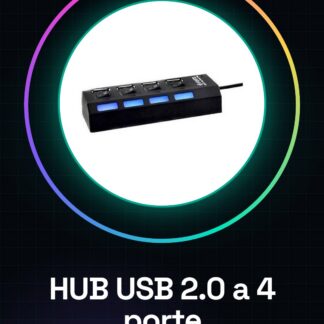
The USB 2.0 4-port hub is a device that allows you to increase the number of available USB connectors on a computer or laptop, enabling the simultaneous management of multiple electronic devices.
Features
- USB 2.0 4-port hub
- Ideally suited for use with Arduino and other electronic components
- Optimized for connecting sensors, printers, and other USB devices
What it is for
Solves the problem of insufficient USB ports available on a computer or laptop. It can be used to connect multiple gadgets such as keyboards, mice, printers, and other devices necessary for Arduino programming simultaneously.
Tutorial: How to use a USB 2.0 4-port hub
The USB 2.0 hub with four ports allows you to connect multiple USB devices to a single laptop or computer, solving the problem of insufficient available ports. Ideal for those who need to connect various gadgets such as keyboards, mice, printers, and others simultaneously.
What you need
- Computer with USB 2.0 port
- USB A-male to B-female or Type C cable
- USB devices to connect
Steps
- Connect the hub to your power supply (if necessary)
- Connect the hub to the computer using a USB cable
- Insert USB devices into the hub ports
- Check that all devices connect correctly
Mini project
Create a multi-device workstation with this hub, connecting mouse, keyboard, and printer to have everything within reach.
Common mistakes
- The hub does not recognize devices
- Device power supply issues
- Blocked or damaged USB ports
Recommended accessories
- USB A-male to B-female cable
- Set of Type C USB cables
- External power supply for USB hub
Frequently asked questions
My device does not connect to the hub.
Check your device’s compatibility with the hub and verify if there are power supply issues.
Can I use this hub without power?
Some devices require separate power, check the datasheet for specific requirements.
Reviews
There are no reviews yet.