 EN
 IT Italiano
 ES Español
 FR Français
 DE Deutsch
Description
What it is
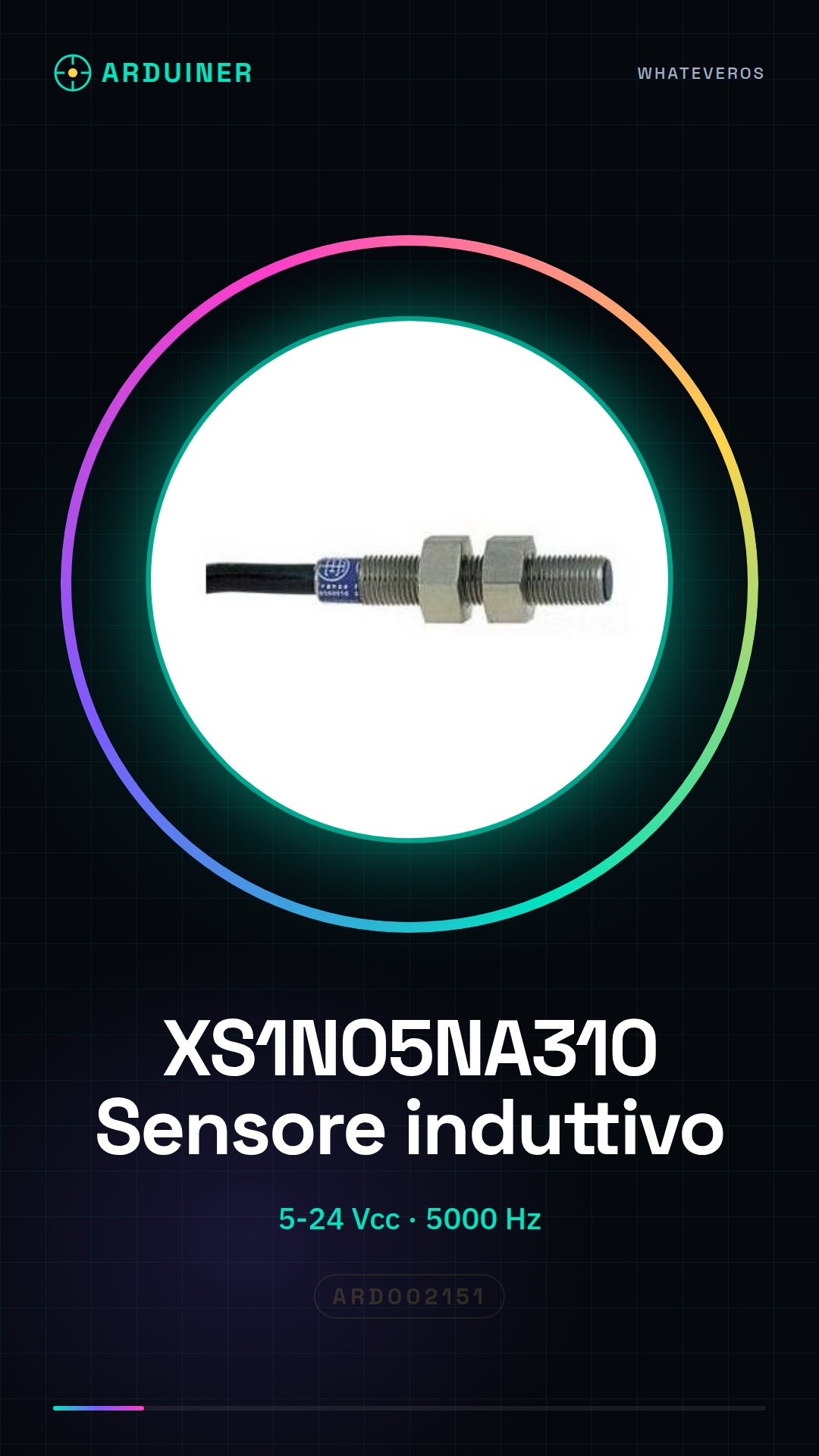
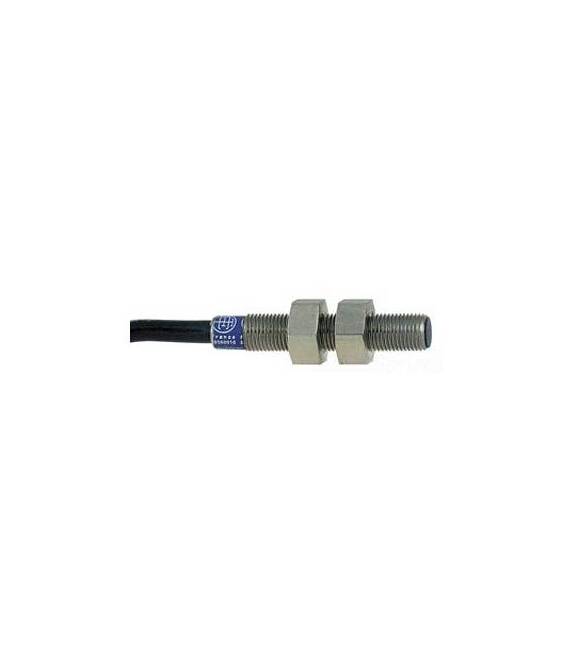
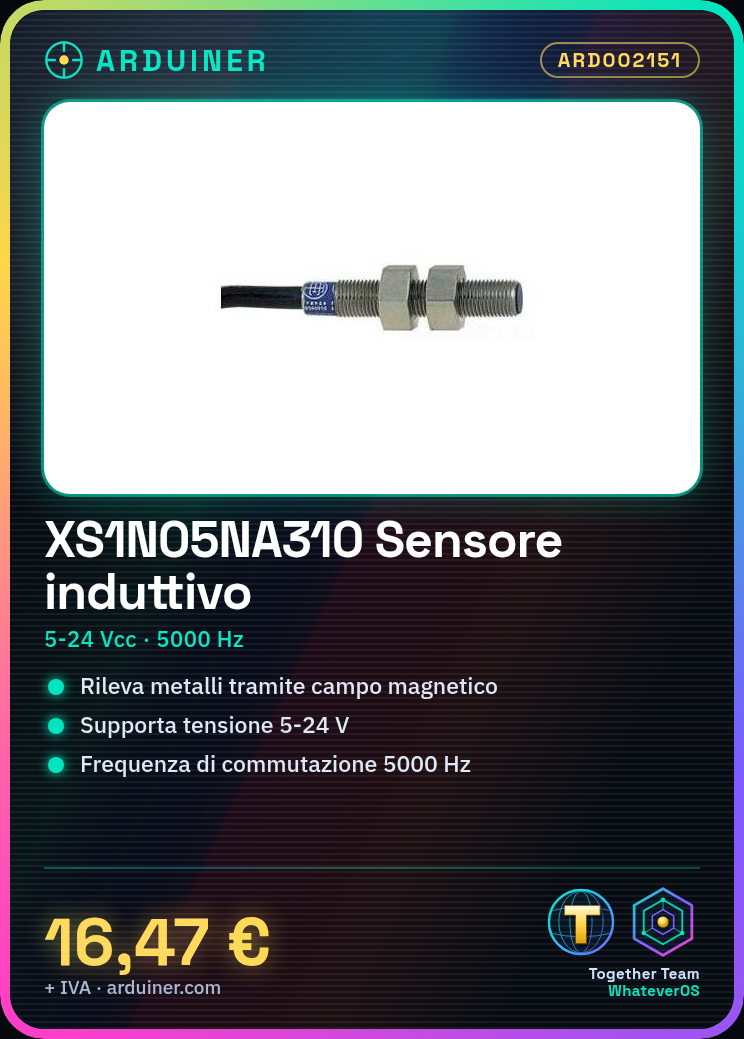
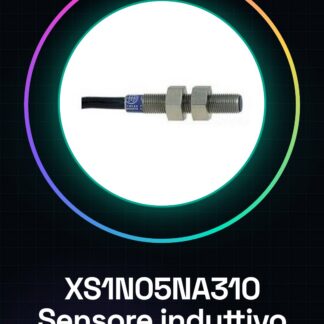
The XS1N05NA310 inductive sensor is an electronic component that detects the presence of metallic objects through an inductive magnetic field.
Features
- Operating voltage: 5 to 24 Vcc
- Switching frequency: 5000 Hz
What it is for
The XS1N05NA310 inductive sensor is ideal for metal detection in robotics projects, home automation, and security systems. It can be used to create simple alarm systems, presence sensors, or to control metallic objects. Compatibility with Arduino and ESP32 allows for easy integration into automation projects.
Tutorial: How to use XS1N05NA310
The XS1N05NA310 inductive sensor is ideal for metal detection. Useful for home automation, robotics, and security systems projects.
What you need
- XS1N05NA310
- Arduino
- Resistor (10kΩ)
- Prototype connector
Steps
- 1. Mount the sensor on the support so that the detection field is free.
- 2. Connect the VCC pin of the sensor to the 5V of Arduino.
- 3. Connect the GND pin of the sensor to the GND of Arduino.
- 4. Connect the OUT pin of the sensor to a digital pin of Arduino through a resistor (10kΩ).
- 5. Upload the code to Arduino.
- 6. Check the datasheet for further details.
- 7. Try placing a piece of metal near the sensor.
- 8. Verify that the LED on the Arduino lights up when the metal is nearby.
Example code
```
int sensorPin = 2;
int ledPin = 13;

void setup() {
  pinMode(sensorPin, INPUT);
  pinMode(ledPin, OUTPUT);
}

void loop() {
  if (digitalRead(sensorPin) == HIGH) {
    digitalWrite(ledPin, HIGH);
  } else {
    digitalWrite(ledPin, LOW);
  }
}
```
Mini project
Create a simple alarm system with the inductive sensor and a bell.
Common mistakes
- Do not connect the OUT pin of the sensor directly to Arduino without a resistor.
- Do not use an analog pin to read the signal from the sensor.
- Do not mount the sensor too close to sources of electrical interference.
- Do not forget to check the datasheet for further details.
Recommended accessories
- Arduino Nano
- Bell
- Prototype wire
- LED
Frequently asked questions
Does the sensor work with batteries?
The sensor operates at 5V, so it can be powered by a 3.7V battery with a voltage converter.
Can I use an Arduino Uno?
Yes, but make sure the sensor’s output pin is compatible with 5V.
Does the sensor work with all metals?
The sensor works best with metals like steel, copper, and brass. Other metals may not be detected.
Can I mount the sensor in a humid environment?
Check the datasheet for humidity resistance. Some models may require additional protection.

Reviews
There are no reviews yet.