 EN
EN IT Italiano
 ES Español
 FR Français
 DE Deutsch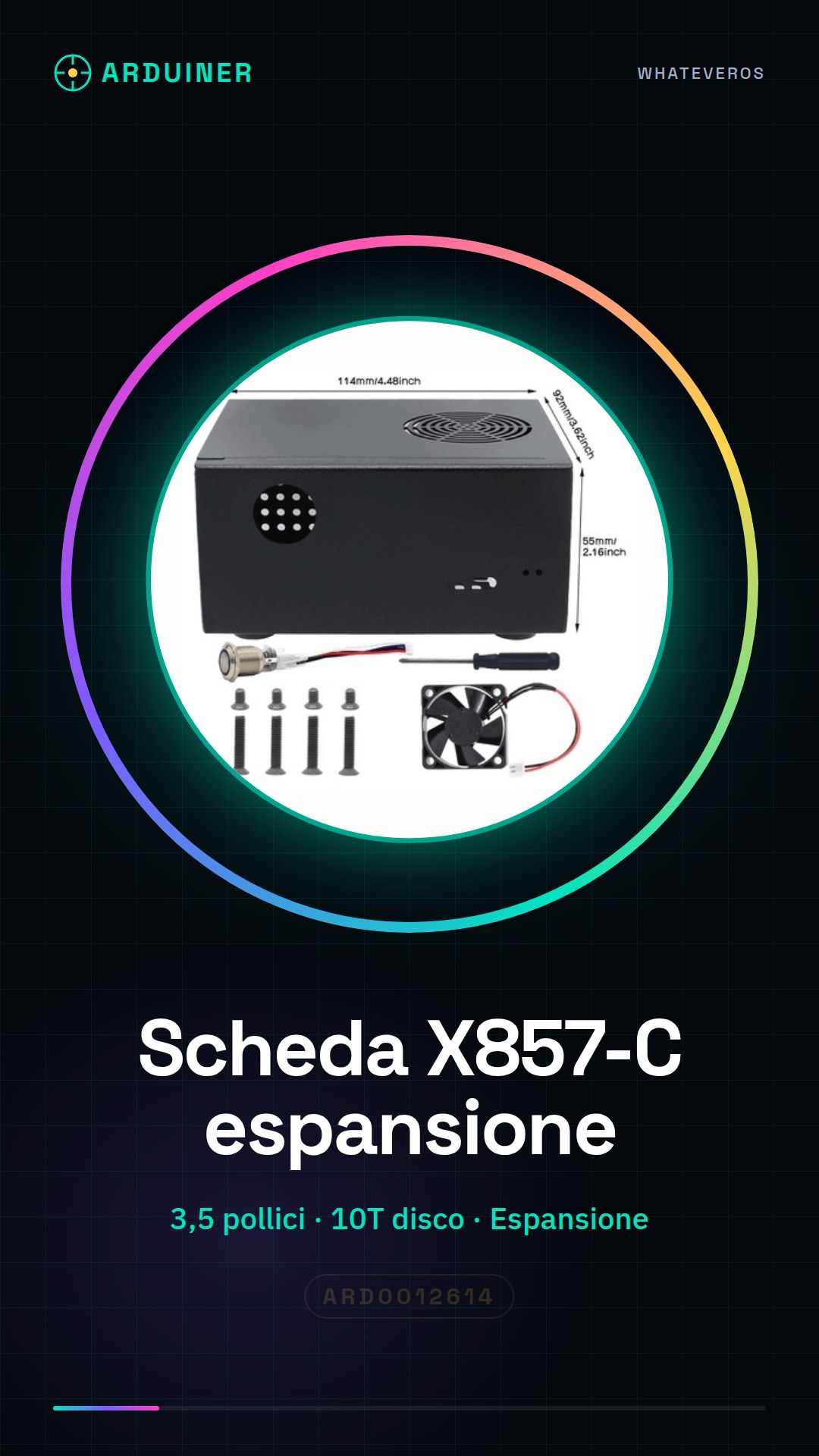
Description
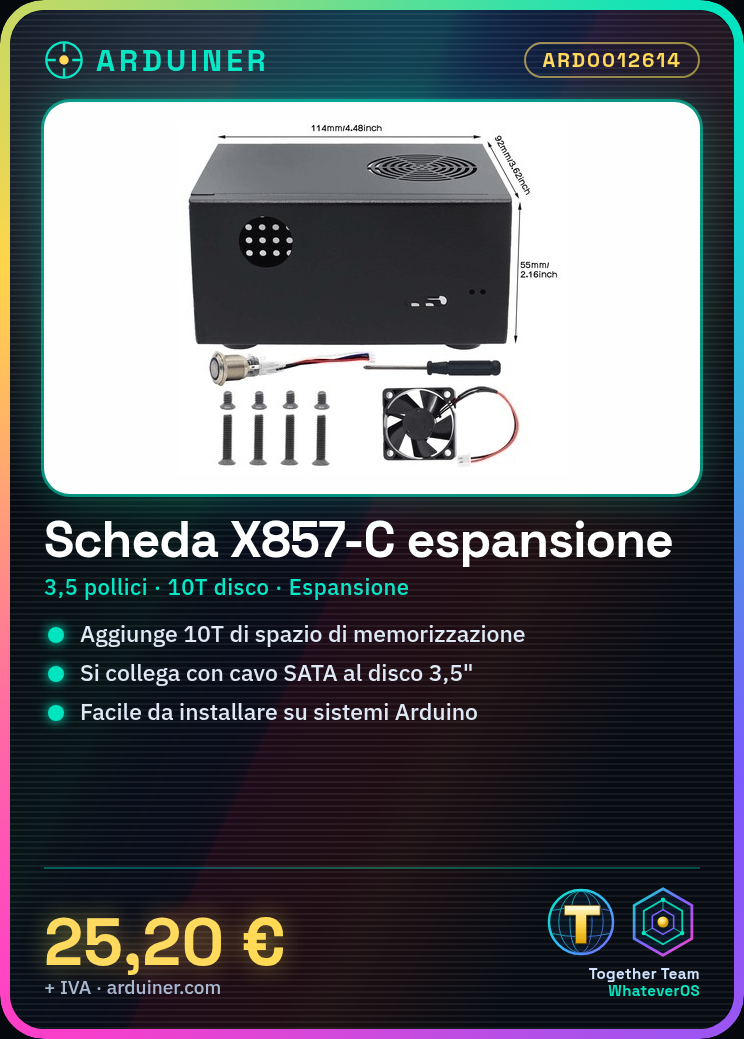
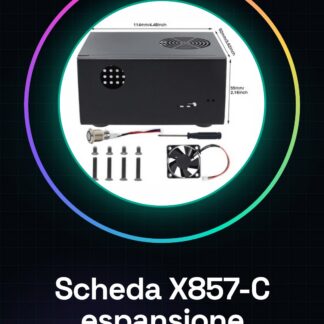
What is the X857-C Storage Expansion Board? The X857-C Storage Expansion Board is a device designed to integrate a 3.5-inch mechanical hard disk drive with low-power consumption computer systems, such as those based on Arduino or ESP. This solution offers easy storage space expansion for electronics projects and DIY applications.
Features:
– Compatible with 3.5-inch hard disk drives
– Suitable for Arduino and similar systems
– Allows for memory storage space expansion
What is it used for?
The X857-C board is ideal for creating home file servers, storing data for electronic projects, and increasing storage on Arduino or ESP-based systems. It is suitable for makers and professionals looking for a reliable way to integrate mechanical hard drives into electronics projects.
How to use the X857-C Storage Expansion Board:
The X857-C Storage Expansion Board is perfect for those who want to integrate a 3.5-inch mechanical hard disk drive with a motherboard or low-power consumption computer system. This solution is suitable for makers and professionals seeking a reliable way to increase storage space.
What you need:
– X857-C Storage Expansion Board
– 10T 3.5-inch hard disk drive
– SATA cable
– External power supply or system power
Steps:
1. Connect the 3.5-inch hard disk drive to the X857-C board support.
2. Connect the SATA cable from the hard disk drive to the X857-C board.
3. Connect the power cable to both the hard disk drive and the board.
4. Check the datasheet for compatibility of the hard disk drive and board.
5. Connect the X857-C board to the computer system via appropriate connectors.
6. Configure the operating system to recognize the new hard disk drive.
7. Refer to the datasheet for specific system configuration settings.
8. Test read/write operations on the hard disk drive.
Mini-project:
Create a home file server with the X857-C board and a 3.5-inch hard disk drive in just 30 minutes. Configure the operating system and install file-sharing software.
Common errors:
– Ensure that the hard disk drive is correctly recognized by the system.
– Verify adequate power supply to the hard disk drive.
– Correctly configure the operating system to recognize the new hard disk.
– Refer to the datasheet for hard disk compatibility.
Reviews
There are no reviews yet.