 EN
EN IT Italiano
 ES Español
 FR Français
 DE Deutsch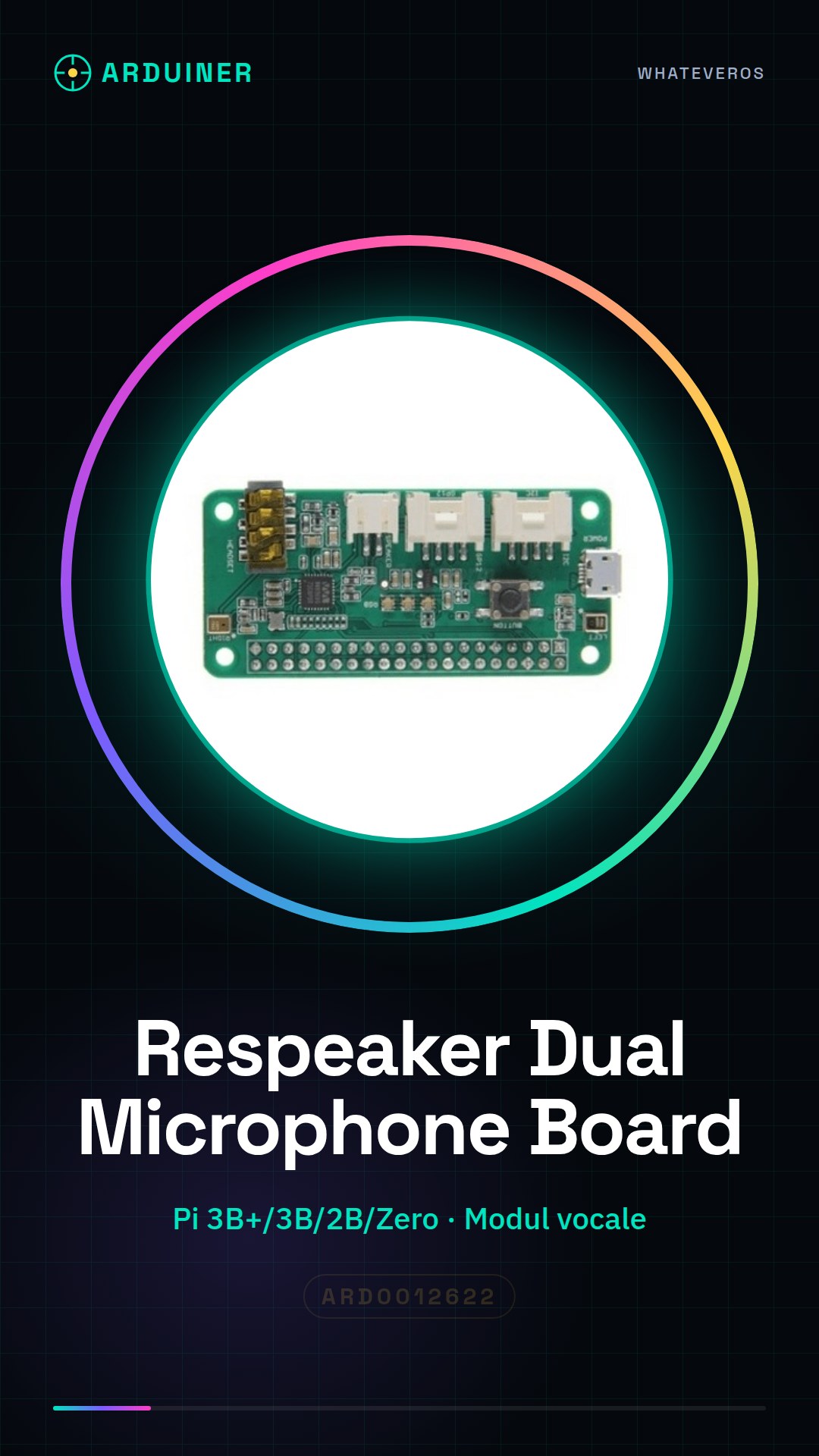
Description
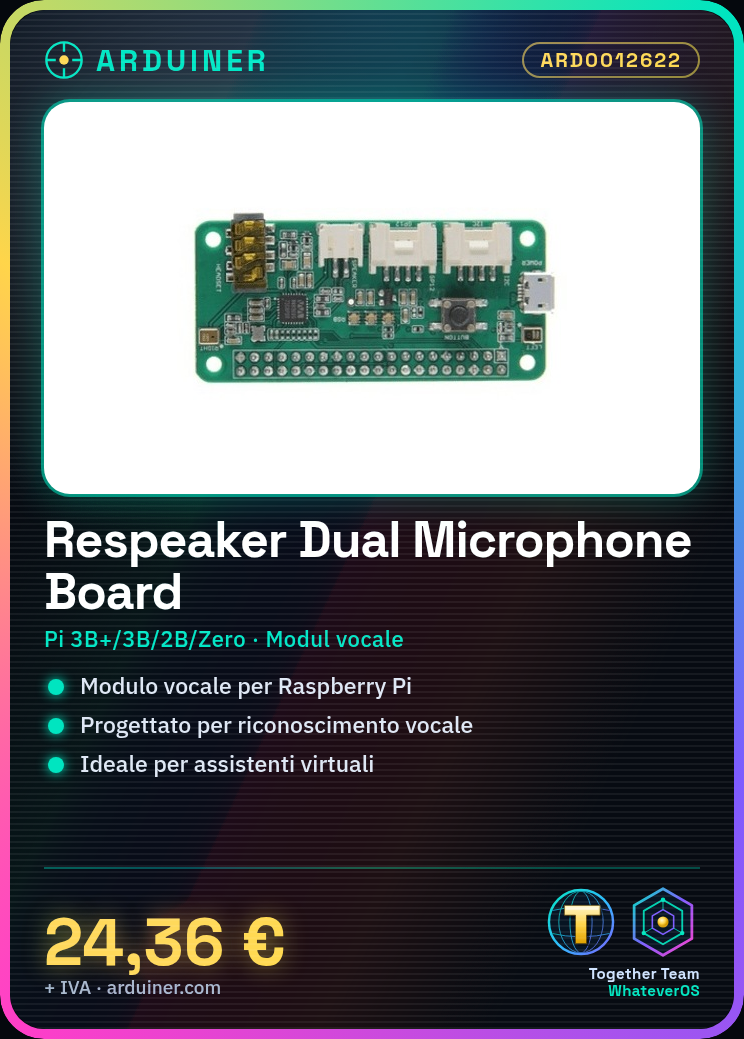
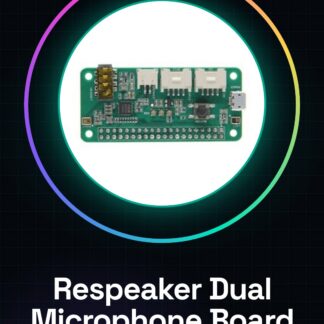
What is the Respeaker Dual Microphone Expansion Board? The Respeaker Dual Microphone Expansion Board is a voice module designed for Raspberry Pi, suitable for speech recognition and natural language processing applications. This board is ideal for developing virtual assistants that respond to voice commands.
Features:
– Compatible with Raspberry Pi 3B+, 3B, 2B, Zero
– Enables the creation of speech recognition projects
– Optimised for natural language processing applications
How does it work?
The Respeaker Dual Microphone Expansion Board is a voice module ideal for developing voice recognition and virtual assistant projects. What you need:
– Respeaker Dual Microphone Expansion Board
– Raspberry Pi 3B+/3B/2B/Zero
– Micro USB cable
– Power supply for Raspberry Pi
Steps:
1. Check the datasheet for Raspberry Pi specifications.
2. Connect the Respeaker to the Raspberry Pi using micro USB.
3. Turn on the Raspberry Pi.
4. Install the driver with `sudo apt-get install respeaker-core`.
5. Configure the microphone with `respeaker mic_array_setup`.
6. Check configuration with `arecord -l`.
7. Test voice recognition with `arecord -D plughw:1,0 -f cd -d 5 test.wav`.
8. Verify audio file using an audio player.
Mini-project:
Create a virtual assistant that responds to your voice questions using speech recognition.
Common errors:
– Omitting driver installation.
– Incorrect microphone configuration.
– Using unsuitable power supply for Raspberry Pi.
– Connecting Respeaker to unsupported Raspberry Pi model.
Recommended accessories:
– Respeaker Microphone Array
– Microphone Array Mount
– HDMI Monitor
– Keyboard and Mouse
Frequently Asked Questions:
How can I check the microphone configuration? Use `arecord -l` command.
Which Raspberry Pi models does this module support? 3B+, 3B, 2B, Zero.
Why do I need to use a suitable power supply for Raspberry Pi? To prevent damage to the device.
Can I use this module with other microphones? Check microphone specifications on the datasheet.

Reviews
There are no reviews yet.