 EN
 IT Italiano
 ES Español
 FR Français
 DE Deutsch
Description
What it is
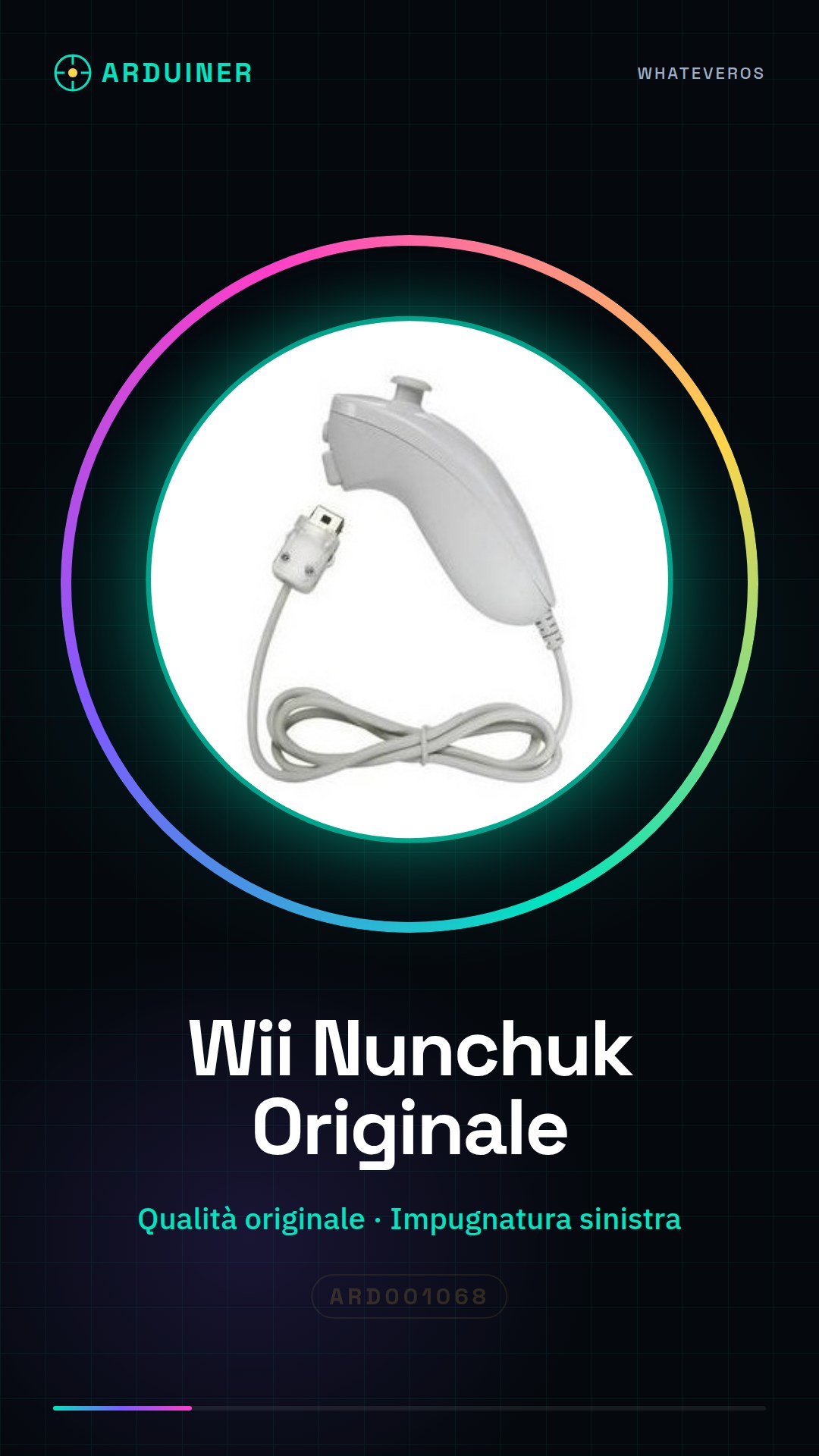
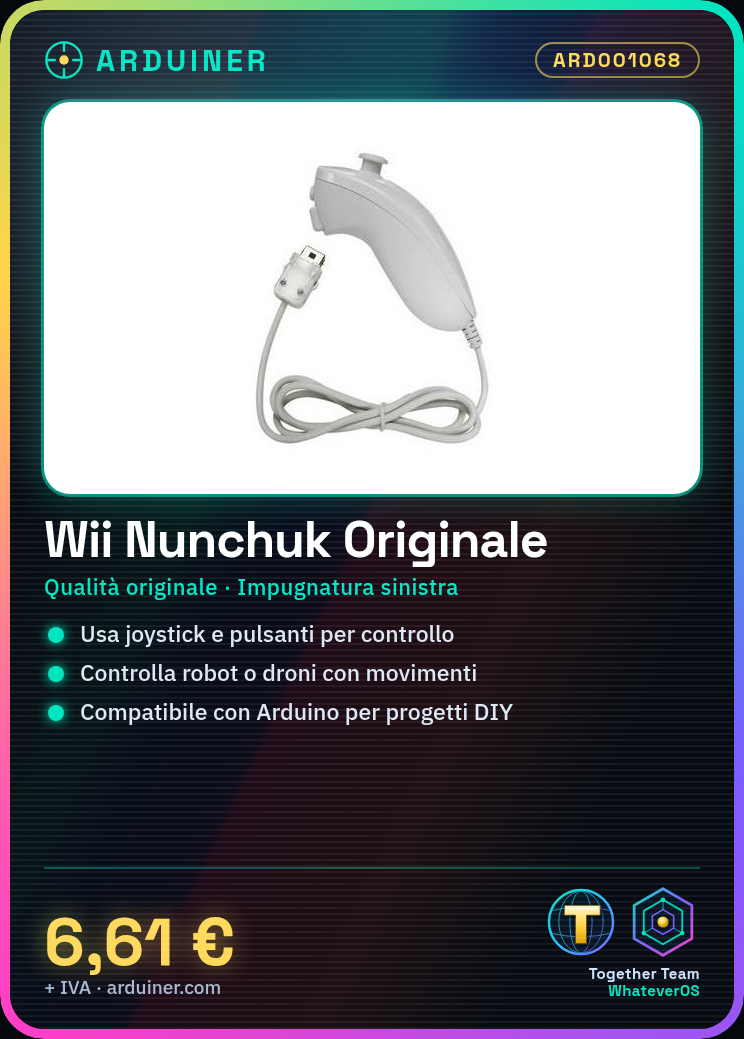
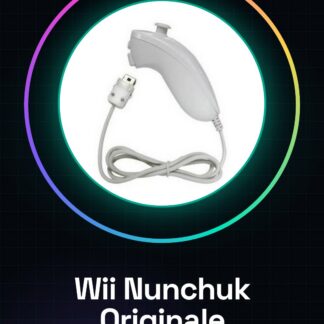
The Wii Nunchuk is an original controller for the Nintendo Wii, designed to offer natural and sensitive movement control in games. It is compatible with Arduino and can be used in DIY projects to create customized control systems.
Features
- Original Nintendo Wii Quality
- Left-hand wired grip
What it is for
The main uses of the Wii Nunchuk include creating control systems for robots and drones, using the joystick and buttons as command inputs. It is compatible with Arduino and can be integrated into projects that require a motion-sensitive user interface.
Tutorial: How to Use Wii Nunchuk
The Wii Nunchuk is an accessory for the Nintendo Wii that allows games to be controlled with natural hand movements. It is ideal for both beginners and DIY project creators who want to add highly sensitive control inputs to their projects.
What you need
- Nintendo Wii or PC
- USB cable (to connect to the PC)
- Nunchuk driver (if necessary)
Steps
- Connect the Wii Nunchuk to the Nintendo Wii following the instructions in the manual.
- If you are using a PC, connect the Wii Nunchuk via a USB cable to an available USB port on your machine.
- Check the datasheet if necessary to install specific drivers for your operating system.
- Open the Arduino library for Wii Classic Controller and Wii Nunchuck (if not already installed).
- Load a sketch that reads data from the Wii Nunchuk into your Arduino microcontroller.
- Check the datasheet for the list of specific commands for the Wii Nunchuk.
- Obtain the values of the joysticks, buttons, and wheels.
- Interface these inputs with your preferred project or game.
Example code
// Includi la libreria
#include <Wire.h>
#include <WiiChuck.h>

// Crea un oggetto WiiChuck
WiiChuck wch;

void setup() {
  Serial.begin(9600);
}

void loop() {
  if (wch.isConnected()) {
    int joyX = wch.joystickX();
    int joyY = wch.joystickY();
    bool zButton = wch.buttonZ();
    Serial.print("Joy X: "); Serial.println(joyX);
    Serial.print("Joy Y: "); Serial.println(joyY);
    Serial.print("Z Button: "); Serial.println(zButton);
  }
}
Mini project
Create a control system for robots or drones using the Wii Nunchuk as a remote. You can use the joystick and button data to control the direction, altitude, and other functions of your device.
Common mistakes
- I am unable to establish a connection with the Wii Nunchuk.
- The values read from the Wii Nunchuk are unreliable or inconsistent.
- The driver is not installed correctly on my operating system.
- I am experiencing interference issues with other wireless devices.
Recommended accessories
- Arduino Uno
- USB A-MicroB cable
- PC or Mac with Arduino IDE installed
Frequently asked questions
How can I control the Wii Nunchuk on a PC?
Use a USB cable to connect it to your computer and make sure you have the correct drivers installed.
What projects work well with the Wii Nunchuk?
Robots, drones, and custom games are great candidates for using the Wii Nunchuk as an input device.
Reviews
There are no reviews yet.