 EN
 IT Italiano
 ES Español
 FR Français
 DE Deutsch
Description
What it is
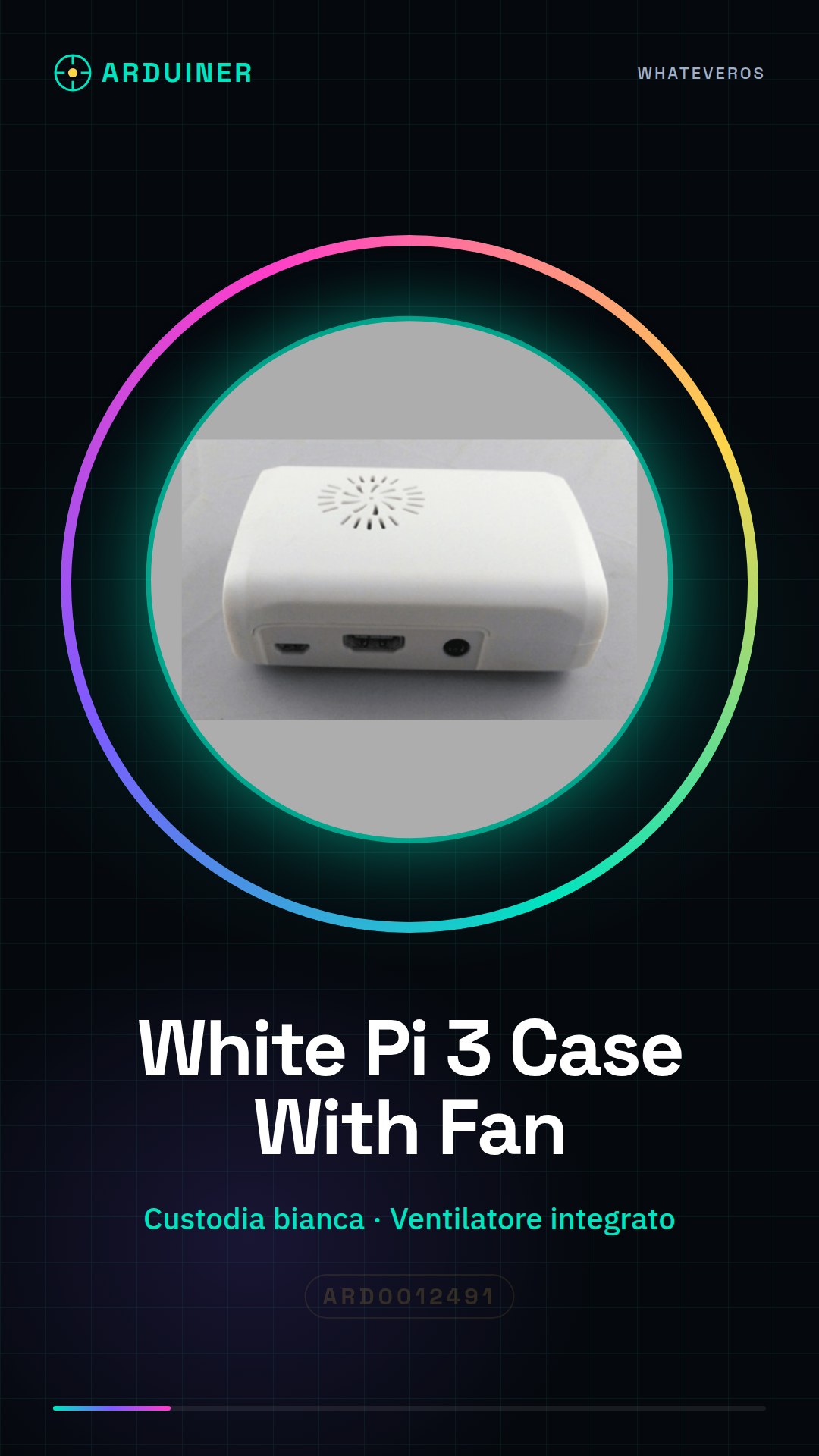
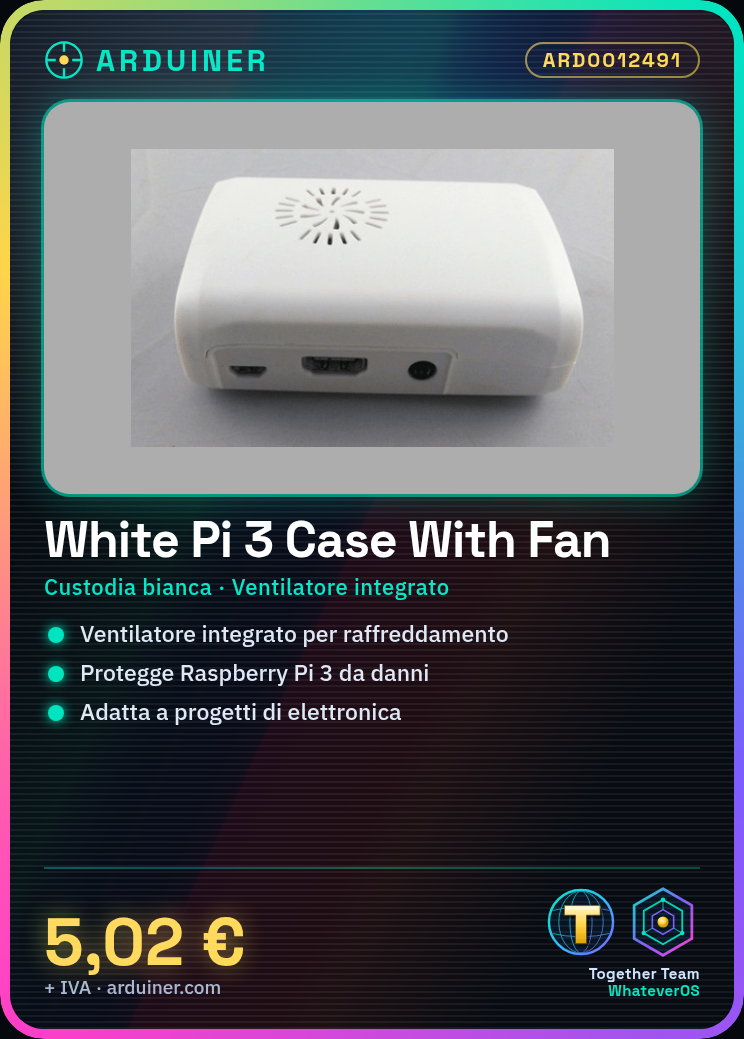
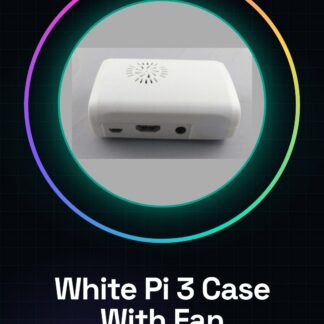
The White Raspberry Pi 3 Case With Fan2 is a white case for the Raspberry Pi 3 that includes an integrated fan to ensure adequate cooling of the device. This enclosure offers protection and an optimal working environment for the Raspberry Pi 3, suitable for electronics and 3D printing projects.
Features
- White case for Raspberry Pi 3
- Integrated fan for cooling
- Ideally suited for projects requiring constant operation
What it is for
The White Raspberry Pi 3 Case With Fan2 is ideal for projects that require a cooler and more stable working environment, such as creating a web server using Node.js. Additionally, it is suitable for applications that require continuous operation without thermal overload.
Tutorial: How to use the Raspberry Pi 3 Case with Fan
This enclosure protects the Raspberry Pi 3 and adjustably regulates the temperature with an integrated fan. Ideal for projects that require a warmer working environment or continuous operation.
What you need
- Raspberry Pi 3 Enclosure with Fan
- Raspberry Pi 3
- USB Power Supply for Raspberry Pi
- USB Cable
Steps
- 1. Ensure that the Raspberry Pi 3 is powered off.
- 2. Gently remove the Raspberry Pi 3 from its current holder.
- 3. Connect the Raspberry Pi 3 to the enclosure.
- 4. Check that the contacts are perfectly aligned.
- 5. Connect the USB cable to the power supply and then to the enclosure’s power input.
- 6. Power on the Raspberry Pi 3.
- 7. Adjust the fan speed if necessary (optional).
- 8. Start your project.
Mini project
Create a simple web server using Node.js on Raspberry Pi 3. Install Node.js and start a server in 30 minutes.
Common mistakes
- Do not power on the Raspberry Pi 3 unless it is connected to the power supply.
- Ensure that the contacts are properly aligned.
- Do not adjust the fan unless necessary.
- Check the datasheet if you are unsure about the operating temperature.
Recommended accessories
- USB Power Supply for Raspberry Pi
- USB Cable
- Node.js for Raspberry Pi
- Monitor and keyboard (for initial setup)
Frequently asked questions
The fan does not activate.
Check the proper connection and the temperature around the Raspberry Pi 3.
What are the temperature limits?
Check the datasheet for maximum temperature limits.
Can I use a different power supply?
Check the datasheet for power supply requirements.
The fan is noisy.
Check the proper installation and the obstruction around the fan.

Reviews
There are no reviews yet.