 EN
 IT Italiano
 ES Español
 FR Français
 DE Deutsch
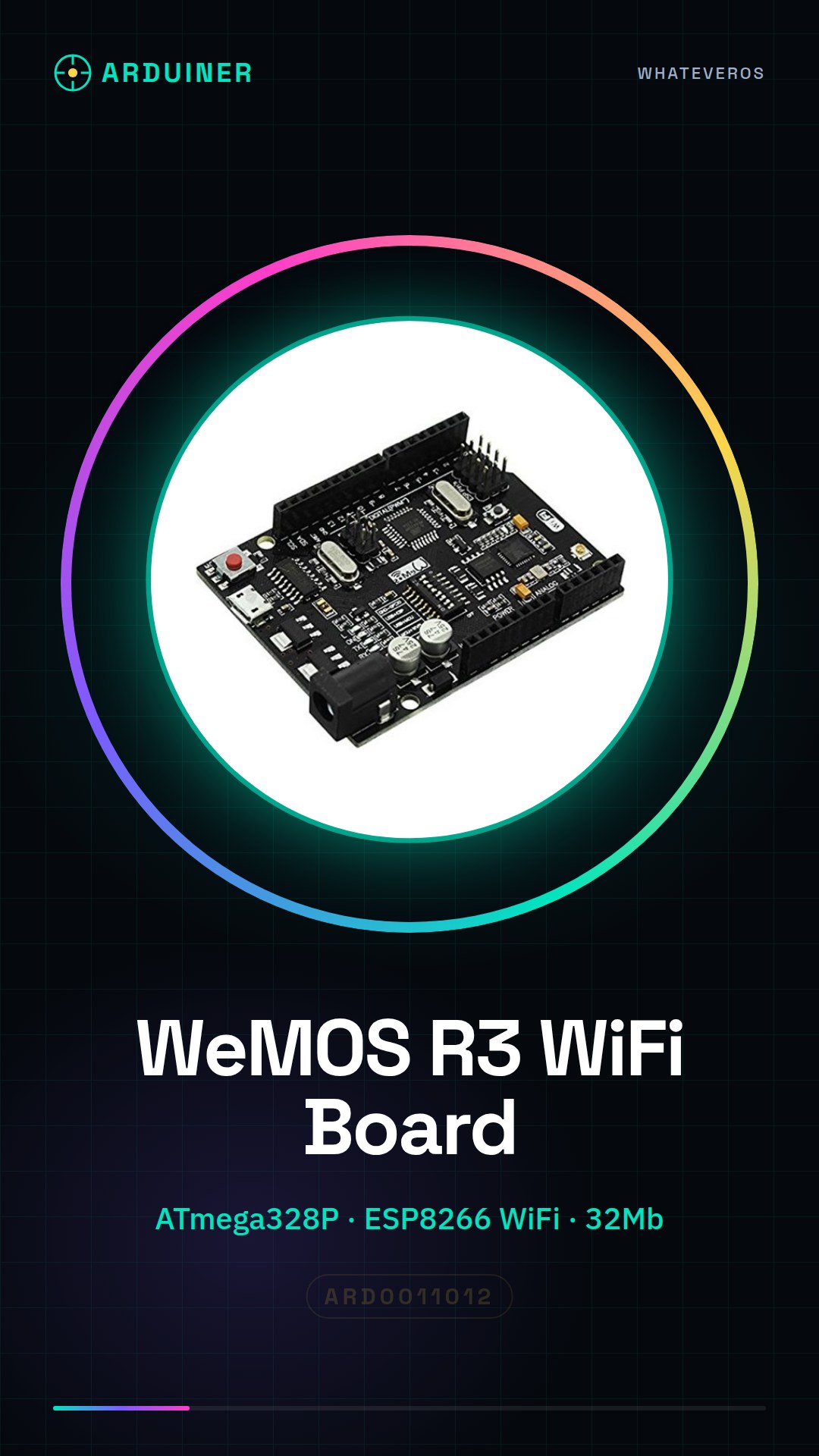
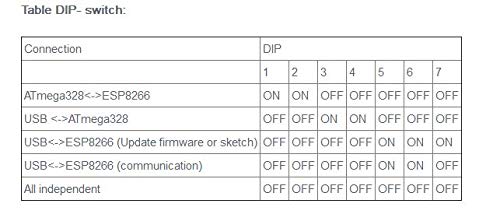
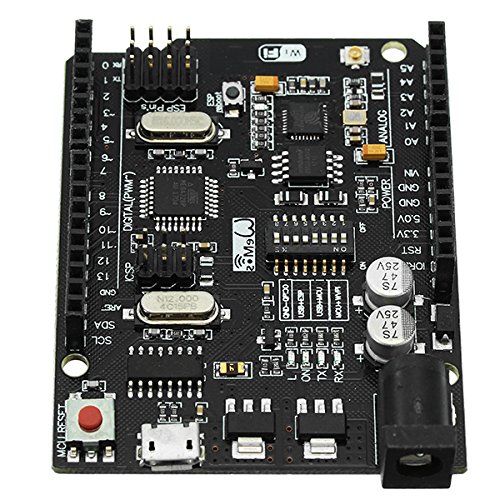
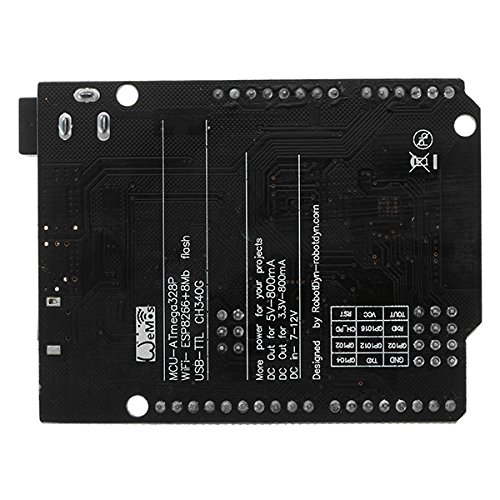
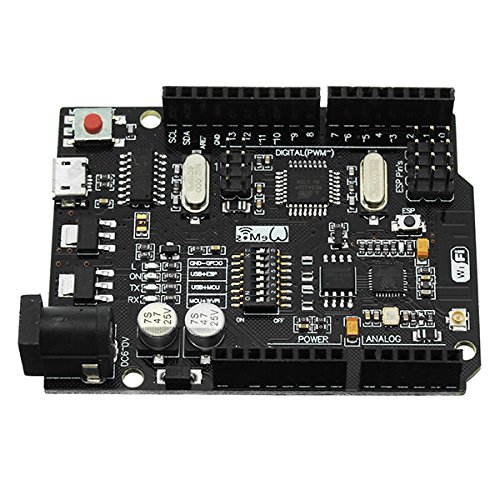
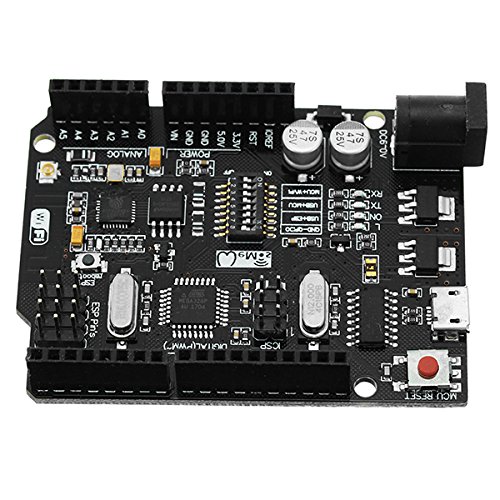
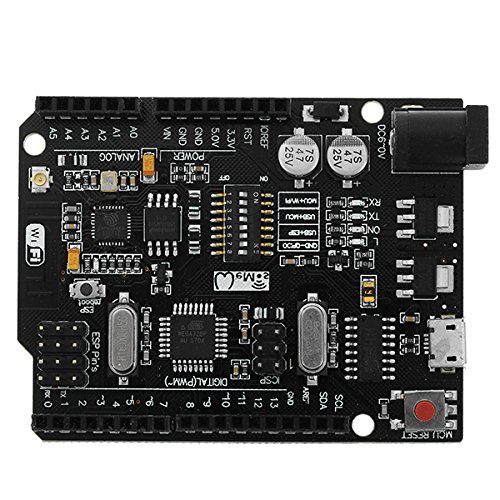
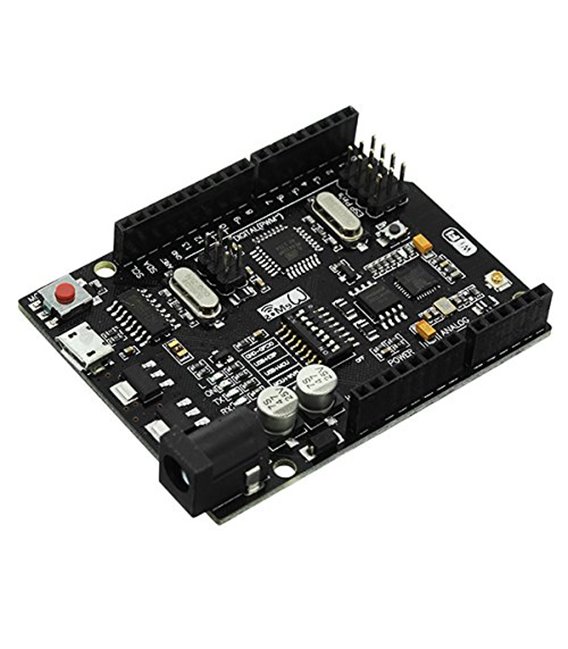
Description
What it is
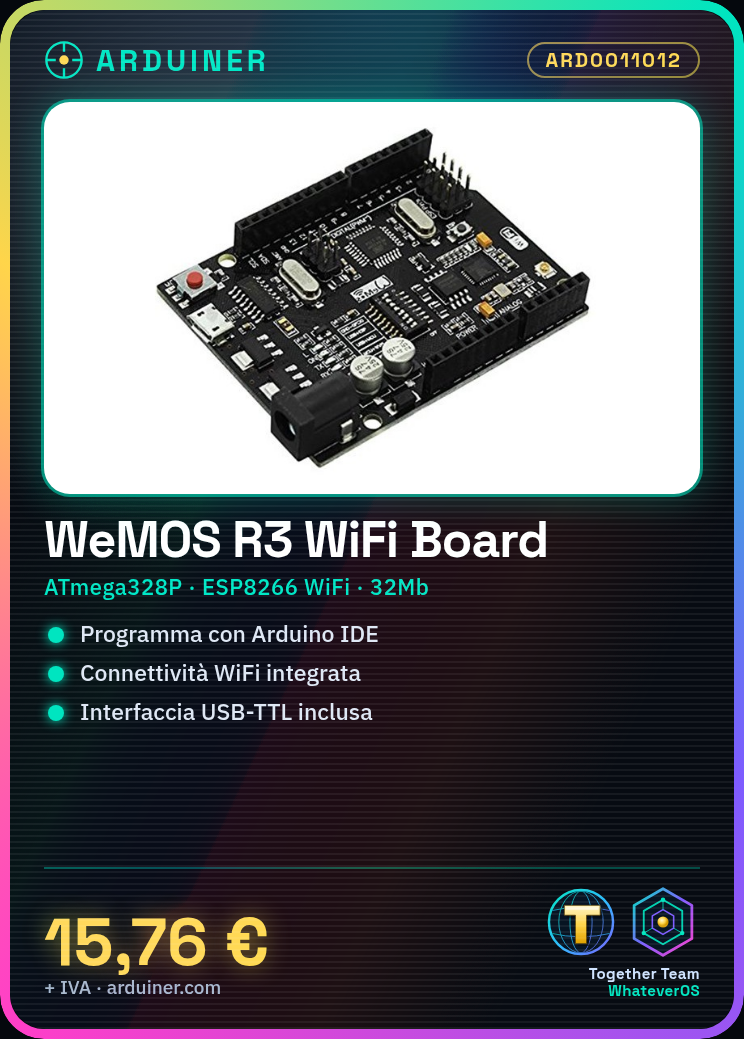
The WeMOS R3 is an Arduino-compatible microcontroller that integrates an ATmega328P CPU and an ESP8266 WiFi module, providing wireless connectivity for Internet of Things (IoT) projects. Includes a USB-TTL interface for programming and debugging.
Features
- ATmega328P microcontroller
- Integrated ESP8266 WiFi module
- USB-TTL interface included
- 32Mb memory
What it is for
Ideal for projects requiring WiFi connectivity and Arduino programming. Can be used to create smart devices, remotely control equipment, or monitor networked sensors.
Tutorial: How to use WeMos R3 ATmega328P WiFi ESP8266
The WeMos R3 module is an excellent choice for electronic projects that require WiFi connectivity. Ideal for both beginners and experts, it allows the creation of smart devices with Arduino.
What you need
- Arduino IDE installed
- USB-TTL cable (already included with the module)
- Computer with Windows, Mac or Linux operating system
Steps
- Download and install the Arduino IDE from the official website.
- Open the ‘Tools’ menu -> ‘Boards’ -> select ‘WeMos R3’
- Connect the WeMos module to the computer via USB-TTL
- Upload the example sketch ‘Blink’ to verify that everything is working correctly.
- Install the ESP8266 library from the Arduino IDE library manager.
- Check the WiFi settings in the code and modify them according to your preferences.
- Reload the project on WeMos R3 to connect to the WiFi network.
- Test communication with a server or IoT platform like Blynk.
Example code
void setup() {
  Serial.begin(115200);
  WiFi.begin("SSID", "PASSWORD");
}

void loop() {
  if (WiFi.status() == WL_CONNECTED) {
    Serial.println(WiFi.localIP());
  }
}
Mini project
Create a simple remote control device to turn on and off an LED light bulb. Use the WeMos R3 module with a relay and control activation via the WiFi network.
Common mistakes
- Incorrect WiFi settings
- Outdated libraries
- Incorrect physical connection of the USB-TTL cable
- Syntax error in the code
Recommended accessories
- Relay Module
- LED and resistor
- Temperature and humidity sensors DHT11/22
- Batteries for external power supply
Frequently asked questions
How can I update the ESP8266 library?
Open the library manager in Arduino IDE, search for ‘ESP8266’ and install the latest available version.
Which development tools do you recommend for WeMos R3?
Arduino IDE is sufficient to get started. For advanced users, you might want to explore PlatformIO or VSCode with specific extensions.
Reviews
There are no reviews yet.