 EN
 IT Italiano
 ES Español
 FR Français
 DE Deutsch
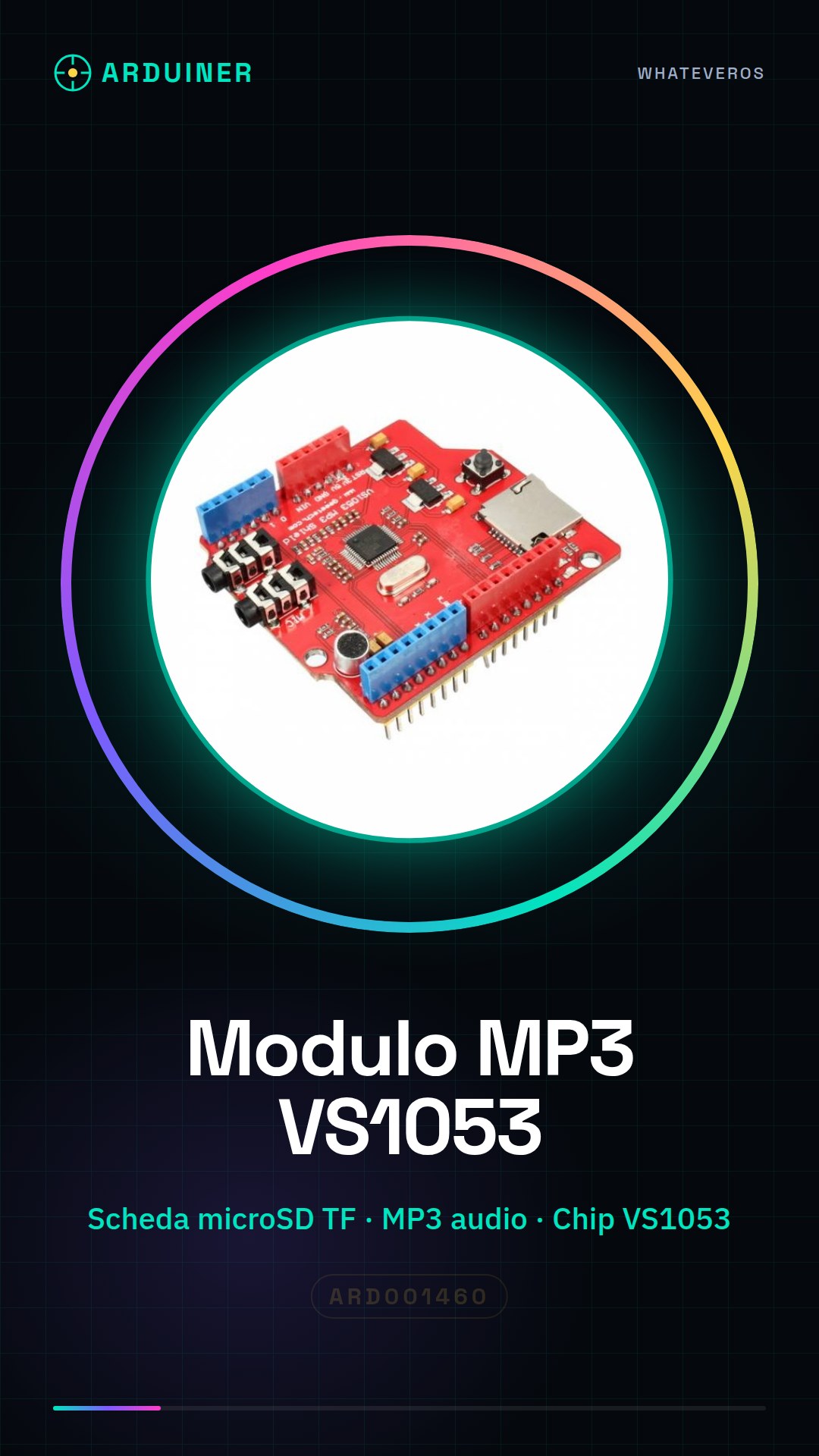
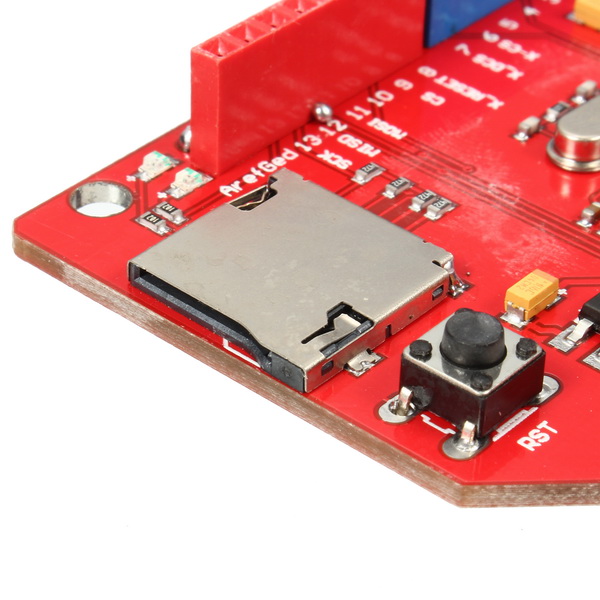
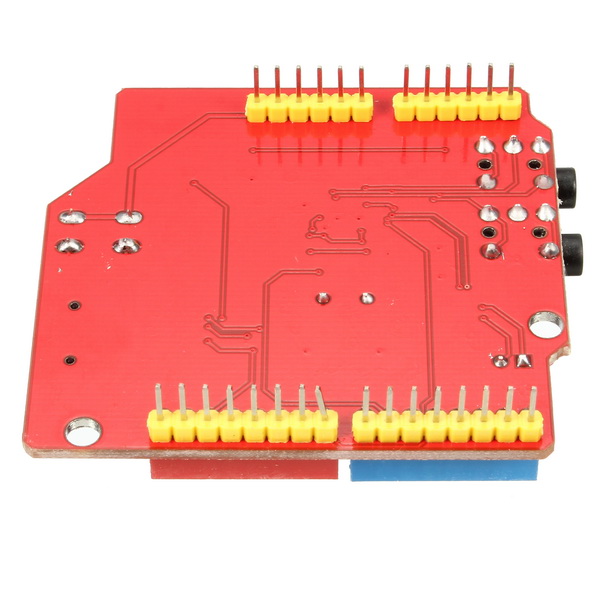
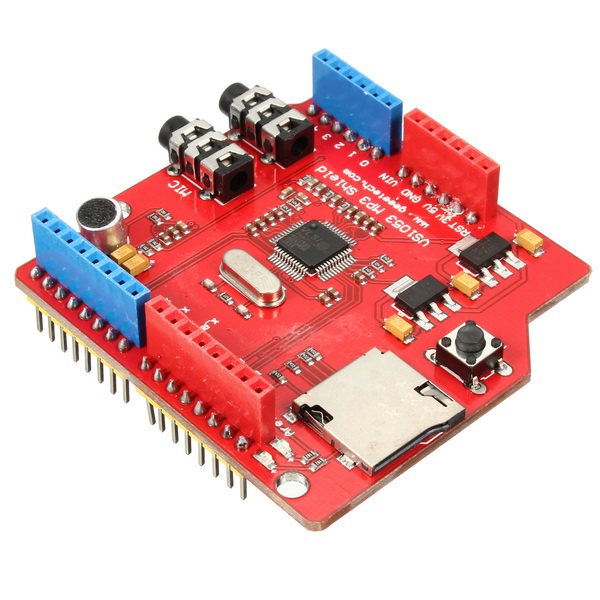
Description
What it is
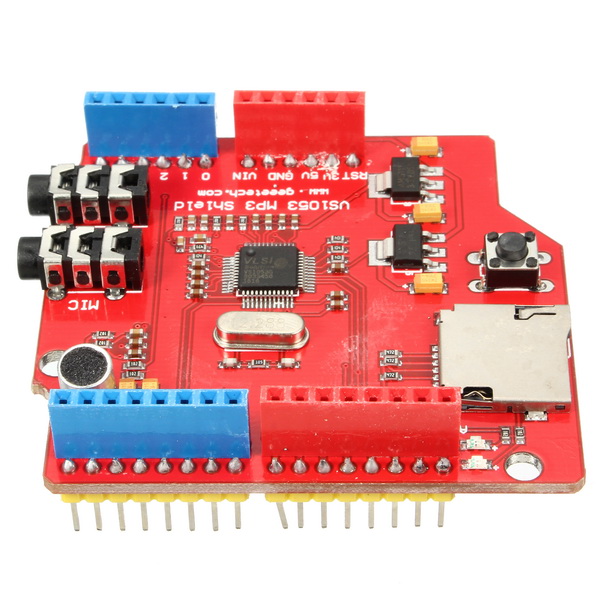
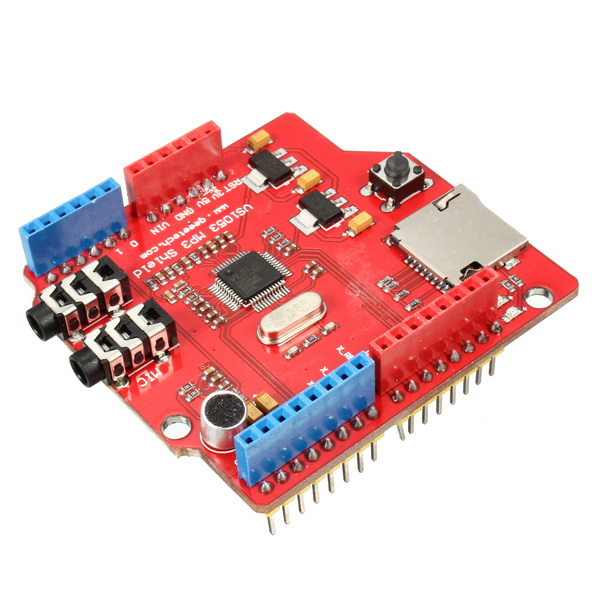
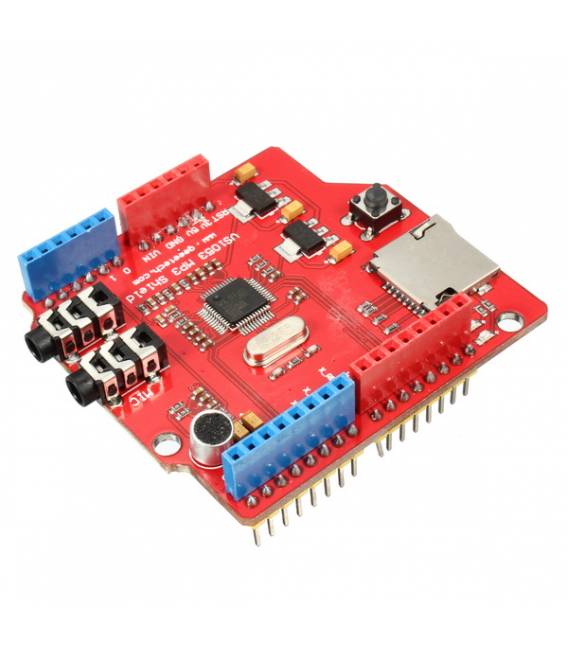
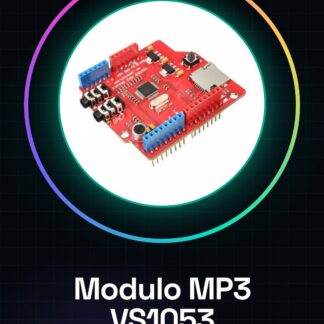
The VS1053 MP3 shield module for Arduino is a component that allows integrating audio functionality into projects, providing the capability to both play and record on micro TF SD cards. This module uses the VS1053 chip to manage MP3 files.
Features
- Ideally suited for Arduino projects and compatible with various platforms.
- Allows audio playback and recording on micro TF SD cards.
What it is for
The VS1053 module is useful for creating small interactive radios, interactive speakers, or any other device that requires MP3 file management. It can be integrated into home automation projects and used with pressure sensors for commands.
Tutorial: How to use VS1053 MP3 module with TF slot
The VS1053 module is a useful component for reproducing and recording audio on Arduino. Ideal for home automation projects, interactive speakers, or any other device that requires MP3 file management.
What you need
- Arduino Uno or compatible
- VS1053 MP3 Module with TF Slot
- MicroSD Card (check the datasheet)
- USB cable for Arduino
Steps
- Connect the VS1053 module to your Arduino using the appropriate connectors.
- Insert the MicroSD card into the VS1053 module.
- Download and install the VS1053 MP3 Shield Library from GitHub or the Arduino IDE.
- Upload the example sketch provided in the library to test the basic functionalities of the module.
- Modify the sketch to play a specific MP3 file from your MicroSD card.
- Test audio recording using the Arduino GPIO pin connected to the VS1053 module (check the datasheet).
- Optimize the sketch parameters based on your requirements and the desired audio quality.
- Check that all MP3 files are correctly formatted and available in the root directory of the microSD card.
Example code
/* Includi la libreria VS1053 */
#include <VS1053.h>

// Definisci le interfacce del modulo VS1053
#define VS1053_CS 10
#define VS1053_DCS 9
#define VS1053_DREQ 2
#define VS1053_RESET 8
#define VS1053_SCK 13
#define VS1053_MISO 12
#define VS1053_MOSI 11

VS1053 audio;

void setup() {
  Serial.begin(9600);
  audio.begin();
}

void loop() {
  // Riproduci un file MP3 dalla SD card (verifica sul datasheet)
}
Mini project
Create a small interactive radio that plays specific songs in response to voice commands or button presses. Use the VS1053 module for audio playback and a pressure sensor for commands.
Common mistakes
- Incorrect connection between Arduino and module.
- MP3 files not correctly formatted on the SD card.
- Library not installed or incorrectly configured.
- Insufficient power supply issues during audio playback.
Recommended accessories
- Arduino Uno
- 16GB microSD Card
- Pressure sensors for interactions
- Batteries and battery chargers
Frequently asked questions
How can I add a microphone to the module?
For audio recording, connect the microphone to the appropriate GPIO pins of the VS1053 module (check the datasheet).
Which MP3 files are supported?
The module supports standard MP3 files. Ensure they are correctly formatted and located in the root directory of the SD card.
How can I control the volume?
Modify the mixer settings in the Arduino code to adjust the volume (check the datasheet).
Reviews
There are no reviews yet.