 EN
 IT Italiano
 ES Español
 FR Français
 DE Deutsch
Description
What it is
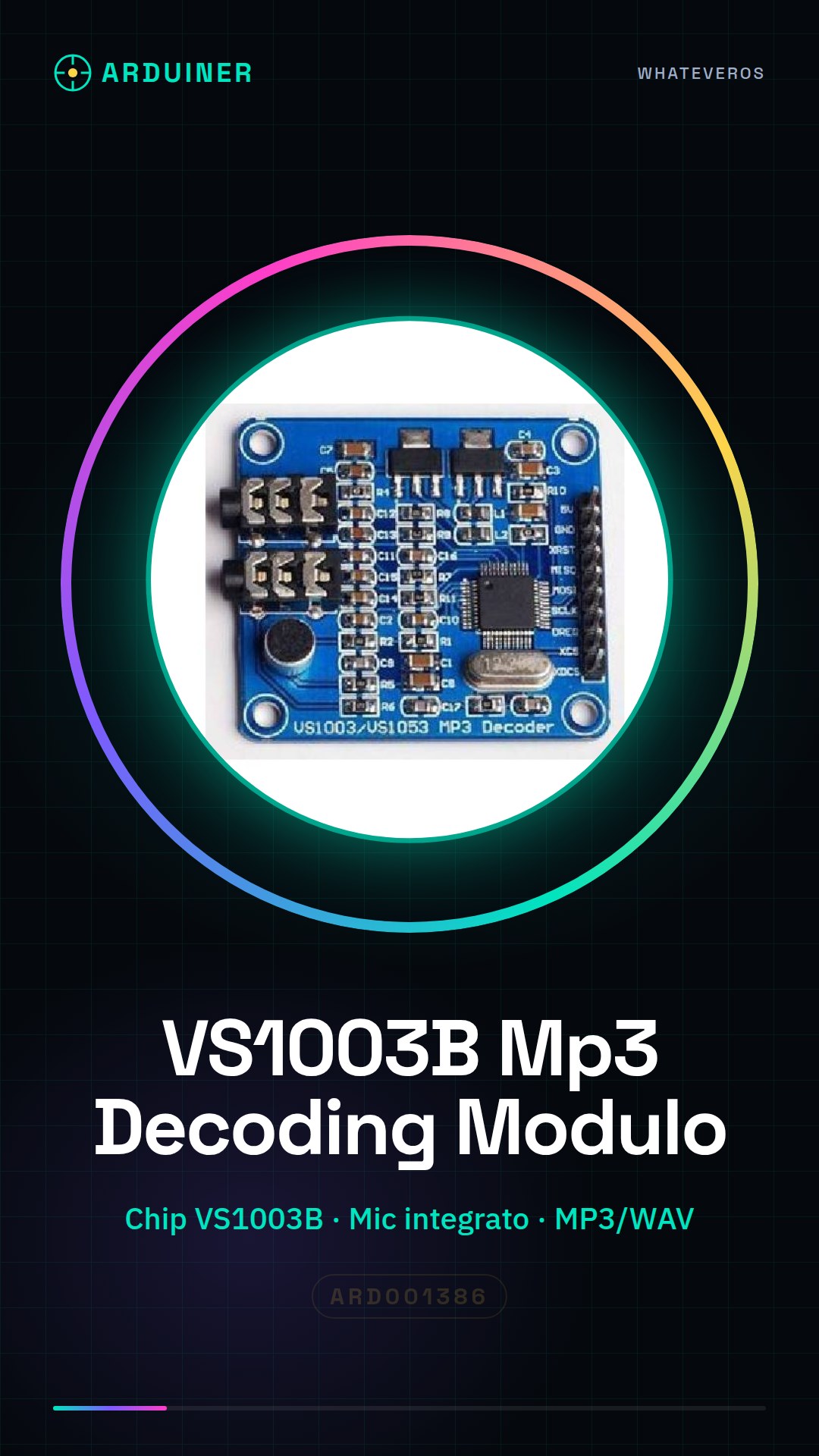
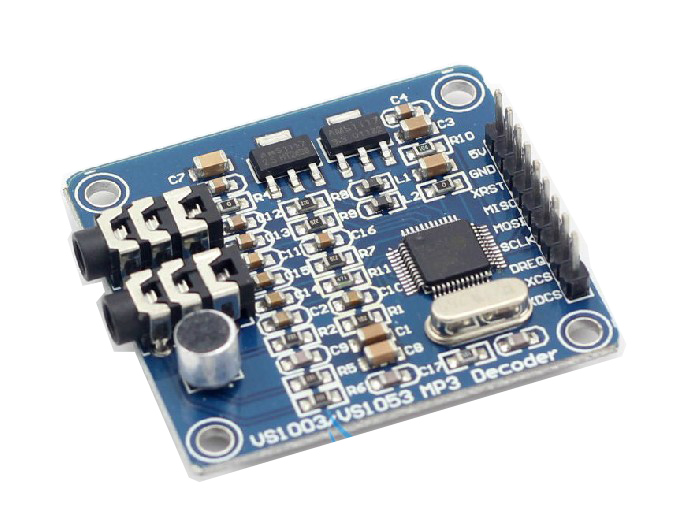
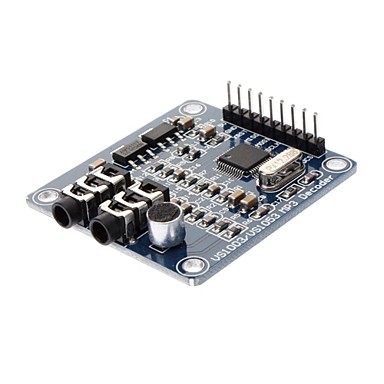
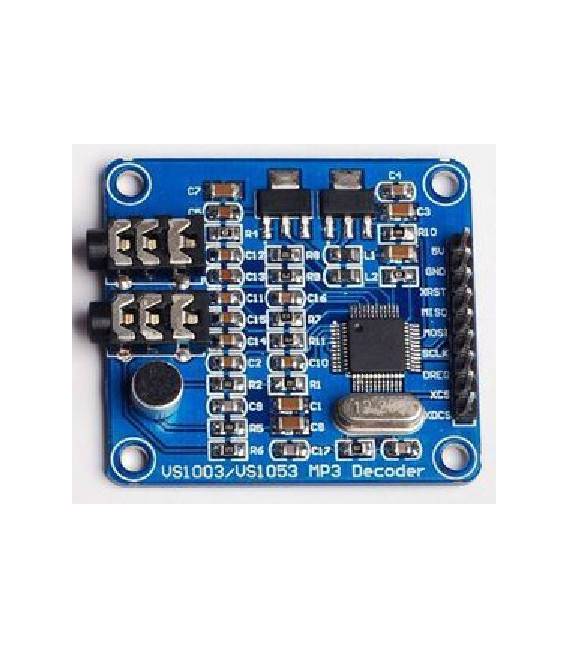
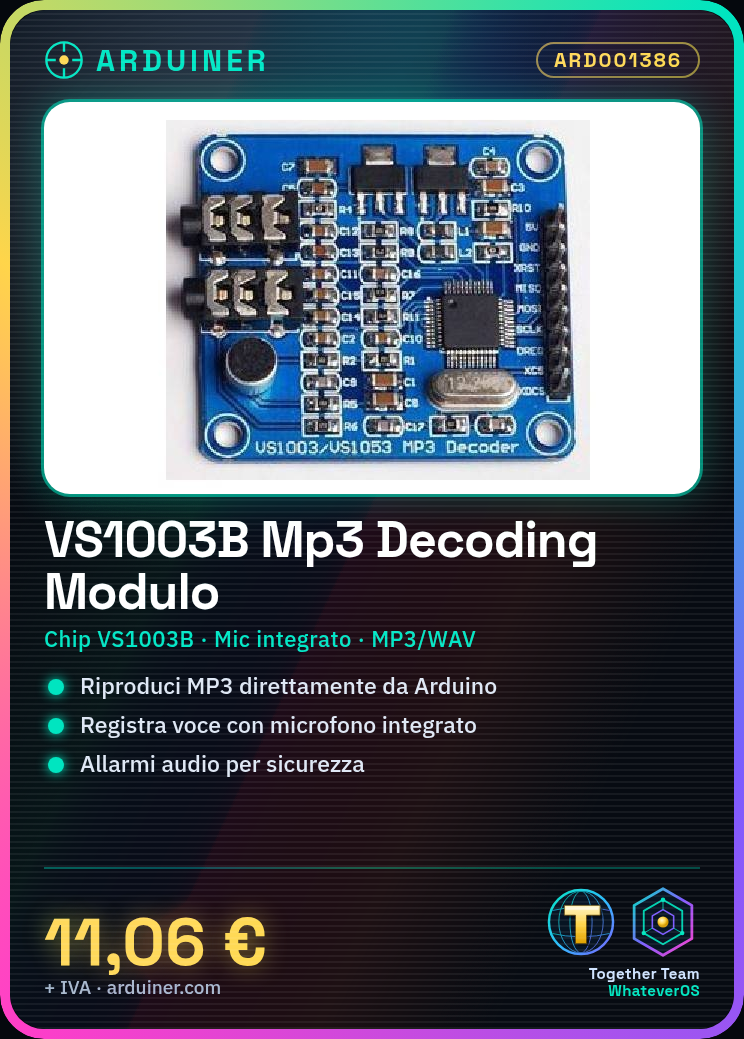
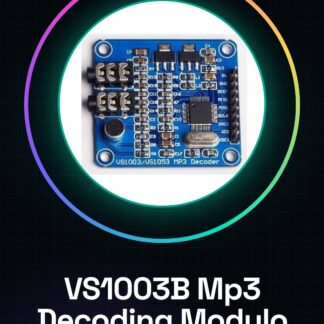
The VS1003B Development Board with STM32 and Microphone is an audio component that allows the playback and recording of MP3 and voice files. This module integrates the VS1003B chip, designed for decoding audio formats such as MP3, WAV, and others.
Features
- Ideally suited for playing MP3 files directly from an Arduino project or similar.
- Includes an integrated microphone for audio recording.
What it is for
The VS1003B module is useful for creating alarm systems that play warning sounds, or it can be used in home automation or personal gadget projects where audio functionality is required. It is compatible with Arduino and other microcontrollers.
Tutorial: How to use VS1003B MP3 Decoding Module STM32
The VS1003B module is an audio component that allows you to play MP3 files directly from your Arduino project. Ideal for beginners and makers who want to add audio functionality to their devices.
What you need
- Arduino Uno or compatible
- USB cable
- external microphone (if needed)
Steps
- Connect the VS1003B module to the Arduino’s serial interface using the appropriate connectors.
- Download and install the SPI library for Arduino from the official GitHub repository of the module.
- Upload the example sketch provided with the library to your Arduino.
- Ensure the VS1003B module is powered correctly (5V or 3.3V, check the datasheet).
- Modify the sketch parameters to suit your audio playback requirements.
- Test the module’s functionality by connecting an MP3 file and listening to it through the module.
- If necessary, add an external microphone to the module following the instructions in the datasheet.
- Further customize the sketch to integrate the VS1003B module into your project.
Example code
/*
#include <SPI.h>

void setup() {
  Serial.begin(9600);
}

void loop() {
  // Aggiungi qui la logica per riprodurre MP3
}
*/
Mini project
Create a simple alarm system that plays a warning sound when activated.
Common mistakes
- Ensure that the module is properly powered.
- Check the SPI library configuration.
- Check the serial connections between Arduino and VS1003B.
- Add an audio filter if necessary to improve the quality of the reproduced sound.
Recommended accessories
- External microphone
- Speaker
- SD memory for storing MP3 files
Frequently asked questions
How can I connect the microphone?
Check the module datasheet for connection instructions.
Which audio files can it play?
The module primarily supports MP3 formats, check the specific documentation.
Reviews
There are no reviews yet.