 EN
 IT Italiano
 ES Español
 FR Français
 DE Deutsch
Description
What it is
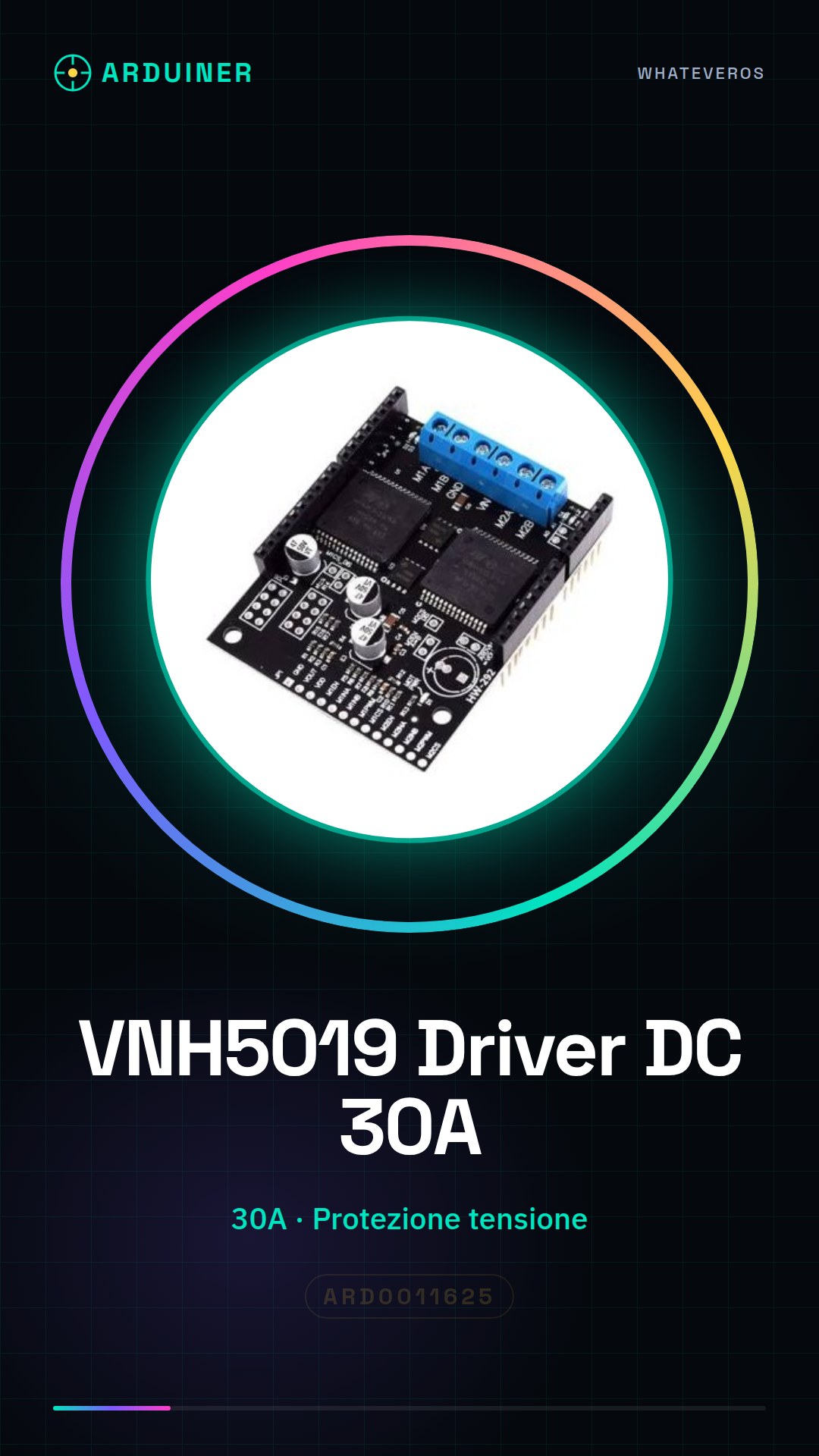
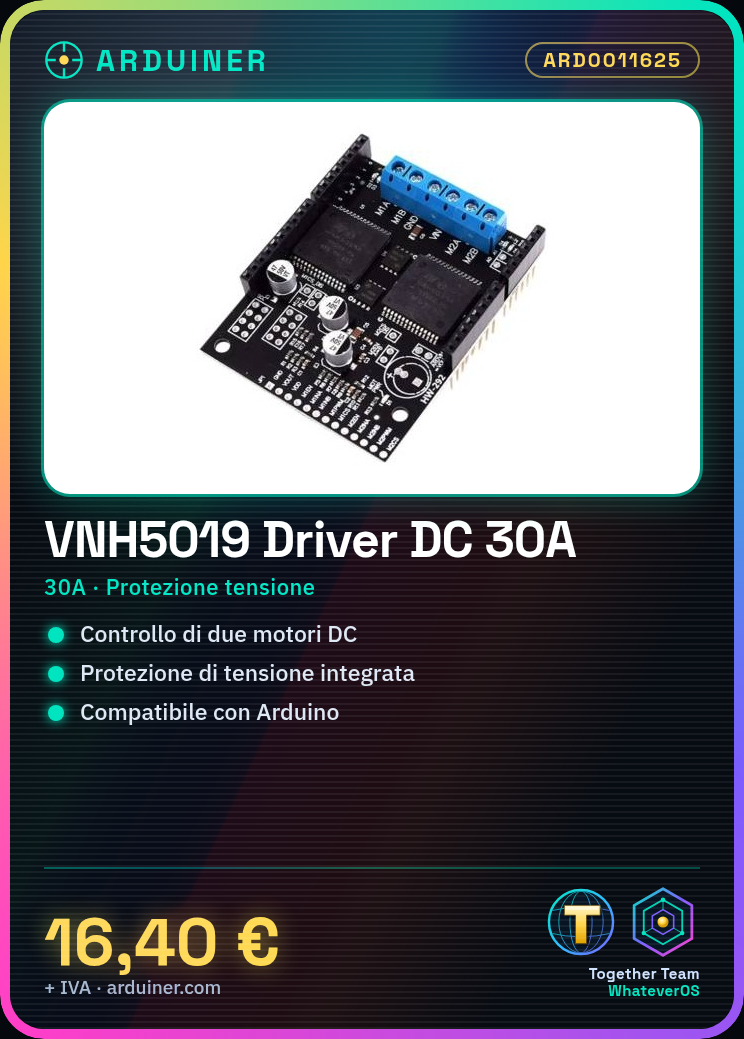
The VNH5019 board is a power driver for 2-channel DC motor, designed to handle currents up to 30A. This board offers voltage protection and supports upgrade to VNH2SP3.
Features
- 2-channel DC motor driver
- Capacity up to 30A
- Voltage protection
- Supports VNH2SP3 upgrade
- SKU: ARD0011625
What it is for
The VNH5019 board is ideal for robotics projects, drones, and devices that require precise control of DC motors. It can be used to control two DC motors with Arduino or other compatible microcontrollers.
Tutorial: How to use VNH5019 Motor DC Driver Board
The VNH5019 board is a power driver ideal for controlling DC motors with a maximum current of 30A. It is suitable for robotics projects, drones, and any other device that requires precise motor control.
What you need
- Arduino uno or compatible
- DC motor
- JST connections
- Power connections
Steps
- Connect the VNH5019 board to the Arduino using the appropriate connectors.
- Connect the DC motors to the output connectors of the VNH5019 board.
- Connect the motor power supply to the VNH5019 board.
- Connect the controller power supply (Arduino) to the VNH5019 board.
- Configure the software to control the DC motors.
- Verify the correct configuration of the PWM and direction pins.
- Test the DC motor with the software.
- Check the voltage and current protection of the VNH5019 board.
Example code
void setup() {
  pinMode(9, OUTPUT);
  pinMode(10, OUTPUT);
}

void loop() {
  digitalWrite(9, HIGH);
  digitalWrite(10, LOW);
  delay(1000);
  digitalWrite(9, LOW);
  digitalWrite(10, HIGH);
  delay(1000);
}
Mini project
Create a robot with two motorized wheels using the VNH5019 board. Connect two DC motors to the board and control the robot’s movement via Arduino.
Common mistakes
- Set the power supply voltage too high.
- Connect the motor to the wrong direction.
- Do not check the voltage and current protection.
- Do not correctly configure the PWM and direction pins in the software.
Recommended accessories
- DC Motor 12V 30A
- JST Connections
- 12V Battery
- Connections for power supply
Frequently asked questions
What is the maximum current it can handle?
Check the datasheet.
Can I use this board with a stepper motor?
No, it is designed for DC motors.
How can I configure PWM control?
Configure the PWM PINs in the Arduino software.



Reviews
There are no reviews yet.