 EN
 IT Italiano
 ES Español
 FR Français
 DE Deutsch
Description
What it is
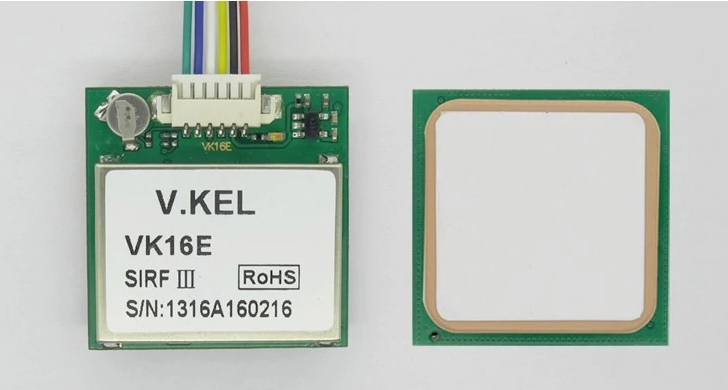
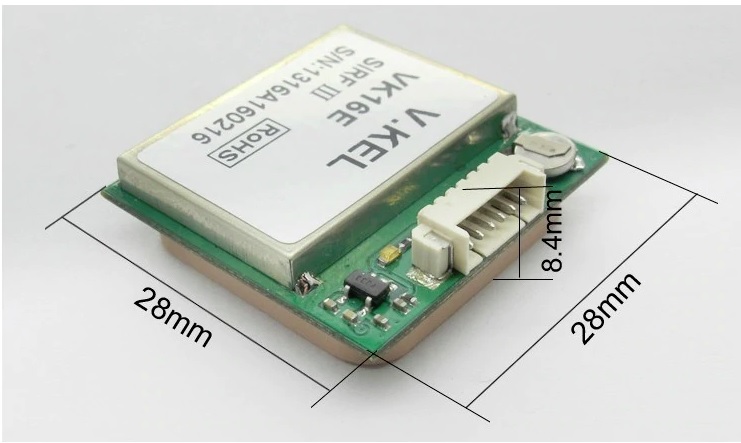
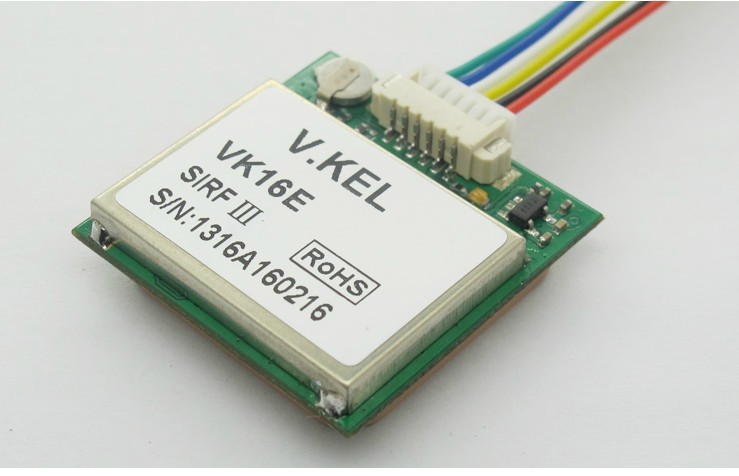
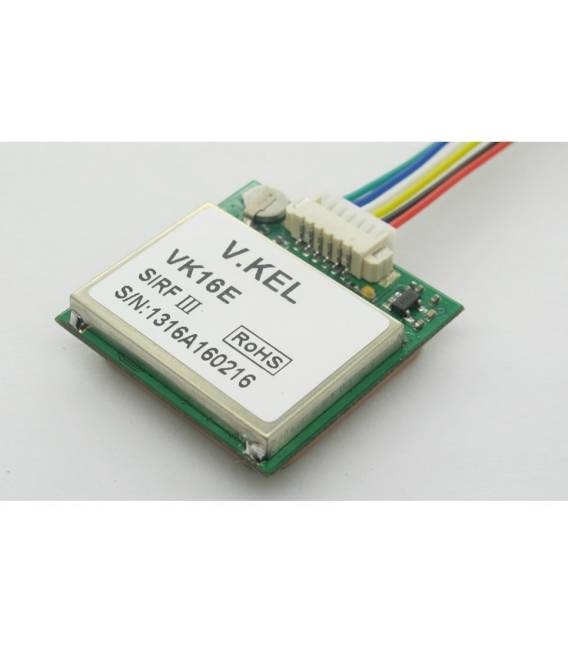
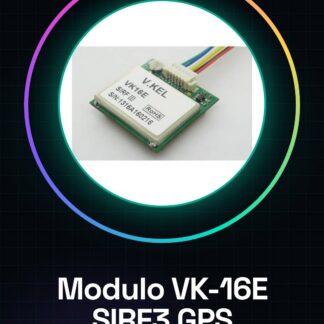
The VK-16E SIRF3 GPS module is a device that allows real-time location integration into electronic projects. Equipped with ceramic antennas, it is compatible with Arduino via TTL or USB signals.
Features
- VK-16E SIRF3 GPS Module
- Integrated ceramic antenna
- Compatible with Arduino via TTL/USB signal
What it is for
Ideal for tracking and navigation projects, the VK-16E module can be used to create systems that display real-time position on an LCD screen or interactive mapping. It is suitable for both beginners and intermediate builders.
Tutorial: How to use VK-16E SIRF3 GPS Module
The VK-16E SIRF3 GPS module is a useful device for makers who want to integrate real-time location into their projects. It is ideal for both beginners and intermediate builders, as it provides accurate position data via TTL or USB signal compatible with Arduino.
What you need
- Arduino Uno
- USB A-MicroB cable
- Soldering iron
Steps
- Connect the VK-16E SIRF3 GPS module to the Arduino using a USB A-MicroB cable. Ensure that the power supply is correct.
- Configure serial communication between Arduino and the GPS module through the Arduino IDE software, selecting the appropriate USB port in the ‘Tools’ menu.
- Download or write an example sketch to read data from the GPS module. Make sure the baud rate is correct (check the datasheet).
- Upload the sketch to Arduino and open the serial monitor to view the GPS coordinates.
- Verify the accuracy of the received data by comparing it with another GPS positioning device.
- Optimize the code to filter or process the GPS data as needed.
Example code
// Esempio di sketch Arduino
#include <SoftwareSerial.h>

SoftwareSerial gpsSerial(2, 3); // RX, TX

void setup() {
  Serial.begin(9600);
  gpsSerial.begin(4800); // verifica sul datasheet per il baud rate corretto
}

void loop() {
  if (gpsSerial.available()) {
    Serial.write(gpsSerial.read());
  }
}
Mini project
Create an interactive map that shows your real-time position using the GPS module VK-16E SIRF3 data. You can use a microcontroller and an LCD screen to display the coordinates.
Common mistakes
- Incorrect baud rate setting
- Unstable USB connection
- Insufficient power supply to the GPS module
- Unreadable or corrupted GPS data
Recommended accessories
- Arduino Uno R3
- USB A-MicroB cable 2.0m
- 16×2 LCD screen for Arduino
- External GPS antenna for VK-16E
Frequently asked questions
Does the module only work with USB power?
No, it can be powered by voltages between 3.3V and 5V.
How can I increase the GPS signal precision?
Use an external antenna or position yourself in an open area without obstacles.
Is the VK-16E module compatible with other platforms besides Arduino?
Yes, it is compatible with any device that supports serial communication.
Reviews
There are no reviews yet.