 EN
 IT Italiano
 ES Español
 FR Français
 DE Deutsch
Description
What it is
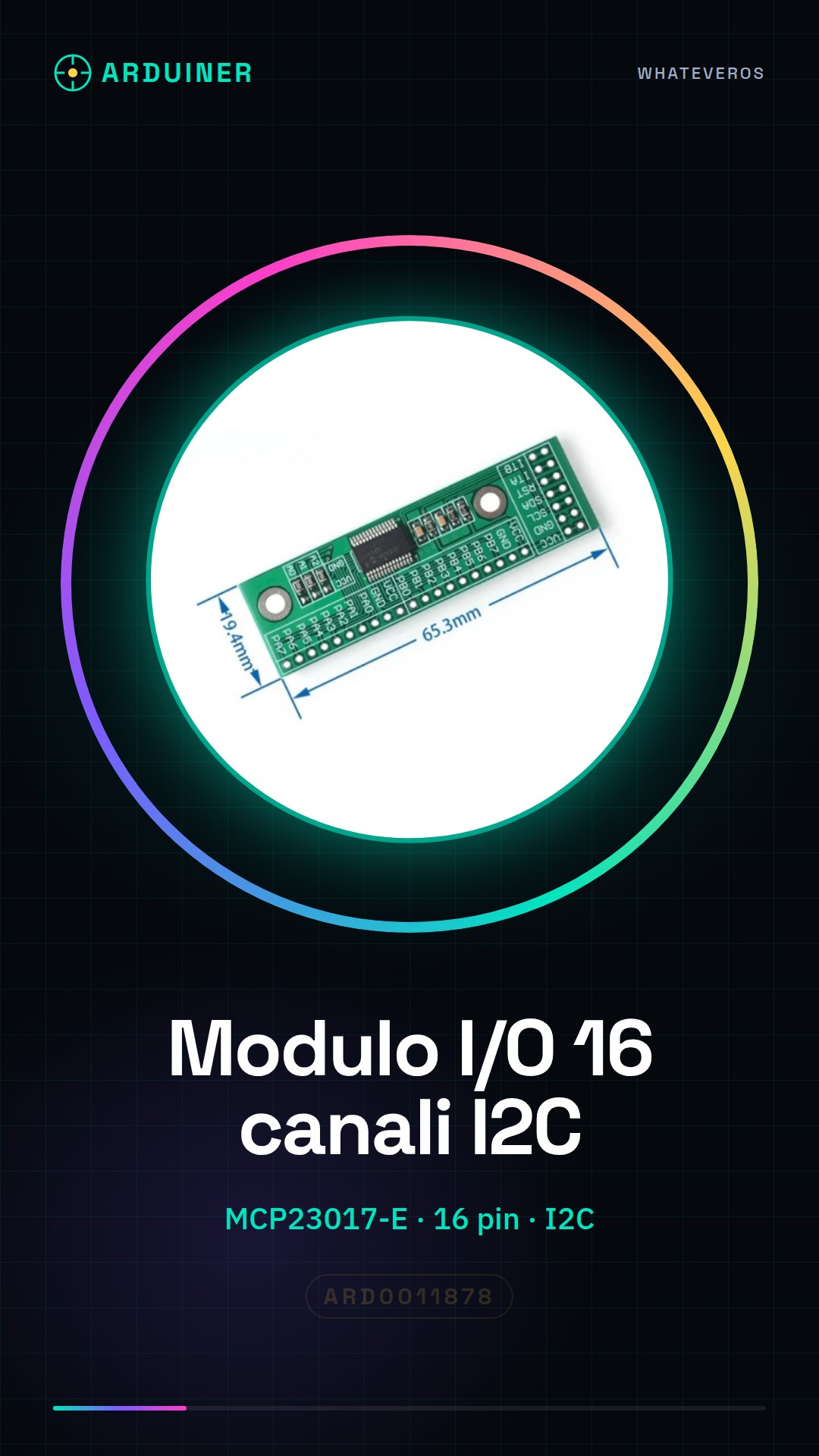
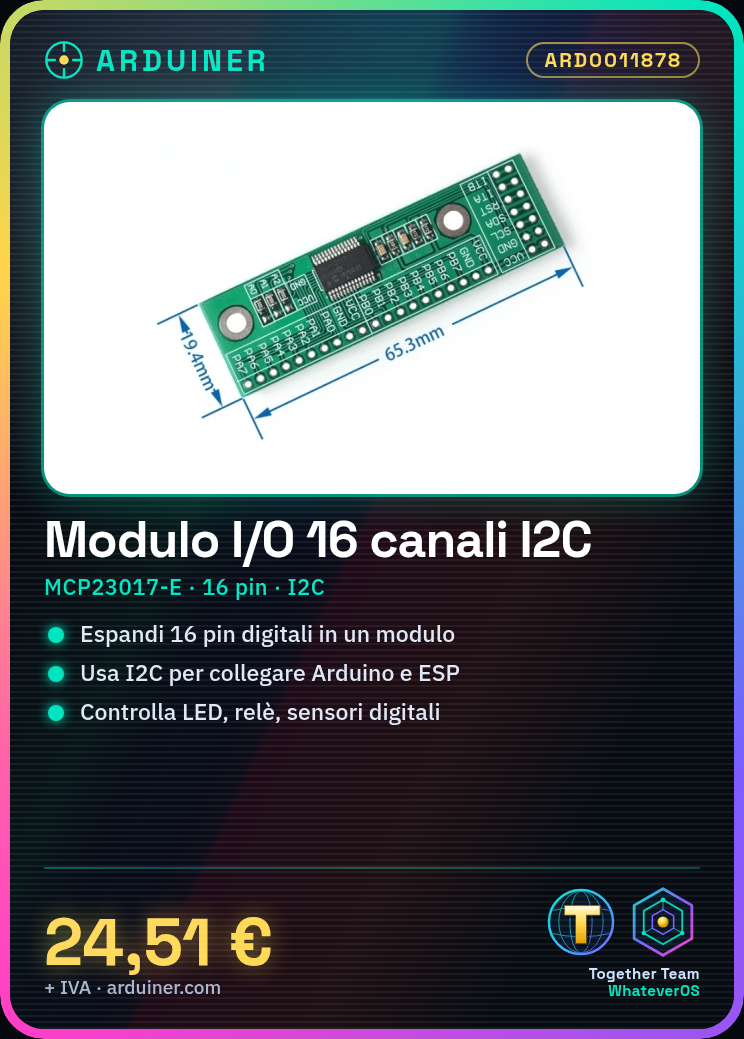
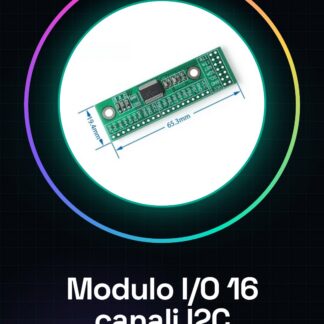
The 16-channel I2C expansion module based on MCP23017-E is a useful tool for projects requiring a high number of digital inputs and outputs. This board allows the user to expand the capabilities of the microcontroller using the I2C interface.
Features
- MCP23017-E based module
- I2C interface
- 16 input/output channels
What it is for
I/O expansion modules like this are ideal for projects that require multi-pole control over external devices, such as LEDs, relays, or sensors. You can use it with Arduino or ESP and create complex schematics without exhausting the digital pins of the microcontroller.
Tutorial: How to use the 16-channel I2C Expansion Module MCP23017-E
The 16-channel I2C expansion module is ideal for projects requiring a larger number of digital pins. Useful for beginners and intermediates, you will find it helpful for creating complex schematics.
What you need
- Arduino or compatible
- I2C cable
- Pull-up resistor
- Power cable
Steps
- 1. Connect the power to the MCP23017-E module using a power cable.
- 2. Connect the VCC of the module to the 5V of the Arduino.
- 3. Connect the GND of the module to the GND of the Arduino.
- 4. Connect the SDA and SCL pins of the module to the respective SDA and SCL pins of the Arduino.
- 5. Connect a pull-up resistor (10kΩ) between SDA and VCC.
- 6. Load the provided Arduino code.
- 7. Check the datasheet for pin configuration.
- 8. Test the digital pins with a sample program.
Example code
```cpp
#include <Wire.h>
#include <Adafruit_MCP23017.h>

Adafruit_MCP23017 mcp = Adafruit_MCP23017();

void setup() {
  Wire.begin();
  mcp.begin();
  mcp.pinMode(0, OUTPUT);
  mcp.digitalWrite(0, HIGH);
}

void loop() {
  // Codice di esempio
}
```
Mini project
Create a simple binary counter with 4 LEDs. Connect the digital pins of the module to 4 LEDs and control the state of each LED with a for loop.
Common mistakes
- Forget to connect the pull-up resistor.
- Connect SDA and SCL directly to the Arduino without the pull-up resistor.
- Use a power supply different from 5V.
- Forget to check the pin configuration on the datasheet.
Recommended accessories
- LED
- 220Ω resistor
- 10kΩ pull-up resistor
- I2C cable
Frequently asked questions
Can I use this module with a microcontroller other than Arduino?
Yes, the module supports any microcontroller with an I2C interface.
How many digital pins can the module expand?
The module can expand 16 digital pins.
Which pins of the module should I configure as input or output?
Check the datasheet for the correct configuration.
Reviews
There are no reviews yet.